
This page is not an official page of the app or its developer, but an independent editorial publication created for informational and commentary purposes. Unless expressly stated otherwise, neither the app nor its developer is affiliated with, endorsed by, sponsored by, authorized by, or otherwise officially connected with MWM, Apple, Google Play, the app publisher, or the app's developer, and nothing on this page implies that the app was developed using MWM's services. Any trademarks, logos, screenshots, and other content remain the property of their respective owners.


VideoSynth
Craft unique, mind-bending visuals with LFO-driven filters, slit-scan, and video feedback. Transform your camera and library into a playground of experimental synthesis.
Downloads
2K+User Rating
Total Ratings
0Publisher
Category
Photo & VideoLocales
1Latest Version
1.2.1Size
101.1 MBFirst Released
Aug 19, 2021Turn Your Video into a Live Visual Instrument
Break away from generic filters. Create raw, rhythmic, and psychedelic visuals with real-time feedback loops and modular-style controls.
Real-Time Rhythmic Modulation
Use triple LFOs to pulse and evolve your filters in sync with your creative flow, giving your footage a living, breathing movement.
Avant-Garde Glitch & Feedback
Unlock high-end slit-scan and video feedback effects that recreate the sought-after analog distortion of vintage professional studio hardware.
The following screenshots and description are sourced directly from the app's official store listing and are the property of the app developer.
App Store
Screenshots
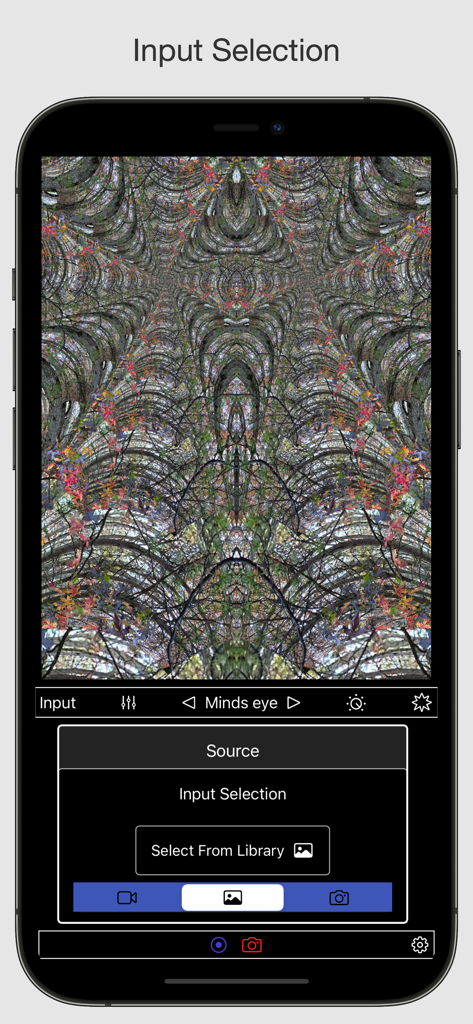
iPhone screen showing VideoSynth app interface with a psychedelic kaleidoscopic pattern and a source input selection menu for photos and videos.
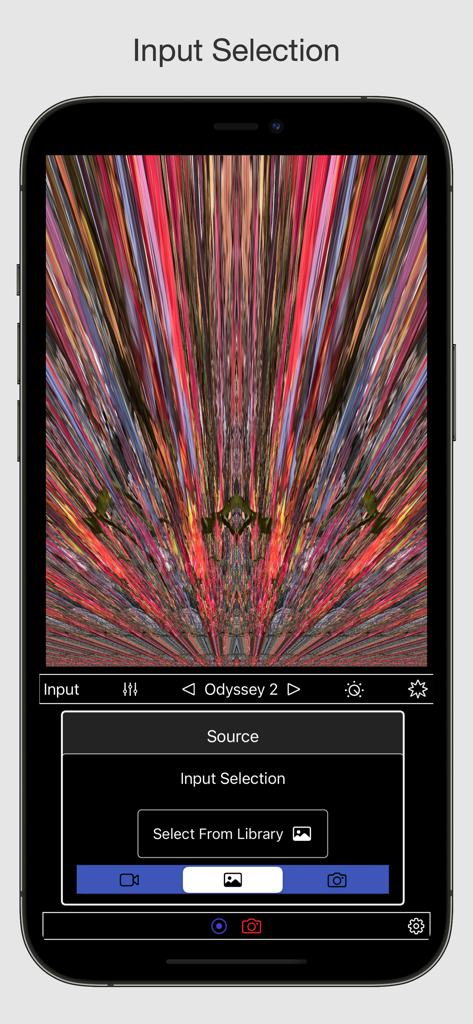
Interface of the VideoSynth app showing the source input selection menu over a colorful abstract slit-scan visual effect
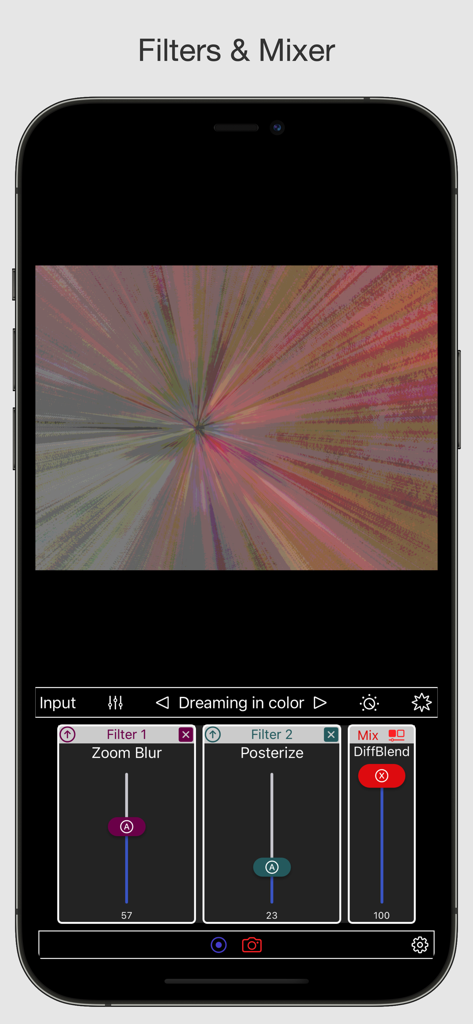
VideoSynth app interface displaying real-time artistic filters and mixer controls for a trippy visual effect
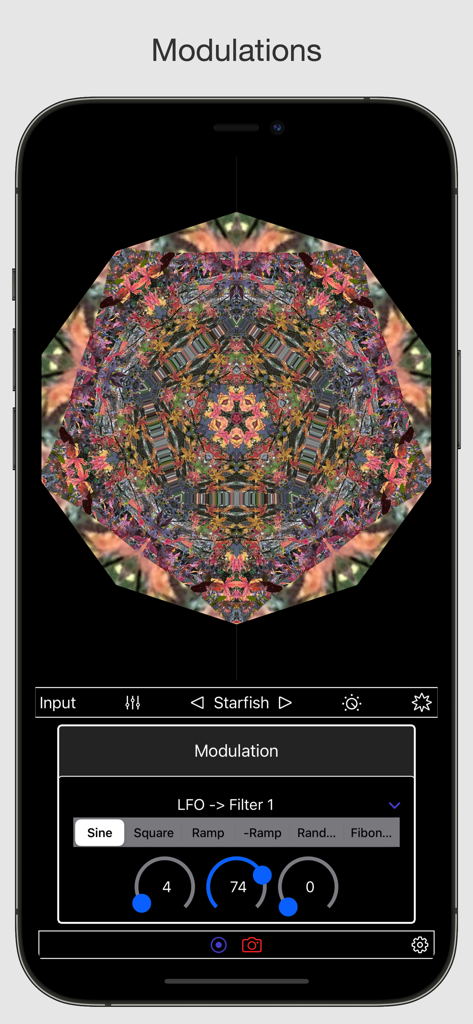
VideoSynth app interface showing a kaleidoscope visual effect with LFO modulation controls for real-time video synthesis
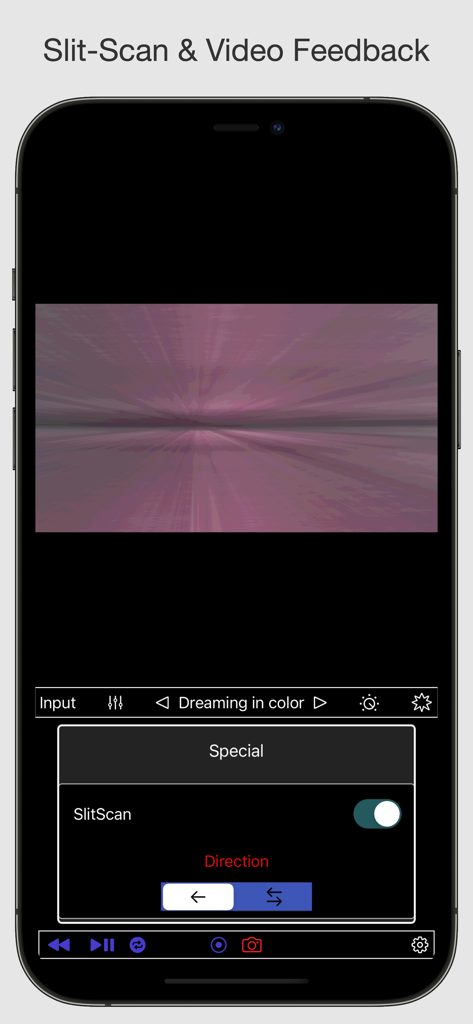
VideoSynth mobile app interface featuring the slit-scan and video feedback controls with a purple glitch art preview
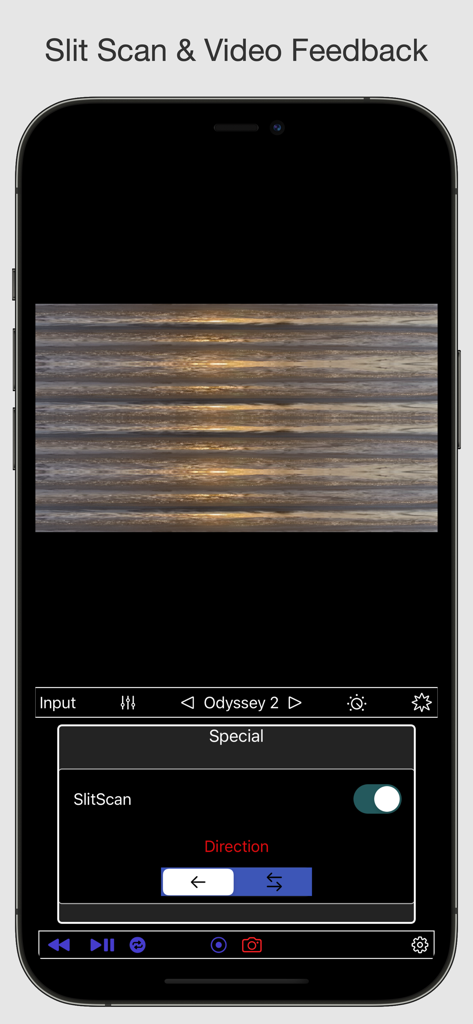
iPhone screenshot of VideoSynth app showing a slit-scan visual effect with horizontal distortion and control settings
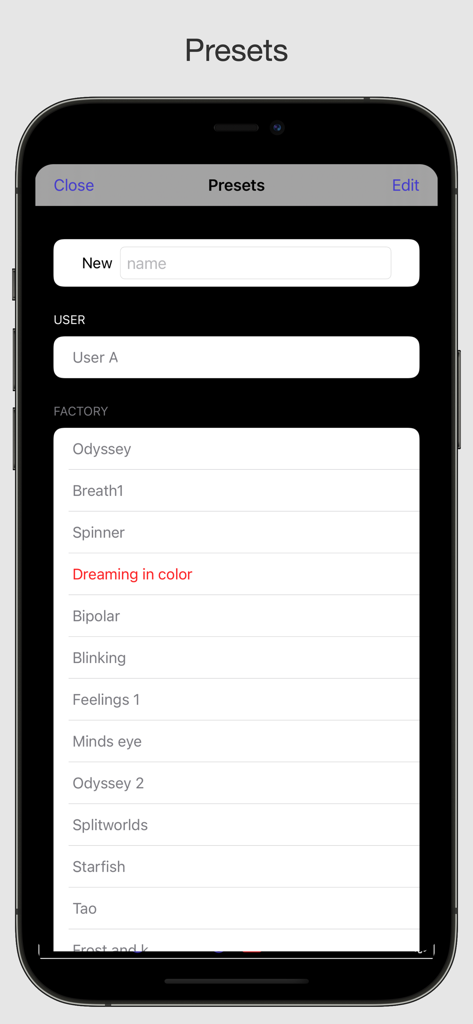
VideoSynth app preset management screen showing factory and user filters
Description
Download
More Like This
Top-ranked apps in the same category

CapCut: Photo & Video Editor
BYTEDANCE PTE. LTD.

Instagram, Inc.

YouTube
Google LLC

Canva: AI Photo & Video Editor
Canva Pty Ltd

快手
Beijing Kwai Technology Co., Ltd.

Snapchat
Snap, Inc.

Edits: Video Editor
Instagram, Inc.

Google Photos: Backup & Edit
Google LLC

Meta AI - Vibes & AI Glasses
Meta Platforms, Inc.
This page is not an official page of the app or its developer, but an independent editorial publication created for informational and commentary purposes. Unless expressly stated otherwise, neither the app nor its developer is affiliated with, endorsed by, sponsored by, authorized by, or otherwise officially connected with MWM, Apple, Google Play, the app publisher, or the app's developer, and nothing on this page implies that the app was developed using MWM's services. Any trademarks, logos, screenshots, and other content remain the property of their respective owners.