Zenze - App Time Limit

Zenze - App Time Limit

ダウンロード: App Storeダウンロード: Google Play
ロゴ: Zenze - App Time Limit

Zenze:集中力を取り戻し、最高の生産性を解き放つ

無限スクロールを止め、GoogleやNetflixのハイアチーバーに加わりましょう。彼らはZenzeを使って気を散らすものをブロックし、集中力をゲーミフィケーションし、毎日何時間も節約しています。

ダウンロード: App Store

開発元

Atmana Tech - FZCO

カテゴリ

Productivity

ダウンロード

600

ユーザー評価

3.6/5

評価数

0

対応言語

13

あなたの集中力、視覚化

このインターフェースを利用する 600 人のユーザー.

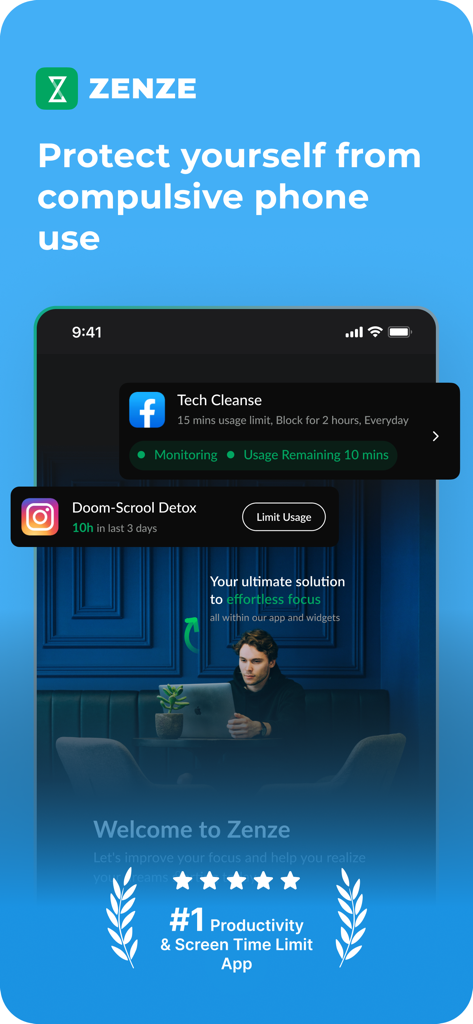
スクリーンタイムと集中力を管理するためのZenzeアプリインターフェース

スクリーンタイムと集中力を管理するためのZenzeアプリインターフェース

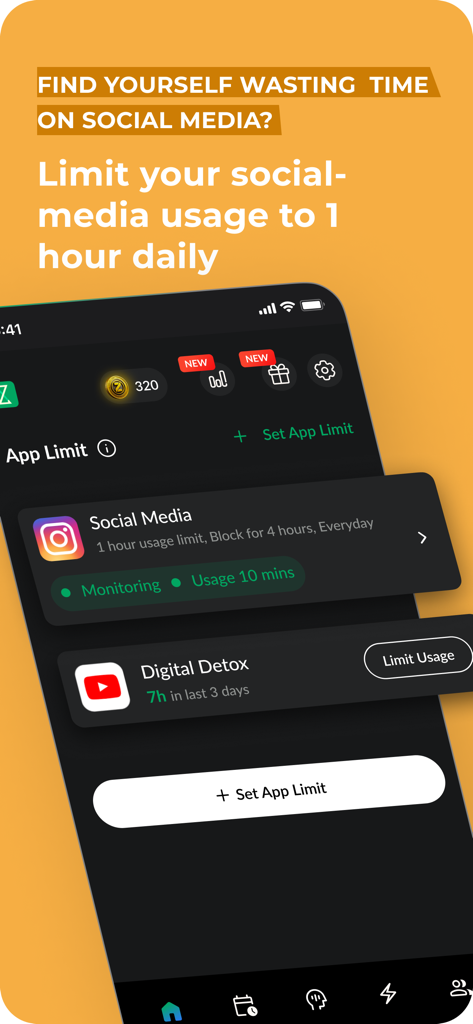
ソーシャルメディアの使用を制限し、デジタルデトックスの進捗状況を追跡するオプションを表示するZenzeアプリインターフェース
ソーシャルメディアの使用を制限し、デジタルデトックスの進捗状況を追跡するオプションを表示するZenzeアプリインターフェース

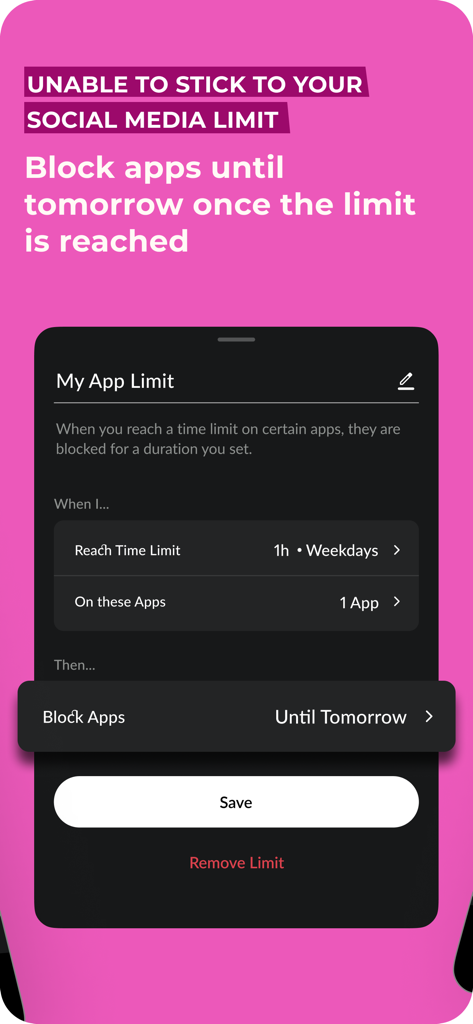
毎日のアプリ使用時間を設定し、翌日までソーシャルメディアアプリをブロックするためのインターフェース。
毎日のアプリ使用時間を設定し、翌日までソーシャルメディアアプリをブロックするためのインターフェース。

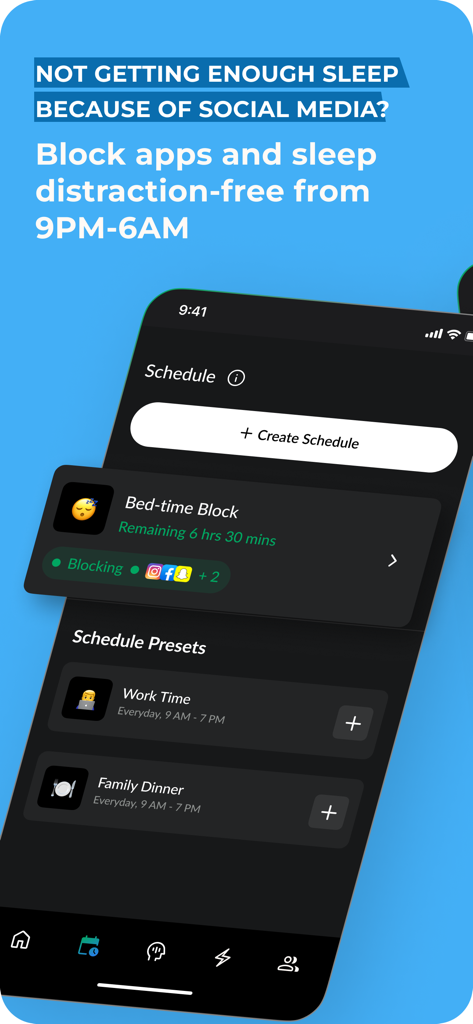
より良い睡眠のために午後9時から午前6時までソーシャルメディアの使用を制限する就寝時ブロックスケジュールを表示するZenzeアプリインターフェース。
より良い睡眠のために午後9時から午前6時までソーシャルメディアの使用を制限する就寝時ブロックスケジュールを表示するZenzeアプリインターフェース。

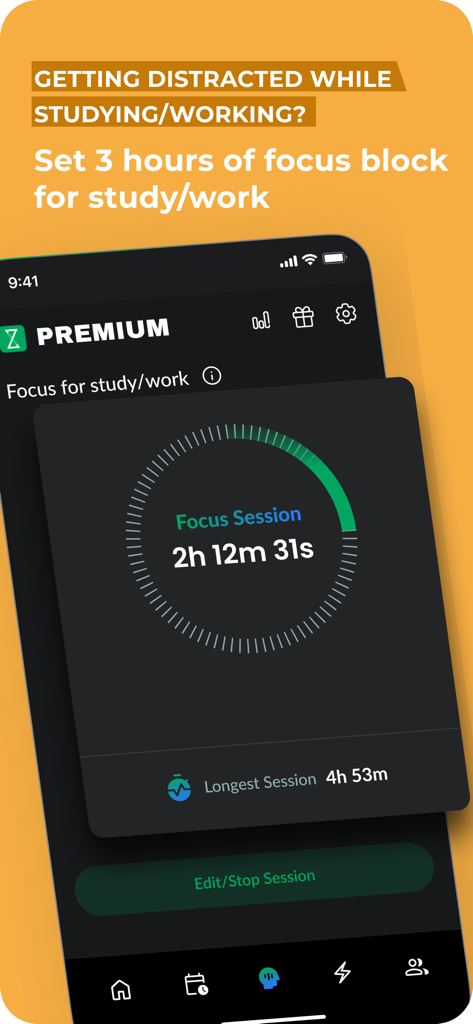
ディープワークと学習セッションのための集中セッションタイマーを表示するZenzeアプリ画面
ディープワークと学習セッションのための集中セッションタイマーを表示するZenzeアプリ画面

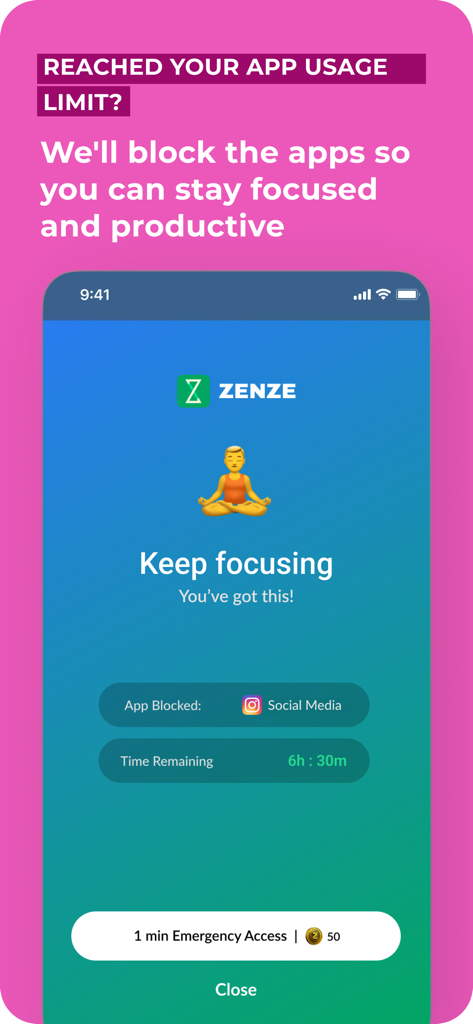
集中し続けるメッセージと瞑想のイラストで、ソーシャルメディアの使用をブロックするZenzeアプリ画面。
集中し続けるメッセージと瞑想のイラストで、ソーシャルメディアの使用をブロックするZenzeアプリ画面。

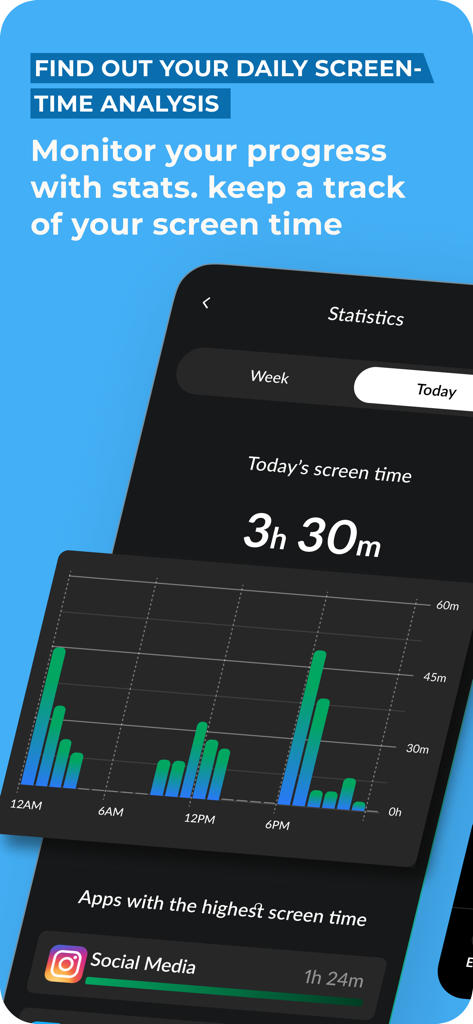
毎日のスクリーンタイム分析と使用統計を表示するZenzeアプリインターフェース
毎日のスクリーンタイム分析と使用統計を表示するZenzeアプリインターフェース

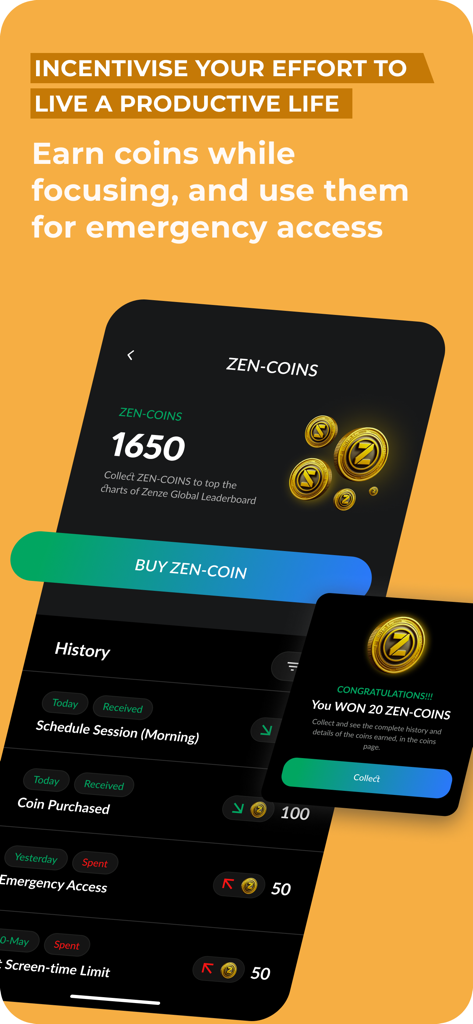
集中セッションと緊急アクセス履歴に対して獲得した禅コインを表示するZenzeアプリ画面

集中セッションと緊急アクセス履歴に対して獲得した禅コインを表示するZenzeアプリ画面

集中力をマスターし、最高のパフォーマンスを取り戻す

このアプリを際立たせるツール、 600 人のユーザーが選択.

🔒

インテリジェントアプリブロッカー

始まる前に、ドゥームスクロールを止めましょう。中毒性のあるアプリやウェブサイトをハードロックして、重要なディープワークセッション中の集中力を保護します。

📈

データに基づいたフォーカススコア

規律をデータに変えましょう。実行可能な指標と成長を追跡するパーソナライズされたスコアで進捗状況を監視します。

🏅

ゲーミフィケーションされた習慣マスター

集中力をゲームに変えてモチベーションを維持しましょう。報酬を獲得し、リーダーボードで競い合い、ソーシャルメディアのドーパミンを実際の成果に置き換えましょう。

アプリについて

について知っておくべきこと Zenze - App Time Limit.

説明

MyScreenTime: Screen Time Limiting App Struggling with reducing your daily screen time? MyScreenTime is here to help you take control and boost productivity effortlessly. Trusted by teams like Google’s design innovators and Netflix’s strategy experts, MyScreenTime provides tools to restrict your phone time limit and achieve better focus. Transformative User Experiences "Cutting my phone time limit by two hours daily has been life-changing – a design revolution at Google." "MyScreenTime helped me focus by restricting the time I spend on my phone – Highlighted by Instagram." "Managing my daily screen time has never been this easy – Marketing at Twitter." "Quitting my nightly TikTok habit was finally possible with MyScreenTime – Strategy at Netflix." Why Choose MyScreenTime? 94% of users report fewer distractions. 93% say their productivity soared with our focus tools. 90% experience better mental well-being. 79% save at least one hour daily by restricting the time spent on their phone. Core Features Focus Report & Score: Understand and improve focus through actionable metrics. App Lock & Website Blocker: Easily block distractions and manage screen time for adults. Pomodoro Timer & Sessions: Stay productive with structured work-and-rest intervals. Daily Checklist & Calendar: Keep organized while you limit the time spent on your phone. Rewards & Leaderboard: Earn rewards and compare focus levels with peers to stay motivated. Tailored to Your Needs With MyScreenTime, you can customize which apps to block—whether it's social media like Instagram or entertainment apps like TikTok. Whether you want to detox digitally, limit time on your phone, or need uninterrupted focus for study or work, MyScreenTime adapts to your lifestyle. From Our Community "I never thought I’d reduce my daily screen time to under 3 hours. It’s been a huge mood booster!" — Fiona "MyScreenTime keeps me focused during deep work sessions." — Mark "It’s the only way I can concentrate on homework for extended periods." — Larry Privacy and Security MyScreenTime values your privacy. All data is processed directly on your device, ensuring your browsing habits stay secure. Whether you’re a professional looking for screen time solutions for adults or a student managing distractions, MyScreenTime protects your digital well-being. Take back control of your phone use with MyScreenTime. Whether it’s managing your phone time limit, blocking distractions, or staying productive, MyScreenTime empowers you to reclaim your day. Subscription Information Unlock premium features with MyScreenTime Premium. Charges apply via your iTunes Account, and subscriptions can be managed or canceled through iTunes settings. Terms of Use: https://blockerx.net/zenze-terms-of-usage/ Privacy Policy: https://blockerx.net/zenze-privacy-policy/ With MyScreenTime, you can turn your phone into a tool for productivity and focus—start today!

最新バージョン

2.51

サイズ

67.4 MB

リリース日

2023年6月26日

競争優位性を取り戻す準備はできましたか?

毎日1時間以上節約している何千人ものハイパフォーマーに加わりましょう。今すぐZenzeをダウンロードして、ノイズを沈黙させ、最高の生産性を解き放ちましょう。

ダウンロード: App Storeダウンロード: Google Play

App information, icons, screenshots, and descriptions displayed on this page are sourced from the Apple App Store and are the property of their respective developers. Download estimates and rankings are based on MWM's proprietary models and may not reflect actual figures. This page is provided for informational and analytical purposes only.

Believe this page infringes your intellectual property? File a dispute