
이 페이지는 앱이나 개발자의 공식 페이지가 아니며, 정보 제공 및 논평을 목적으로 작성된 독립 편집 간행물입니다. 명시적으로 달리 언급되지 않는 한, 해당 앱이나 개발자는 MWM, Apple, Google Play, 앱 퍼블리셔 또는 앱 개발자와 제휴, 보증, 후원, 승인 또는 공식적으로 연결되어 있지 않으며, 이 페이지의 어떤 내용도 해당 앱이 MWM의 서비스를 사용하여 개발되었음을 의미하지 않습니다. 모든 상표, 로고, 스크린샷 및 기타 콘텐츠는 해당 소유자의 자산입니다.

iZip Pro -Zip Unzip Unrar Tool
iPhone 및 iPad에서 문서를 압축, 해제 및 암호화하는 가장 안전한 방법입니다. AES 암호화 및 원활한 멀티 클라우드 통합으로 RAR, 7Z 및 ZIP 파일을 관리하세요.
다운로드
530K+사용자 평점
총 평가 수
2K+개발사
카테고리
Utilities지원 언어
10최신 버전
26.01크기
57.6 MB출시일
2011년 11월 16일궁극의 전문가용 파일 유틸리티
기업급 압축, 다중 형식 추출 및 전문가에게 맞춰진 원활한 클라우드 통합으로 모바일과 데스크톱의 격차를 해소하세요.
모든 형식을 마스터하세요
ZIP 및 RAR부터 7Z 및 ISO까지 모든 것을 열고 추출하세요. '지원되지 않음' 파일에 대한 걱정을 멈추고 모바일 워크플로우를 계속 진행하세요.
비즈니스급 보안
강력한 AES 암호화로 민감한 문서를 보호하고 최대 개인 정보 보호를 위해 Face ID 또는 Touch ID를 사용하여 아카이브를 보호하세요.
다음 스크린샷과 설명은 앱의 공식 스토어 목록에서 직접 가져온 것이며 앱 개발자의 자산입니다.
앱 스토어
스크린샷
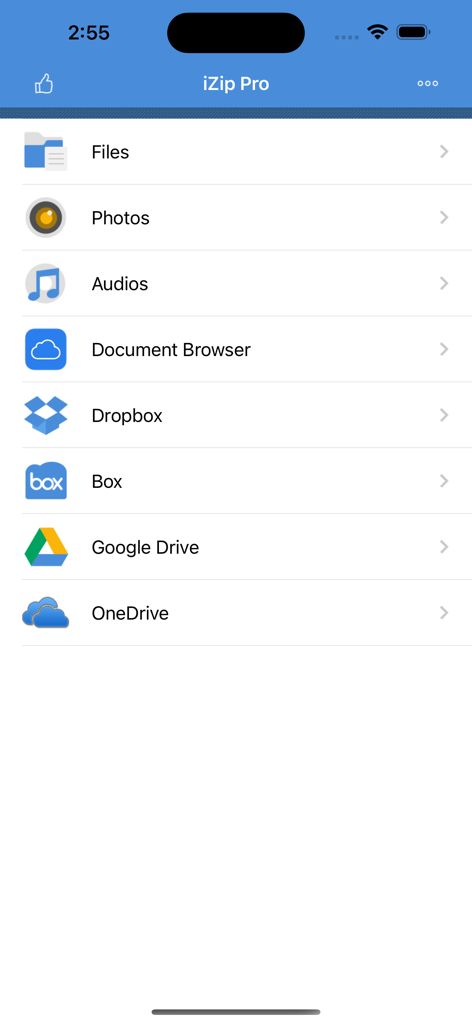
iZip Pro 앱 홈 화면으로 파일 관리 및 클라우드 스토리지 통합 옵션을 보여줍니다.
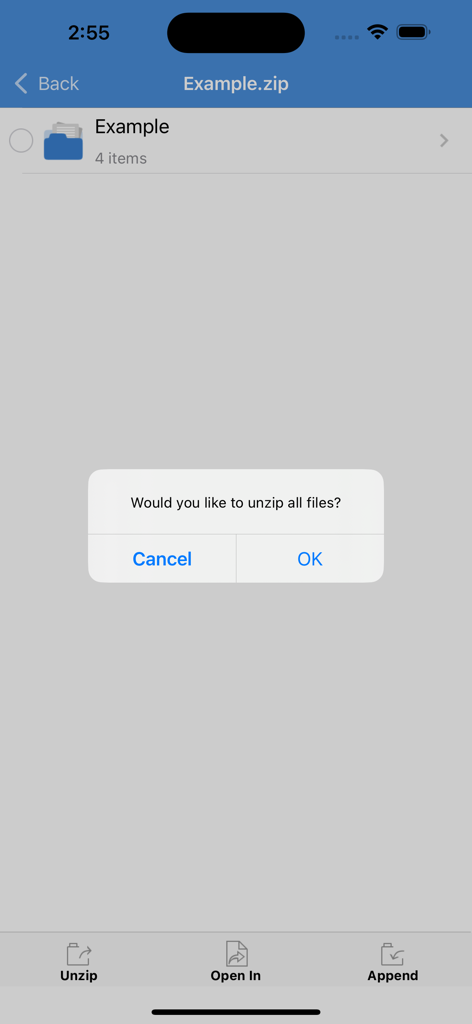
iZip Pro 앱에서 사용자에게 zip 폴더의 모든 파일을 압축 해제할지 묻는 확인 대화 상자
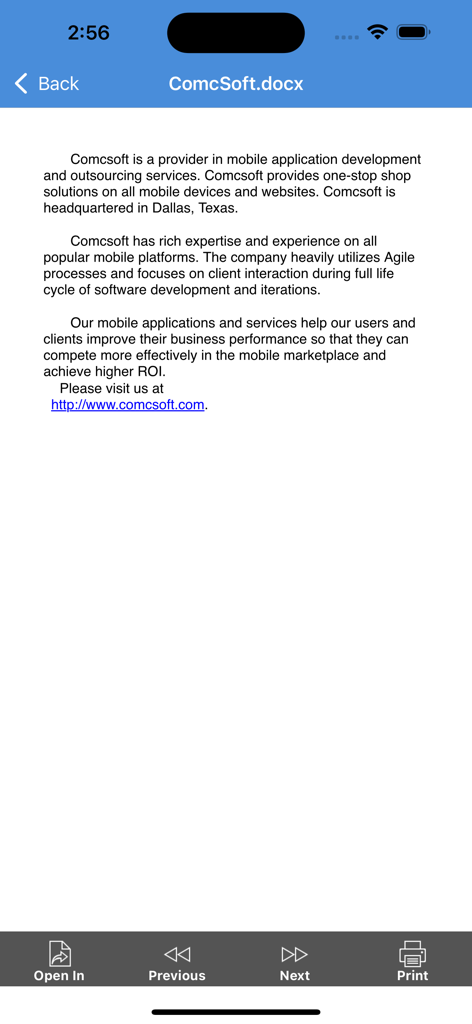
iZip Pro에서 DOCX 파일을 미리 보고 다른 앱에서 열거나 인쇄할 수 있는 옵션을 보여줍니다.
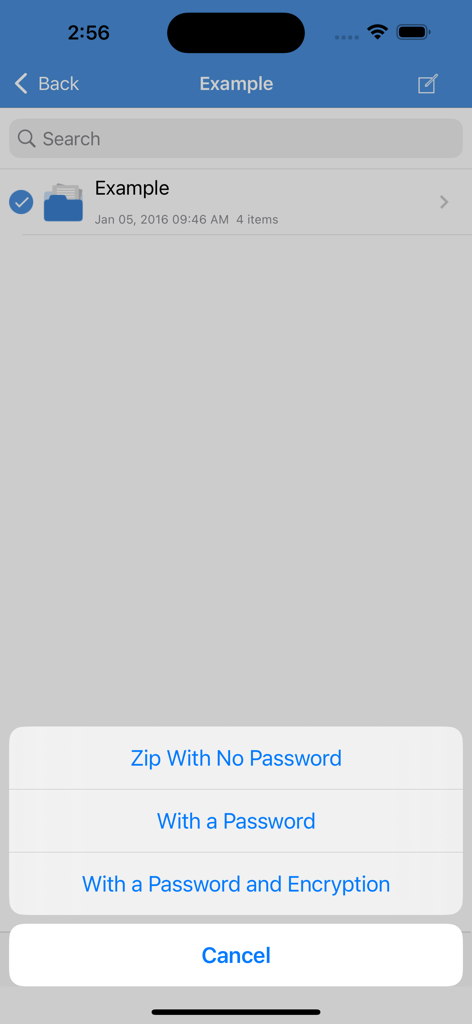
iZip Pro 인터페이스에서 비밀번호 보호 및 암호화로 파일을 압축하는 옵션을 보여줍니다.
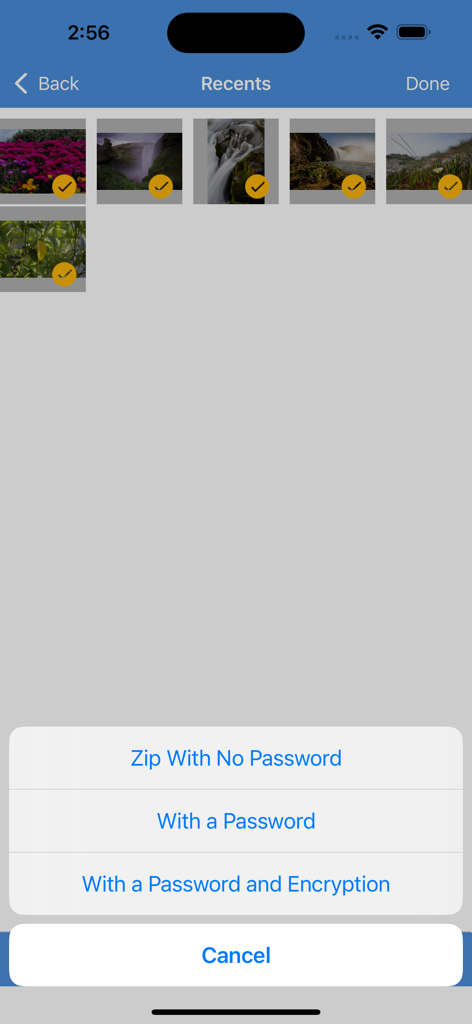
iZip Pro 앱 인터페이스에서 선택한 사진과 암호 없이, 암호와 함께, 또는 암호 및 암호화와 함께 압축하는 옵션이 있는 메뉴를 보여줍니다.
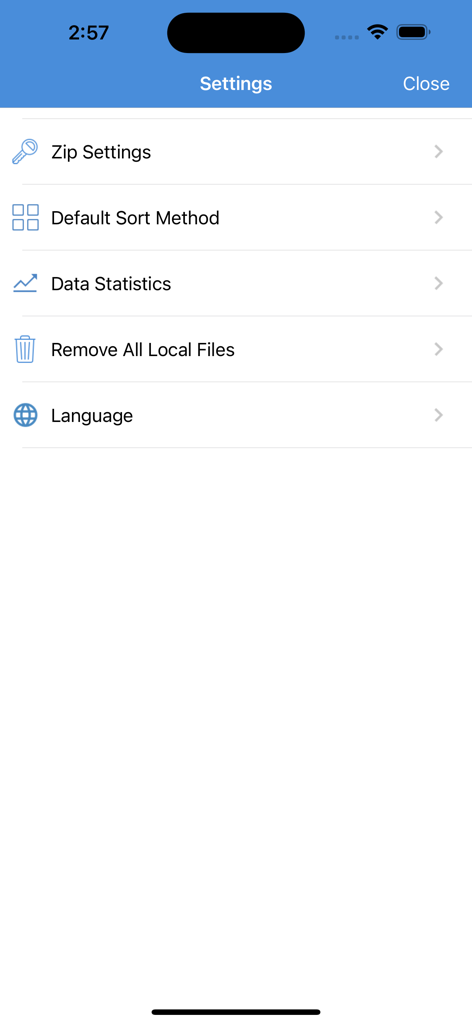
iZip Pro 앱의 설정 메뉴로 파일 압축 및 관리 옵션을 보여줍니다.
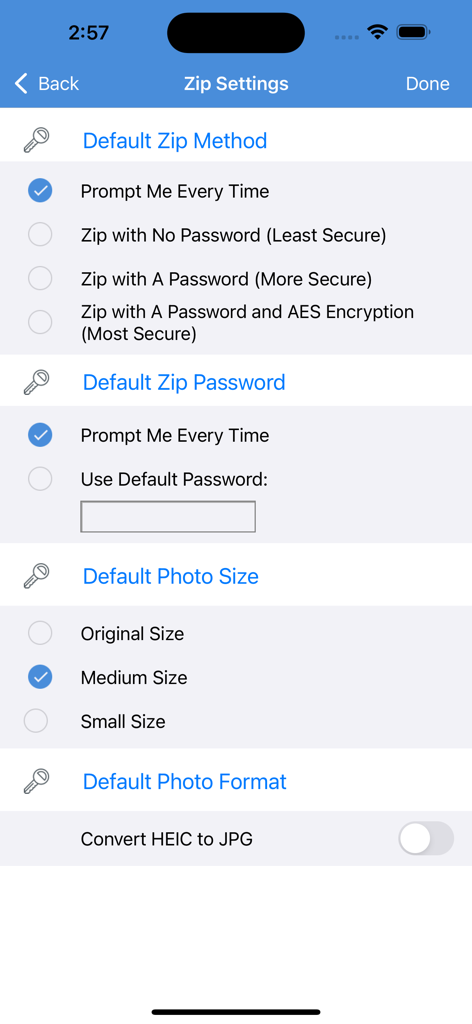
iZip Pro 앱 설정 화면으로 암호 보호 및 AES 암호화를 포함한 zip 방법 옵션을 보여줍니다.
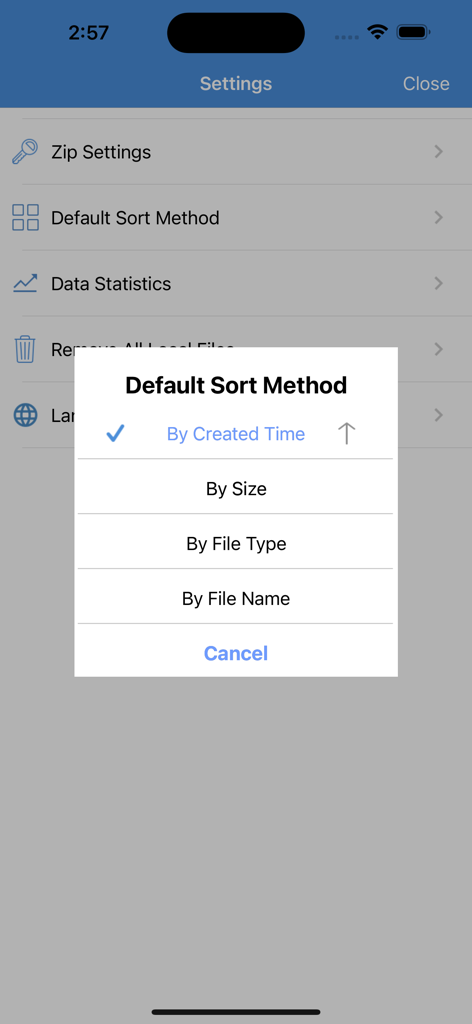
iZip Pro 설정 화면에서 시간, 크기, 파일 형식 또는 이름으로 기본 정렬 방법을 선택하는 팝업 메뉴를 표시합니다.
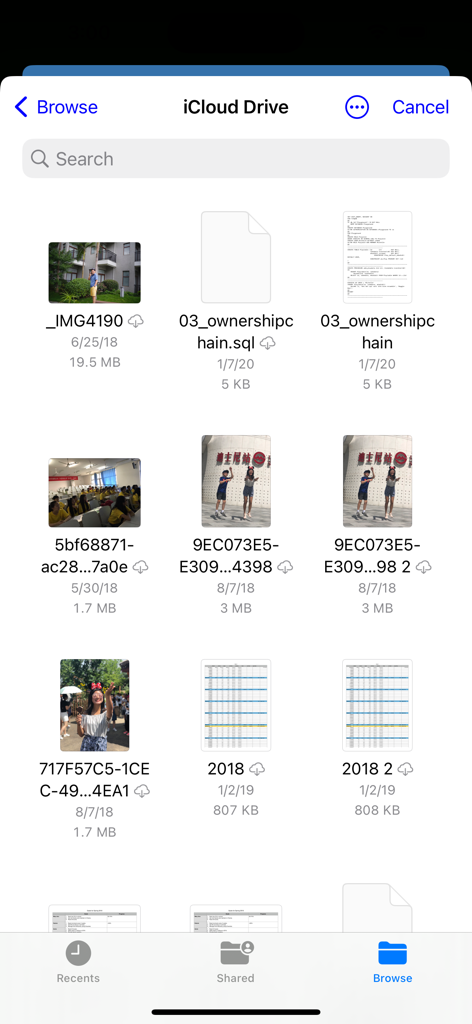
iZip Pro 모바일 인터페이스에서 iCloud Drive에 저장된 파일 및 사진을 탐색합니다.
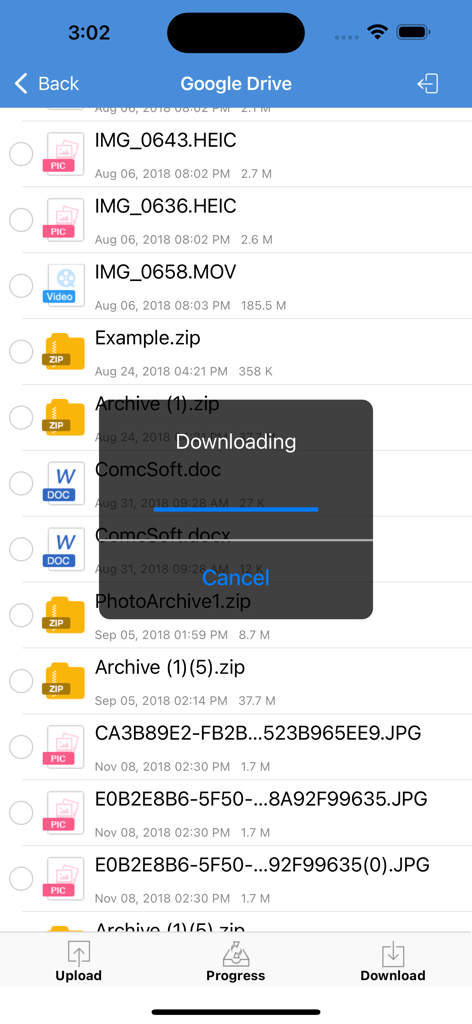
iZip Pro 앱 인터페이스에서 Google Drive의 파일 다운로드 진행률 표시줄을 보여줍니다.
설명
Download
비슷한 앱
유사한 기능과 사용자 경험을 가진 앱

Unzip – ZIP RAR 7Z Extractor
Little Sweet Technology Co., Ltd.

Unzip - zip,rar,7z file opener
书勇 贾

Zip & RAR File Extractor
PENGHUI ZHAO

iZip – Zip Unzip Unrar
ComcSoft Corporation

Zip, RAR, 7z File Extractor
FANGZHOU INTERACTIVE TECHNOLOGY CO., LIMITED

ZArchiver: UnZip, UnRar, 7Z
TIMON SOFTWARE SOLUTIONS COMPANY LIMITED

iRAR - zip,rar,7z file opener
书敏 贾

Zip & RAR & 7z File Extractor
琳 胡

MT管理器
瑞 胡
이 페이지는 앱이나 개발자의 공식 페이지가 아니며, 정보 제공 및 논평을 목적으로 작성된 독립 편집 간행물입니다. 명시적으로 달리 언급되지 않는 한, 해당 앱이나 개발자는 MWM, Apple, Google Play, 앱 퍼블리셔 또는 앱 개발자와 제휴, 보증, 후원, 승인 또는 공식적으로 연결되어 있지 않으며, 이 페이지의 어떤 내용도 해당 앱이 MWM의 서비스를 사용하여 개발되었음을 의미하지 않습니다. 모든 상표, 로고, 스크린샷 및 기타 콘텐츠는 해당 소유자의 자산입니다.