N Calendar - Planner & Agenda

N Calendar - Planner & Agenda


다운로드: App Store
로고: N Calendar - Planner & Agenda

N Calendar - 손쉬운 정리를 위한 미니멀리스트 플래너

개인 정보 보호, 계정 불필요한 아젠다로 당신의 일정을 관리하세요. 색상 코드 정리와 안전한 로컬 저장 기능으로 종이 플래너의 단순함을 경험하세요.

개발사

Komorebi Inc.

카테고리

Productivity

다운로드

229K+

사용자 평점

4.7/5

총 평가 수

4K+

지원 언어

33

명확함의 엿보기

이 인터페이스를 사용하는 229K+ 명의 사용자.

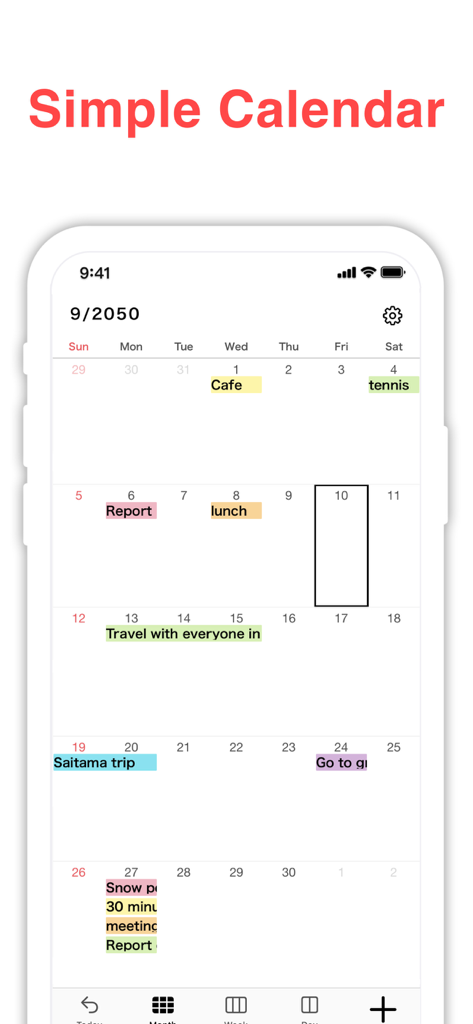
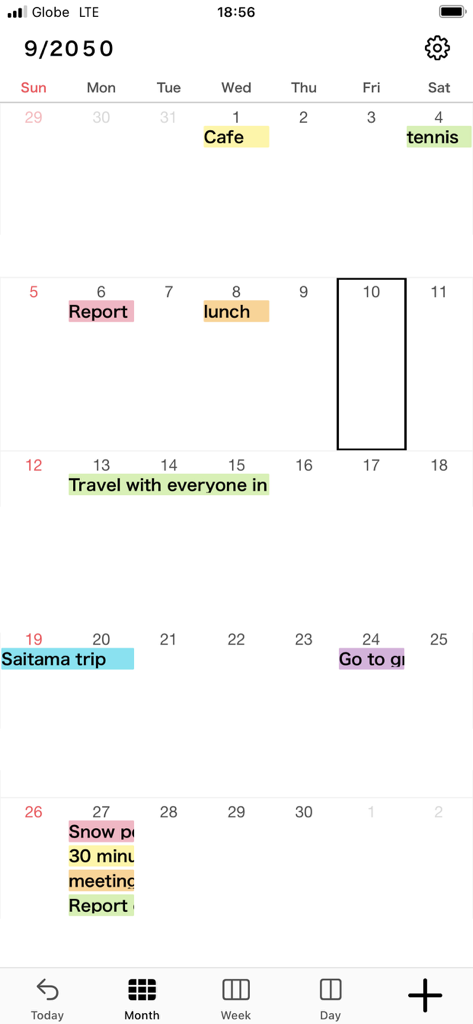
N Calendar 앱의 월간 캘린더 보기, 색상 코딩된 일정 표시

N Calendar 앱의 월간 캘린더 보기, 색상 코딩된 일정 표시

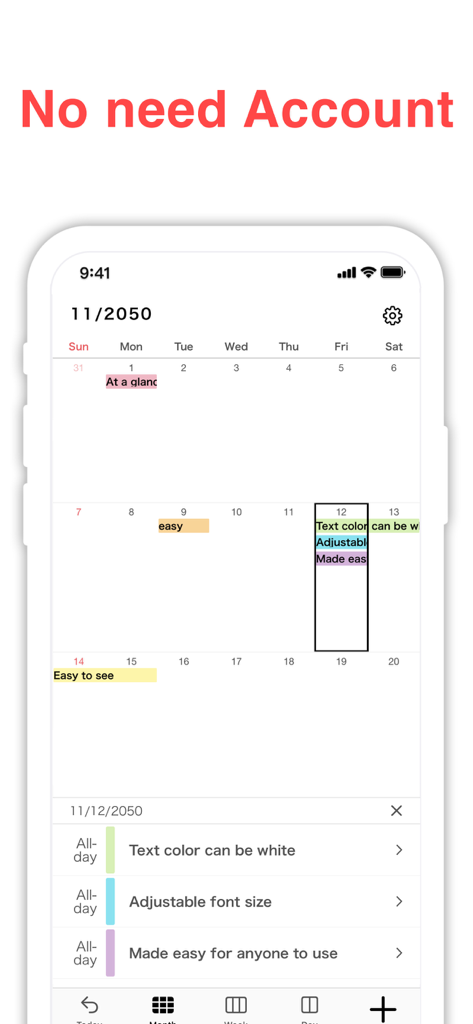
N Calendar 앱 스크린샷, '계정 불필요' 헤더가 있는 미니멀 월간 캘린더 인터페이스 표시

N Calendar 앱 스크린샷, '계정 불필요' 헤더가 있는 미니멀 월간 캘린더 인터페이스 표시

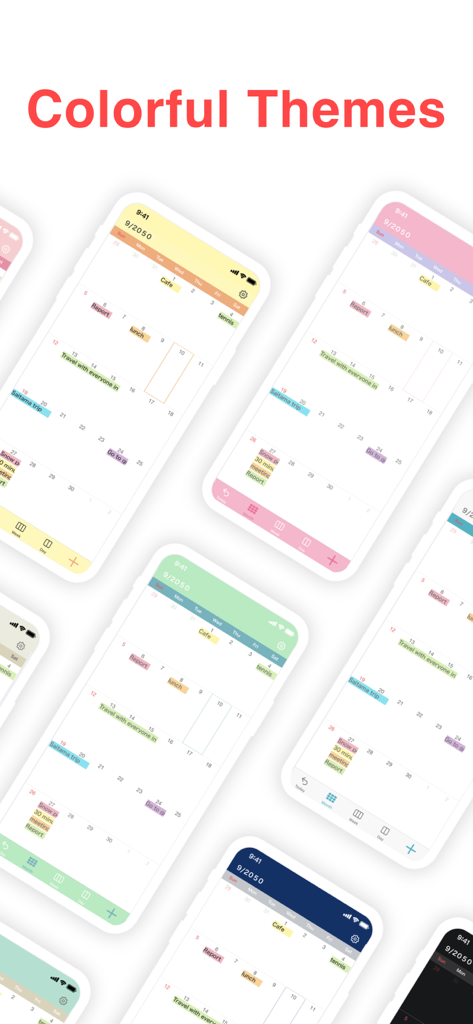
N Calendar 플래너 앱의 다양한 화려한 테마 옵션을 보여주는 여러 iPhone 화면

N Calendar 플래너 앱의 다양한 화려한 테마 옵션을 보여주는 여러 iPhone 화면

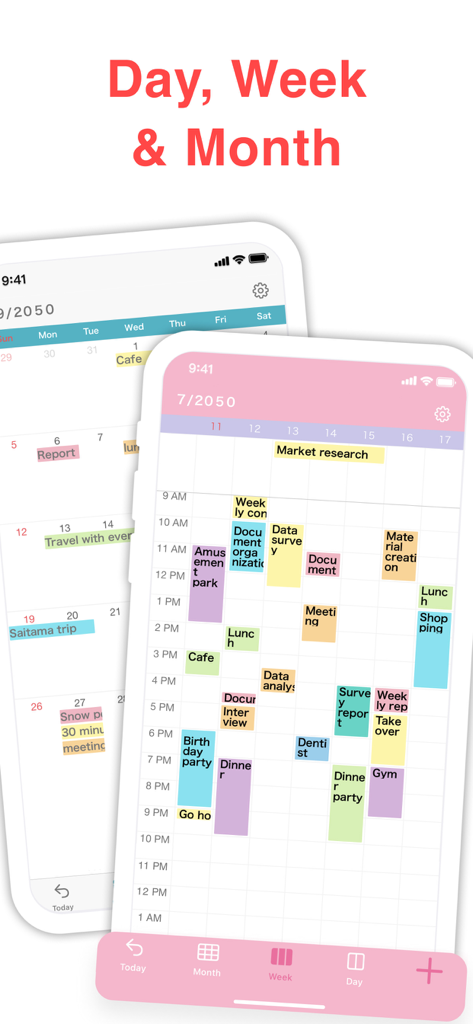
N Calendar 모바일 앱 인터페이스, 색상 코딩된 이벤트와 일간, 주간, 월간 보기 표시

N Calendar 모바일 앱 인터페이스, 색상 코딩된 이벤트와 일간, 주간, 월간 보기 표시

색상 코딩된 이벤트 레이블과 예약된 작업을 보여주는 미니멀 월간 캘린더 인터페이스

색상 코딩된 이벤트 레이블과 예약된 작업을 보여주는 미니멀 월간 캘린더 인터페이스

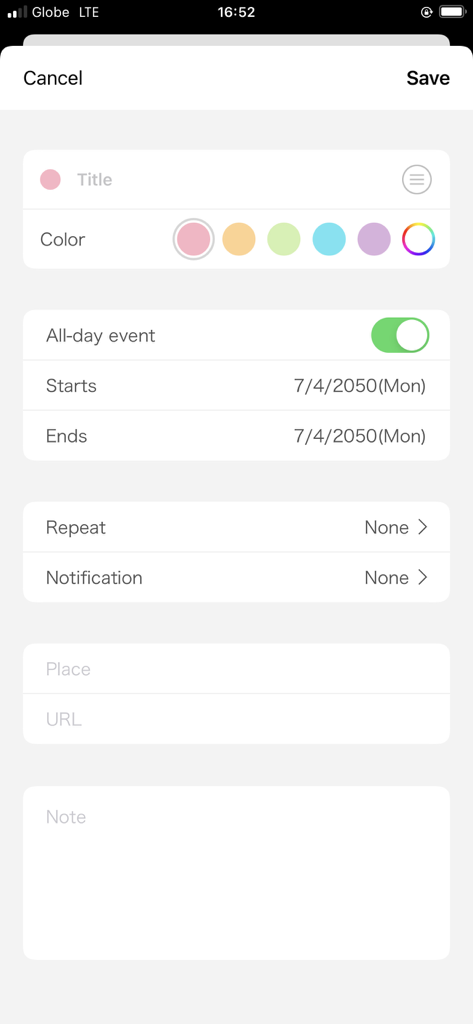
색상 코딩 옵션이 있는 N Calendar 이벤트 생성 화면

색상 코딩 옵션이 있는 N Calendar 이벤트 생성 화면

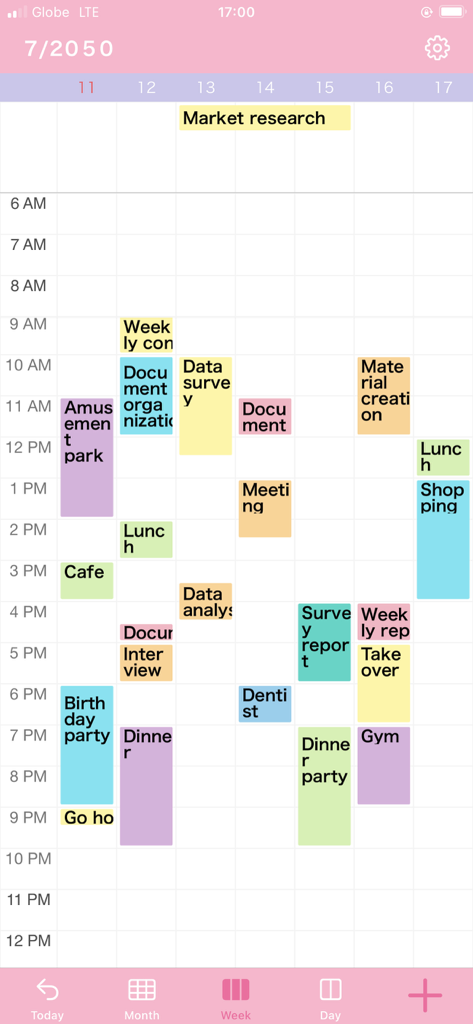
색상 코딩된 약속과 미니멀한 핑크 테마가 특징인 N Calendar 앱의 주간 보기

색상 코딩된 약속과 미니멀한 핑크 테마가 특징인 N Calendar 앱의 주간 보기

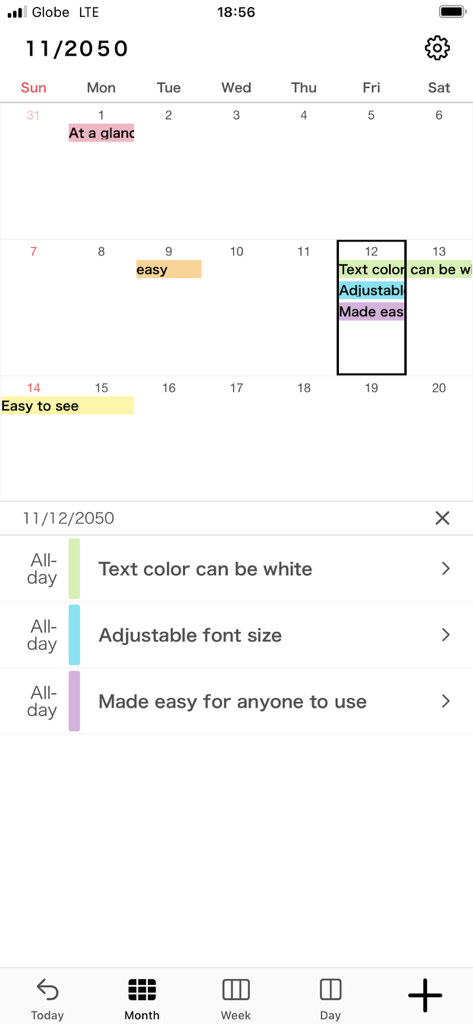
색상 코딩된 이벤트와 조정 가능한 글꼴 설정이 있는 N Calendar 앱 월간 보기

색상 코딩된 이벤트와 조정 가능한 글꼴 설정이 있는 N Calendar 앱 월간 보기

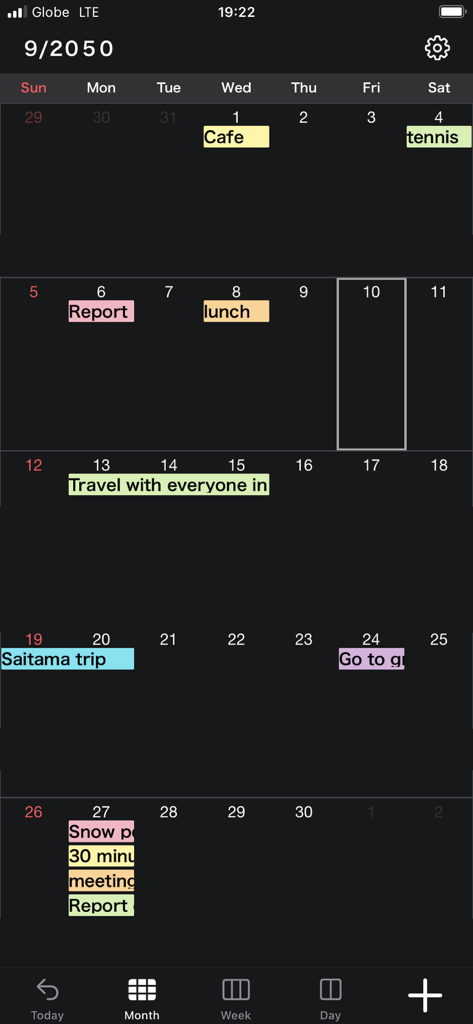
색상 코딩된 이벤트와 미니멀한 다크 모드 디자인이 특징인 N Calendar 앱의 월간 캘린더 인터페이스

색상 코딩된 이벤트와 미니멀한 다크 모드 디자인이 특징인 N Calendar 앱의 월간 캘린더 인터페이스

미니멀리즘과 정리의 만남

이 앱을 돋보이게 하는 도구, 229K+ 명의 사용자가 선택.

🛡️

개인 정보 우선, 계정 불필요

가입의 피로감을 건너뛰세요. 당신의 데이터는 회사 서버가 아닌 당신의 기기와 iCloud에 저장됩니다. 계정을 만들지 않고도 즉시 계획을 시작하세요.

🎨

당신의 미학, 당신의 방식대로

15가지 생생한 테마 색상과 10가지 글꼴 크기 중에서 선택하세요. 가장 중요한 것을 강조하고 당신의 개인적인 스타일에 맞도록 달력을 맞춤 설정하세요.

📱

모든 것을 한눈에

일간, 주간, 월간 보기 간에 즉시 전환하세요. 6가지 다른 위젯 크기로 당신의 일정은 항상 홈 화면에 완벽하게 표시됩니다.

앱 소개

에 대해 알아야 할 모든 것 N Calendar - Planner & Agenda.

설명

N Calendar is the most simple and easy-to-use Calendar app ever! You don't have to need a calendar account. You can use this app without some calendar service! It's perfect for those looking for a minimalist calendar app focused on functionality instead of extra (and sometimes unnecessary) features. [Functions] · No need account · 15 theme colors · 6 size widgets · Font size adjustment (10 sizes) · Weekly calendar display · Supports daily calendar · Color coding by 15 colors · Passcode · iCloud backup [Function Details] ■ No need account This app has original database. So you don't have to prepare some calendar accounts. You can use this app right now! ■ Adjust font size You can choose from five font sizes of extra-small, small, medium, large, and extra-large. You can also pick between light and bold font, to make prioritized events pop up better. ■ Monthly, weekly, and daily calendar With one tap at the bottom of the screen, you can switch between monthly, weekly, and daily display. ■ Color coding You can manage events clearly by color coding them. You can choose label colors from 15 colors. ■ Secure passcode lock You can lock the app with a password securely, if you don't want people to see your calendars. Of course, it corresponds to Face ID, Touch ID as well. ■ Notification settings You can set up notifications for scheduled events, at the event time and also 5 min, 15min, or more prior to the event so you don't miss important plans! 【Help/Inquiries】 Please visit "Help · FAQ" from the setting screen of the app. If this doesn't help, please contact us through "Inquiry / feedback" from the setting screen. We can respond to you much quicker this way, so please do so instead of asking us questions in the app review, since it takes a while for those to be reflected onto the page.

최신 버전

3.1.0

크기

195.0 MB

출시일

2021년 11월 6일

번거로움 없이, 당신의 하루를 단순하게 만드세요.

복잡한 계정을 개인적인 미니멀리스트 플래너로 바꾼 229,000명 이상의 사용자와 함께하세요. N Calendar를 다운로드하고 가입 없이 즉시 당신의 삶을 정리하세요.

다운로드: App Store

App information, icons, screenshots, and descriptions displayed on this page are sourced from the Apple App Store and are the property of their respective developers. Download estimates and rankings are based on MWM's proprietary models and may not reflect actual figures. This page is provided for informational and analytical purposes only.

Believe this page infringes your intellectual property? File a dispute