PDF to JPEG - Flyingbee

PDF to JPEG - Flyingbee

다운로드: App Store
로고: PDF to JPEG - Flyingbee

PDF to JPEG - Flyingbee: 전문 문서-이미지 변환

모바일 워크플로를 위한 궁극의 연결고리. PDF를 고해상도 이미지로 즉시 변환하거나 소셜 미디어, 프레젠테이션 및 전문 공유를 위한 원본 에셋을 추출하세요.

다운로드: App Store

개발사

Flyingbee Software Co., Ltd.

카테고리

Business

다운로드

290K+

사용자 평점

3.8/5

총 평가 수

200

지원 언어

12

생산성을 한눈에

이 인터페이스를 사용하는 290K+ 명의 사용자.

Facebook 공유를 위한 PDF to JPEG 변환 앱 사용자 후기
Facebook 공유를 위한 PDF to JPEG 변환 앱 사용자 후기

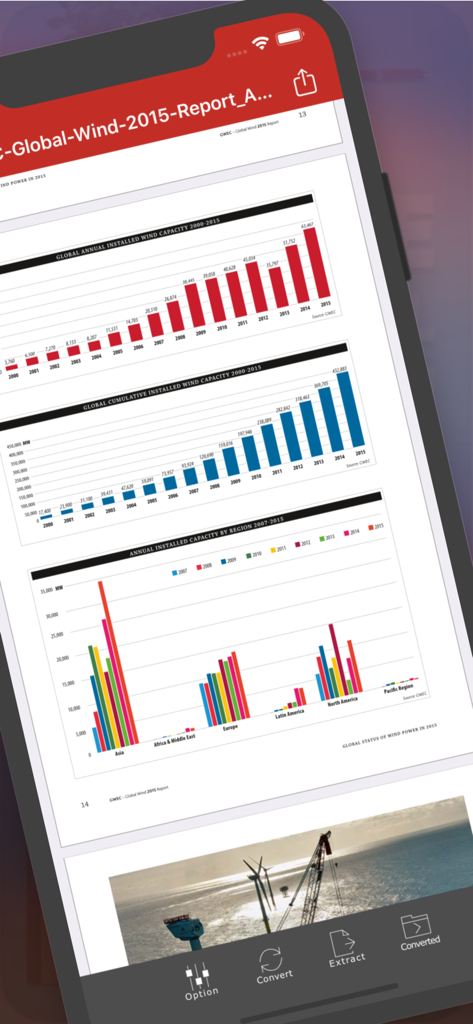
iPhone 화면에 차트가 있는 PDF 보고서가 표시되는 PDF to JPEG Flyingbee 앱 인터페이스
iPhone 화면에 차트가 있는 PDF 보고서가 표시되는 PDF to JPEG Flyingbee 앱 인터페이스

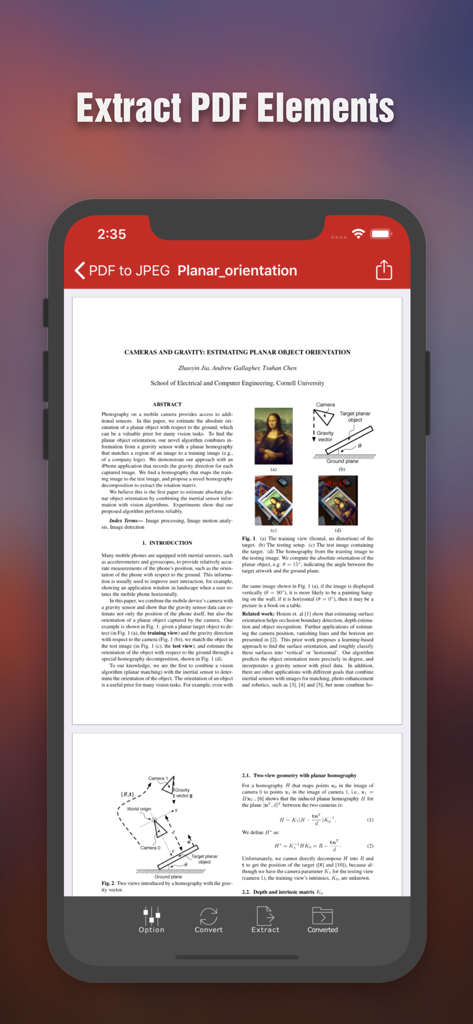
iPhone 화면에 PDF 요소를 추출하는 옵션이 있는 과학 문서를 보여주는 Flyingbee PDF to JPEG 앱 인터페이스 표시
iPhone 화면에 PDF 요소를 추출하는 옵션이 있는 과학 문서를 보여주는 Flyingbee PDF to JPEG 앱 인터페이스 표시

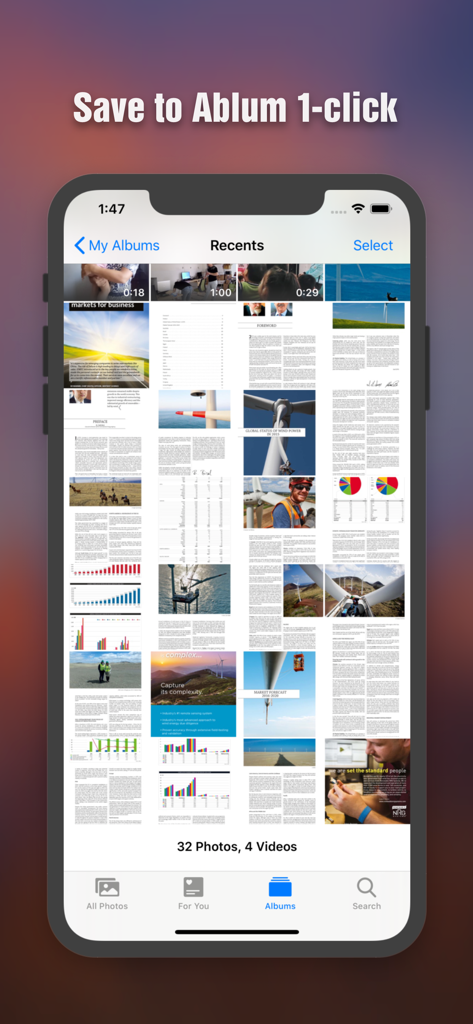
iPhone 사진 갤러리에 이미지로 저장된 변환된 PDF 페이지
iPhone 사진 갤러리에 이미지로 저장된 변환된 PDF 페이지

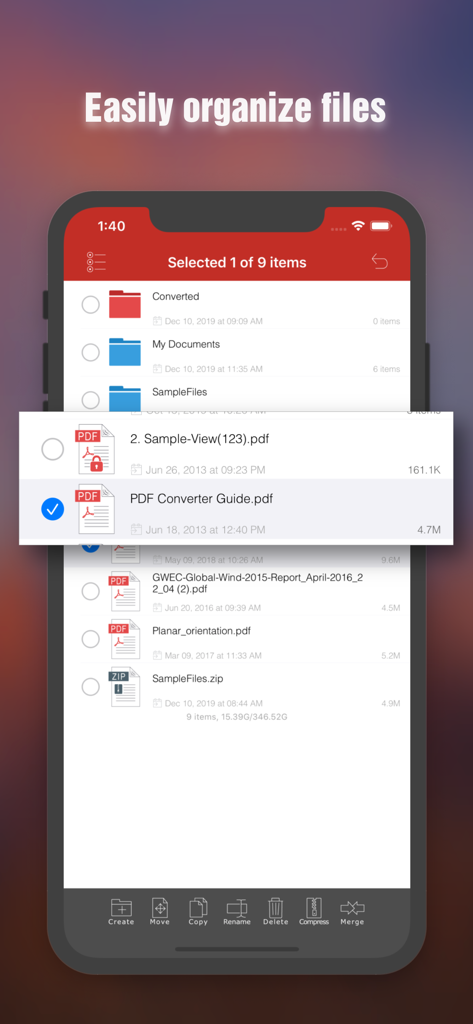
iPhone에서 문서 구성 기능을 보여주는 Flyingbee PDF to JPEG 앱의 파일 관리 인터페이스
iPhone에서 문서 구성 기능을 보여주는 Flyingbee PDF to JPEG 앱의 파일 관리 인터페이스

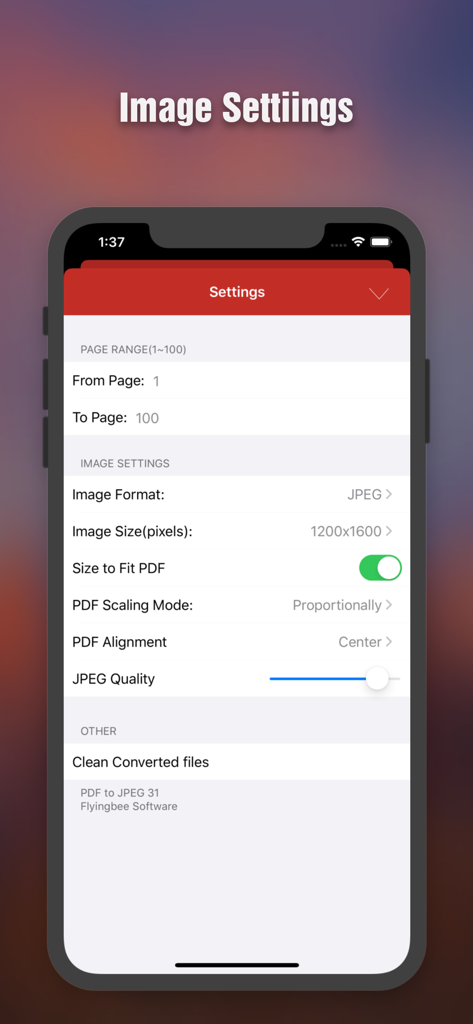
페이지 범위, 이미지 해상도 및 품질 조정 옵션을 보여주는 PDF to JPEG 변환 설정 화면
페이지 범위, 이미지 해상도 및 품질 조정 옵션을 보여주는 PDF to JPEG 변환 설정 화면

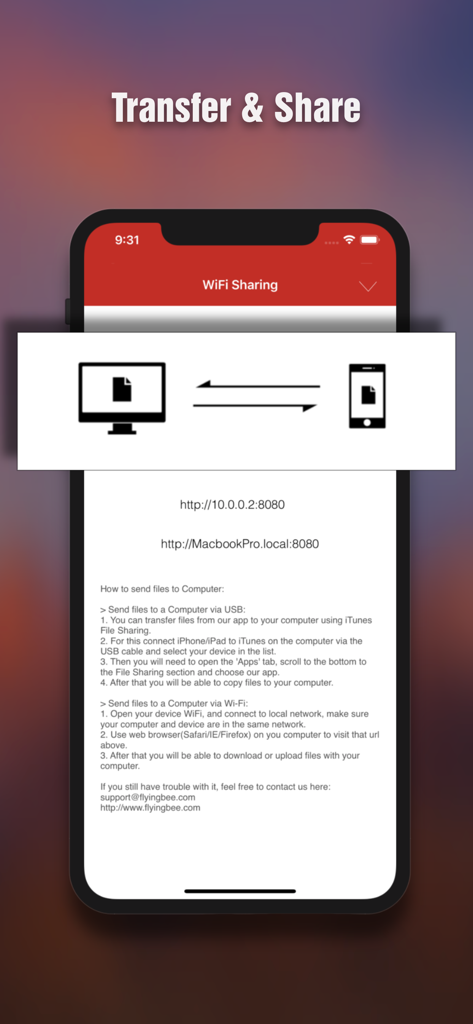
iPhone과 컴퓨터 간의 무선 파일 전송 및 공유를 위한 인터페이스

iPhone과 컴퓨터 간의 무선 파일 전송 및 공유를 위한 인터페이스

정확하게 변환, 추출 및 공유

이 앱을 돋보이게 하는 도구, 290K+ 명의 사용자가 선택.

📱

소셜 미디어 준비

노트북을 열지 않고도 Instagram, Facebook 또는 LinkedIn에 직접 공유할 수 있는 JPEG로 PDF를 변환하여 iOS 제한을 우회하세요.

프로급 해상도

조절 가능한 해상도 설정으로 모든 세부 정보를 캡처하세요. 피치 덱 및 마케팅 에셋에 사용하기 위해 문서에서 원본 고품질 사진 요소를 추출하세요.

🔒

안전한 비즈니스 워크플로

암호화된 PDF를 손쉽게 처리하고 전문적인 수준의 보안 및 속도로 Google Drive, Dropbox 및 카메라 롤과 파일을 동기화하세요.

앱 소개

에 대해 알아야 할 모든 것 PDF to JPEG - Flyingbee.

설명

PDF to JPEG by Flyingbee helps you to convert PDF documents to high-quality JPEG images, as well as extract the source larger photo elements from PDF, so that you can re-use them in any office software, edit & sign & email to customer, share to social network and print & fax any pages of pdf to paper easily.  With the professional conversion options, you can configure to select any pages of PDF for converting to high-quality JPEGs or extract the originally clear photos from it.  The converted JPEG, PNG, BMP and TIFF images can be emailed and printed, uploaded to Dropbox, Google Drive and Evernote, or simply saved on the iPhone/iPad.  “I'm a financial advisor that just converted 4 PDFs into one doc using this handy little app, Keynote on iPhone only pulls from camera roll..” by [eljackisano] - Nov 11, 2011  “Perfect for making PDFs into JPGs, just what i needs to share things in FaceBook! ” by [Mike Arlen] - Dec 2, 2011  "I just downloaded this app to convert pdf's to jpeg's for business uploading to social media. It took a minute to figure out but you can change the resolution settings in order to get a higher quality jpeg." by [JunkRescue] - Jan 5, 2013  “Use it for quite a long time, very sweet and convenient tool. No matter what big PDFs you got, it can easily convert to any size of jpg image. Highly recommended!" by [Pettergarden] - Mar 24 2013  == Main Features == • Using "Open In..." approach, import PDF from many popular apps including Mail, Safari, Pages, Adobe Reader, PDFExpert, Dropbox, Google Driver easily. • Build in PDF Image Extractor(Pickup originally clear photo elements from PDF file easily). • Support encrypted PDF files conversion(Unlock copying or printing restrictions without any problems). • The Conversion options, including the followings: > Select Page Range. > Many Resolution option including using the current viewer zoom scale size. • Mail out Image as email attachments("Mail out.." integration). • Send files to other apps("Open In.." integration). • Share and Compress image files to .zip file. • Save JPEG into Camera Album by on click. • File manager(Support rename, copy, move, delete and compress). • Copy/Paste file with Clipboard(Transfer with other Apps). • Wirelessly Print&Fax Photos(Only AirPrint-enabled Printer Supported). • Wifi file transfer(Transfer by Browser or Webdav Clients). • USB file transfer(iTunes file sharing). • Output to JPEG, PNG, BMP and TIFF formats with RGB or CMYK Color Space. • Extract image to RGB or CMYK Color Profile.  Several PDF Sample files have been included, you can test it right now! We are continuously developing PDF to JPEG, so please feel free to contact us with your questions, suggestions or any problems, and we will reply ASAP.  == Subscriptions Information == Duration and price of each subscription are displayed in app storefront, updated at the time of purchase. Payment will be charged to iTunes account at confirmation of purchase. Subscriptions automatically renew unless auto-renew is turned off no later than 24 hours before the end of the current period. Subscriptions and auto-renewal can be managed/turned off in the iTunes account settings. Any unused portion of a free trial period is forfeited as soon as a subscription is purchased.  Terms of use & Privacy policy: https://www.flyingbee.com/term-of-service/ https://www.flyingbee.com/privacy-policy/ 

최신 버전

8.8.7

크기

79.8 MB

출시일

2011년 10월 22일

PDF를 비즈니스 준비 상태로 만들 준비가 되셨습니까?

고품질 이미지 변환을 위해 Flyingbee를 신뢰하는 290,000명 이상의 전문가와 함께하세요. 클릭 한 번으로 문서를 변환, 추출 및 소셜 미디어나 프레젠테이션에서 공유하세요.

다운로드: App Store

App information, icons, screenshots, and descriptions displayed on this page are sourced from the Apple App Store and are the property of their respective developers. Download estimates and rankings are based on MWM's proprietary models and may not reflect actual figures. This page is provided for informational and analytical purposes only.

Believe this page infringes your intellectual property? File a dispute