2FA Authenticator: OTP Auth

2FA Authenticator: OTP Auth

Logo of 2FA Authenticator: OTP Auth

2FA Authenticator: OTP Auth – Your Ultimate Shield Against Unauthorized Access

Secure your personal and professional accounts with fast, offline-ready two-factor authentication. Protect your digital identity with private, locally generated codes that keep you safe from breaches.

Publisher

APPREKA YAZILIM TEKNOLOJILERI ANONIM SIRKETI

Category

Utilities

Downloads

0

User Rating

1.0/5

Total Ratings

0

Locales

1

Security at a Glance

Discover the interface used by 0 users.
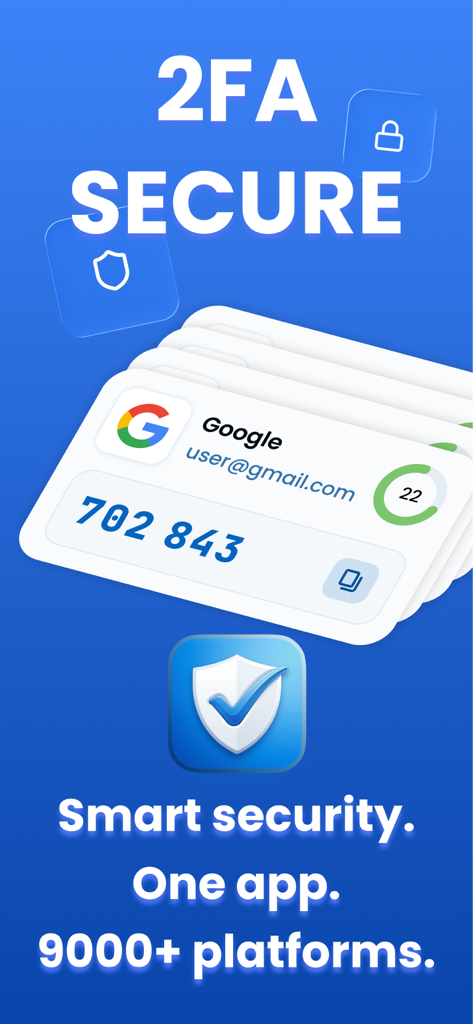
Interface of the 2FA Authenticator app showing a secure Google login code and total supported platforms

Interface of the 2FA Authenticator app showing a secure Google login code and total supported platforms

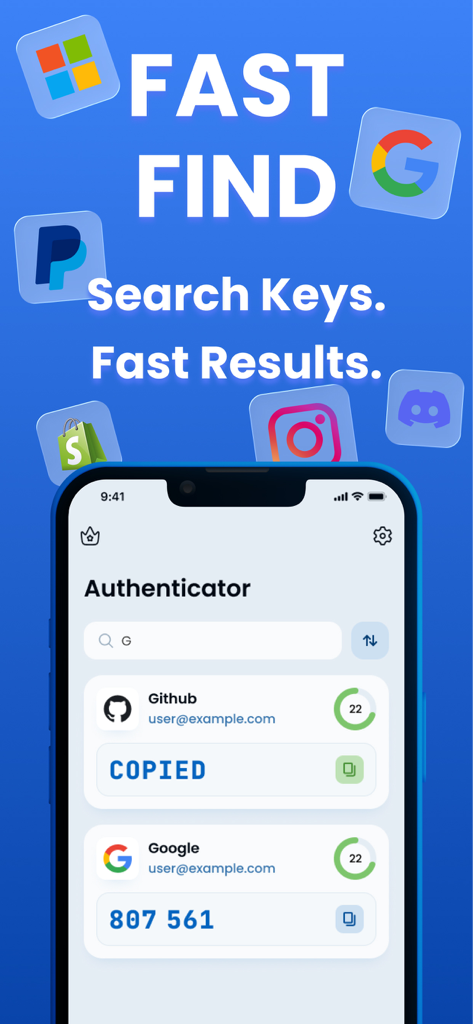
Interface of the 2FA Authenticator app showing the search feature for security codes and list of accounts like Google and Github

Interface of the 2FA Authenticator app showing the search feature for security codes and list of accounts like Google and Github

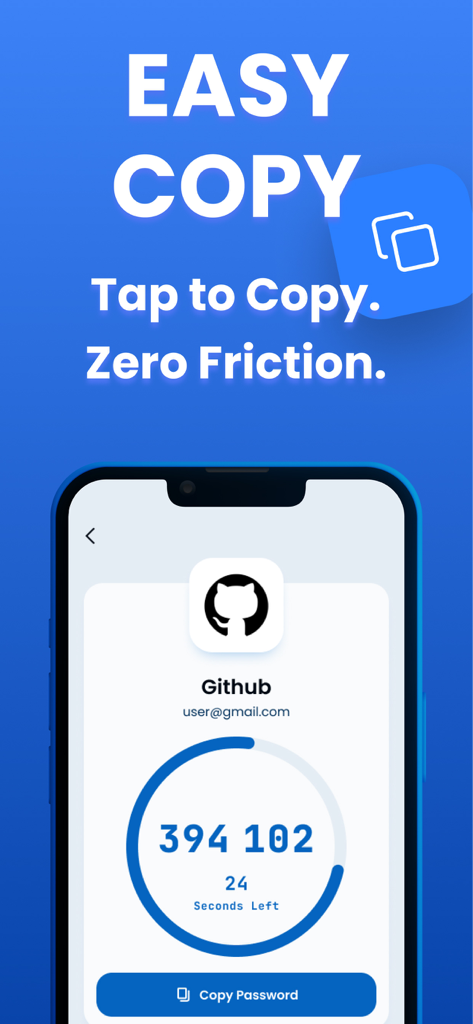
Mobile interface of 2FA Authenticator app displaying a GitHub one time password and copy button

Mobile interface of 2FA Authenticator app displaying a GitHub one time password and copy button

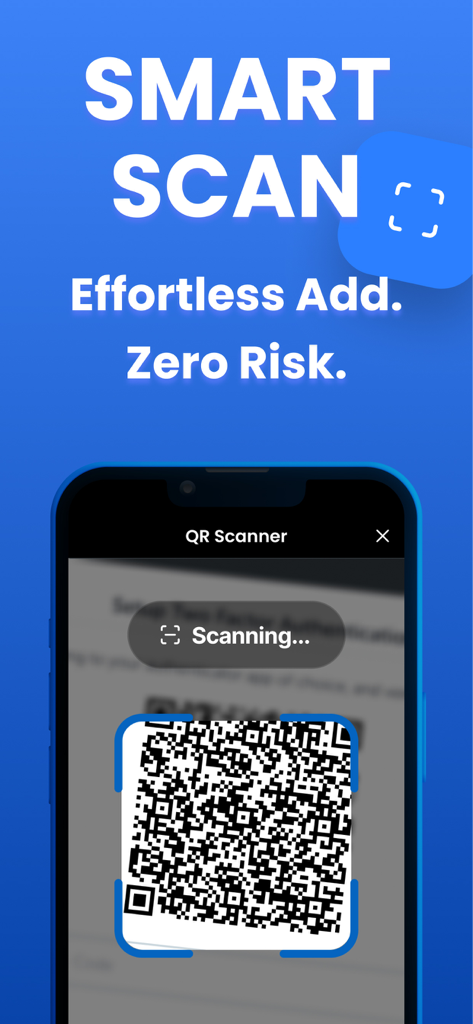
Smart QR scanner for effortless two factor authentication setup

Smart QR scanner for effortless two factor authentication setup

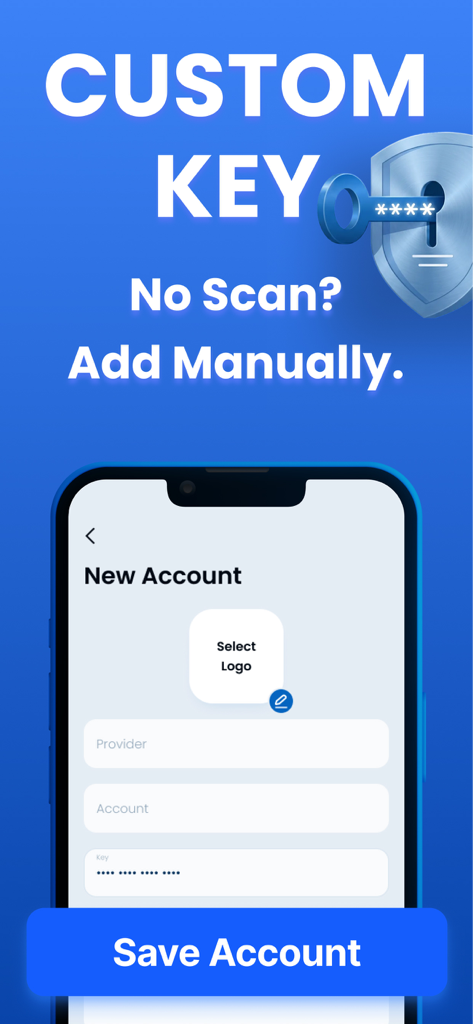
Mobile interface for manually adding a new account into the 2FA Authenticator app using a setup key

Mobile interface for manually adding a new account into the 2FA Authenticator app using a setup key

Fortify Your Digital World

The tools that make this app stand out, trusted by 0 users.

🛡️

Device-Local Privacy

Your authentication keys never leave your iPhone. No cloud storage and no data harvesting—just pure, local security.

✈️

Offline Reliability

Generate secure one-time passwords anywhere in the world—on a plane, in a basement, or abroad—with no internet required.

Universal Compatibility

Effortlessly secure your Google, LinkedIn, Slack, and crypto accounts in seconds with a simple and fast QR code scan.

About the app

Everything you need to know about 2FA Authenticator: OTP Auth.

Description

2FA Authenticator: OTP Auth & Secure Login Protect your accounts with strong two-factor authentication. Worried about account security? Want to keep your logins safe from unauthorized access? 2FA Authenticator: OTP Auth generates one-time passwords (OTP) to add an extra layer of protection to your online accounts. Using industry-standard authentication methods, the app works seamlessly with thousands of services that support 2FA and TOTP-based verification. ◆ How It Works 2FA Authenticator: OTP Auth generates time-based one-time passwords directly on your device. Simply scan a QR code or enter a setup key, and your secure login codes are ready—no internet connection required. ◆ Key Features ▸ 2FA Authentication – Add an extra security layer to your accounts ▸ OTP Generator – Generate secure, time-based login codes ▸ Fast & Reliable – Instant access to authentication codes ▸ Offline Support – Codes work without an internet connection ▸ Secure & Private – Codes generated locally on your device ◆ Perfect For ▸ Protecting email and social media accounts ▸ Securing cloud and work services ▸ Preventing unauthorized logins ▸ Everyday account security Take control of your digital security with a simple, fast, and reliable authenticator app. ◆ Download 2FA Authenticator: OTP Auth now and keep your accounts protected. Privacy Policy: https://appreka.co/privacy-policy Terms of Use: https://appreka.co/terms-conditions

Latest Version

1.2.10

Size

72.1 MB

First Released

Feb 25, 2026

Secure Your Digital Identity Today

Experience fast, offline, and private 2FA protection for all your accounts. Join the ranks of security-conscious professionals who never compromise on safety.

App information, icons, screenshots, and descriptions displayed on this page are sourced from the Apple App Store and are the property of their respective developers. Download estimates and rankings are based on MWM's proprietary models and may not reflect actual figures. This page is provided for informational and analytical purposes only.

Believe this page infringes your intellectual property? File a dispute