
This page is not an official page of the app or its developer, but an independent editorial publication created for informational and commentary purposes. Unless expressly stated otherwise, neither the app nor its developer is affiliated with, endorsed by, sponsored by, authorized by, or otherwise officially connected with MWM, Apple, Google Play, the app publisher, or the app's developer, and nothing on this page implies that the app was developed using MWM's services. Any trademarks, logos, screenshots, and other content remain the property of their respective owners.


3D modeling: Design my model
Unleash your creativity with a pro-grade, gesture-based workflow. From 3D printing to game design, build high-quality models and export .obj files on the go.
Downloads
2M+User Rating
Total Ratings
27K+Publisher
Category
Graphics & DesignLocales
18Latest Version
1.10.6Size
106.0 MBFirst Released
Jul 6, 2022Design Without Limits
From quick block-outs to detailed 3D prints, master professional-grade modeling with a mobile-first workflow designed for the modern creator.
Touch-First Precision
Navigate and edit your models with fluid gestures. No desk required—just you and your iPad or iPhone.
Complete Creative Suite
Access professional vertex, edge, and face tools plus UV editing to build game-ready assets on the go.
Frequently Asked Questions
Everything you need to know about 3D modeling: Design my model
What is 3D modeling: Design my model?
3D modeling: Design my model is a 3D modeling application for iPhone and iPad. It allows users to design 3D content on the go using gestures, supporting various tools for vertex, edge, face, and object manipulation.
Does 3D modeling: Design my model support Apple Pencil?
Yes, 3D modeling: Design my model supports the Apple Pencil for design. Users can also utilize the app's features with gestures, so the Apple Pencil is optional for functionality.
Can I import and export 3D models in 3D modeling: Design my model?
Yes, the 3D modeling: Design my model app allows users to import and export .obj files. This feature facilitates external workflow integration for 3D content creation and sharing.
What types of tools are available in 3D modeling: Design my model?
3D modeling: Design my model offers vertex, edge, face, object, sculpting, coloring, and display tools. These include functions like extrude, merge, clone, paint textures, and adjust grid settings.
How do I manipulate objects in 3D modeling: Design my model?
You can manipulate objects in 3D modeling: Design my model using gestures to move, rotate, and scale them. The app also allows multi-selection of vertices, edges, faces, and objects via long tap or frame draw.
Does 3D modeling: Design my model provide tutorials for its tools?
Yes, 3D modeling: Design my model provides a video tutorial for every tool within the app. This helps users understand and utilize each feature effectively.
Can I apply materials to my 3D models in 3D modeling: Design my model?
Yes, 3D modeling: Design my model offers 20 materials that users can apply to their objects. The app also includes tools for painting textures and editing texture placement using a UV editor.
Does 3D modeling: Design my model have sculpting capabilities?
Yes, 3D modeling: Design my model includes sculpting tools such as Move, Screen, Push, Pull, and Smooth. Users can adjust the brush size and strength for these tools.
Can I combine or separate objects in the 3D modeling: Design my model app?
Yes, 3D modeling: Design my model provides object tools to combine and separate 3D objects. These tools also include options for cloning, mirroring, smoothing, and dividing objects.
What display options are available in 3D modeling: Design my model?
3D modeling: Design my model offers various display options. These include a settable grid, display info for triangles and edge length, and toggles for wireframe on shaded, shadows, and axis.
The following screenshots and description are sourced directly from the app's official store listing and are the property of the app developer.
App Store
Screenshots
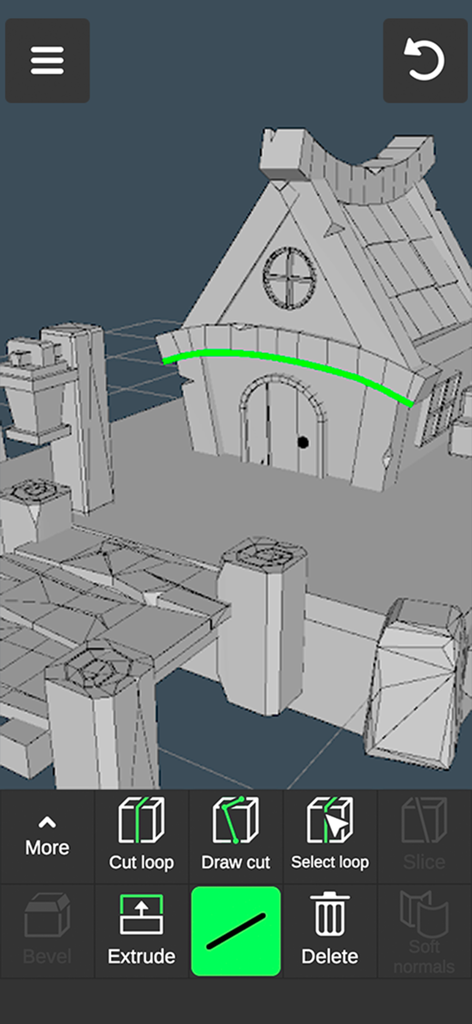
Mobile app interface showing a 3D house model with editing tools for design and creation
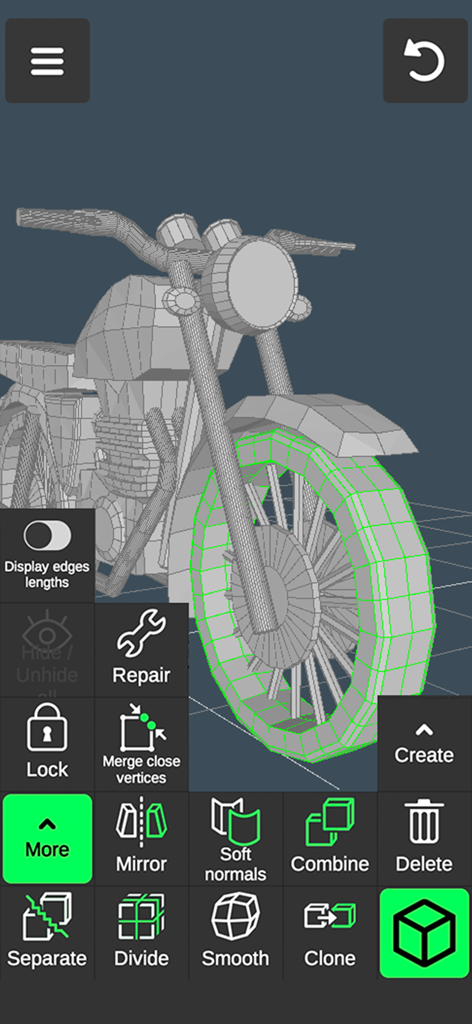
Interface of a mobile 3D modeling app showing a motorcycle model and editing tools
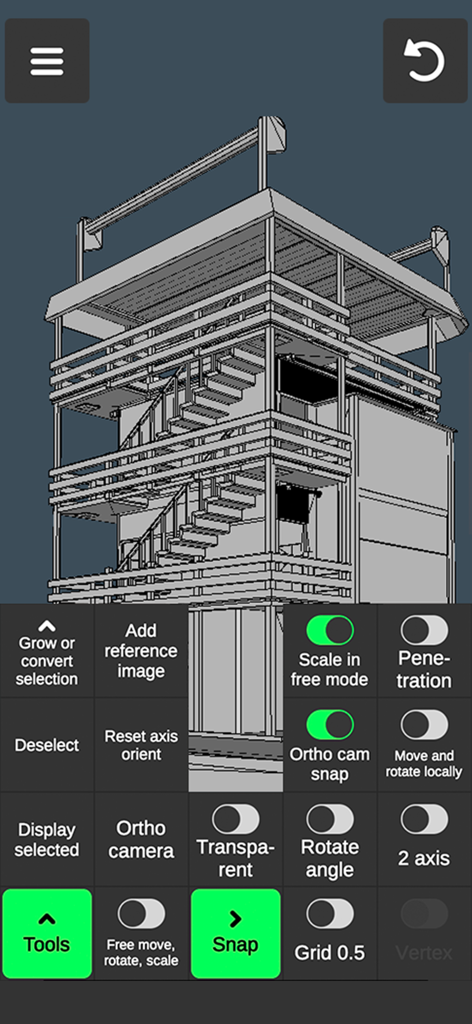
A 3D architectural model of a tower being designed in a mobile app with professional modeling tools
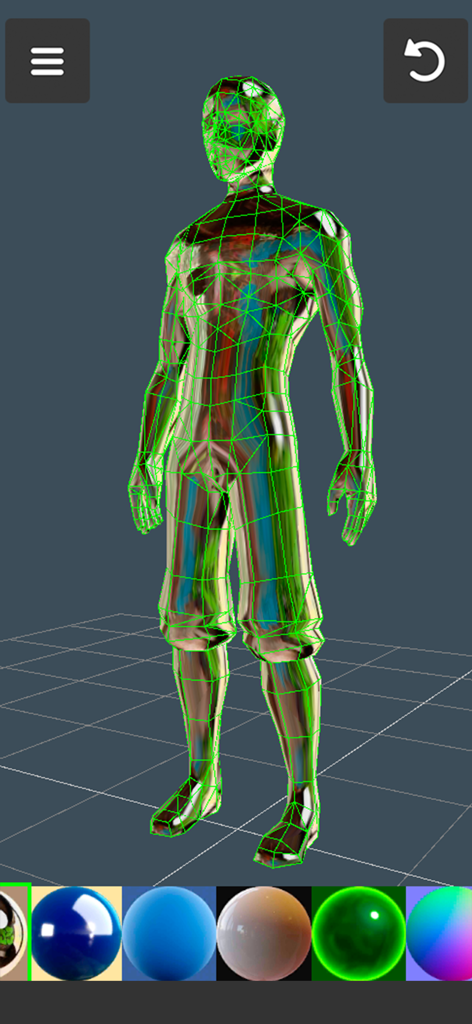
A 3D character model with a green wireframe and material options in a mobile modeling app
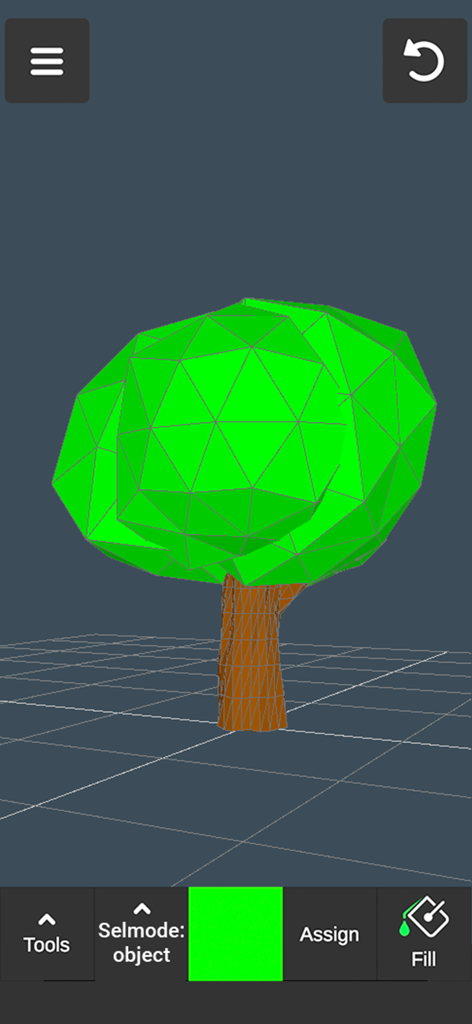
Interface of 3D modeling app with a low poly green tree design on a grid
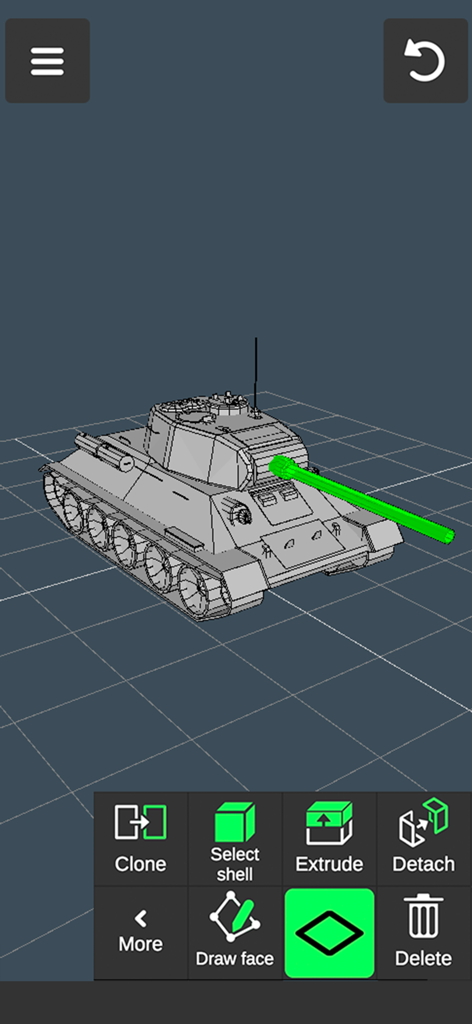
Mobile app interface showing a 3D tank model being designed with editing tools
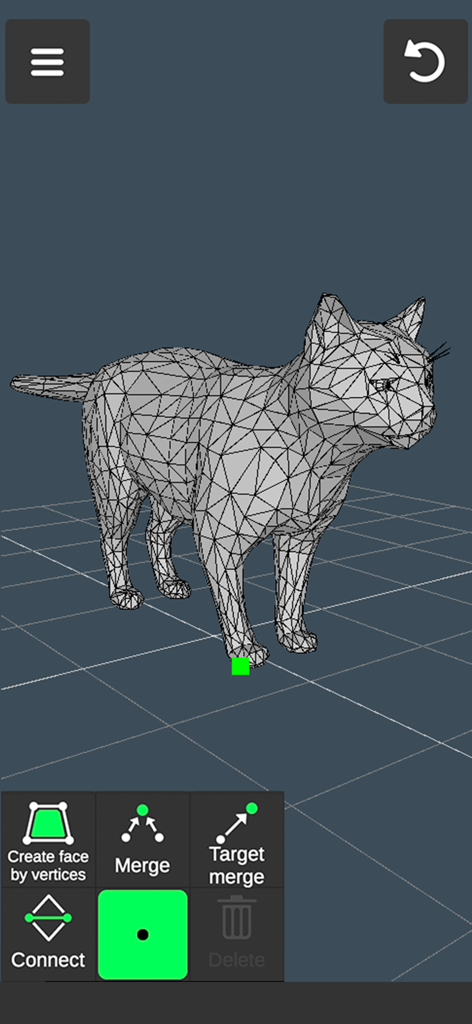
Mobile 3D modeling app interface showing a wireframe cat model and vertex editing tools
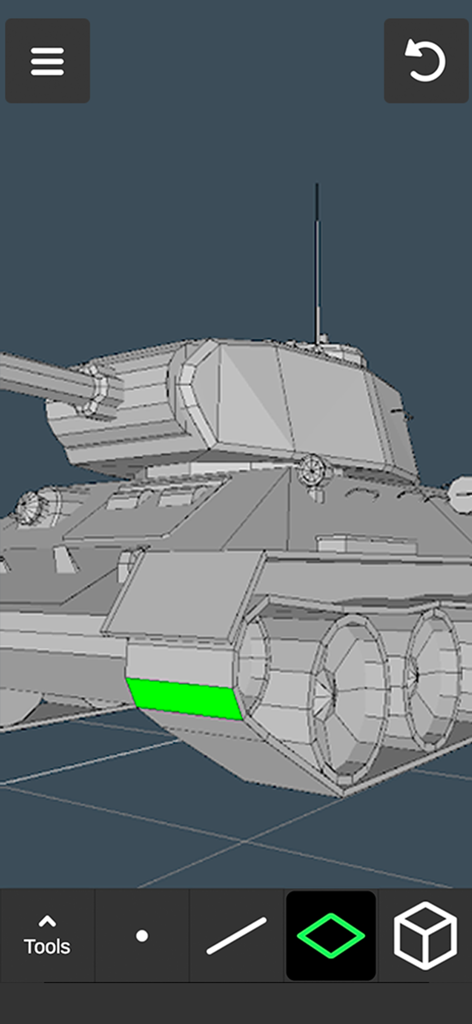
A 3D tank model being edited with the face selection tool in the mobile app interface
Description
Download
More Like This
Apps with similar features and user experience






This page is not an official page of the app or its developer, but an independent editorial publication created for informational and commentary purposes. Unless expressly stated otherwise, neither the app nor its developer is affiliated with, endorsed by, sponsored by, authorized by, or otherwise officially connected with MWM, Apple, Google Play, the app publisher, or the app's developer, and nothing on this page implies that the app was developed using MWM's services. Any trademarks, logos, screenshots, and other content remain the property of their respective owners.