3D Object Capture

3D Object Capture

Download on App Store
Logo of 3D Object Capture

3D Object Capture: Professional HD Scans for Makers and Artists

Unlock the power of your iPhone or iPad Pro to create high-definition 3D models in minutes. Generate .obj, .stl, or .usdz files locally with guided AR instructions—perfect for 3D printing, digital art, and professional workflows.

Download on App Store

Publisher

ASTERKIT SOFTWARE LIMITED

Category

Utilities

Downloads

10K+

User Rating

4.6/5

Total Ratings

100

Locales

12

Precision in Every Pixel

Discover the interface used by 10K+ users.
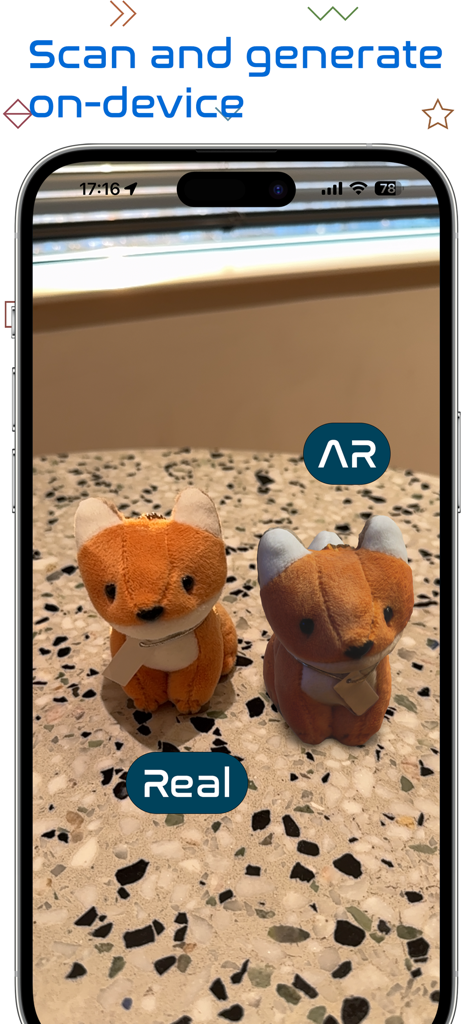
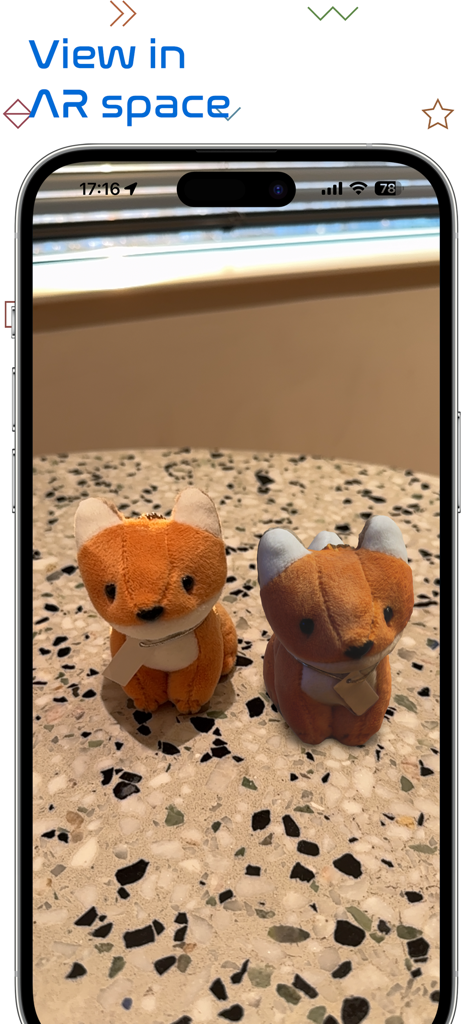
Side by side comparison of a real fox plushie and its AR digital model on an iPhone screen.

Side by side comparison of a real fox plushie and its AR digital model on an iPhone screen.

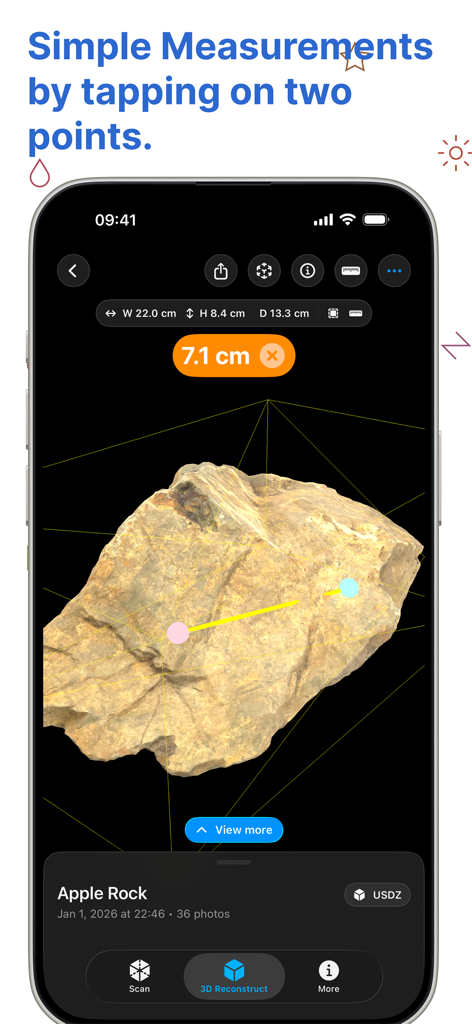
Interface of 3D Object Capture app showing a 7.1 cm measurement between two points on a 3D model of a rock.

Interface of 3D Object Capture app showing a 7.1 cm measurement between two points on a 3D model of a rock.

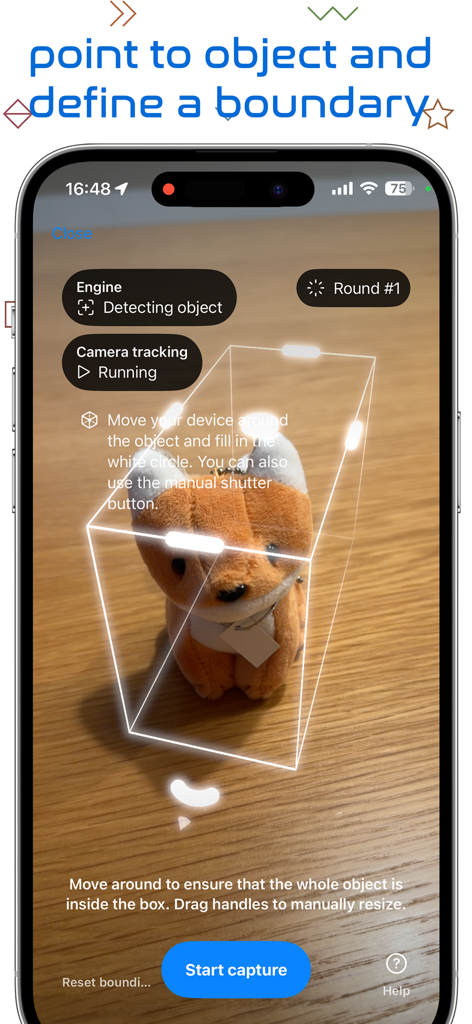
Interface of 3D Object Capture app showing an AR bounding box around a plush toy for scanning

Interface of 3D Object Capture app showing an AR bounding box around a plush toy for scanning

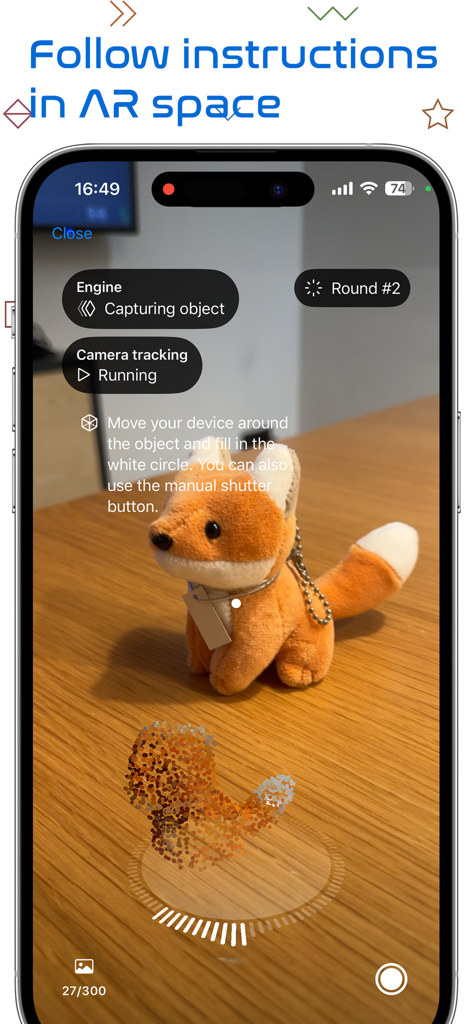
A smartphone interface showing a stuffed fox being scanned into a 3D model using augmented reality instructions.

A smartphone interface showing a stuffed fox being scanned into a 3D model using augmented reality instructions.

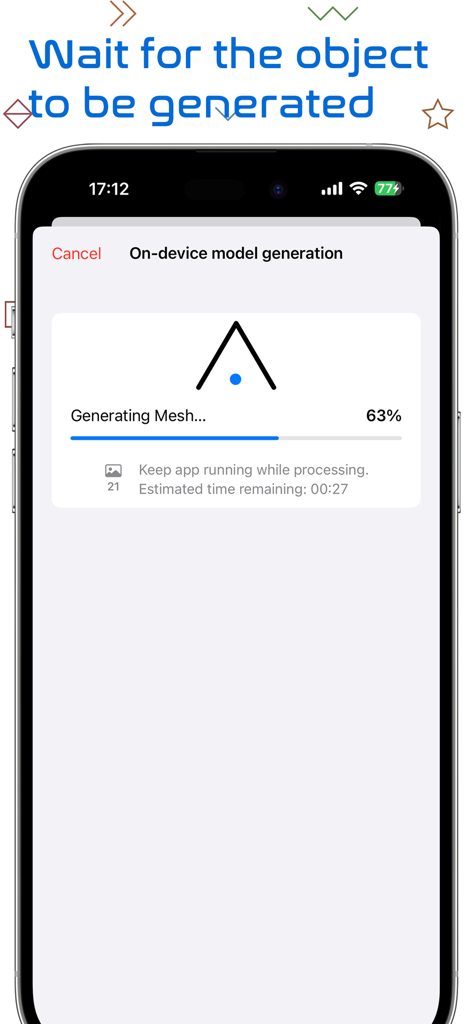
3D Object Capture app screen showing on-device mesh generation progress at 63 percent.

3D Object Capture app screen showing on-device mesh generation progress at 63 percent.

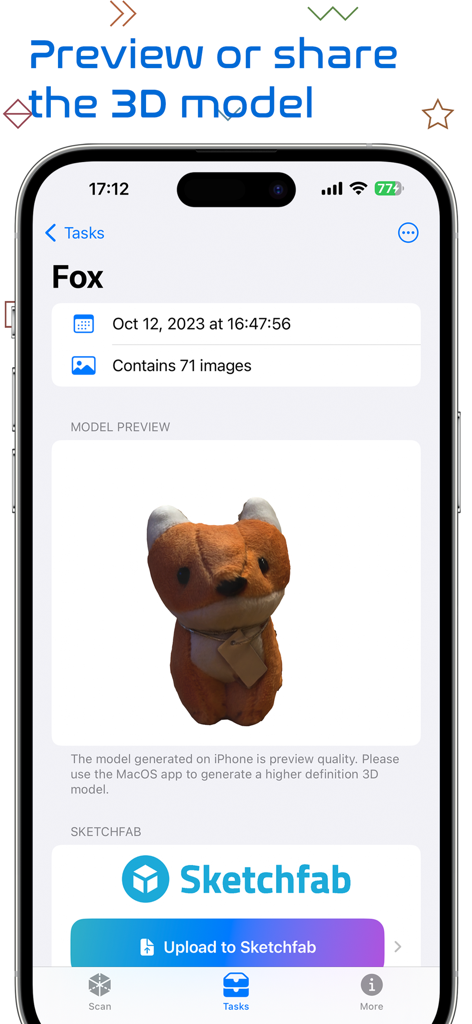
Interface of 3D Object Capture app displaying a preview of a scanned plush fox and a button to upload to Sketchfab.

Interface of 3D Object Capture app displaying a preview of a scanned plush fox and a button to upload to Sketchfab.

iPhone screen showing a 3D model of two stuffed fox toys previewed in augmented reality

iPhone screen showing a 3D model of two stuffed fox toys previewed in augmented reality

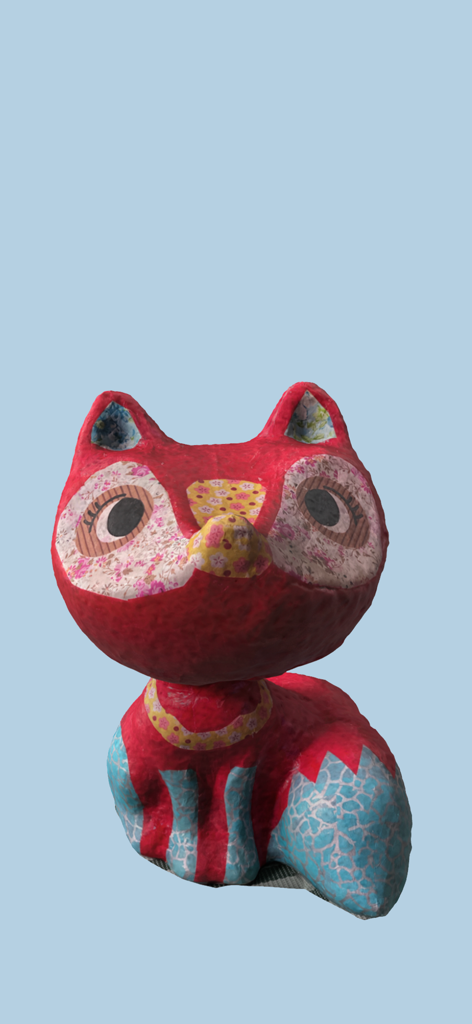
High quality 3D model of a handcrafted paper fox figurine scanned using the app

High quality 3D model of a handcrafted paper fox figurine scanned using the app

Capture Reality in High Definition

The tools that make this app stand out, trusted by 10K+ users.

🎯

Guided AR Scanning

Follow on-screen AR instructions to fill every angle perfectly. Our smart interface ensures you capture high-fidelity details without needing professional photography skills.

🛠️

Pro-Grade Export Formats

Bridge the gap between physical and digital. Export your models as .STL for 3D printing, .OBJ for Blender and Unity, or .USDZ for mobile-friendly AR previews.

Local On-Device Processing

Experience lightning-fast generation without the cloud. Your models are processed locally on your iPhone or iPad Pro, ensuring total privacy and instant results.

About the app

Everything you need to know about 3D Object Capture.

Description

Get high definition 3D models by following AR instructions. Generated locally on your device. And share .usdz (mobile friendly, AR) or .obj (professional use) or .stl (3D printing) as a file, via messages, mail, iCloud Drive link, or Sketchfab with just a few taps! **You will need a compatible iPhone Pro or iPad Pro device** You can scan your art works, favorite hand-crafted items, toys, anime figures, and more. This app is using Apple's newest photogrammetry framework. 1. Point to the object and tap continue 2. The bounding box of the object will automatically appear, you can manually adjust as well; then, tap continue 3. Follow the AR instruction on-screen to fill in the white circle 4. Repeat for lower angle and upper angle 5. Generate the model and preview (in AR) 6. Share the file, get a link using iCloud Drive, or upload to Sketchfab with 1~3 taps

Latest Version

20.5

Size

18.6 MB

First Released

Oct 28, 2021

Transform Your Reality into Pro-Grade 3D Models

Unlock the power of your iPhone or iPad Pro. Start scanning today to create high-definition .stl, .obj, and .usdz files for 3D printing, gaming, and AR.

Download on App Store

App information, icons, screenshots, and descriptions displayed on this page are sourced from the Apple App Store and are the property of their respective developers. Download estimates and rankings are based on MWM's proprietary models and may not reflect actual figures. This page is provided for informational and analytical purposes only.

Believe this page infringes your intellectual property? File a dispute