
This page is not an official page of the app or its developer, but an independent editorial publication created for informational and commentary purposes. Unless expressly stated otherwise, neither the app nor its developer is affiliated with, endorsed by, sponsored by, authorized by, or otherwise officially connected with MWM, Apple, Google Play, the app publisher, or the app's developer, and nothing on this page implies that the app was developed using MWM's services. Any trademarks, logos, screenshots, and other content remain the property of their respective owners.

3D Video-Converter
Seamlessly convert iPhone Spatial videos, GoPro footage, and 2D clips into professional 3D SBS, Anaglyph, or VR180 formats. Unlock 8K exports and share immersive content across Vision Pro, Meta Quest, and YouTube 3D.
Downloads
2K+User Rating
Total Ratings
0Publisher
Category
Photo & VideoLocales
2Latest Version
2.8Size
22.7 MBFirst Released
Jan 9, 2024Professional 3D Conversion Tools
Maximize the power of your iPhone 15 or 16 Pro. Transform Spatial Videos and 3D footage into any format with professional-grade control and up to 8K resolution.
Spatial Video & VR Freedom
Unlock your iPhone's Spatial Videos. Effortlessly convert immersive footage to SBS or VR180 formats for Meta Quest, YouTube 3D, or any VR headset.
Pro-Grade 8K Mastering
Experience desktop-class performance. Upscale HD to 4K, export up to 8K, and manage bitrates up to 120 MBit directly from your iPhone or external SSD.
The following screenshots and description are sourced directly from the app's official store listing and are the property of the app developer.
App Store
Screenshots
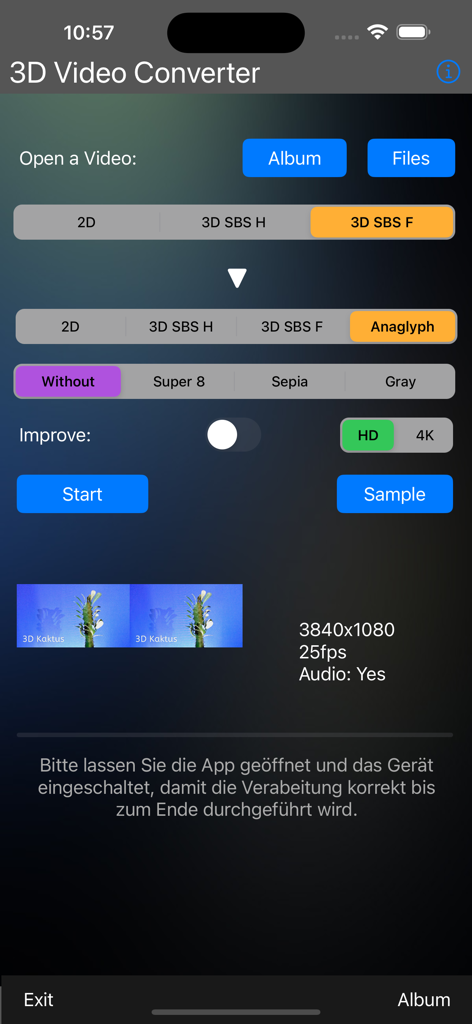
User interface of the 3D Video-Converter app showing video conversion settings from 3D SBS to Anaglyph format
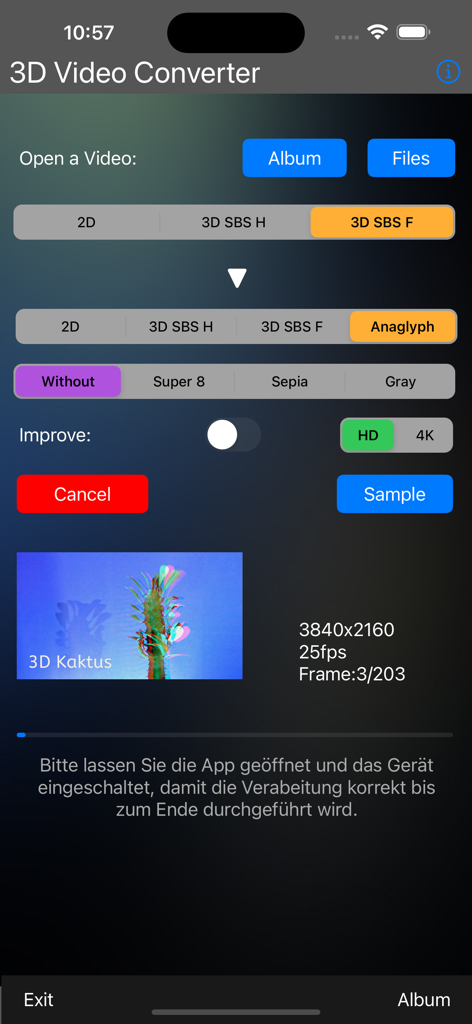
Interface of the 3D Video Converter app showing options to convert SBS video to Anaglyph with resolution and filter settings.
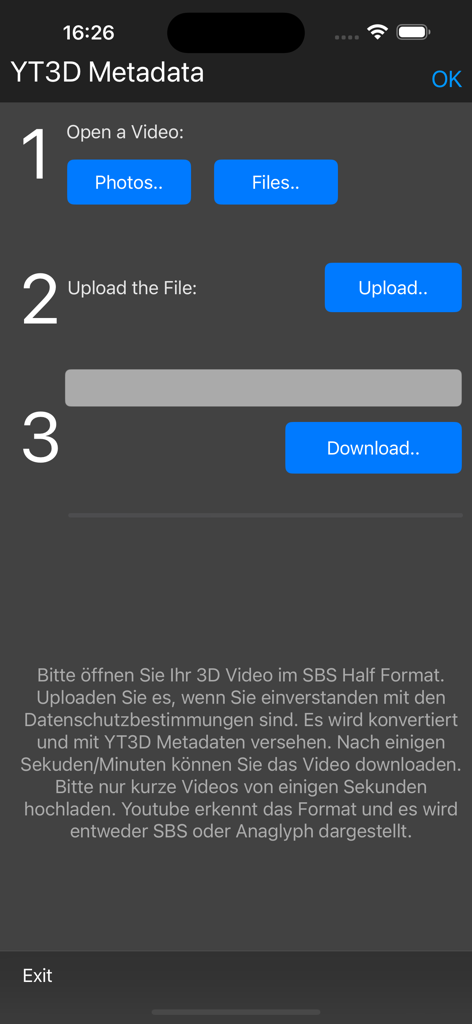
Interface of the 3D Video-Converter app showing the three-step process to add YT3D metadata to videos for YouTube.
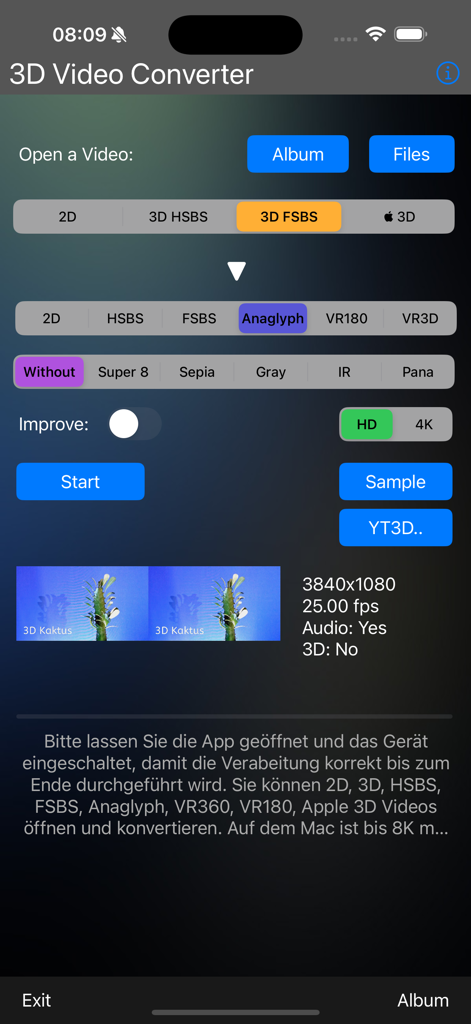
User interface of the 3D Video Converter app with spatial video and filter settings
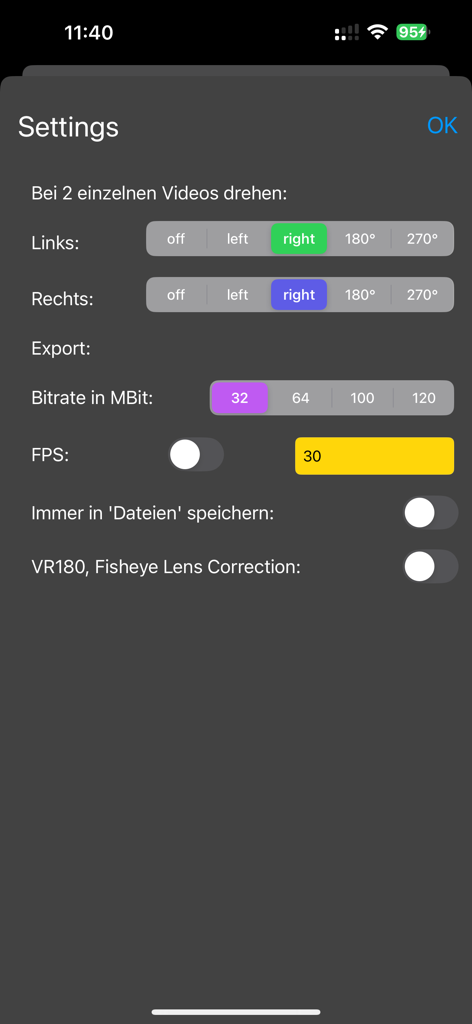
Settings menu of 3D Video-Converter app showing video rotation and export bitrate options
Description
Download
More Like This
Top-ranked apps in the same category

CapCut: Photo & Video Editor
BYTEDANCE PTE. LTD.

Instagram, Inc.

YouTube
Google LLC

Canva: AI Photo & Video Editor
Canva Pty Ltd

Snapchat
Snap, Inc.

快手
Beijing Kwai Technology Co., Ltd.

Edits: Video Editor
Instagram, Inc.

Meitu- AI Photo & Video Editor
Xiamen Meitu Technology Co., Ltd.

Google Photos: Backup & Edit
Google LLC
This page is not an official page of the app or its developer, but an independent editorial publication created for informational and commentary purposes. Unless expressly stated otherwise, neither the app nor its developer is affiliated with, endorsed by, sponsored by, authorized by, or otherwise officially connected with MWM, Apple, Google Play, the app publisher, or the app's developer, and nothing on this page implies that the app was developed using MWM's services. Any trademarks, logos, screenshots, and other content remain the property of their respective owners.