
This page is not an official page of the app or its developer, but an independent editorial publication created for informational and commentary purposes. Unless expressly stated otherwise, neither the app nor its developer is affiliated with, endorsed by, sponsored by, authorized by, or otherwise officially connected with MWM, Apple, Google Play, the app publisher, or the app's developer, and nothing on this page implies that the app was developed using MWM's services. Any trademarks, logos, screenshots, and other content remain the property of their respective owners.

A-Trust Signatur
Empower your international business with eIDAS-compliant, qualified electronic signatures. Securely access Austrian government services and sign cross-border contracts using biometric authentication from anywhere in the USA.
Downloads
1M+User Rating
Total Ratings
139K+Publisher
Category
BusinessLocales
2Latest Version
5.1.11Size
16.9 MBFirst Released
Feb 16, 2016Sign with Global Legal Authority
Bridge the gap between the US and Europe with the most secure, eIDAS-compliant digital signature platform for international professionals.
Qualified Electronic Signatures
Meet the highest EU legal standards with signatures that carry the same weight as ink and paper for all your cross-border contracts.
Advanced Biometric 2FA
Protect your digital identity and authorize documents in seconds using secure Face ID, Touch ID, or Device PIN authentication.
Frequently Asked Questions
Everything you need to know about A-Trust Signatur
What is the A-Trust Signatur App?
The A-Trust Signatur App allows users to digitally sign documents in a legally secure manner across Europe. It originates from Austria's leading trust service provider.
Is the A-Trust Signatur App eIDAS compliant?
Yes, the A-Trust Signatur App is eIDAS compliant. This compliance ensures that digital signatures made with the app are legally secure throughout Europe.
What is required to use the A-Trust Signatur App?
To use the A-Trust Signatur App, users need an active Mobile Signature, ID Austria, or xIDENTITY (EU-Identity Mobile). These must be applied for at a registration authority.
How does the A-Trust Signatur App ensure security?
The A-Trust Signatur App ensures highest security through certificate-based authentication processes. These processes occur within A-Trust's high-security data center.
How does two-factor authentication work in the A-Trust Signatur App?
The A-Trust Signatur App employs two-factor authentication using the device's PIN, Touch ID, or Face ID. This adds an extra layer of security for user authentication.
Can users manage open signatures in the A-Trust Signatur App?
Yes, users can manage open signatures within the A-Trust Signatur App. The app displays a list of pending signatures and allows users to view documents before signing.
The following screenshots and description are sourced directly from the app's official store listing and are the property of the app developer.
App Store
Screenshots
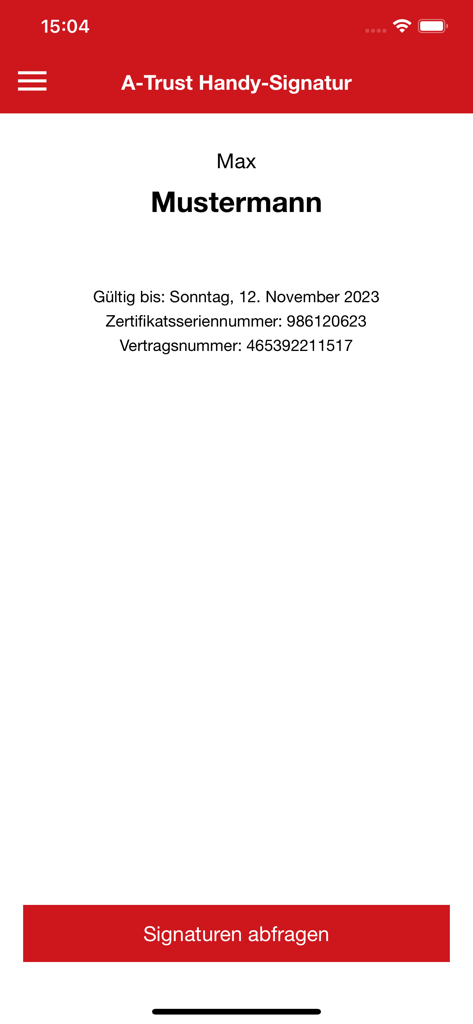
A-Trust Signatur app screen displaying user certificate information and validity date
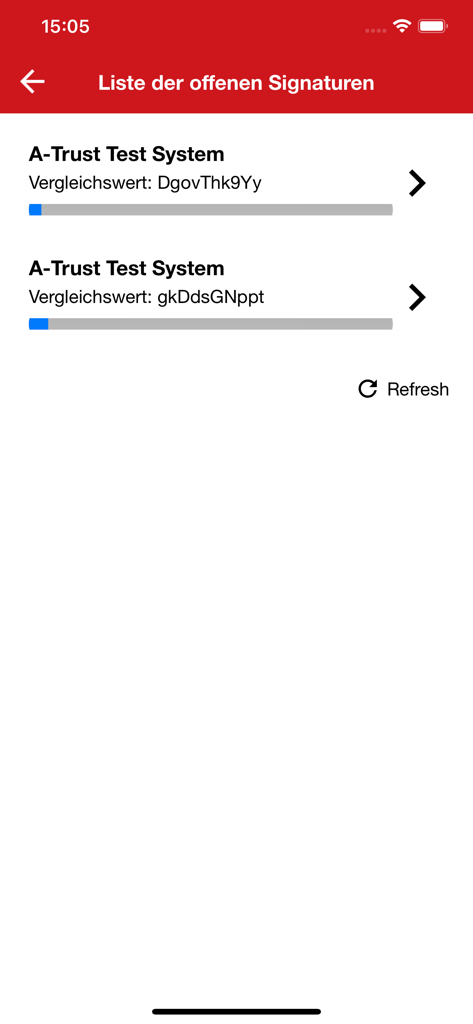
A list of pending digital signature requests in the A-Trust Signatur app showing comparison values and progress bars.
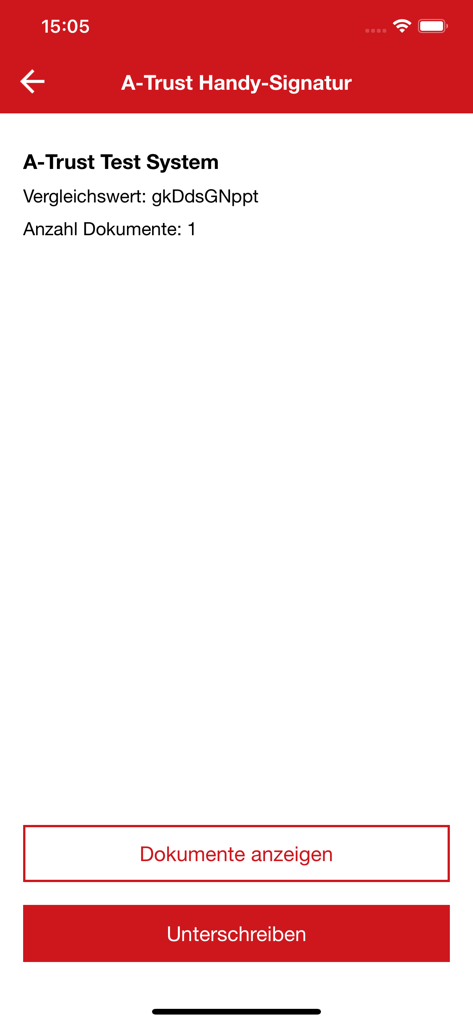
A-Trust Signatur app interface showing options to view and sign digital documents.
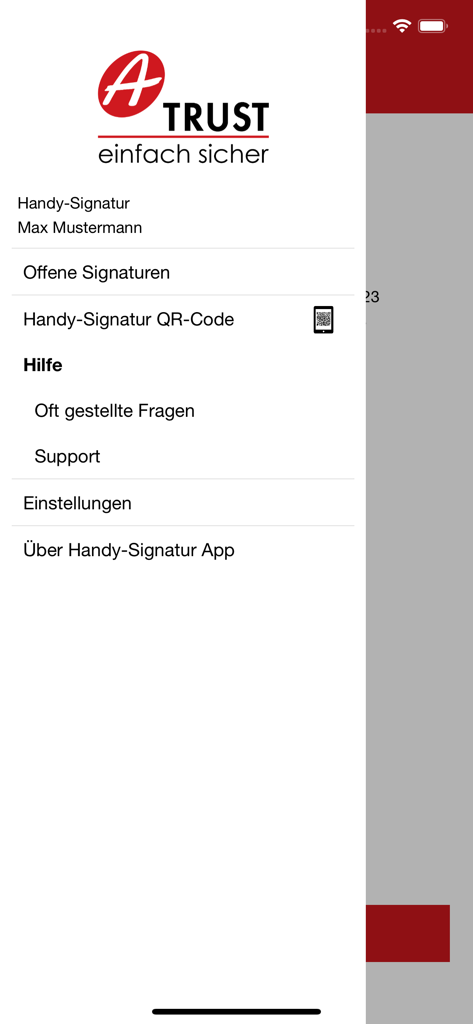
The navigation menu of the A-Trust Signatur app showing user account and settings.
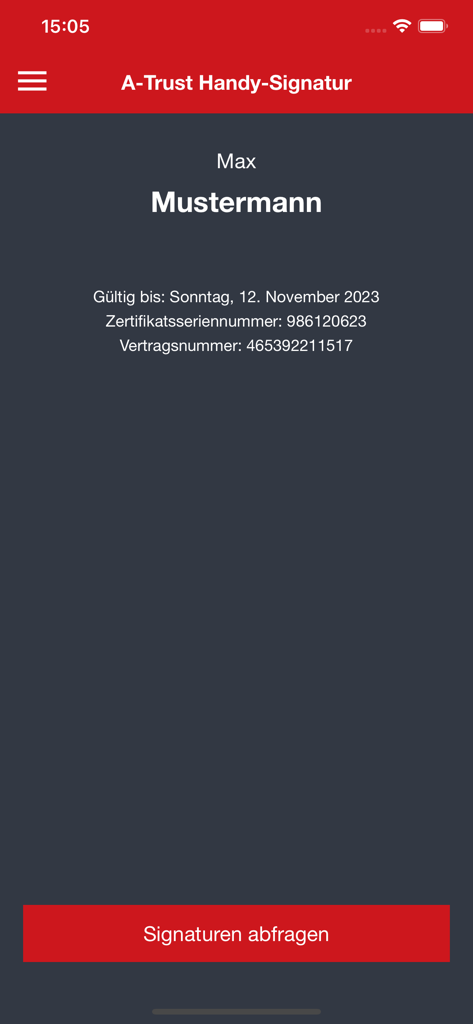
A-Trust Handy-Signatur app interface showing user certificate details and signature query button
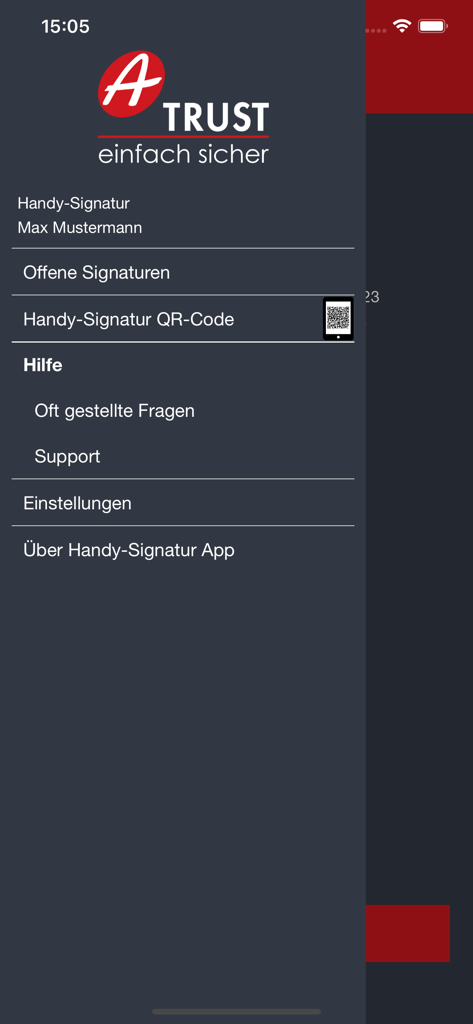
Side menu of the A-Trust Signatur app displaying navigation options like open signatures, QR code, help, and settings.
Description
Download
More Like This
Apps with similar features and user experience

Nect Wallet
Nect GmbH
POSTIDENT
Deutsche Post AG

Evrotrust
Evrotrust Technologies Ad
livesign - doc signing & VOI
thelawstore.com.au pty ltd
IDnow Online-Ident
IDnow Gmbh
SafeID
Safeweb Seguranca da Informacao Ltda

ID.Abonent
MSK MOBAIL, OOO
Thirdfort
Thirdfort Limited
My WebID
WebID Solutions GmbH
This page is not an official page of the app or its developer, but an independent editorial publication created for informational and commentary purposes. Unless expressly stated otherwise, neither the app nor its developer is affiliated with, endorsed by, sponsored by, authorized by, or otherwise officially connected with MWM, Apple, Google Play, the app publisher, or the app's developer, and nothing on this page implies that the app was developed using MWM's services. Any trademarks, logos, screenshots, and other content remain the property of their respective owners.