
This page is not an official page of the app or its developer, but an independent editorial publication created for informational and commentary purposes. Unless expressly stated otherwise, neither the app nor its developer is affiliated with, endorsed by, sponsored by, authorized by, or otherwise officially connected with MWM, Apple, Google Play, the app publisher, or the app's developer, and nothing on this page implies that the app was developed using MWM's services. Any trademarks, logos, screenshots, and other content remain the property of their respective owners.

My WebID
Skip the paperwork and verify your identity in minutes. The all-in-one, GDPR-compliant solution for legally valid video ID and electronic signatures, built for your digital life.
Downloads
3M+User Rating
Total Ratings
54K+Publisher
Category
FinanceLocales
9Latest Version
8.4.1Size
156.9 MBFirst Released
Jun 12, 2019Identity Verification, Simplified
The all-in-one solution for secure identification and legally binding e-signatures, designed for your digital-first life.
Instant Verification
Complete your identification process in minutes via video or photo, avoiding tedious in-person appointments and physical paperwork.
Gold-Standard Privacy
Rest easy with German-engineered security and full GDPR compliance, ensuring your sensitive data stays protected during every transaction.
Frequently Asked Questions
Everything you need to know about My WebID
What is the My WebID app?
My WebID is an app that provides comprehensive identification procedures and e-signature services. It supports video, online banking, ID card photo, digital identity, and eID functions, all within a single application.
How does My WebID ensure data protection and security?
My WebID ensures data protection by being GDPR compliant and hosting its servers in Germany. It also provides anti-money laundering law-compliant video identification, upholding high security standards.
What types of identification are available through the My WebID app?
The My WebID app supports various identification methods, including video identification, online banking, ID card photo verification, digital identity, and eID functions, all in a few steps.
Can users perform electronic signatures with My WebID?
Yes, My WebID allows users to perform legally valid electronic signatures. The process is straightforward: download the app, follow instructions, and enter your TAN.
What are the steps to complete an identification with My WebID?
To complete an identification with My WebID, users must download the app, follow the on-screen instructions, and finally, enter a TAN. This completes the legally valid process.
What app permissions does My WebID require?
The My WebID app only requires authorization for the device's camera. This permission is essential for conducting video identification and ID card verification processes securely.
What tips improve the identification process using My WebID?
For optimal use of My WebID, ensure a stable internet connection (WiFi is better). Good lighting is crucial for identifying ID cards, which should be clean, undamaged, and unobstructed.
Does My WebID comply with anti-money laundering laws for banks?
Yes, My WebID was developed by the inventor of online video identification and offers anti-money laundering law-compliant video identification specifically for banks, ensuring high security standards.
The following screenshots and description are sourced directly from the app's official store listing and are the property of the app developer.
App Store
Screenshots
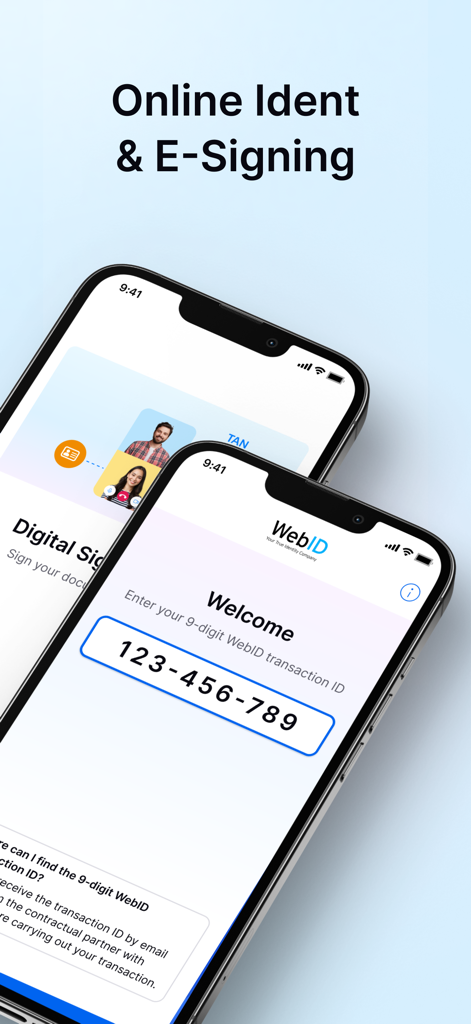
Screenshots of My WebID app showing online identification and e-signing features on two smartphones.
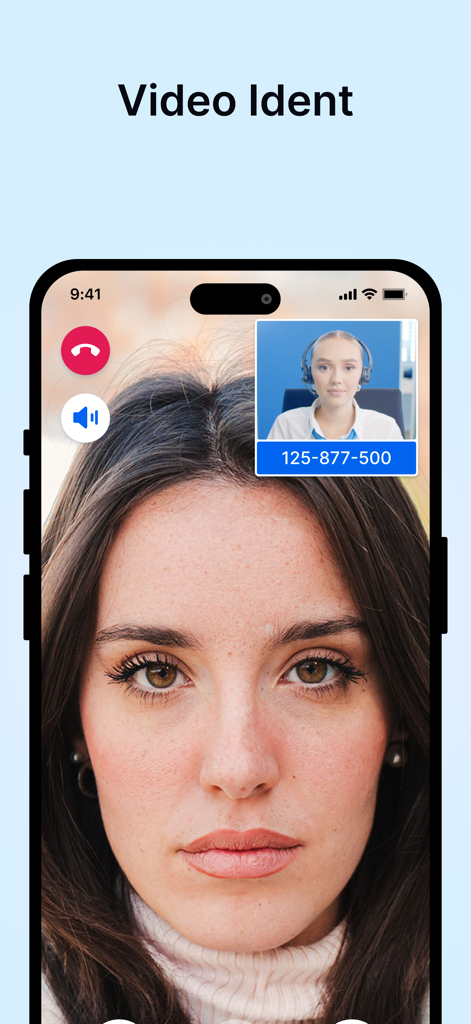
A smartphone displaying a live video identification call with a My WebID agent.
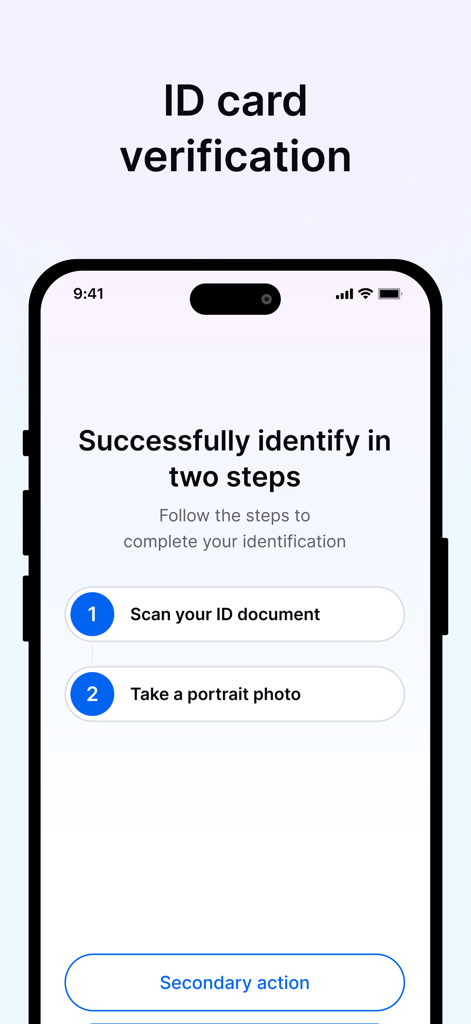
My WebID app screen showing a two-step process for identity verification including scanning an ID document and taking a portrait photo
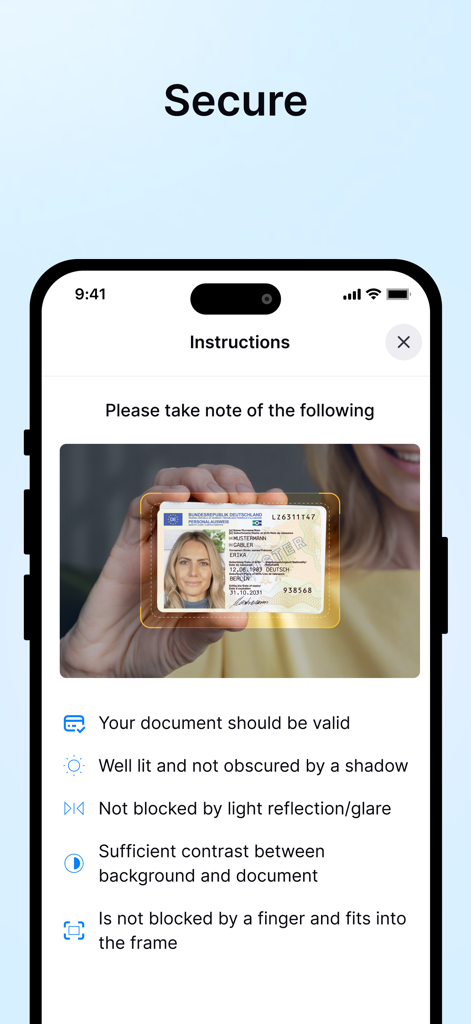
My WebID app screen showing instructions for photographing an ID card for secure verification
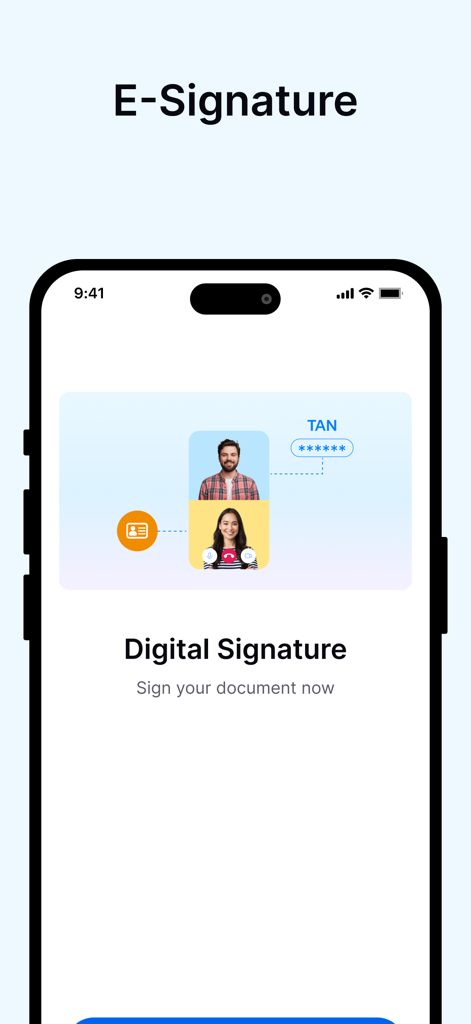
My WebID app interface showing the digital signature screen with a video identification illustration and TAN verification process.
Description
Download
More Like This
Apps with similar features and user experience

Nect Wallet
Nect GmbH

POSTIDENT
Deutsche Post AG

Evrotrust
Evrotrust Technologies Ad

livesign - doc signing & VOI
thelawstore.com.au pty ltd

IDnow Online-Ident
IDnow Gmbh
SafeID
Safeweb Seguranca da Informacao Ltda
A-Trust Signatur
A-Trust GmbH

ID.Abonent
MSK MOBAIL, OOO

Thirdfort
Thirdfort Limited
This page is not an official page of the app or its developer, but an independent editorial publication created for informational and commentary purposes. Unless expressly stated otherwise, neither the app nor its developer is affiliated with, endorsed by, sponsored by, authorized by, or otherwise officially connected with MWM, Apple, Google Play, the app publisher, or the app's developer, and nothing on this page implies that the app was developed using MWM's services. Any trademarks, logos, screenshots, and other content remain the property of their respective owners.