livesign - doc signing & VOI
Download on App Store

This page is not an official page of the app or its developer, but an independent editorial publication created for informational and commentary purposes. Unless expressly stated otherwise, neither the app nor its developer is affiliated with, endorsed by, sponsored by, authorized by, or otherwise officially connected with MWM, Apple, Google Play, the app publisher, or the app's developer, and nothing on this page implies that the app was developed using MWM's services. Any trademarks, logos, screenshots, and other content remain the property of their respective owners.

Logo of livesign - doc signing & VOI
Download on App Store

livesign - doc signing & VOI

Skip the physical notary and sign legal documents in seconds. livesign uses military-grade biometric technology to verify your identity instantly, making your most important transactions effortless and fraud-proof.

Key Figures

Downloads

139K+

User Rating

4.8/5

Total Ratings

700

Publisher

thelawstore.com.au pty ltd

Category

Business

Locales

1

Latest Version

v1.5.9

Size

41.3 MB

First Released

Jun 9, 2021
Features

Secure Identity Verification, Reimagined

Eliminate the need for physical appointments. Authenticate your identity and sign critical documents securely using advanced biometric and cryptographic technology from your smartphone.

Bank-Grade Biometric Binding

Ensure absolute certainty with NFC chip scanning and passive liveness checks that bind your government-issued ID to your signature at the moment of signing.

Verify in Seconds, Not Hours

Skip the drive to the lawyer’s office. Complete your Verification of Identity (VOI) and document signing from anywhere with a streamlined, effortless experience.

The following screenshots and description are sourced directly from the app's official store listing and are the property of the app developer.

App Store

Screenshots
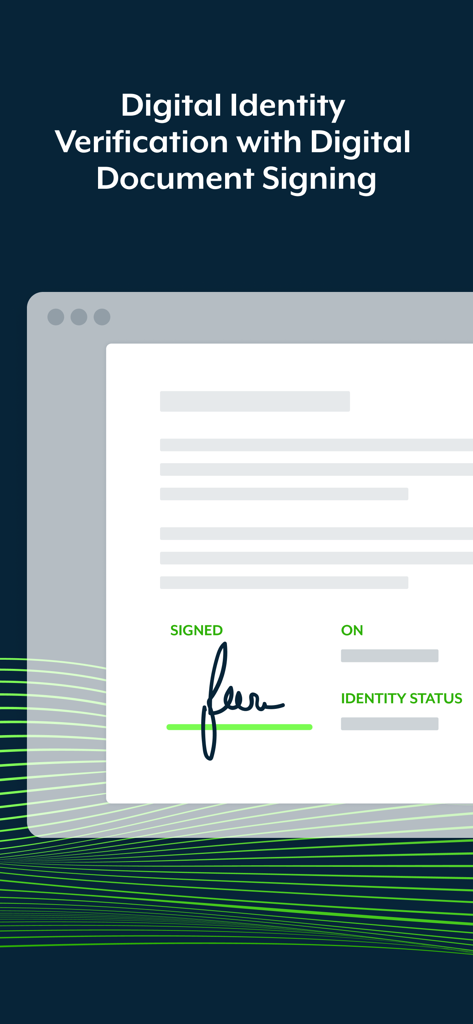
livesign - doc signing & VOI - Digital document with signature and identity verification status
Digital document with signature and identity verification status

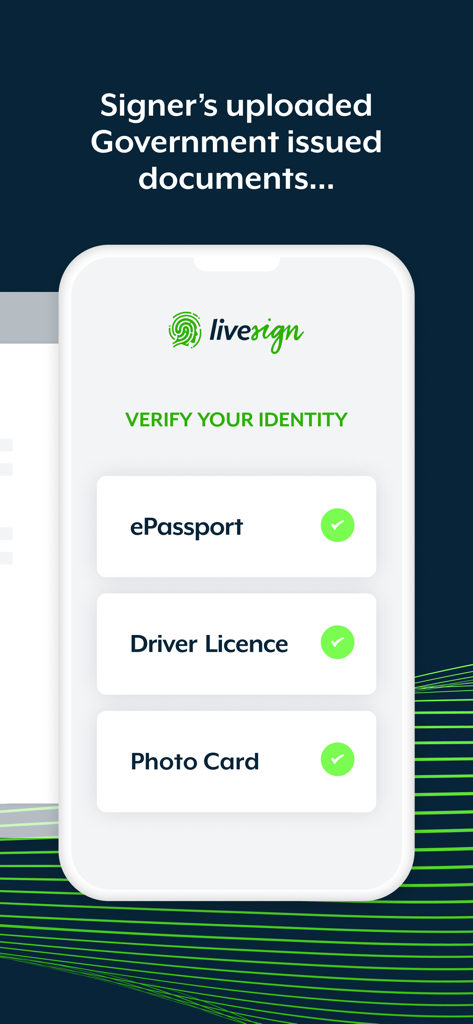
livesign - doc signing & VOI - Livesign app screen showing identity verification with government issued documents like ePassport and driver license.
Livesign app screen showing identity verification with government issued documents like ePassport and driver license.

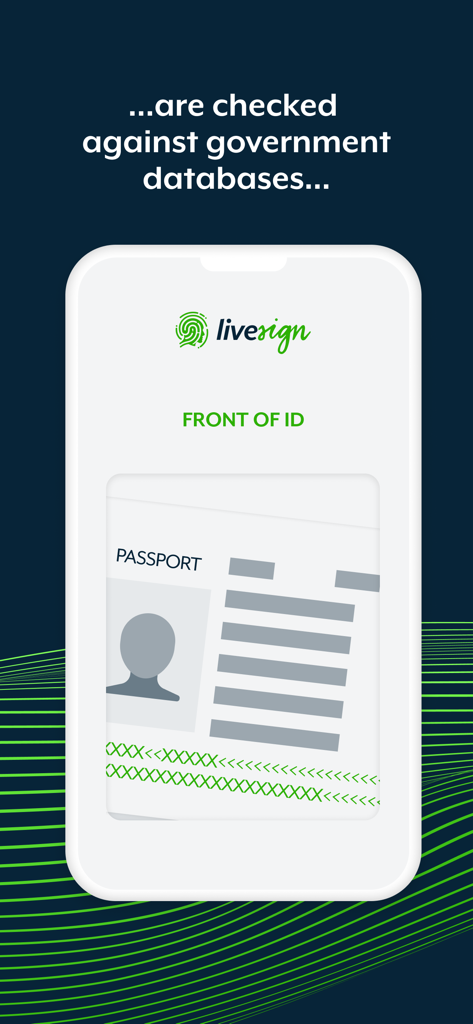
livesign - doc signing & VOI - A smartphone screen showing the livesign app scanning a passport for identity verification against government databases
A smartphone screen showing the livesign app scanning a passport for identity verification against government databases

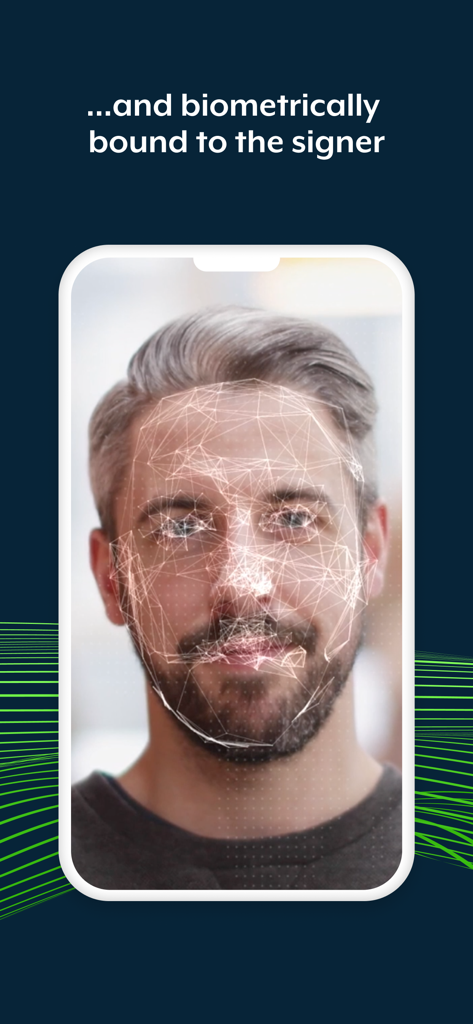
livesign - doc signing & VOI - A smartphone displaying a biometric face scan of a man for secure identity verification within the livesign app.
A smartphone displaying a biometric face scan of a man for secure identity verification within the livesign app.

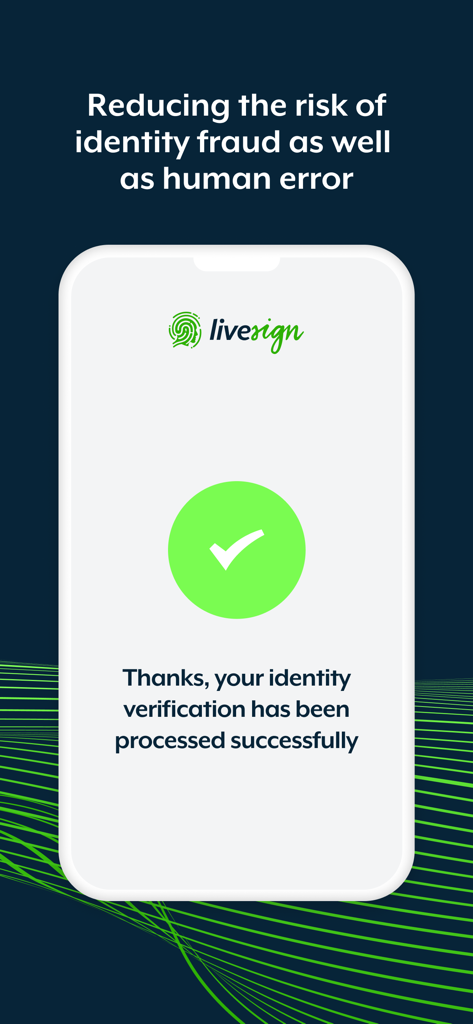
livesign - doc signing & VOI - Livesign app screen showing a successful identity verification message with a green checkmark
Livesign app screen showing a successful identity verification message with a green checkmark

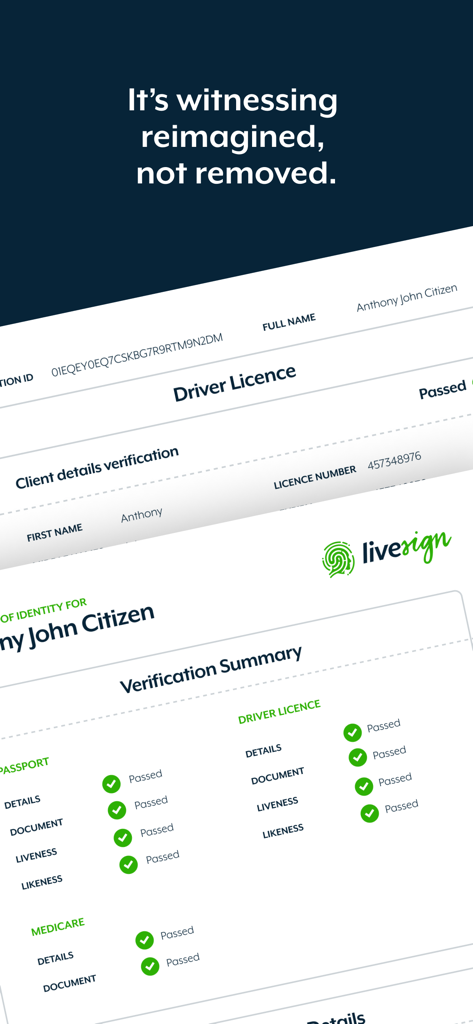
livesign - doc signing & VOI - A digital identity verification summary report in the livesign app showing passed verification status for documents and biometrics.

A digital identity verification summary report in the livesign app showing passed verification status for documents and biometrics.

Description

Welcome to the livesign app: the most advanced, straightforward and convenient digital identity verification and document signing solution. livesign works in combination with document signing platforms that utilise the livesign verification API for VOI, so you can be confident the person behind the keyboard is who they say they are. It's witnessing reimagined, not removed. livesign uses biometric and cryptographic technology that binds the person behind the device at the point of signing, to their ePassport, Driver's License or any other government issued photo ID. How does livesign work? • ePassports have a contactless NFC chip that is digitally encrypted by the issuing country to prevent cloning as well as protected to safeguard against unauthorised access • livesign uses the smartphone camera and Optical Character Recognition (OCR) technology to scan the Machine Readable Zone (MRZ), which are the two lines at the bottom of the passport, for the password information needed to unlock the chip • The complex cryptography that is needed to verify the authenticity of and information on the chip provides a secure, smart and simple way to verify the authenticity of your signer's identity, in seconds • The ePassport chip contains reliable government issued information about the holder, including their full name, birth date and nationality. This is done without any manual input by the user to remove the opportunity for accident or deliberate data-entry error • The chip also contains a high-resolution photo at a much higher quality than the photo printed on the identity document, providing the highest possible source image. This government issued image then biometrically bound to the signer via a passive liveness verification to reduce look-alike fraud • By synchronizing the digital signing and digital identity process, livesign technology provides clarity and certainty that the person signing your digital documents is who they say they are. Benefits of livesign: • Higher compliance and lower risk of fraud • Digital signing with accurate and reliable witnessing • Identity check at the exact moment of signing • Secure, smart and simple way to verify the authenticity • Witnessing and signing in just seconds • An effortless customer experience How to verify your identity with livesign: • You will need to install livesign if you have been asked to verify your identity while signing documents issued by your legal representative. • Enter the phone number of the device you are using via the livesign window that appears at the time of signing a document • Multiple signers can share the same device simply be entering the same phone number • You will be required to take pictures of your government issued ID and confirm certain details • You will be required to take a selfie to confirm your identity • In the interest of security none of your documents or details are stored within the livesign app on your phone • Copies are encrypted on livesign secure web servers and will be shared with your legal representative only

Download

Download on App Store

This page is not an official page of the app or its developer, but an independent editorial publication created for informational and commentary purposes. Unless expressly stated otherwise, neither the app nor its developer is affiliated with, endorsed by, sponsored by, authorized by, or otherwise officially connected with MWM, Apple, Google Play, the app publisher, or the app's developer, and nothing on this page implies that the app was developed using MWM's services. Any trademarks, logos, screenshots, and other content remain the property of their respective owners.