A3d Scanner

A3d Scanner

Download on App Store
Logo of A3d Scanner

A3d Scanner: Instant 3D Space Mapping for Eos Systems

Streamline your pre-visualization workflow by capturing venues with AR. Build accurate 3D models of walls, doors, and floor plans to export directly to Augment3d or .glb files.

Download on App Store

Publisher

Electronic Theatre Controls, Inc.

Category

Utilities

Downloads

2K+

User Rating

1.0/5

Total Ratings

0

Locales

1

Your Space, Digitized

Discover the interface used by 2K+ users.
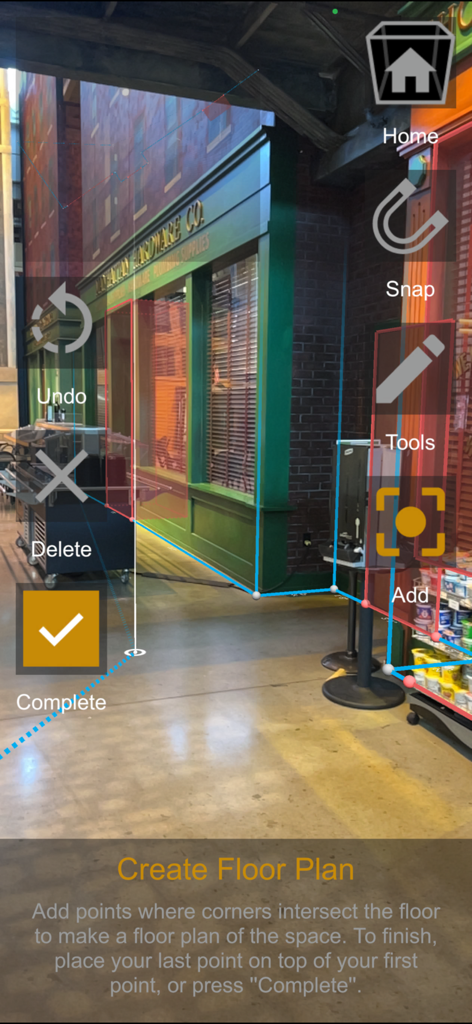
AR interface of A3d Scanner app mapping a floor plan using digital points and lines on a physical room

AR interface of A3d Scanner app mapping a floor plan using digital points and lines on a physical room

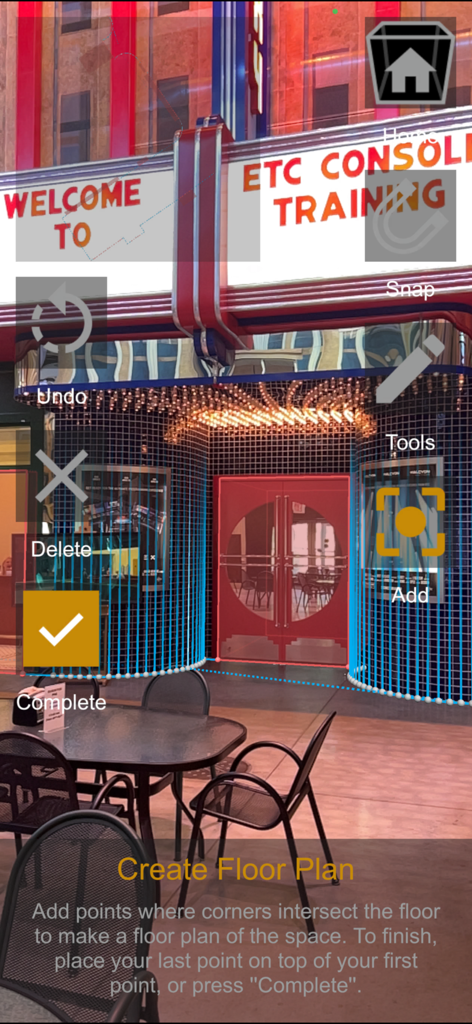
A3d Scanner app interface showing augmented reality tools to map a theater floor plan.

A3d Scanner app interface showing augmented reality tools to map a theater floor plan.

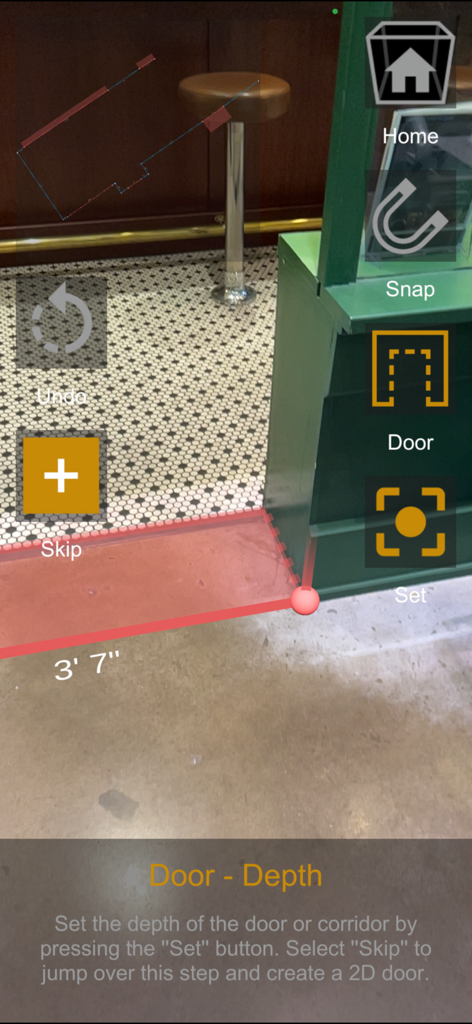
Augmented reality interface of A3d Scanner app mapping door depth and floor dimensions

Augmented reality interface of A3d Scanner app mapping door depth and floor dimensions

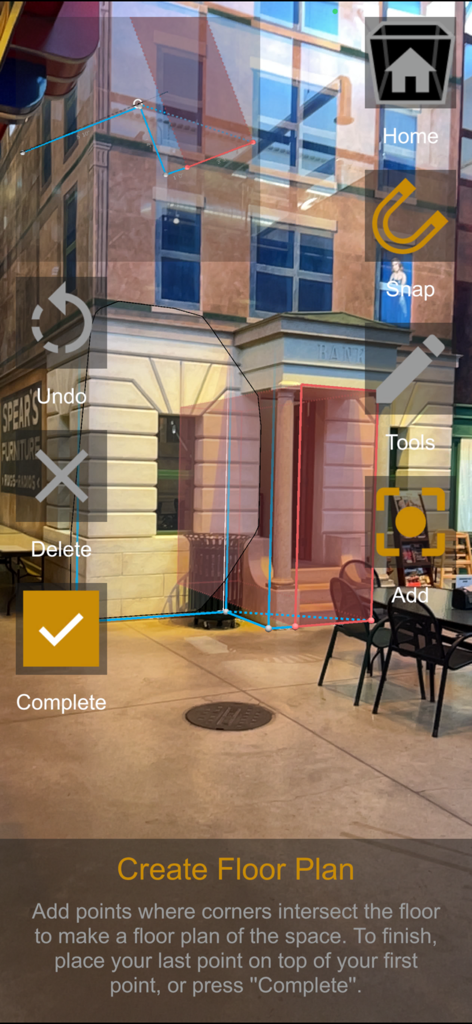
A3d Scanner app interface showing augmented reality floor plan creation by mapping corner points of a stage set

A3d Scanner app interface showing augmented reality floor plan creation by mapping corner points of a stage set

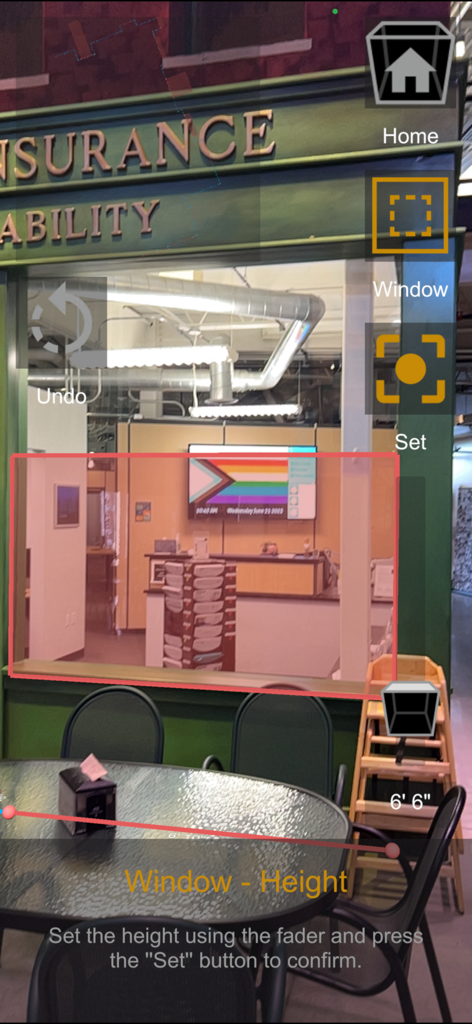
Augmented reality interface of the A3d Scanner app mapping a window height in a physical space

Augmented reality interface of the A3d Scanner app mapping a window height in a physical space

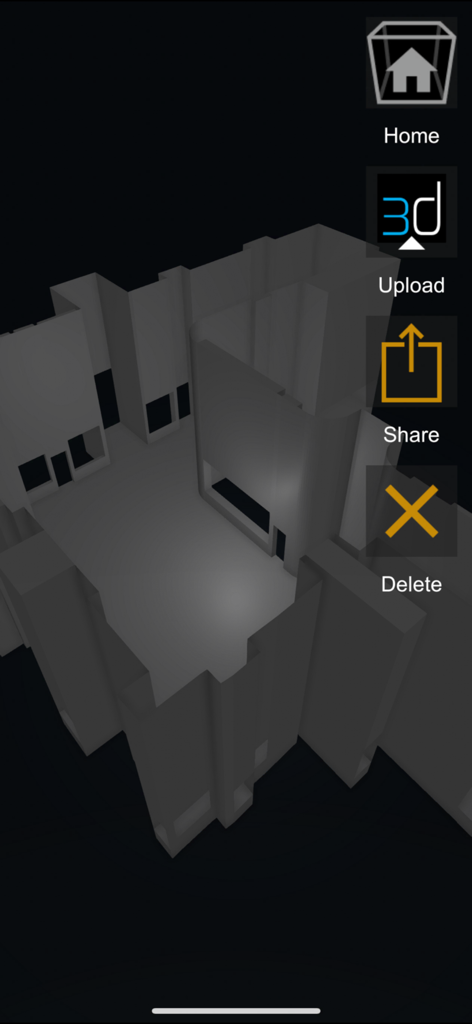
A grayscale 3D model of a scanned venue in the A3d Scanner app with options to upload and share.

A grayscale 3D model of a scanned venue in the A3d Scanner app with options to upload and share.

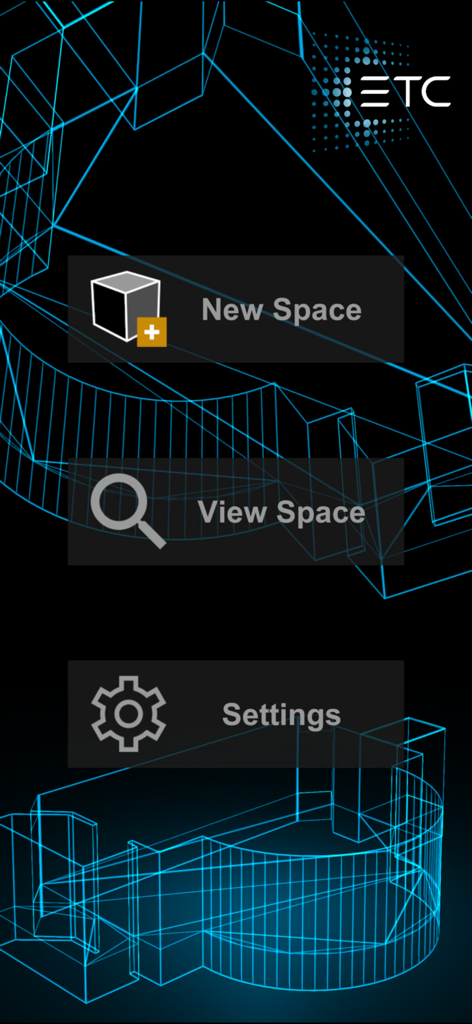
Main menu of the A3d Scanner app showing New Space and View Space options

Main menu of the A3d Scanner app showing New Space and View Space options

From Physical Space to Digital Model in Minutes

The tools that make this app stand out, trusted by 2K+ users.

📐

Instant Architectural Mapping

Quickly define walls, windows, and complex floor plans using your device's AR tools to create a precise digital twin of any venue.

📡

Seamless Eos Console Sync

Skip the USB drives; instantly send your completed 3D models to any Eos Family console over Wi-Fi for immediate programming.

📦

Versatile Professional Exports

Generate and save .glb files of your space to use across different productions or for import into other professional drafting software.

About the app

Everything you need to know about A3d Scanner.

Description

With the Augment3d Scanner app, a comprehensive 3D model of your space is just a few touches away. Built for use with the Eos Family line of lighting control systems, A3d Scanner leverages the augmented reality tools included in your device, saving you time building your 3D space. Once installed, explore the easy-to-use tools to map your space - including walls, doors, windows, a full floor plan, and even proscenium tools. When you complete your plan, the Scanner app builds a model right on your device, allowing you to send it via a wifi connection to any Eos Family console running Augment3d, or save a .glb copy for later import or use in other software. Eos v3.2.0 or higher is required. 

Latest Version

1.2.0

Size

104.1 MB

First Released

Jun 12, 2023

Ready to Streamline Your Load-In?

Stop measuring manually. Download the A3d Scanner today and sync your 3D venue model directly to your Eos console in seconds.

Download on App Store

App information, icons, screenshots, and descriptions displayed on this page are sourced from the Apple App Store and are the property of their respective developers. Download estimates and rankings are based on MWM's proprietary models and may not reflect actual figures. This page is provided for informational and analytical purposes only.

Believe this page infringes your intellectual property? File a dispute