
This page is not an official page of the app or its developer, but an independent editorial publication created for informational and commentary purposes. Unless expressly stated otherwise, neither the app nor its developer is affiliated with, endorsed by, sponsored by, authorized by, or otherwise officially connected with MWM, Apple, Google Play, the app publisher, or the app's developer, and nothing on this page implies that the app was developed using MWM's services. Any trademarks, logos, screenshots, and other content remain the property of their respective owners.

ABB-free@home® Next
Take complete command of your home’s ecosystem with a single, intuitive dashboard. From professional-grade automation to secure remote access, experience seamless control designed for the modern, high-end lifestyle.
Downloads
6K+User Rating
Total Ratings
1K+Publisher
Category
ProductivityLocales
17Latest Version
3.5.3Size
225.7 MBFirst Released
May 20, 2020Your Home, Perfectly Synchronized
Experience the pinnacle of smart living with a centralized dashboard that manages lighting, climate, and security with professional-grade precision.
Instant Home Visibility
Monitor your entire residence at a glance with status tiles that show exactly which lights are on, which shutters are open, and if windows are secure.
Mobile Entry Control
The integrated Welcome door intercom lets you see, talk to, and grant access to visitors directly from your mobile device, no matter where you are.
The following screenshots and description are sourced directly from the app's official store listing and are the property of the app developer.
App Store
Screenshots
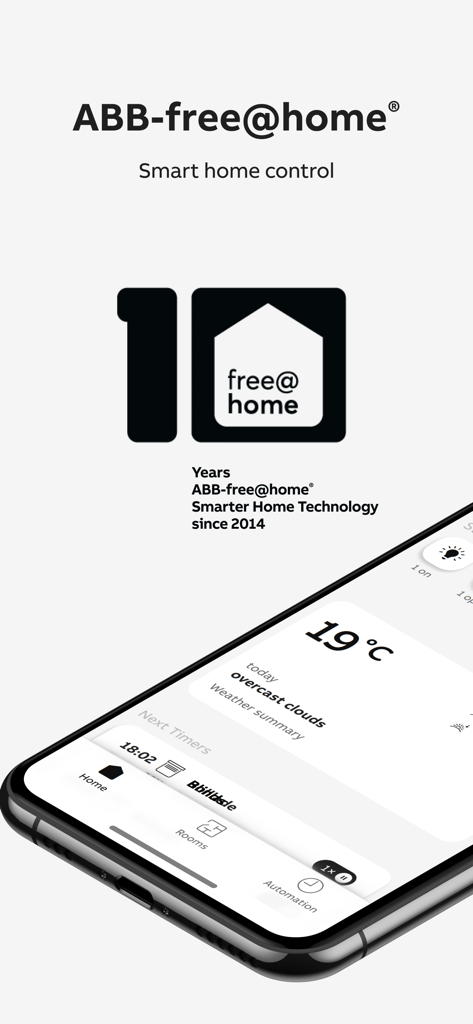
Smartphone showing ABB-free-home Next smart home control app dashboard
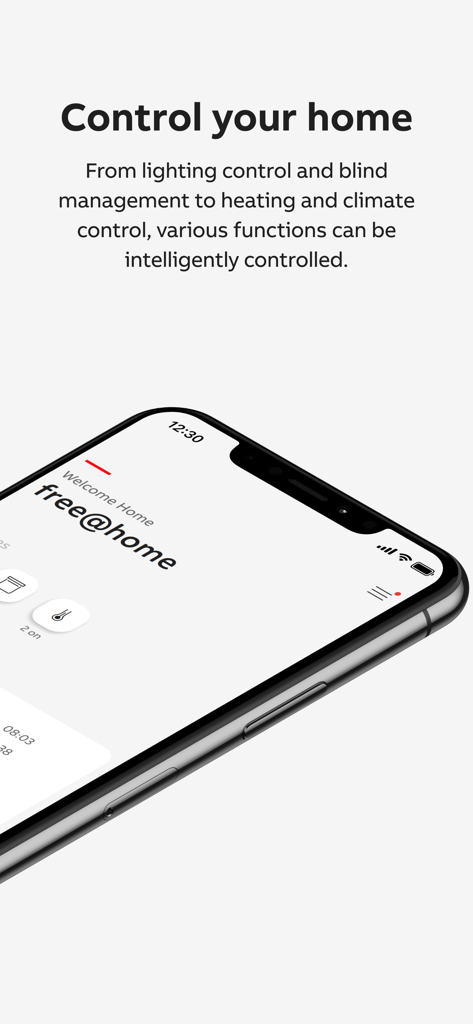
A smartphone displaying the ABB-freeathome Next app dashboard for centralized control of lighting blinds and climate
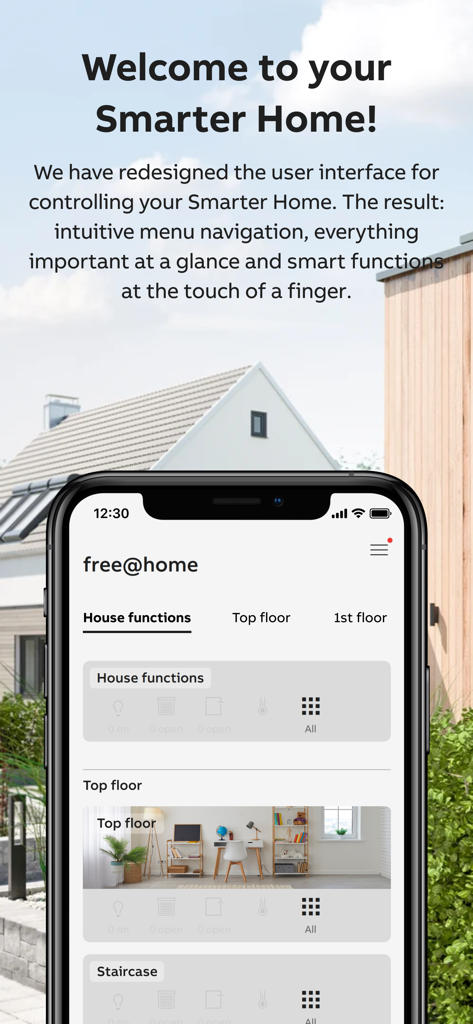
ABB-free@home Next app dashboard on an iPhone showing integrated smart home controls for house functions and rooms
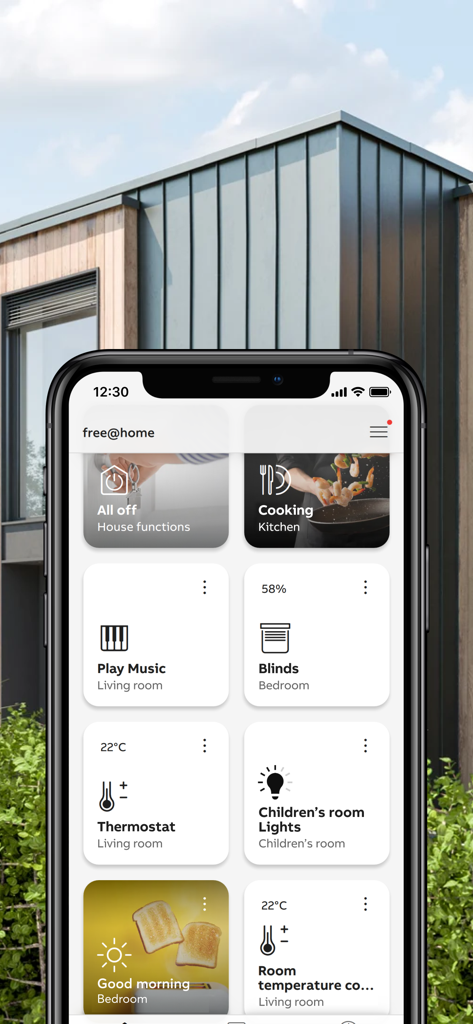
ABB-free-at-home Next app dashboard showing smart home controls for lights and climate on an iPhone
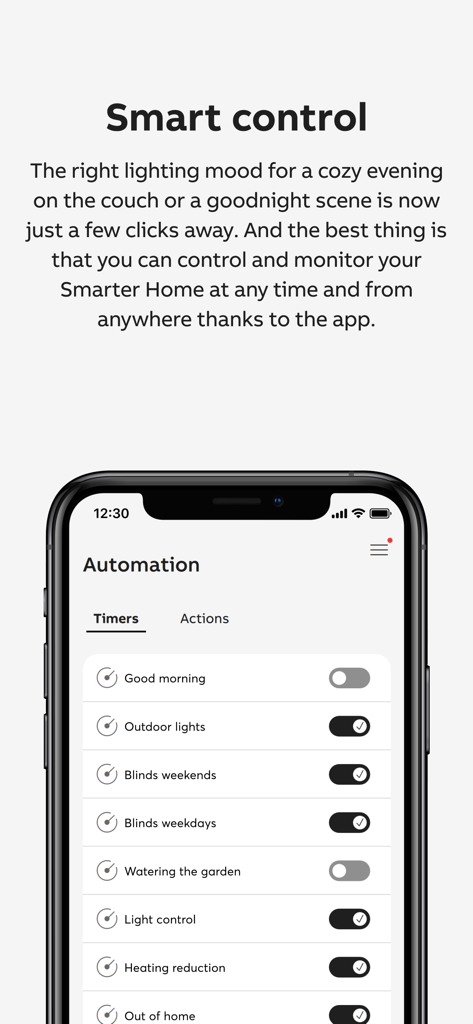
Smart home automation timer settings for lighting and blinds in the ABB free home Next app
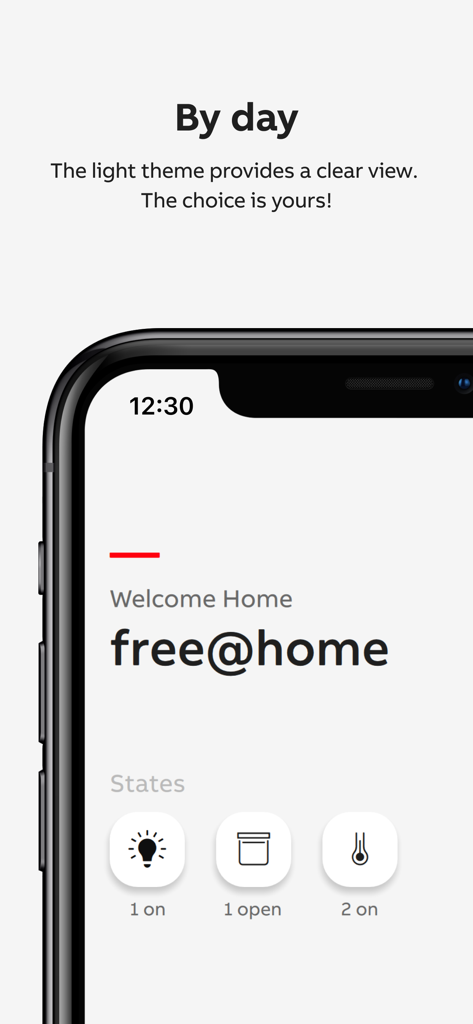
ABB-free@home Next app light theme dashboard showing home automation status icons
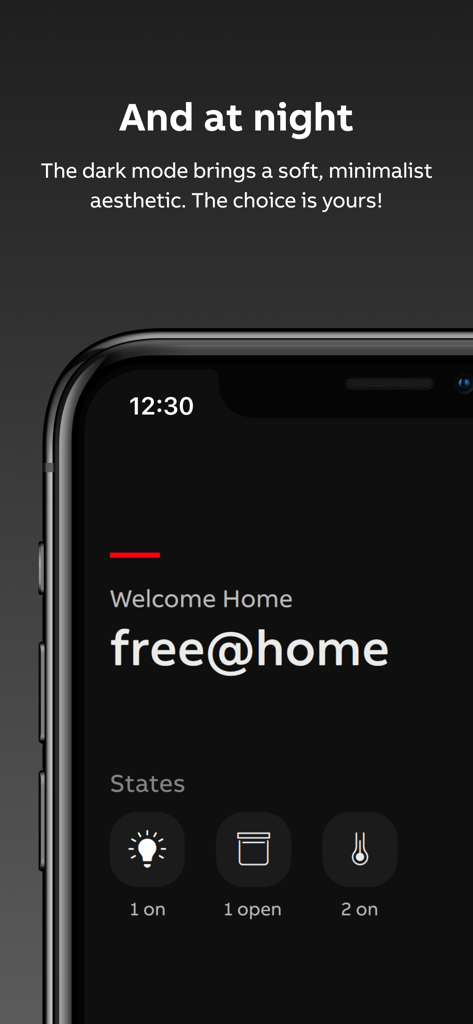
ABB-free home Next app dashboard in dark mode displaying smart home status icons for lights and shutters
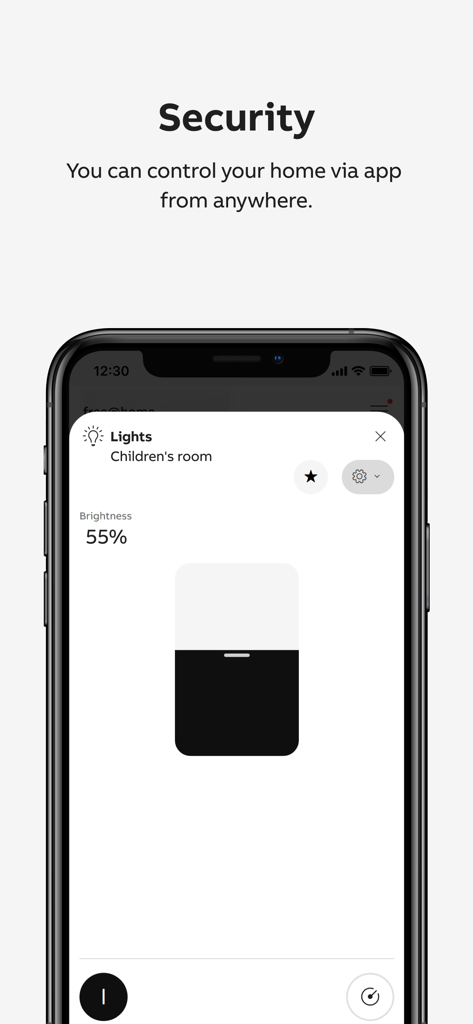
ABB-free home Next app showing remote security and dimmable lighting control for a children's room
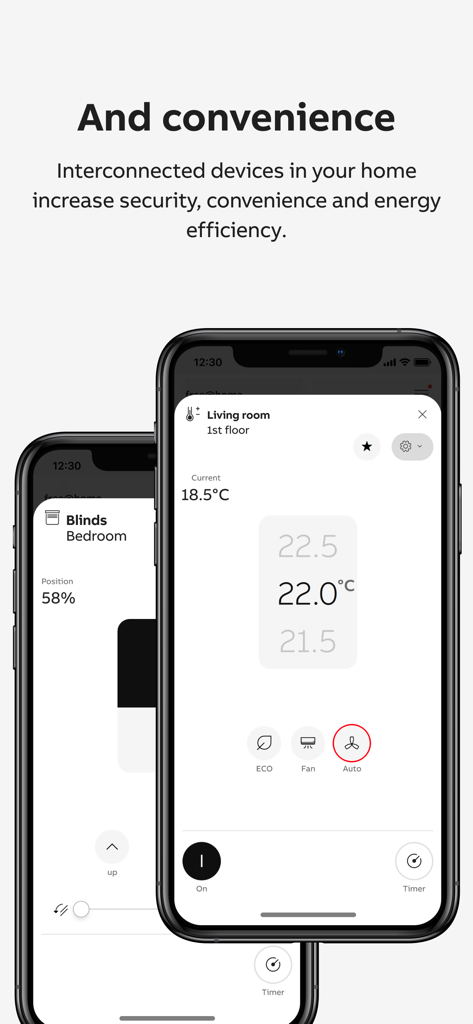
ABB-free home Next app interface showing living room temperature and bedroom blinds control on a smartphone
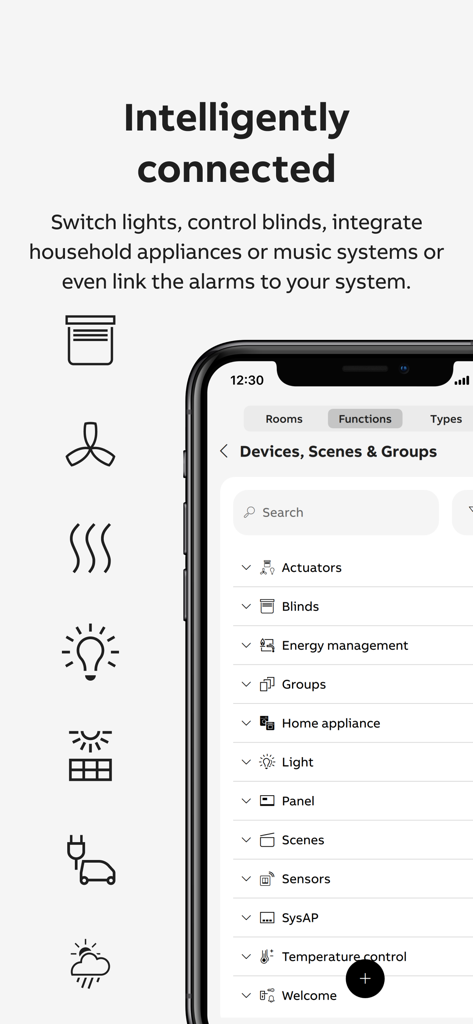
ABB free home Next app interface showing a list of connected smart home devices and categories
Description
Download
More Like This
Top-ranked apps in the same category

ChatGPT
OpenAI OpCo, LLC

Google Gemini
Google LLC

Grok
X.AI Corporation

Gmail - Email by Google
Google LLC

千问 - 阿里最强大模型官方AI助手
Shanghai Zhixin Puhui Technology Co., Ltd.

Google Drive
Google LLC

Microsoft Authenticator
Microsoft Corporation

Google Sheets
Google LLC

Google Docs
Google LLC
This page is not an official page of the app or its developer, but an independent editorial publication created for informational and commentary purposes. Unless expressly stated otherwise, neither the app nor its developer is affiliated with, endorsed by, sponsored by, authorized by, or otherwise officially connected with MWM, Apple, Google Play, the app publisher, or the app's developer, and nothing on this page implies that the app was developed using MWM's services. Any trademarks, logos, screenshots, and other content remain the property of their respective owners.