
This page is not an official page of the app or its developer, but an independent editorial publication created for informational and commentary purposes. Unless expressly stated otherwise, neither the app nor its developer is affiliated with, endorsed by, sponsored by, authorized by, or otherwise officially connected with MWM, Apple, Google Play, the app publisher, or the app's developer, and nothing on this page implies that the app was developed using MWM's services. Any trademarks, logos, screenshots, and other content remain the property of their respective owners.


Abode - Home Design & Remodel
Create professional floor plans, experiment with furniture layouts, and explore your future home through immersive VR modes. Design with confidence and avoid costly mistakes before you build.
Downloads
845K+User Rating
Total Ratings
2K+Publisher
Category
ShoppingLocales
1Latest Version
6.8Size
213.1 MBFirst Released
May 3, 2015Transform Your Vision Into Reality
Whether you are planning a full remodel or just refreshing a room, Abode provides the professional-grade tools you need to design, visualize, and share your dream home projects with ease.
Immersive 3D Walkthroughs
Experience your home in first-person or VR mode. Walk through your design to ensure every detail is perfect before renovation begins.
Smart Space Planning
Use drag-and-drop functionality to arrange furniture and decor. Solve space puzzles and avoid costly mistakes by seeing exactly how items fit.
Frequently Asked Questions
Everything you need to know about Abode - Home Design & Remodel
What is the Abode - Home Design & Remodel app used for?
Abode - Home Design & Remodel is a home design app that enables users to create, visualize, and customize floor plans in both 2D and 3D views. It helps plan dream home construction effectively.
Does Abode - Home Design & Remodel offer 2D and 3D visualization?
Yes, the Abode - Home Design & Remodel app allows users to view their home designs in both 2D and 3D. This provides a comprehensive understanding of the layout and aesthetics.
How can I customize floor plans in the Easy Home Planner app?
The Easy Home Planner app offers customizable floor plans with drag-and-drop functionality. Users can add rooms, doors, windows, and choose from a vast selection of design elements to tailor their space.
Can I share my home designs created with Abode - Home Design & Remodel?
Yes, Abode - Home Design & Remodel allows users to save and share their created designs. Options include sharing via email or social media, as well as printing and downloading the designs.
What different viewing modes does the Abode - Home Design & Remodel app provide?
Abode - Home Design & Remodel offers multiple viewing modes for exploring home designs. These include flyover, presentation, first-person, and virtual reality (VR) modes for diverse perspectives.
Is the Abode - Home Design & Remodel app suitable for professional designers?
Yes, Abode - Home Design & Remodel is suitable for professional designers. It provides tools needed to create perfect living spaces for various users, including homeowners and design enthusiasts.
How do I manage saved projects in the Easy Home Planner app?
The Easy Home Planner app allows users to manage their home plans effortlessly. You can distribute, duplicate, rename, and delete your created designs directly within the application.
Where can I find the privacy policy for Abode - Home Design & Remodel?
The privacy policy for Abode - Home Design & Remodel is located at http://bit.ly/3Lc43Ys. This document outlines how the app handles user data and privacy concerns.
The following screenshots and description are sourced directly from the app's official store listing and are the property of the app developer.
App Store
Screenshots
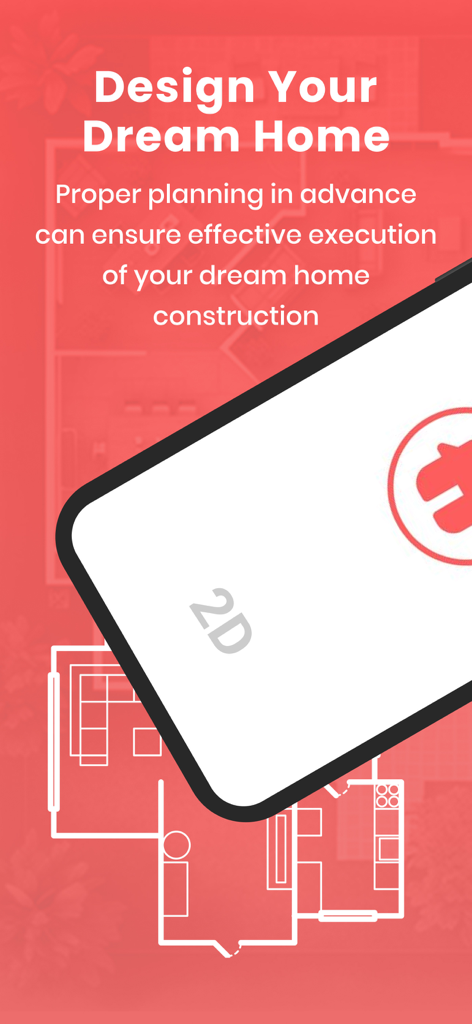
Promotional screen for the Abode app featuring 2D floor planning for dream home construction
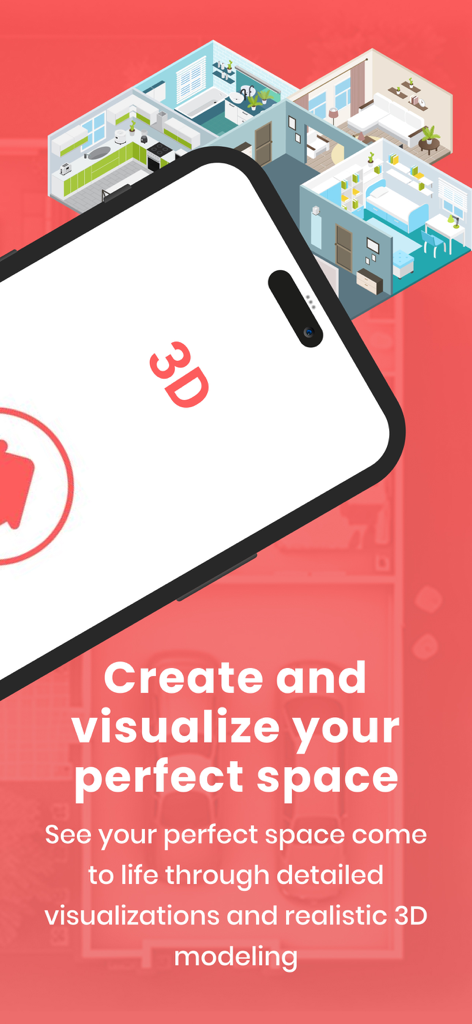
Smartphone displaying a 3D floor plan visualization for home design and remodeling
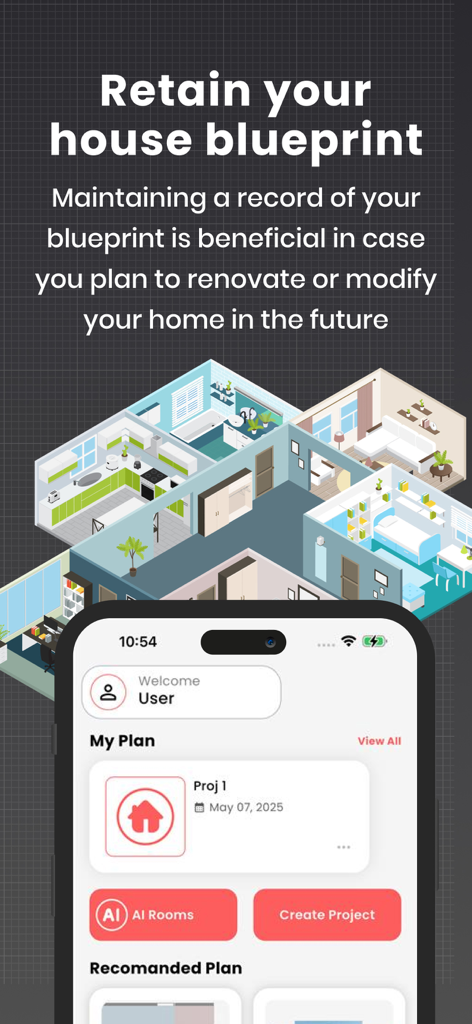
Abode app interface showing a 3D house blueprint and project management dashboard.
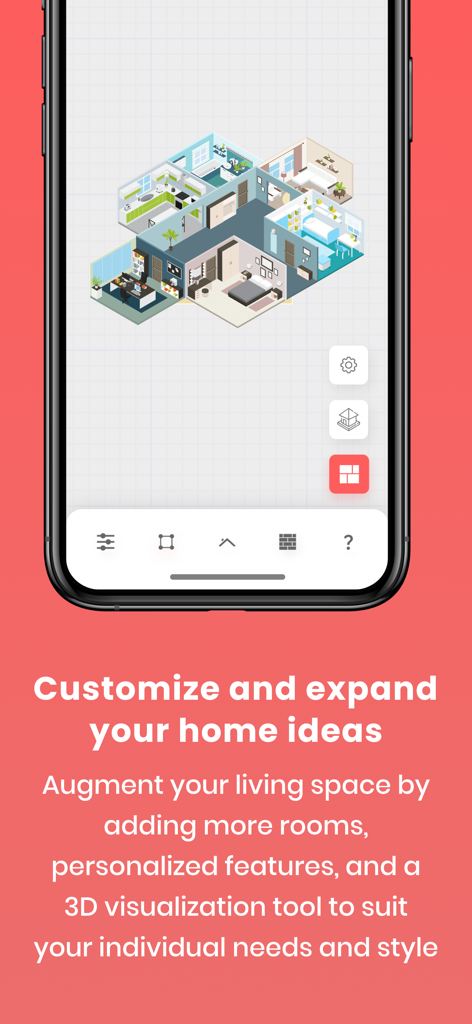
Smartphone screen displaying a 3D home floor plan for remodeling and design.
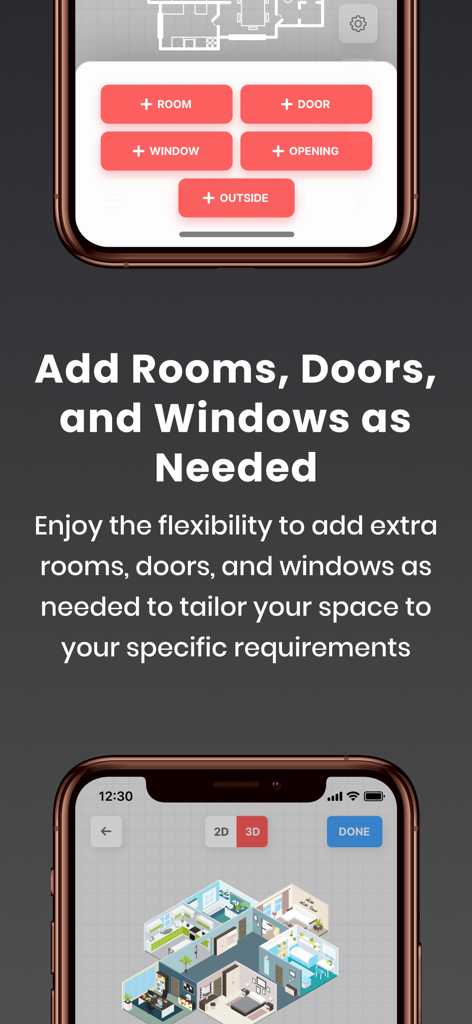
Interface of the Abode app showing options to add rooms doors and windows with a 3D floor plan preview
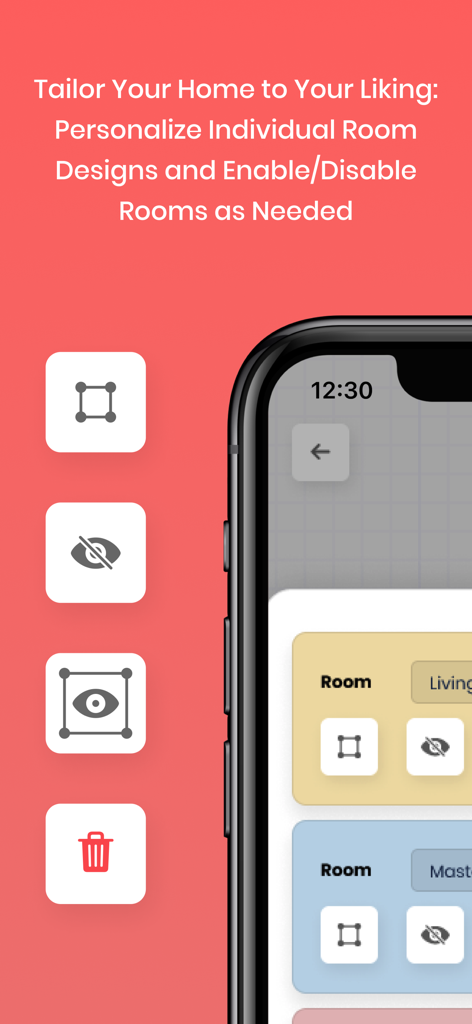
A smartphone interface from the Abode app showing how to personalize and manage individual room designs with tools to edit hide or delete rooms
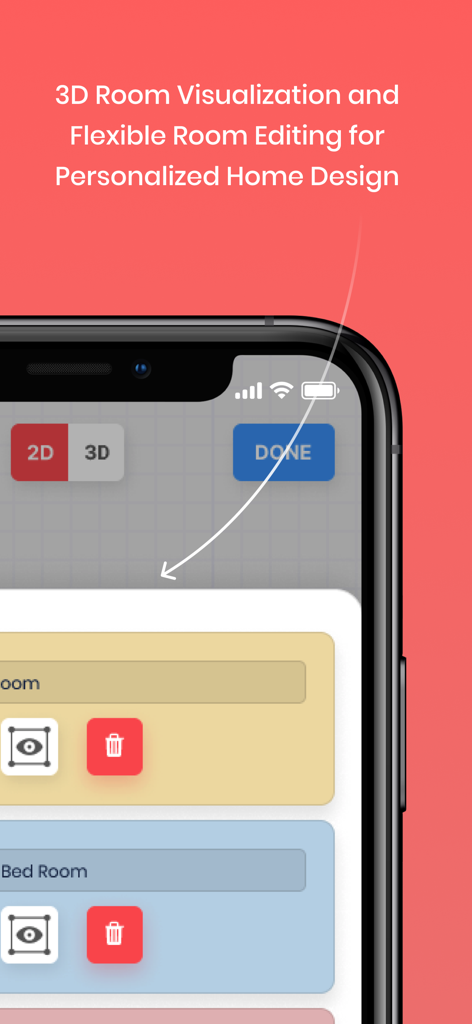
Smartphone screen displaying Abode app features for 3D room visualization and floor plan editing
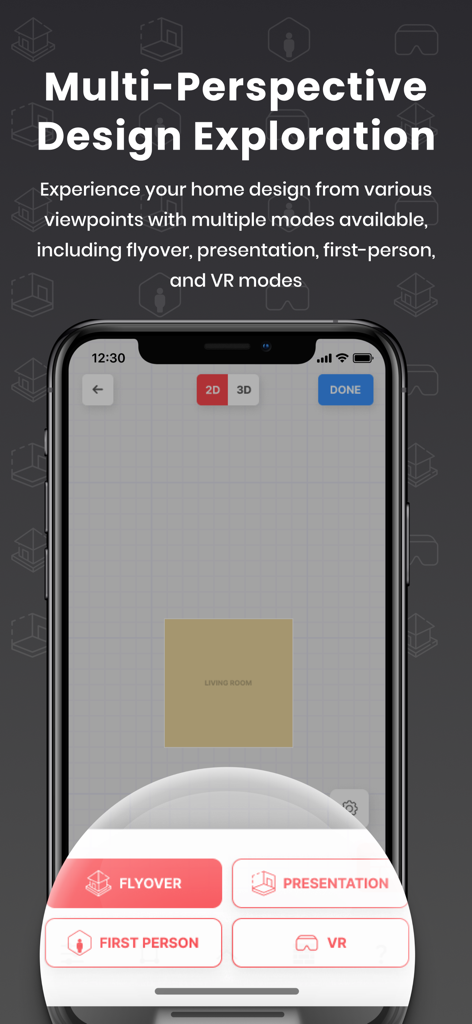
Abode app interface showing multi-perspective home design exploration modes including VR and flyover.
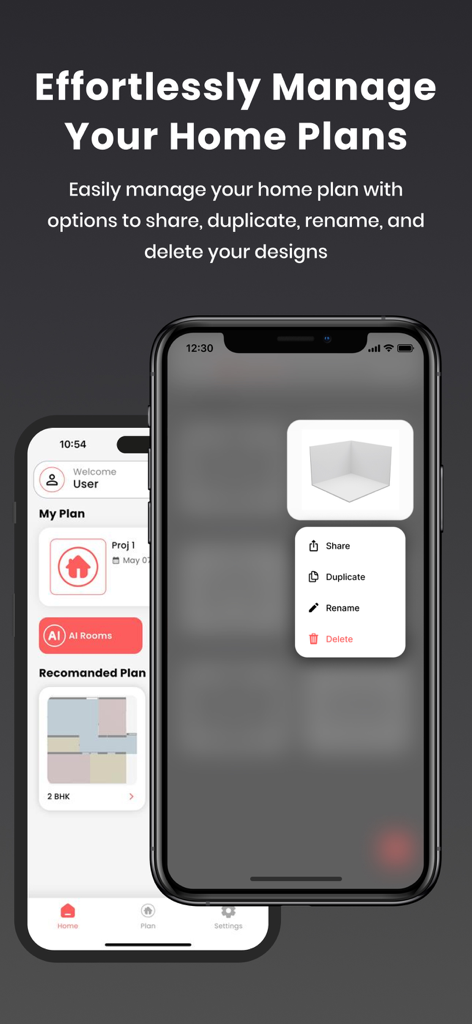
iPhone screens showing home plan management features including share duplicate and rename options in the Abode app
Description
Download
More Like This
Apps with similar features and user experience

Floor Plan & AI Home - CamPlan
CamPlan AI Ltd

SketchUp - 3D Modeling
Trimble Inc.

ArcSite: Floor Plans and CAD
Arctuition LLC

Morpholio Trace - Sketch CAD
Morpholio LLC

Keyplan 3D Lite - Home design
Quasarts LLC

Smart Home Design 3D
Sebastian Kemper

Keyplan 3D - Home design
Quasarts LLC

Home Design 3D: Draw & Plan
Anuman

Homestyler-3D Home Decor
Homestyler (Shanghai) Technology Co., Ltd.
This page is not an official page of the app or its developer, but an independent editorial publication created for informational and commentary purposes. Unless expressly stated otherwise, neither the app nor its developer is affiliated with, endorsed by, sponsored by, authorized by, or otherwise officially connected with MWM, Apple, Google Play, the app publisher, or the app's developer, and nothing on this page implies that the app was developed using MWM's services. Any trademarks, logos, screenshots, and other content remain the property of their respective owners.