
This page is not an official page of the app or its developer, but an independent editorial publication created for informational and commentary purposes. Unless expressly stated otherwise, neither the app nor its developer is affiliated with, endorsed by, sponsored by, authorized by, or otherwise officially connected with MWM, Apple, Google Play, the app publisher, or the app's developer, and nothing on this page implies that the app was developed using MWM's services. Any trademarks, logos, screenshots, and other content remain the property of their respective owners.

AcuSketch
Bring the unique charm of handmade stitches to your quilting projects. Design effortlessly on your iPad and send your creations directly to your Janome sewing machine via Wi-Fi.
Downloads
7K+User Rating
Total Ratings
0Publisher
Category
LifestyleLocales
2Latest Version
2.31Size
27.4 MBFirst Released
Aug 6, 2017From Sketch to Stitch in Seconds
Transform your hand-drawn ideas into beautiful embroidery designs without any complex computer software. Created specifically for Janome artisans who value creativity and simplicity.
Intuitive Freehand Drawing
Simply trace or sketch on your iPad with a finger or stylus. Your drawings are automatically converted into stitches, giving you the freedom to create without the technical headache.
Instant Wireless Transfer
Skip the USB sticks and cables. Send your finished designs directly to your Wi-Fi-enabled Janome sewing machine with a single tap and start stitching immediately.
The following screenshots and description are sourced directly from the app's official store listing and are the property of the app developer.
App Store
Screenshots
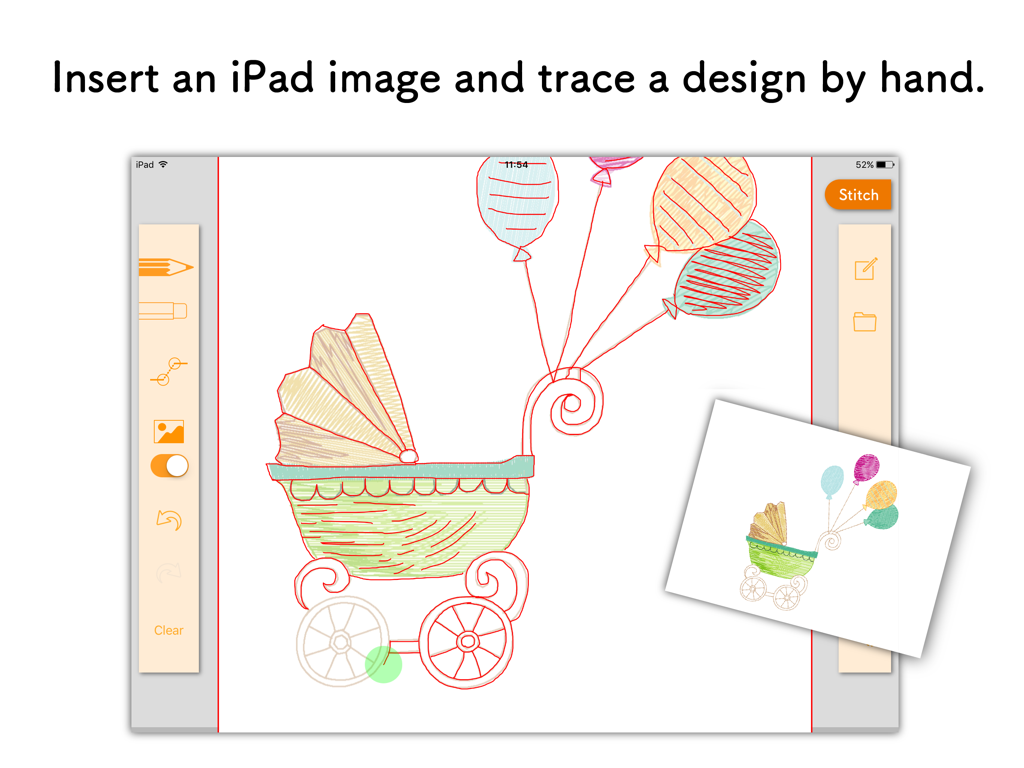
Tracing a hand-drawn baby stroller in the Janome AcuSketch app on iPad
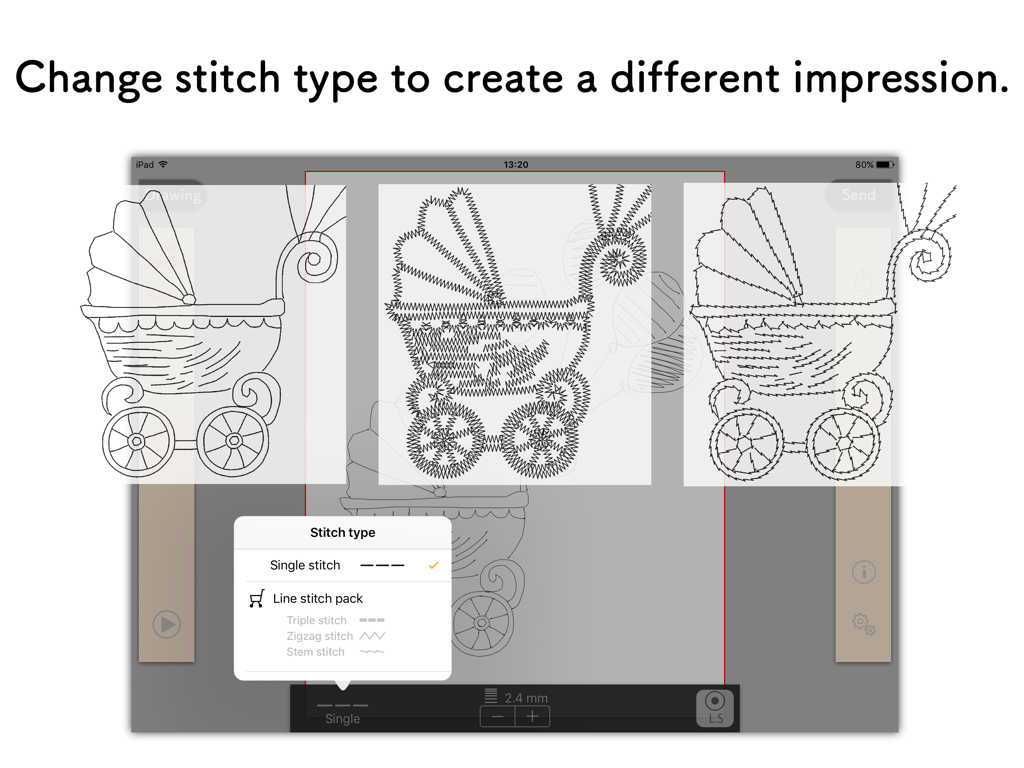
AcuSketch interface displaying different embroidery stitch options for a drawing
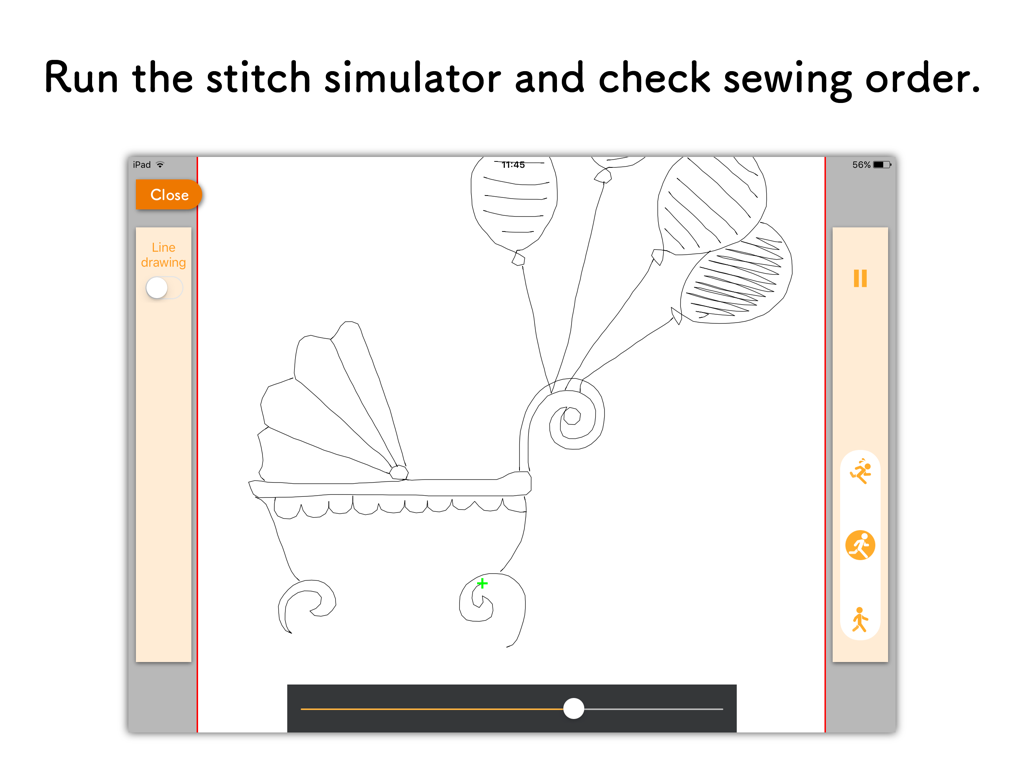
AcuSketch stitch simulator interface showing a sketched baby carriage with balloons
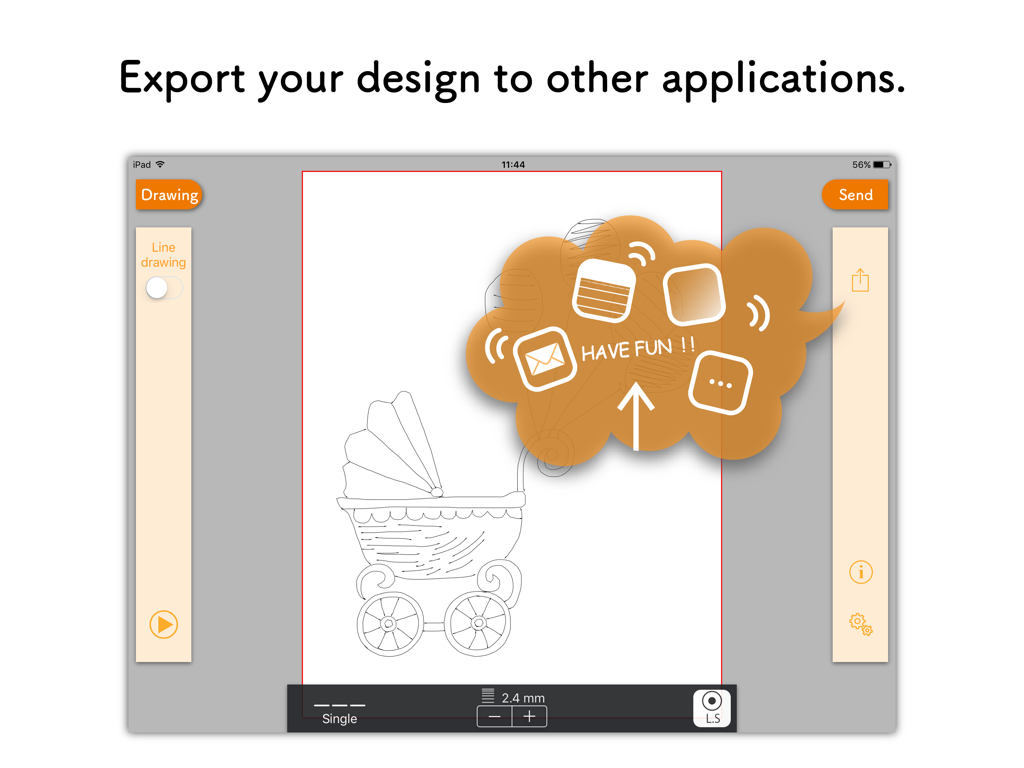
AcuSketch app interface on iPad displaying the export feature for a hand-drawn baby carriage embroidery design.
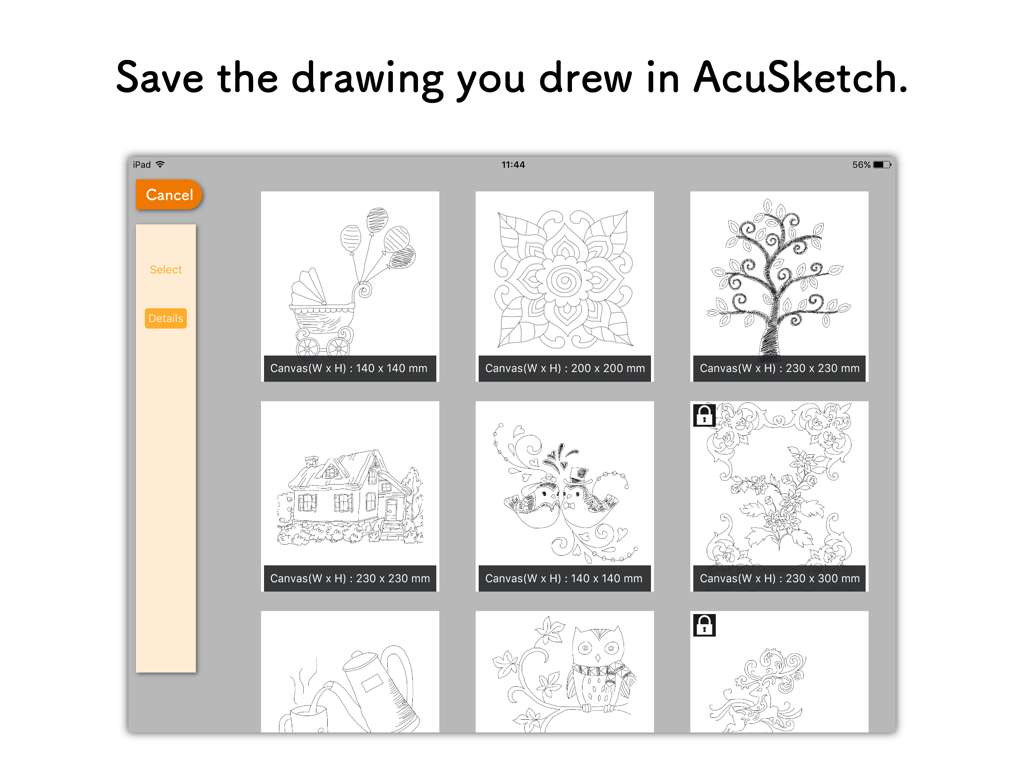
A gallery of saved hand-drawn embroidery sketches in the AcuSketch iPad app
Description
Download
More Like This
Top-ranked apps in the same category

Pinterest, Inc.

Alipay - Simplify Your Life
Alipay (Hangzhou) Technology Co., Ltd.

Dianping: Discover Good Places
Hanhai Information Technology (Shanghai) Co.Ltd

美团-美好生活小帮手
Sankuai Technology Co., Ltd.

Lemon8 - Lifestyle Community
TIKTOK PTE. LTD.

Xiaomi Home
Beijing Xiaomi Co., Ltd

Tinder Dating App: Date & Chat
Tinder LLC

SmartThings
Samsung Electronics Co., Ltd.

VNeTraffic
GLOBAL TECHNOLOGY - TELECOMMUNICATIONS CORPORATION
This page is not an official page of the app or its developer, but an independent editorial publication created for informational and commentary purposes. Unless expressly stated otherwise, neither the app nor its developer is affiliated with, endorsed by, sponsored by, authorized by, or otherwise officially connected with MWM, Apple, Google Play, the app publisher, or the app's developer, and nothing on this page implies that the app was developed using MWM's services. Any trademarks, logos, screenshots, and other content remain the property of their respective owners.