
This page is not an official page of the app or its developer, but an independent editorial publication created for informational and commentary purposes. Unless expressly stated otherwise, neither the app nor its developer is affiliated with, endorsed by, sponsored by, authorized by, or otherwise officially connected with MWM, Apple, Google Play, the app publisher, or the app's developer, and nothing on this page implies that the app was developed using MWM's services. Any trademarks, logos, screenshots, and other content remain the property of their respective owners.

AI Captions for Videos: VidCap
Boost engagement with ultra-accurate subtitles, AI eye contact, and a built-in teleprompter. The all-in-one mobile studio for creators looking to dominate TikTok, Reels, and YouTube Shorts.
Downloads
203K+User Rating
Total Ratings
2K+Publisher
Category
Photo & VideoLocales
8Latest Version
1.0.231Size
67.7 MBFirst Released
May 12, 2022Professional Tools for Viral Growth
Turn your raw footage into high-retention content with AI-driven tools optimized for the American social media landscape.
Ultra-Accurate AI Captions
Capture attention in silent feeds with lightning-fast, automatic subtitles that beat any manual editor.
Perfect Camera Presence
Use AI Eye Contact and the Teleprompter to deliver flawless, confident performances without the camera anxiety.
Frequently Asked Questions
Everything you need to know about AI Captions for Videos: VidCap
What is AI Captions for Videos: VidCap?
AI Captions for Videos: VidCap is an app that adds accurate automatic subtitles to videos in seconds. It supports over 100 languages and offers features like custom styles, teleprompter, and brand logo integration.
What features does VidCap offer?
VidCap offers ultra-accurate automatic subtitles, unlimited video duration, custom text styles, AI Eye Contact, Video Teleprompter, background noise removal, brand logo integration, translation, and 4K video saving.
Does AI Captions for Videos support multiple languages?
Yes, AI Captions for Videos: VidCap supports over 100 languages for ultra-accurate automatic subtitles and translation capabilities.
Can I customize captions in VidCap?
Yes, VidCap allows users to customize text font, style, and animations for subtitles. It also supports the use of custom fonts.
Does VidCap include a teleprompter?
Yes, AI Captions for Videos: VidCap includes a Video Teleprompter feature. This enables users to record videos while text scrolls on screen.
Can I remove background noise with AI Captions for Videos?
Yes, AI Captions for Videos: VidCap provides a background noise removal feature to enhance the audio quality of videos.
Can I add my own logo to videos in VidCap?
Yes, users can add their own brand's logo or watermark to videos directly within AI Captions for Videos: VidCap.
What social media platforms does VidCap support for preview?
VidCap allows users to preview their video designs specifically on Instagram and TikTok before exporting them.
Does AI Captions for Videos export video in 4K?
Yes, AI Captions for Videos: VidCap allows users to save and export videos in 4K resolution directly to their device.
Can VidCap export transcription files?
Yes, VidCap can export transcription files in multiple formats, including Text, SRT, and VTT.
The following screenshots and description are sourced directly from the app's official store listing and are the property of the app developer.
App Store
Screenshots
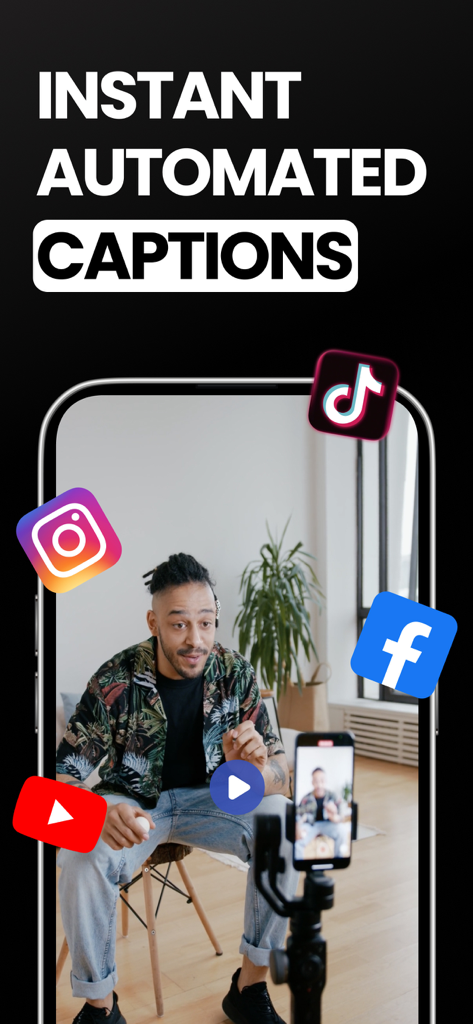
Instant automated captions for social media videos on smartphone
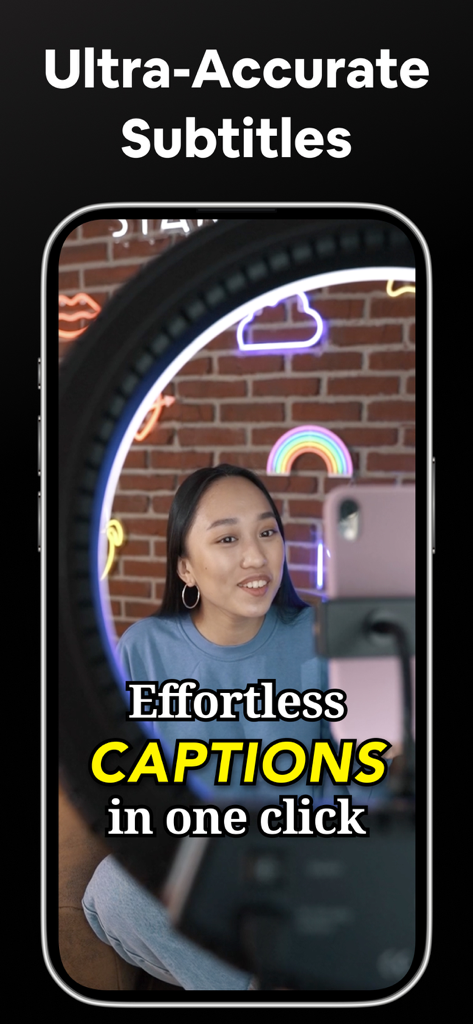
A content creator filming a video with automatic captions using the VidCap app
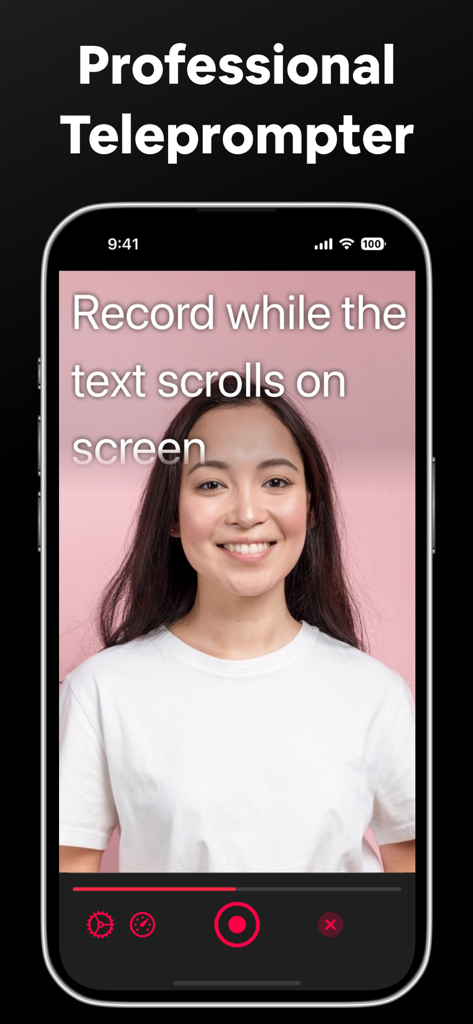
A woman using the professional teleprompter feature in the VidCap app to record video with scrolling text on an iPhone screen
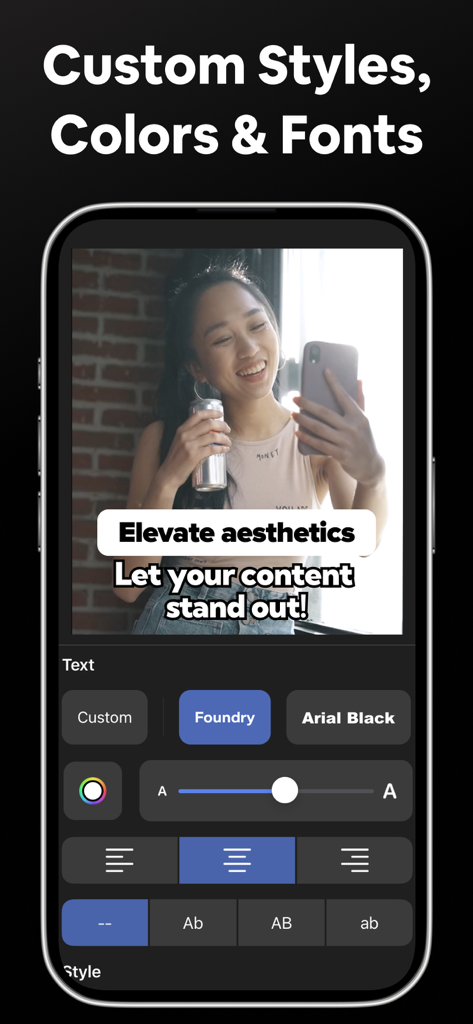
Interface of VidCap app showing custom styles colors and fonts for video captions
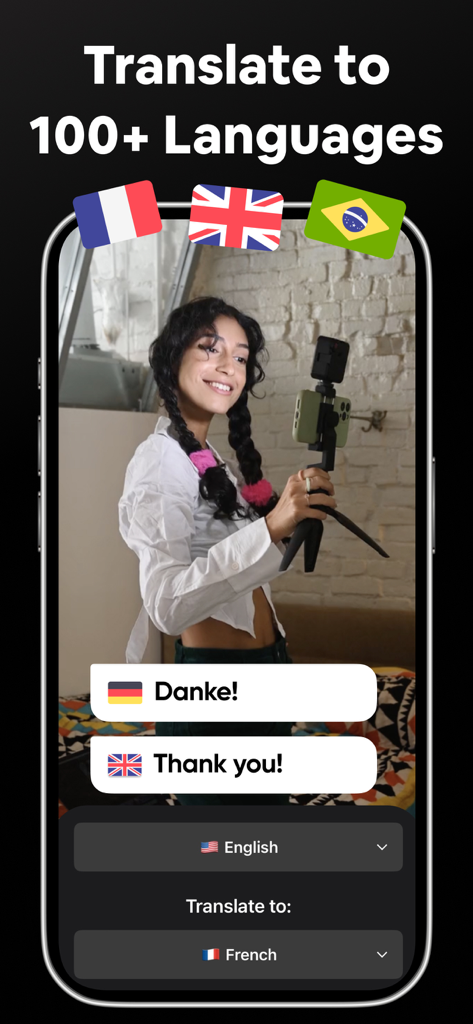
Smartphone screen showing VidCap app feature for translating video captions into over 100 languages with examples in English and German.
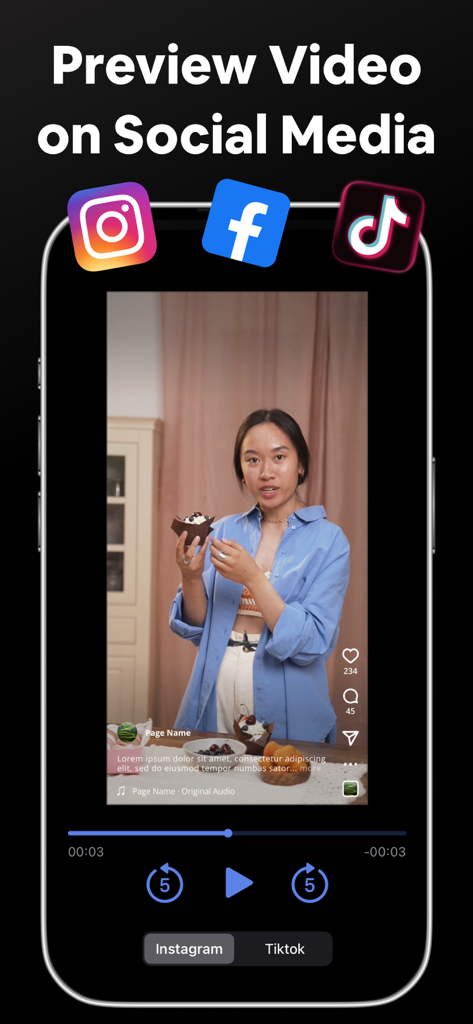
Preview video captions on Instagram and TikTok before exporting
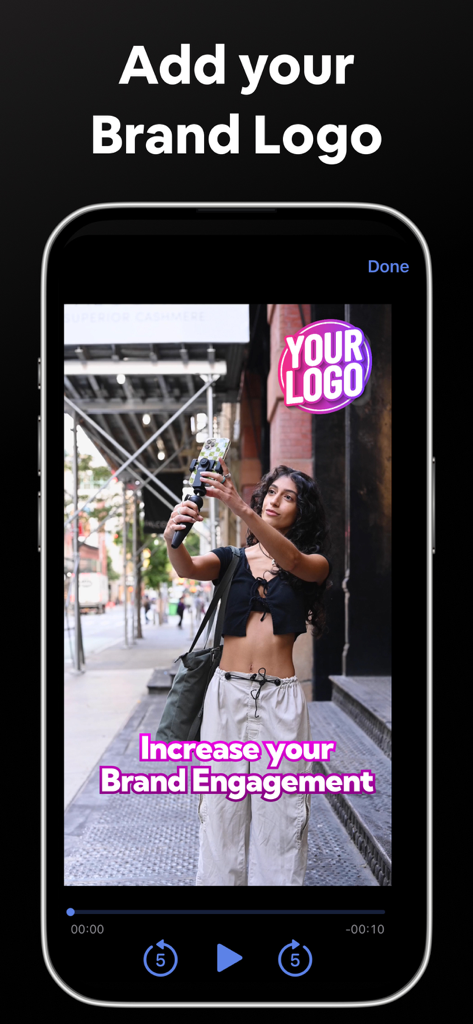
Mobile app interface showing how to add a custom brand logo and pink captions to a video of a creator filming on a city street
Description
Download
More Like This
Apps with similar features and user experience

Vrew
VoyagerX, Inc.

Captions for Videos - SubMe AI
Polina Kravchenko

Capzy: AI Caption
unitedreams inc.

Auto Caption Video Subtitles
Take Agency, LLC

Subcap: Captions AI, Subtitles
RATEL BILISIM HIZMETLERI LTD STI

Captions & Filters – GARMASH
Top G Team FZ-LLC

Capti AI. Captions for videos.
Capti AI FZ-LLC
MixCaptions: Video Captions
Mixcord Inc.
Subtitles: Captions For Video
Mariia Abolnik
This page is not an official page of the app or its developer, but an independent editorial publication created for informational and commentary purposes. Unless expressly stated otherwise, neither the app nor its developer is affiliated with, endorsed by, sponsored by, authorized by, or otherwise officially connected with MWM, Apple, Google Play, the app publisher, or the app's developer, and nothing on this page implies that the app was developed using MWM's services. Any trademarks, logos, screenshots, and other content remain the property of their respective owners.