
This page is not an official page of the app or its developer, but an independent editorial publication created for informational and commentary purposes. Unless expressly stated otherwise, neither the app nor its developer is affiliated with, endorsed by, sponsored by, authorized by, or otherwise officially connected with MWM, Apple, Google Play, the app publisher, or the app's developer, and nothing on this page implies that the app was developed using MWM's services. Any trademarks, logos, screenshots, and other content remain the property of their respective owners.


Auto Caption Video Subtitles
Maximize viewer retention with professional animated captions, automatic silence removal, and a built-in teleprompter. Create high-impact, viral content in seconds—no watermarks and 100% on-device privacy.
Downloads
103K+User Rating
Total Ratings
4K+Publisher
Category
Photo & VideoLocales
1Latest Version
3.0Size
277.1 MBFirst Released
Jan 11, 2023Dominate the Feed with Pro-Level Content
From viral-style captions to AI-powered editing, we give you the tools to turn scrollers into loyal followers without the manual grind.
Viral Caption Styles
Choose from 100+ animated templates designed to boost retention and match your brand's unique aesthetic perfectly.
One-Tap Silence Removal
Instantly cut out dead air and awkward pauses to create the fast-paced, high-energy videos that social algorithms crave.
Frequently Asked Questions
Everything you need to know about Auto Caption Video Subtitles
What is Auto Caption Video Subtitles?
Auto Caption Video Subtitles is an AI-powered app that creates accurate closed captions and subtitles for videos. It helps content creators reach a wider audience on platforms like YouTube Shorts, Instagram Reels, and TikTok.
How many languages does Auto Caption support for subtitles?
Auto Caption Video Subtitles supports 99 different languages and translation for its AI-accurate closed captioning. This feature enables content creators to reach a global audience effectively.
Can Auto Caption remove silence from videos?
Yes, Auto Caption Video Subtitles features automatic silence removal, allowing users to remove dead air from their videos. This enhances video flow and professionalism, saving editing time.
Does Auto Caption include a teleprompter feature?
Yes, Auto Caption Video Subtitles includes a built-in teleprompter for recording. This feature helps users speak with confidence and ensures their message is delivered smoothly during video creation.
What customization options are available for subtitles in Auto Caption?
Auto Caption offers over 100 unique subtitle styles, custom caption colors, and the ability to highlight specific words. Users can also adjust timing and edit transcriptions as needed.
Can I add background music to my videos with Auto Caption?
Yes, Auto Caption Video Subtitles allows users to add background music to their videos. You can choose from its curated library or import your own tracks to enhance your video content.
Is there a free trial for Auto Caption Video Subtitles?
Yes, Auto Caption Video Subtitles offers a free trial period. The trial automatically converts to a paid subscription unless canceled at least 24 hours before its end.
How do I cancel my Auto Caption subscription?
You can disable the automatic renewal of your Auto Caption subscription at any time by adjusting your iTunes account settings. Cancellation must occur at least 24-hours before the current period ends.
Does Auto Caption collect personal information or upload videos to the cloud?
No, Auto Caption Video Subtitles never asks for personal information, and your videos never get sent to the cloud. The app prioritizes user privacy and data security.
Does Auto Caption add watermarks or ads to videos?
No, Auto Caption Video Subtitles does not add any watermarks or ads to your videos. This ensures a clean and professional output for content creators.
What video platforms is Auto Caption optimized for?
Auto Caption Video Subtitles is optimized for content creators on YouTube Shorts, Instagram Reels, and TikTok. It also automatically crops videos to the right size for social media.
The following screenshots and description are sourced directly from the app's official store listing and are the property of the app developer.
App Store
Screenshots
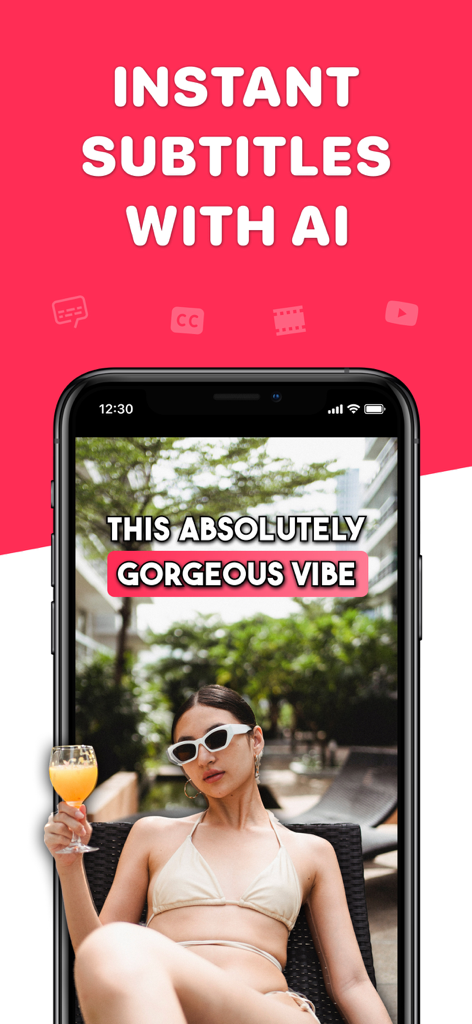
A smartphone showing a video with instant AI generated subtitles and stylized captions for social media
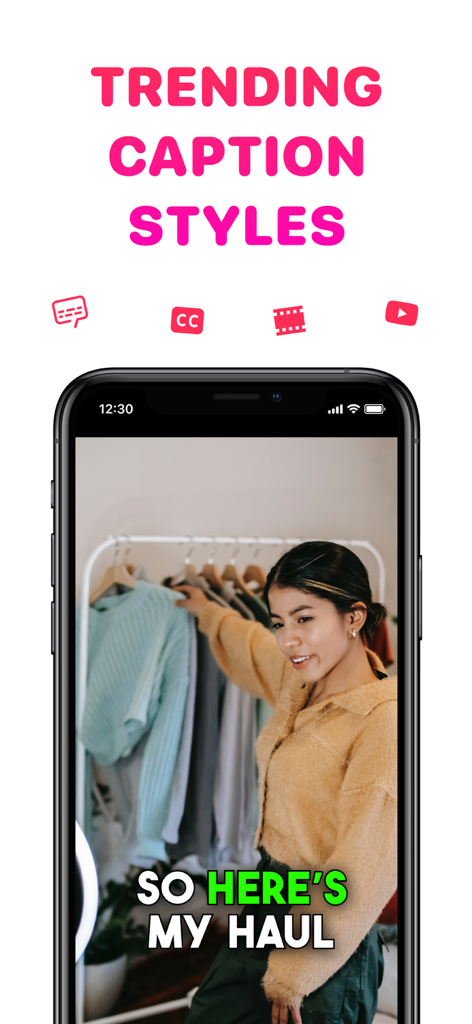
Smartphone showing a video with trending captions for a social media clothing haul.
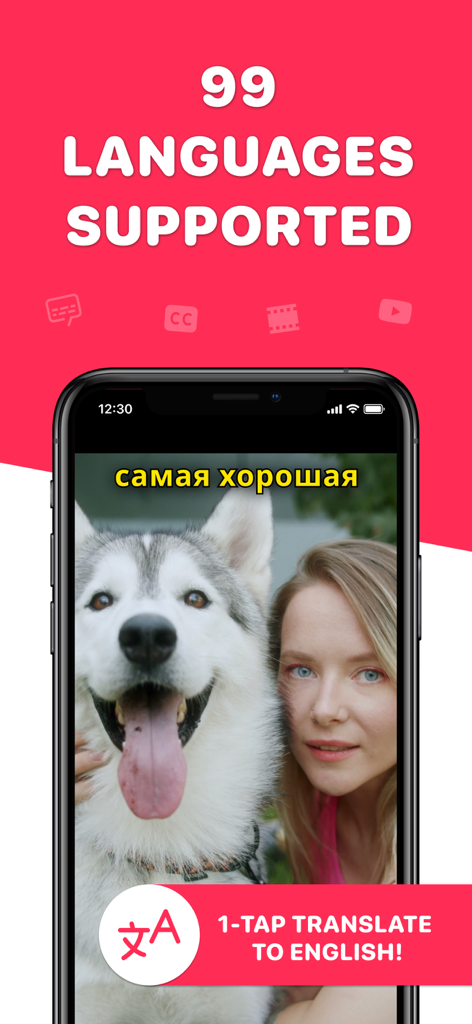
Smartphone screen showing video caption translation feature for 99 languages
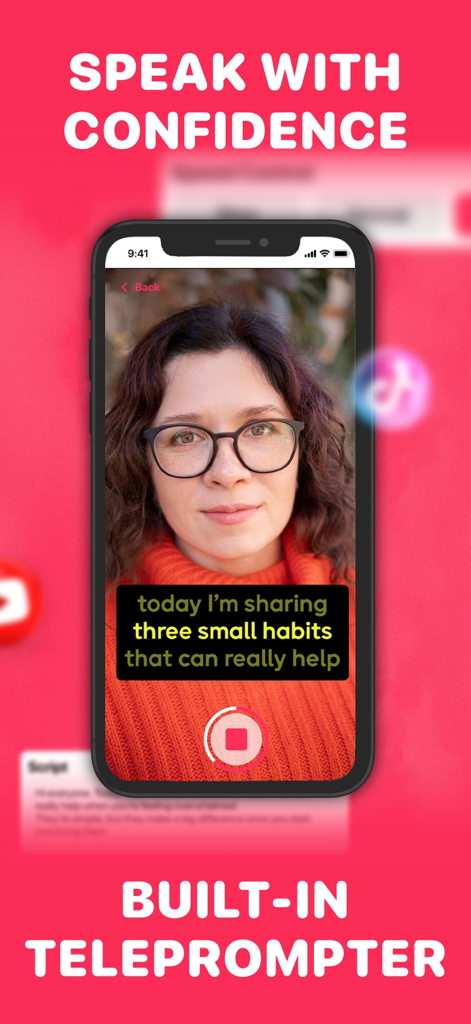
A woman using the built-in teleprompter feature on the Auto Caption Video Subtitles app to record social media content.
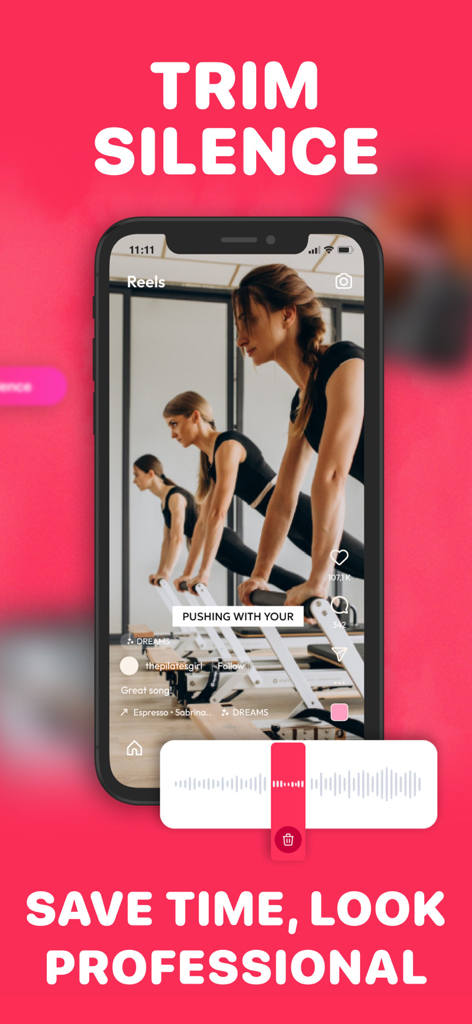
Mobile app interface showing the trim silence feature with a video waveform and a Pilates video preview
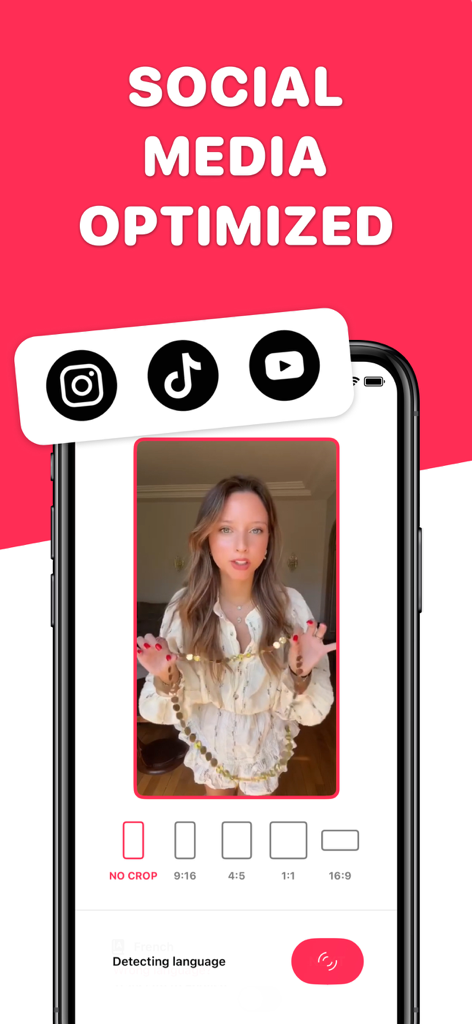
Interface showing video cropping options for Instagram TikTok and YouTube social media platforms
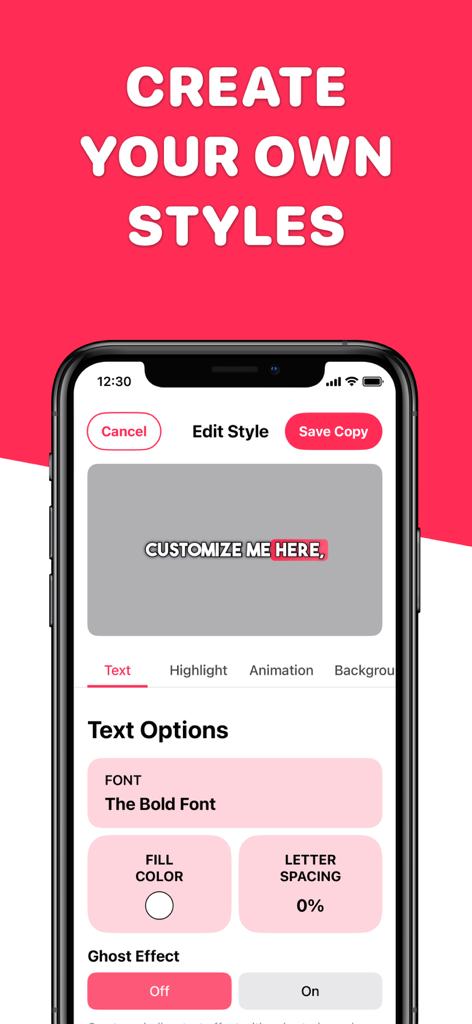
Mobile app interface for customizing video caption styles with font and color options
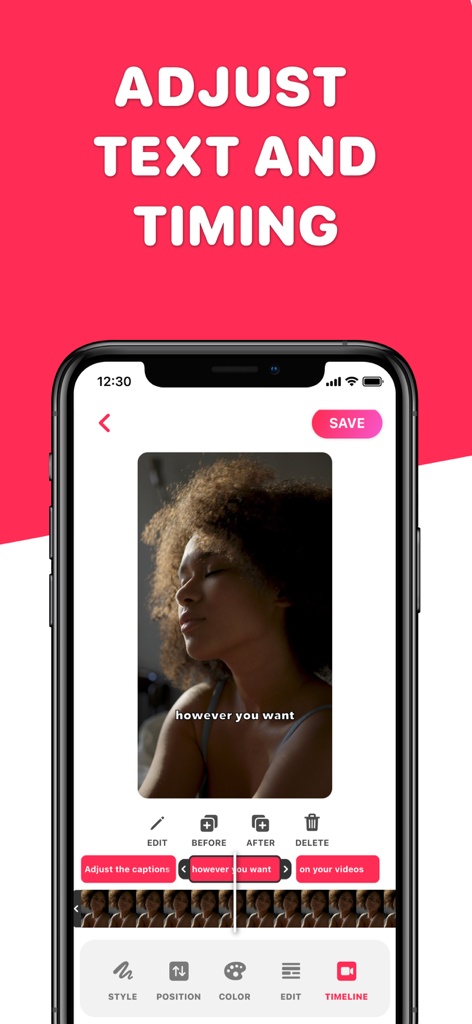
Mobile phone screen showing the interface to adjust video caption text and timing
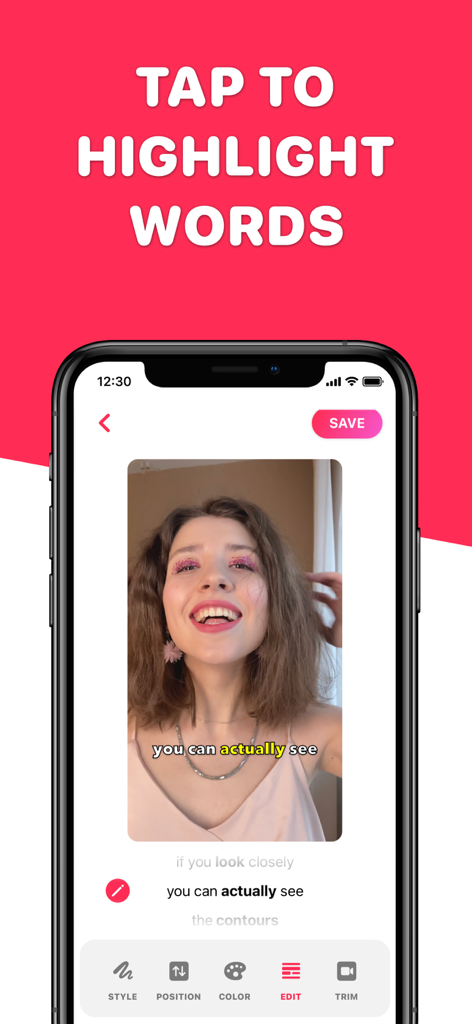
Mobile app interface showing a user highlighting a specific word in video subtitles for social media content
Description
Download
More Like This
Apps with similar features and user experience

Vrew
VoyagerX, Inc.

Captions for Videos - SubMe AI
Polina Kravchenko

Capzy: AI Caption
unitedreams inc.

AI Captions for Videos: VidCap
Fadel.io OU

Subcap: Captions AI, Subtitles
RATEL BILISIM HIZMETLERI LTD STI

Captions & Filters – GARMASH
Top G Team FZ-LLC

Capti AI. Captions for videos.
Capti AI FZ-LLC
MixCaptions: Video Captions
Mixcord Inc.
Subtitles: Captions For Video
Mariia Abolnik
This page is not an official page of the app or its developer, but an independent editorial publication created for informational and commentary purposes. Unless expressly stated otherwise, neither the app nor its developer is affiliated with, endorsed by, sponsored by, authorized by, or otherwise officially connected with MWM, Apple, Google Play, the app publisher, or the app's developer, and nothing on this page implies that the app was developed using MWM's services. Any trademarks, logos, screenshots, and other content remain the property of their respective owners.