
This page is not an official page of the app or its developer, but an independent editorial publication created for informational and commentary purposes. Unless expressly stated otherwise, neither the app nor its developer is affiliated with, endorsed by, sponsored by, authorized by, or otherwise officially connected with MWM, Apple, Google Play, the app publisher, or the app's developer, and nothing on this page implies that the app was developed using MWM's services. Any trademarks, logos, screenshots, and other content remain the property of their respective owners.


Captions for Videos - SubMe AI
The ultimate tool for creators to automate captions, translate content into 100+ languages, and stop the scroll—even for viewers watching on mute.
Downloads
458K+User Rating
Total Ratings
8K+Publisher
Category
Photo & VideoLocales
18Latest Version
15.1Size
169.8 MBFirst Released
Feb 17, 2022Edit Smarter, Reach Further
The all-in-one AI captioning tool designed for modern creators to boost engagement, accessibility, and professional polish on every platform.
Instant AI Auto-Captions
Skip the manual typing. Our AI generates perfectly synced subtitles in seconds, allowing you to focus on creating while we handle the heavy lifting.
Dynamic Viral Styles
Customize fonts, colors, and animations to match your brand. Achieve that premium "influencer look" with professional presets optimized for TikTok and Reels.
Frequently Asked Questions
Everything you need to know about Captions for Videos - SubMe AI
What is Captions for Videos - SubMe AI?
Captions for Videos - SubMe AI is an app that automatically adds subtitles to videos. It provides multilingual speech recognition, automatic translation, and customizable text editing, designed for content creators.
How many languages does Captions for Videos - SubMe AI recognize for speech?
Captions for Videos - SubMe AI supports multilingual speech recognition for over 100 languages. This includes languages such as Hindi, Spanish, German, and Japanese, ensuring correct speech recognition.
Can SubMe automatically translate video subtitles?
Yes, SubMe offers automatic translation for hundreds of languages. Users can translate existing subtitles into any desired language to effectively break language barriers and reach a global audience.
What customization options are available for subtitles in Captions for Videos - SubMe AI?
Captions for Videos - SubMe AI provides simple text editing for subtitles. Options include customizing color, font, animation, text size, position, and shadow presence, supporting Latin and Cyrillic alphabets.
Does Captions for Videos - SubMe AI support direct sharing to social media?
Yes, Captions for Videos - SubMe AI is social-media ready. Its video editor supports all social media formats and allows direct sharing of clips to platforms like Instagram and TikTok from within the app.
What are the subscription plans for "Premium SubMe"?
"Premium SubMe" offers auto-renewing subscription options: 1-month, 1-year, and 1-week plans. These subscriptions unlock all app content, features, and provide daily updates.
How do users manage auto-renewal for SubMe subscriptions?
Users manage their SubMe subscriptions and can turn off auto-renewal through their Account Settings after purchase. This process gives users control over their recurring premium access.
Is Captions for Videos - SubMe AI an accessibility-friendly app?
Yes, Captions for Videos - SubMe AI is accessibility friendly. It helps make videos understandable for people with hearing impairments or those who watch content on mute by adding subtitles.
Does SubMe AI offer AI voice dubbing functionality?
Yes, SubMe AI provides AI voice dubbing. This feature enables users to translate and dub spoken content into different languages, as demonstrated by the English to Spanish example.
The following screenshots and description are sourced directly from the app's official store listing and are the property of the app developer.
App Store
Screenshots
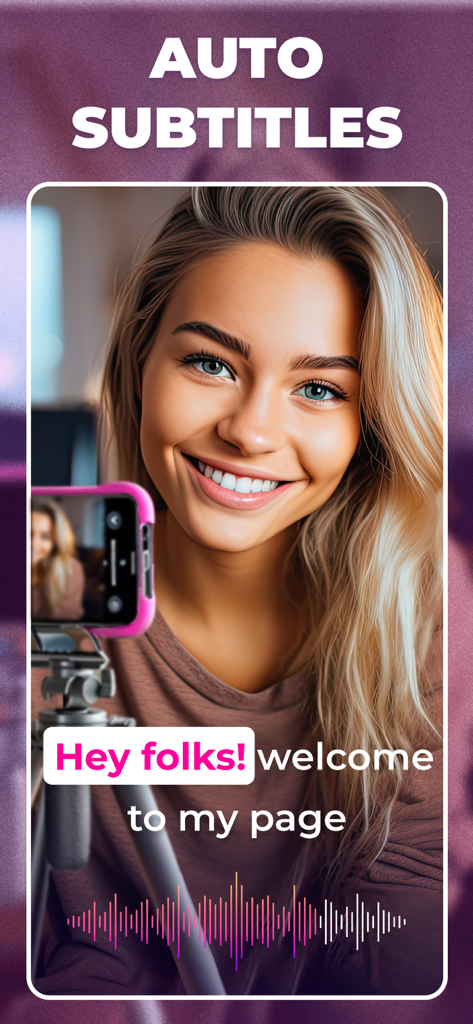
Content creator using SubMe AI to generate automatic video subtitles
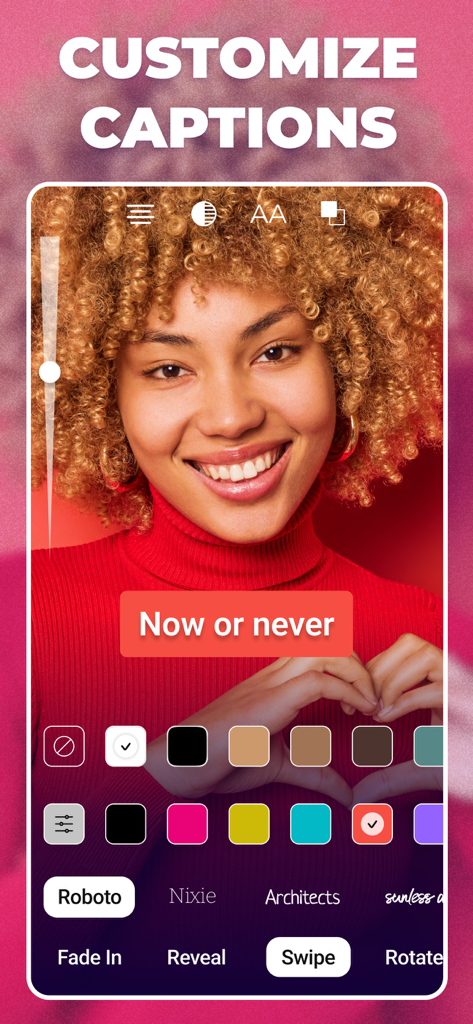
Mobile app interface showing various tools to customize video caption colors fonts and animations
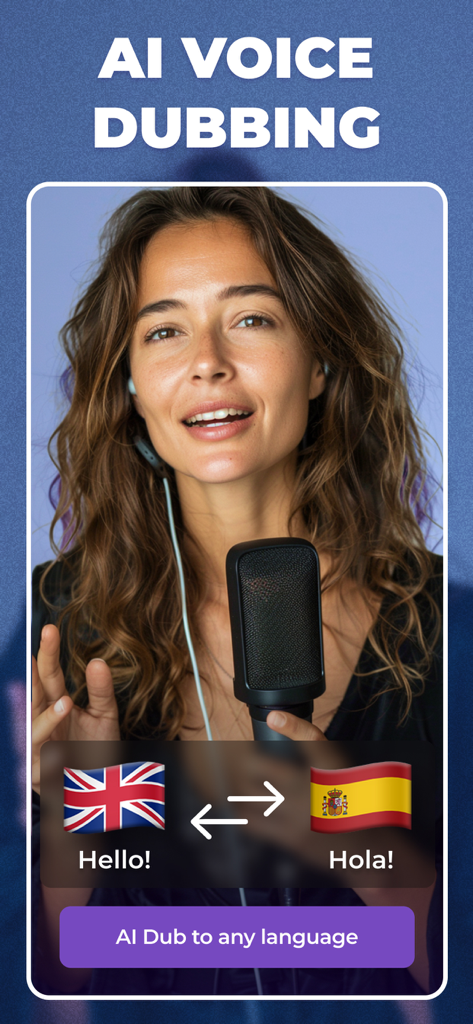
Interface of SubMe AI app showing the voice dubbing feature translating English to Spanish
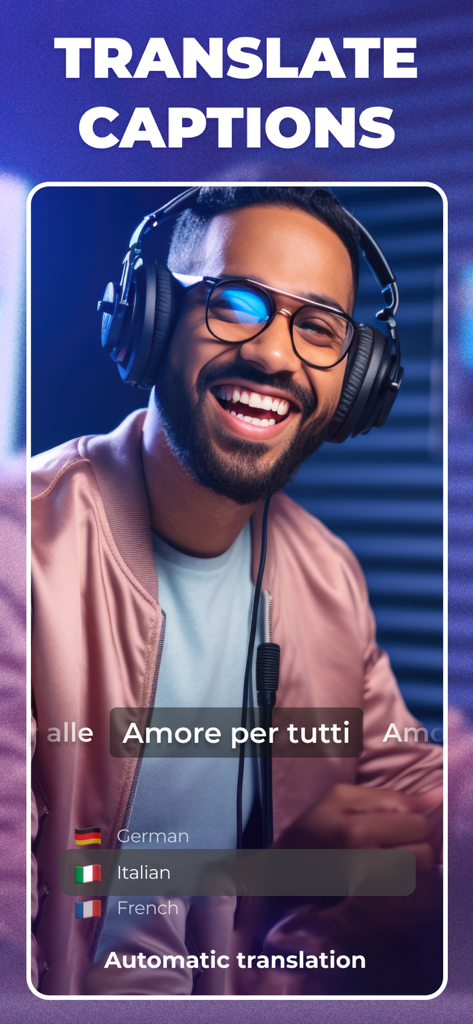
SubMe AI app interface showing automatic translation of video captions into Italian for a content creator
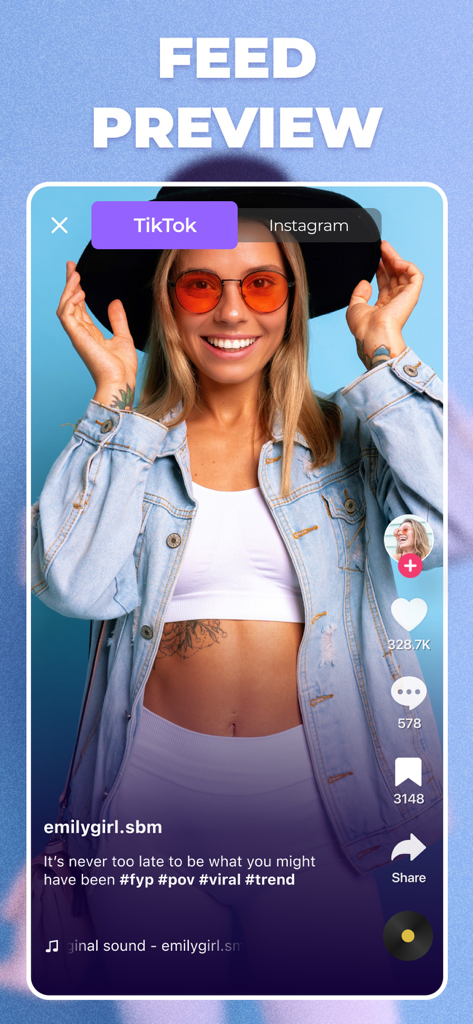
A mobile app interface displaying a TikTok feed preview with automated captions for a creator video.

SubMe AI app screenshot showing easy sharing options to Instagram and TikTok for video creators
Description
Download
More Like This
Apps with similar features and user experience

Vrew
VoyagerX, Inc.

Capzy: AI Caption
unitedreams inc.

Auto Caption Video Subtitles
Take Agency, LLC

AI Captions for Videos: VidCap
Fadel.io OU

Subcap: Captions AI, Subtitles
RATEL BILISIM HIZMETLERI LTD STI

Captions & Filters – GARMASH
Top G Team FZ-LLC

Capti AI. Captions for videos.
Capti AI FZ-LLC
MixCaptions: Video Captions
Mixcord Inc.
Subtitles: Captions For Video
Mariia Abolnik
This page is not an official page of the app or its developer, but an independent editorial publication created for informational and commentary purposes. Unless expressly stated otherwise, neither the app nor its developer is affiliated with, endorsed by, sponsored by, authorized by, or otherwise officially connected with MWM, Apple, Google Play, the app publisher, or the app's developer, and nothing on this page implies that the app was developed using MWM's services. Any trademarks, logos, screenshots, and other content remain the property of their respective owners.