
This page is not an official page of the app or its developer, but an independent editorial publication created for informational and commentary purposes. Unless expressly stated otherwise, neither the app nor its developer is affiliated with, endorsed by, sponsored by, authorized by, or otherwise officially connected with MWM, Apple, Google Play, the app publisher, or the app's developer, and nothing on this page implies that the app was developed using MWM's services. Any trademarks, logos, screenshots, and other content remain the property of their respective owners.


AI Photo Booth Pro: Event App
The ultimate iPad solution for event entrepreneurs. Maximize your ROI by running two events simultaneously, accepting direct payments via Stripe, and offering cutting-edge AI Face Swaps and 360-spin experiences that clients love.
Downloads
100User Rating
Total Ratings
0Publisher
Category
Photo & VideoLocales
-Latest Version
2.0.14Size
235.4 MBFirst Released
Jan 7, 2026Power Your Business with Pro Features
Everything you need to offer high-end, viral-ready AI experiences that command premium rental prices and keep your clients coming back.
AI-Driven Experiences
Offer trending AI Face Swaps and background removal that guests can't get anywhere else.
Scale Your Revenue
Run two events at once under one license and accept payments directly via Stripe integration.
Frequently Asked Questions
Everything you need to know about AI Photo Booth Pro: Event App
Can I use AI Photo Booth Pro: Event App on multiple devices simultaneously?
Yes, one AI Photo Booth Pro subscription allows you to run two separate events simultaneously on two different devices. This feature helps maximize profits without incurring extra costs.
What types of events does AI Photo Booth Pro: Event App support?
AI Photo Booth Pro supports various events, including weddings, corporate activations, product launches, birthday parties, and permanent installations like hotels and malls, leveraging its Kiosk Mode.
Does AI Photo Booth Pro: Event App offer AI-powered features?
Yes, AI Photo Booth Pro provides next-gen AI features such as AI Face Swap, AI Video, AI Effects, and Background Removal. It offers lightning-fast processing, delivering studio-quality results in seconds.
Can AI Photo Booth Pro: Event App function without an internet connection?
Yes, AI Photo Booth Pro features an Offline Mode. You can continue capturing photos and videos without internet; however, AI features and sharing options are disabled when offline.
Does AI Photo Booth Pro: Event App support external camera hardware?
Yes, AI Photo Booth Pro supports DSLR cameras from both Canon and Nikon. The app integrates seamlessly with various setups, including DSLR Booth and DSLR Roaming for versatile event hosting.
Can AI Photo Booth Pro: Event App integrate with payment systems?
Yes, AI Photo Booth Pro integrates with Stripe, allowing you to accept payments directly via a QR code displayed on the screen. This enables easy monetization of your photo booth.
What are the printing capabilities of AI Photo Booth Pro: Event App?
AI Photo Booth Pro features Smart Cloud Print, which automatically detects any printer connected to another device logged into your account. It enables instant printing over the internet without extra hardware.
Does AI Photo Booth Pro: Event App allow for screen customization?
Yes, AI Photo Booth Pro includes an Advanced Screen Editor. This tool allows users to customize every guest-facing screen in any language, providing comprehensive control over the event experience.
What types of booth setups are compatible with AI Photo Booth Pro: Event App?
AI Photo Booth Pro is compatible with diverse setups including DSLR Booths, Mirror Booths, 360 Booths, iPad Booths, iPad Roaming, and DSLR Roaming, ensuring flexibility for any event style.
Does AI Photo Booth Pro: Event App include a Kiosk Mode?
Yes, AI Photo Booth Pro features a Kiosk Mode. This allows users to run unattended stations, which is ideal for permanent installations like hotels or malls, maximizing monetization opportunities.
The following screenshots and description are sourced directly from the app's official store listing and are the property of the app developer.
App Store
Screenshots
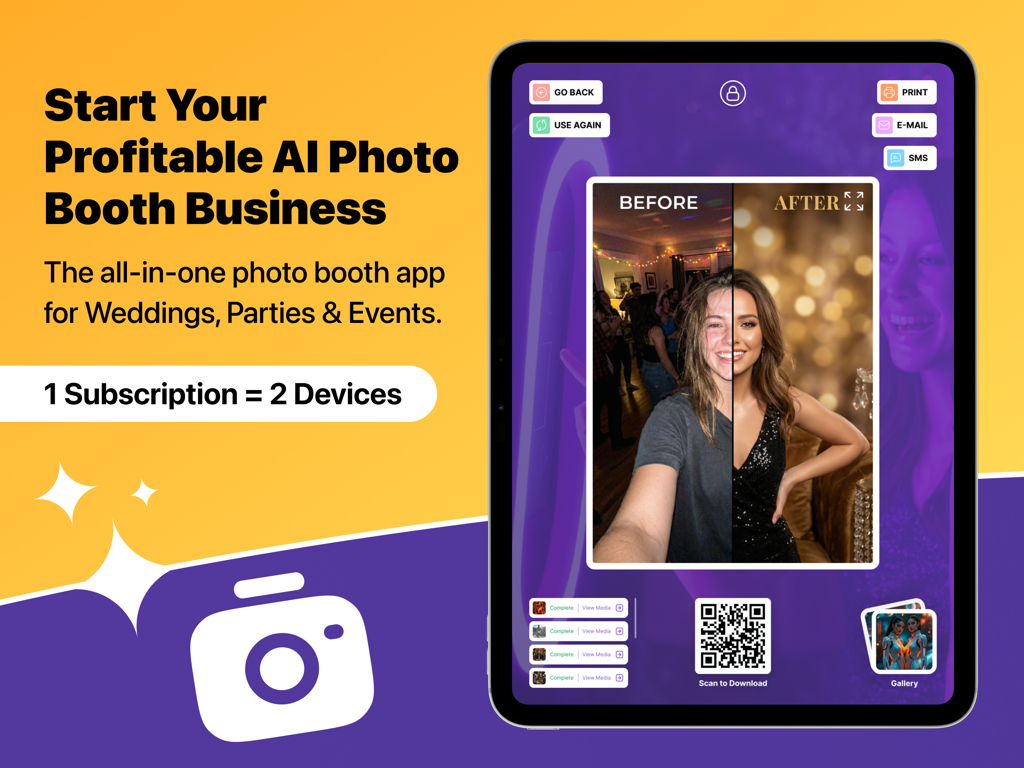
iPad showing the AI Photo Booth Pro app interface with a before and after photo transformation
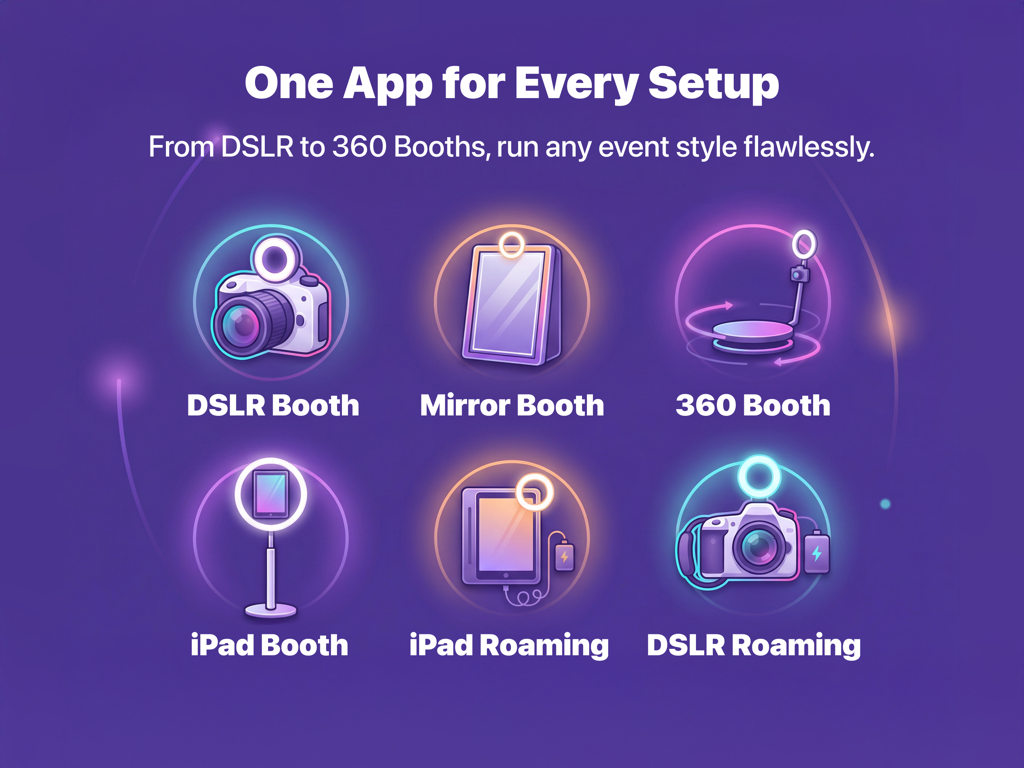
Infographic showing compatible hardware setups including DSLR 360 and iPad booths
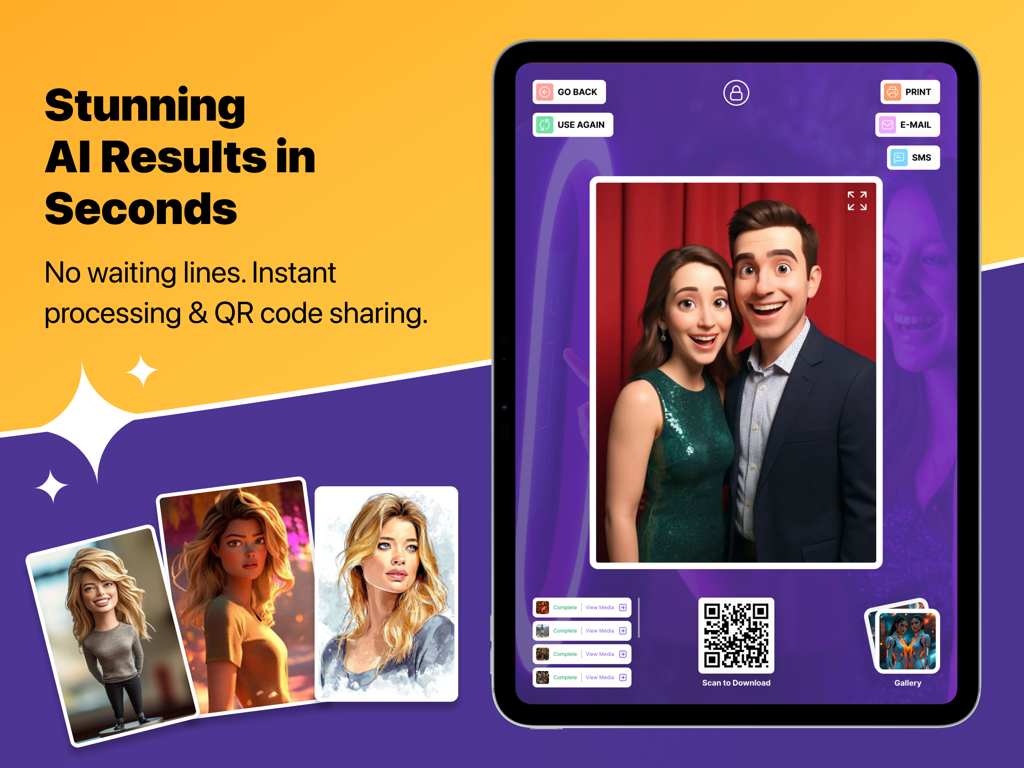
iPad interface showing AI transformed photos and QR code sharing for events
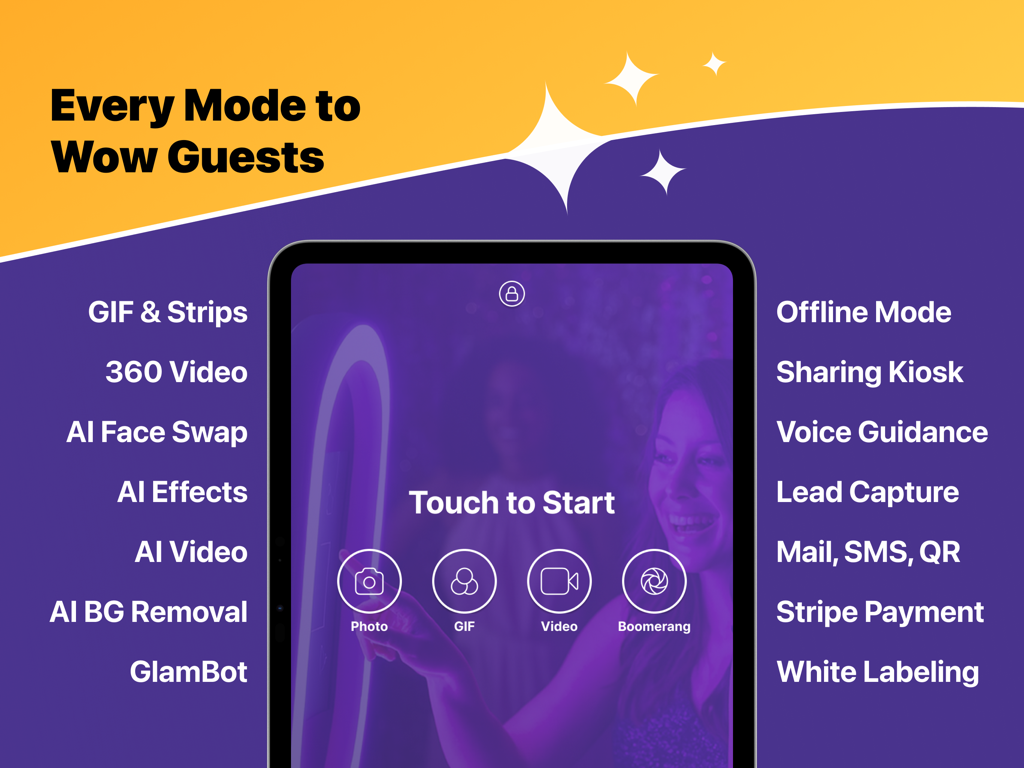
An iPad showing the AI Photo Booth Pro app interface with various event capture modes and professional features listed
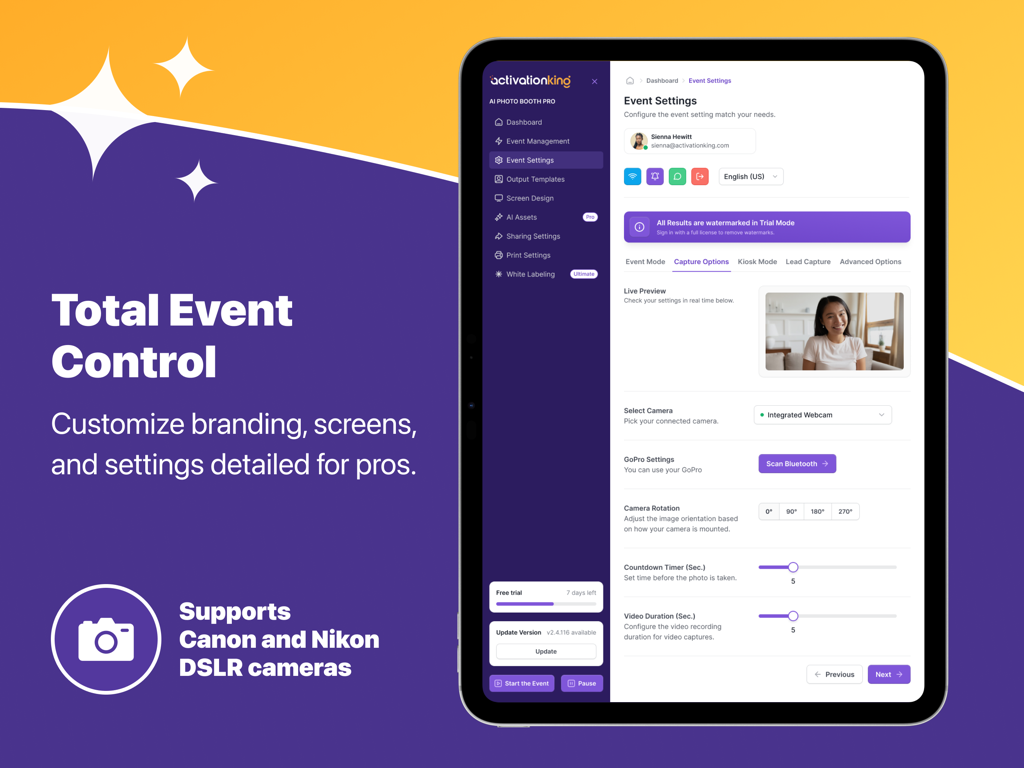
iPad screen displaying the AI Photo Booth Pro event settings and camera configuration interface.
Description
Download
More Like This
Top-ranked apps in the same category

CapCut: Photo & Video Editor
BYTEDANCE PTE. LTD.

Instagram, Inc.

YouTube
Google LLC

Canva: AI Photo & Video Editor
Canva Pty Ltd

Snapchat
Snap, Inc.

快手
Beijing Kwai Technology Co., Ltd.

Edits: Video Editor
Instagram, Inc.

Meitu- AI Photo & Video Editor
Xiamen Meitu Technology Co., Ltd.

Google Photos: Backup & Edit
Google LLC
This page is not an official page of the app or its developer, but an independent editorial publication created for informational and commentary purposes. Unless expressly stated otherwise, neither the app nor its developer is affiliated with, endorsed by, sponsored by, authorized by, or otherwise officially connected with MWM, Apple, Google Play, the app publisher, or the app's developer, and nothing on this page implies that the app was developed using MWM's services. Any trademarks, logos, screenshots, and other content remain the property of their respective owners.