
This page is not an official page of the app or its developer, but an independent editorial publication created for informational and commentary purposes. Unless expressly stated otherwise, neither the app nor its developer is affiliated with, endorsed by, sponsored by, authorized by, or otherwise officially connected with MWM, Apple, Google Play, the app publisher, or the app's developer, and nothing on this page implies that the app was developed using MWM's services. Any trademarks, logos, screenshots, and other content remain the property of their respective owners.


AI Prompt Manager - Reuse AI
Stop digging through chat history to find what worked. Save, optimize, and launch your best prompts as reusable, parameterized templates to scale your AI workflow in seconds.
Downloads
0User Rating
Total Ratings
0Publisher
Category
ProductivityLocales
1Latest Version
1.0.2Size
17.4 MBFirst Released
May 17, 2025Supercharge Your AI Workflow
Stop losing your best prompts in endless chat histories. Turn your winning inputs into a library of reusable, parameterized templates designed for speed and precision.
Dynamic Parameterized Templates
Stop the copy-paste cycle. Turn static prompts into smart tools by defining variables like [Topic] or [Tone] to generate consistent, high-quality results for any client in seconds.
3-Second AI Optimization
Eliminate the 'blank page' problem. Our built-in prompt specialist revamps your rough ideas into clear, professional instructions that get you the perfect AI output on the first try.
The following screenshots and description are sourced directly from the app's official store listing and are the property of the app developer.
App Store
Screenshots
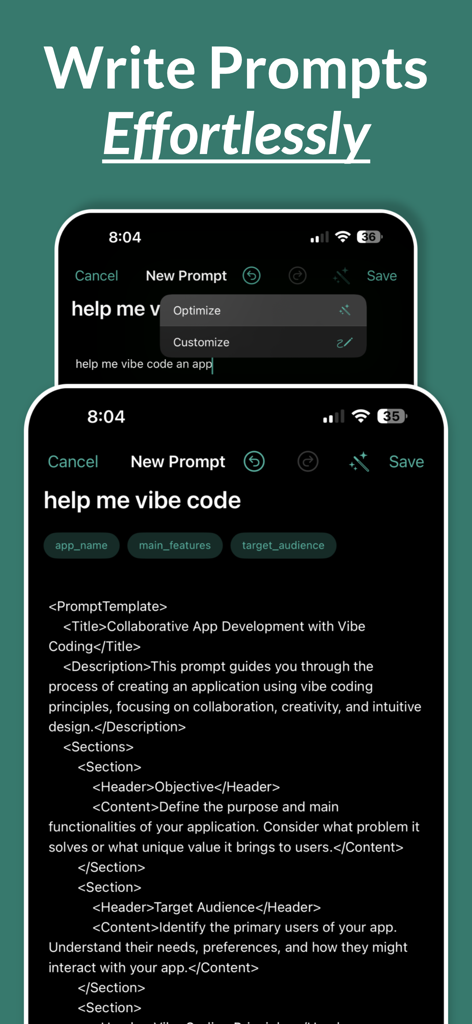
Interface showing how to write prompts effortlessly using AI optimization and structured templates.
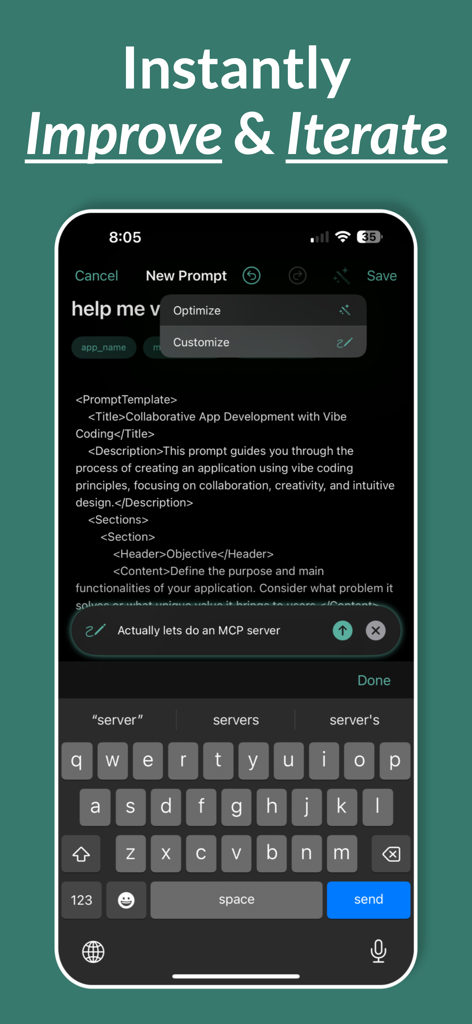
Reuse AI mobile app interface showing a user improving an AI prompt template using a chat based customization tool
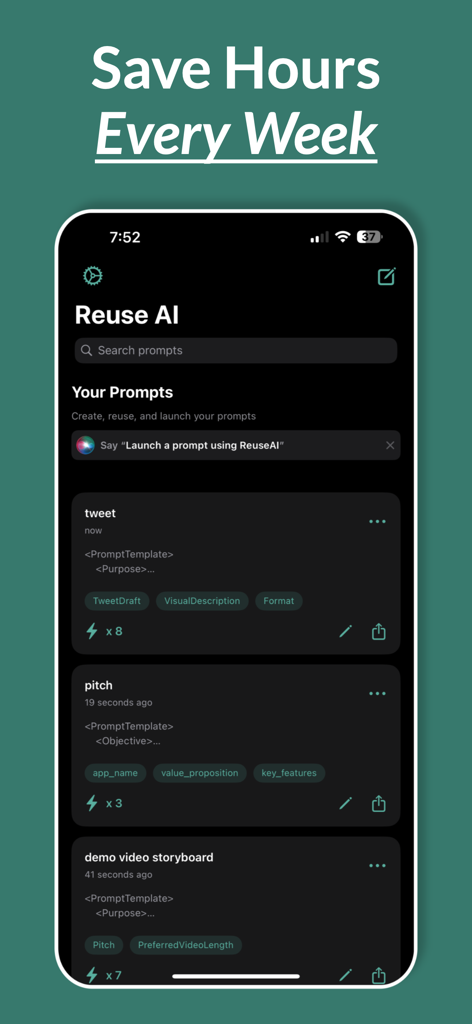
iPhone screen showing the Reuse AI app dashboard with a list of saved prompt templates for tweets and pitches
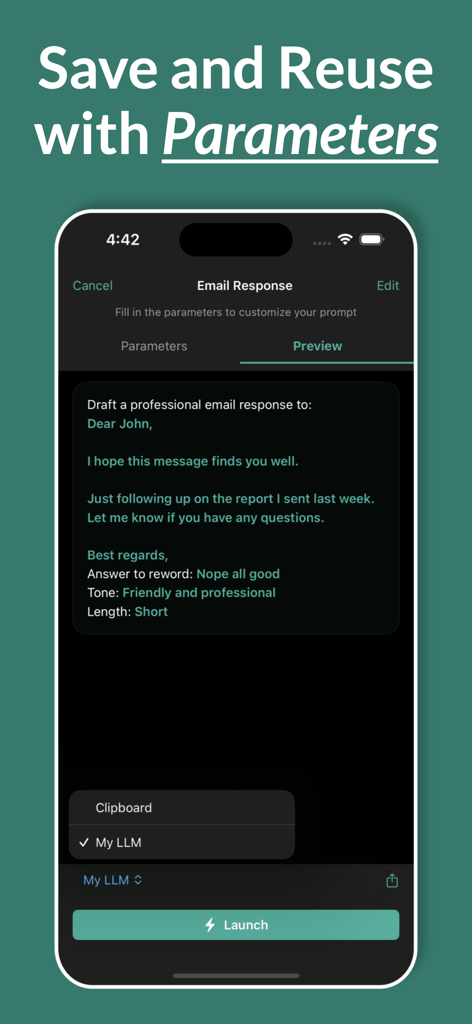
AI Prompt Manager app screen showing a preview of a professional email response prompt with customizable parameters like tone and length.
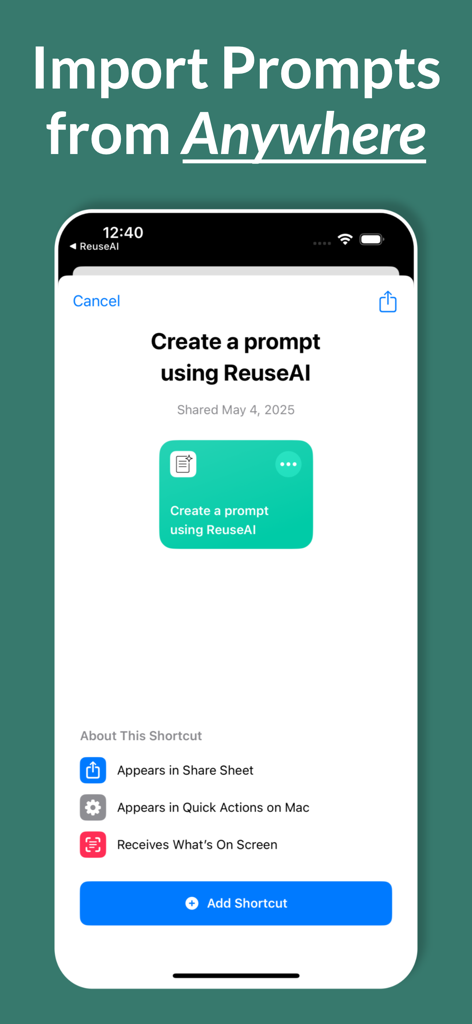
Mobile app screen showing the integration with iOS shortcuts to import AI prompts from any application.
Description
Download
More Like This
Top-ranked apps in the same category

ChatGPT
OpenAI OpCo, LLC

Google Gemini
Google LLC

Grok
X.AI Corporation

Gmail - Email by Google
Google LLC

千问 - 阿里最强大模型官方AI助手
Shanghai Zhixin Puhui Technology Co., Ltd.

Google Drive
Google LLC

Microsoft Authenticator
Microsoft Corporation

Google Sheets
Google LLC

Google Docs
Google LLC
This page is not an official page of the app or its developer, but an independent editorial publication created for informational and commentary purposes. Unless expressly stated otherwise, neither the app nor its developer is affiliated with, endorsed by, sponsored by, authorized by, or otherwise officially connected with MWM, Apple, Google Play, the app publisher, or the app's developer, and nothing on this page implies that the app was developed using MWM's services. Any trademarks, logos, screenshots, and other content remain the property of their respective owners.