
This page is not an official page of the app or its developer, but an independent editorial publication created for informational and commentary purposes. Unless expressly stated otherwise, neither the app nor its developer is affiliated with, endorsed by, sponsored by, authorized by, or otherwise officially connected with MWM, Apple, Google Play, the app publisher, or the app's developer, and nothing on this page implies that the app was developed using MWM's services. Any trademarks, logos, screenshots, and other content remain the property of their respective owners.

AI Studio - AI Video Generator
Harness the power of Sora and Veo to create scroll-stopping Reels, TikToks, and UGC ads. Generate high-definition, brand-safe content with no editing skills required.
Downloads
353K+User Rating
Total Ratings
10K+Publisher
Category
Photo & VideoLocales
5Latest Version
1.9.91Size
78.1 MBFirst Released
Jun 11, 2025Create Without Limits
Harness the world's most advanced AI models to produce cinematic, high-definition videos from just a text prompt or a single image.
Prompt-to-Cinematic
Turn any idea into a movie-style clip in seconds. Experience the power of Sora and Veo in the palm of your hand.
Perfect Brand Consistency
Maintain the same characters, products, and styles across multiple scenes with our advanced reference-to-video technology.
Frequently Asked Questions
Everything you need to know about AI Studio - AI Video Generator
What is AI Studio - AI Video Generator?
AI Studio is an AI Video Generator app that transforms text or image ideas into cinematic video content without requiring editing skills. It generates videos for ads, social media, and more.
What AI models does AI Studio use to generate videos?
AI Studio is powered by industry models, specifically Veo 3 & Veo 3.1 (Google DeepMind) and Sora 2 (OpenAI) through official APIs.
Can AI Studio generate videos from text descriptions?
Yes, AI Studio features Text-to-Video functionality. Users can describe a scene with a short prompt to generate an animated video clip directly.
Does AI Studio allow creating videos from existing images?
Yes, AI Studio offers Image-to-Video capabilities. Users can upload a still image to the app to generate realistic video footage.
What are the export quality and aspect ratio options in AI Studio?
AI Studio supports video exports up to 1080p resolution with no watermark. It provides 9:16 (vertical) and 16:9 (landscape) aspect ratios.
How does the credit and pricing system work in AI Studio?
AI Studio operates on a credit system. The cost per generation varies by model, duration, and quality. Users can purchase one-time credit packs or auto-renewing subscriptions.
Do unused credits in AI Studio subscriptions roll over?
Yes, unused credits in AI Studio roll over. They remain available for use as long as the user's subscription stays active.
Is AI Studio officially affiliated with Google or OpenAI?
No, AI Studio is not owned by, endorsed by, or affiliated with Google, Google DeepMind, OpenAI, or their affiliates. It uses their models via official APIs.
What types of videos can users create with AI Studio?
AI Studio can create UGC ads, promos, trailers, reels/shorts, tutorials, and social storytelling. It is also suitable for product demos and explainers.
Does AI Studio offer 'Reference-to-Video' capabilities?
AI Studio allows Reference-to-Video generation. This feature enables users to maintain consistent elements like faces, products, outfits, or backgrounds across different scenes using multiple reference images.
The following screenshots and description are sourced directly from the app's official store listing and are the property of the app developer.
App Store
Screenshots
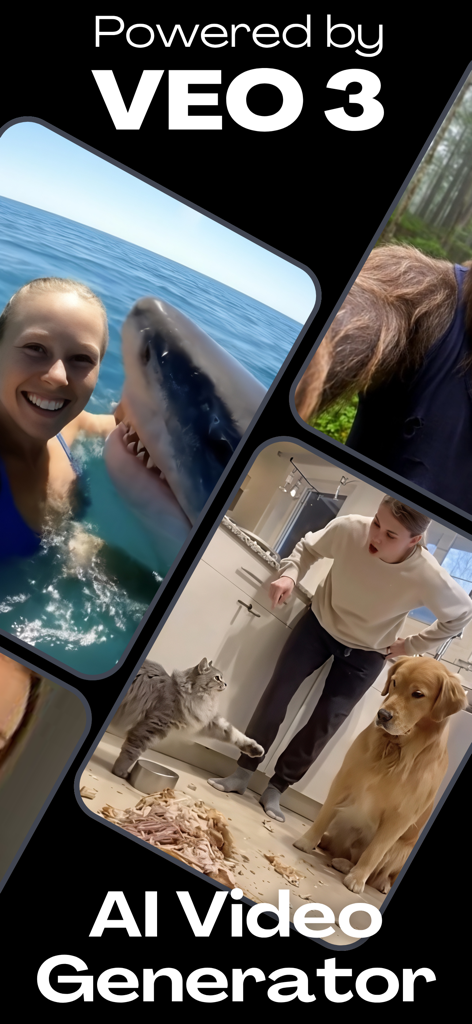
AI Studio app interface showing video generation examples powered by Veo 3 technology including a shark selfie and a domestic scene with pets.
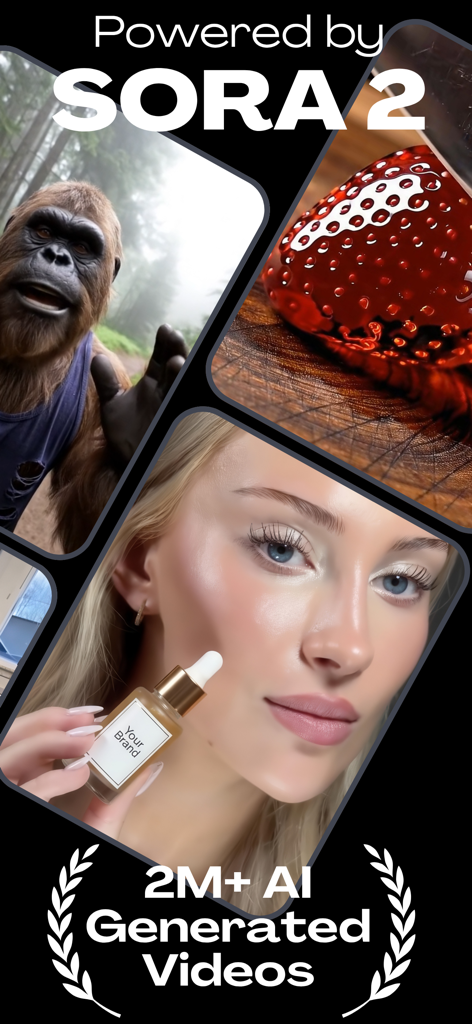
AI Studio app screen showing high-quality AI generated videos including a skincare brand ad and a realistic gorilla powered by Sora 2
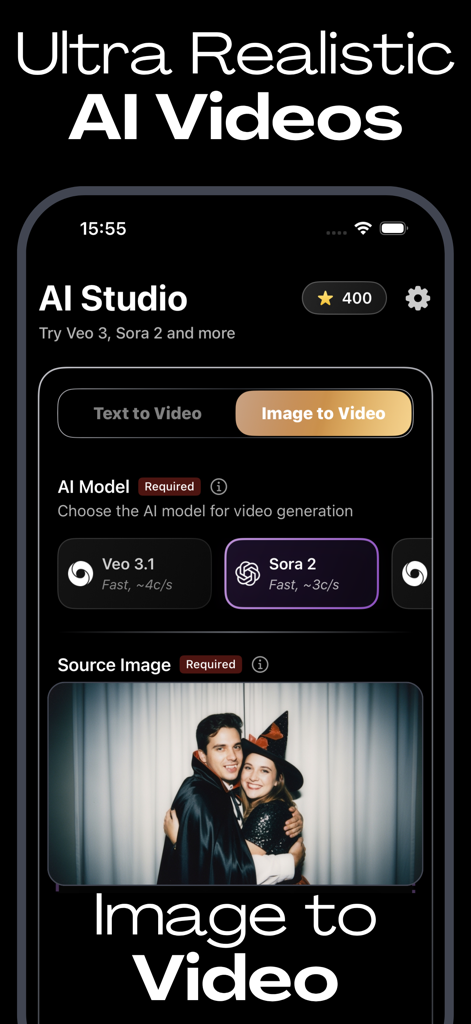
AI Studio app interface for creating ultra realistic videos from images using AI models
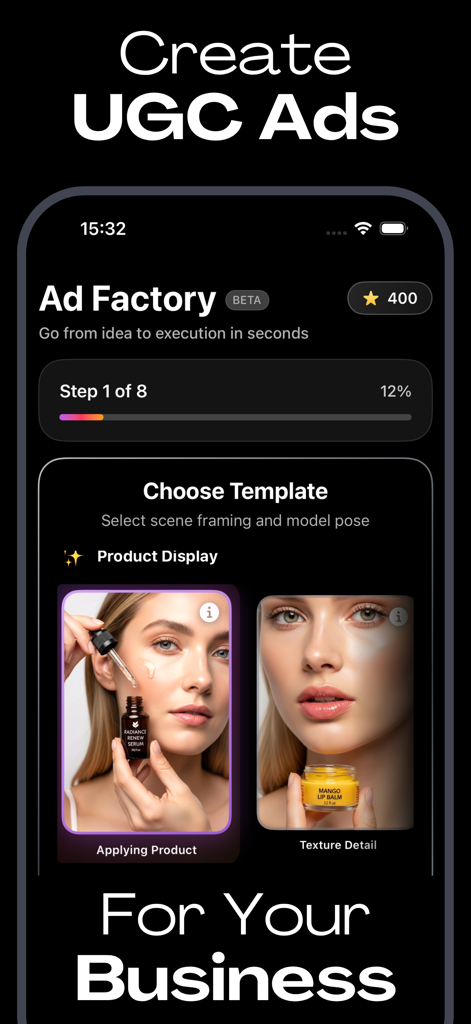
Interface of AI Studio app showing the Ad Factory feature for creating product ads for business
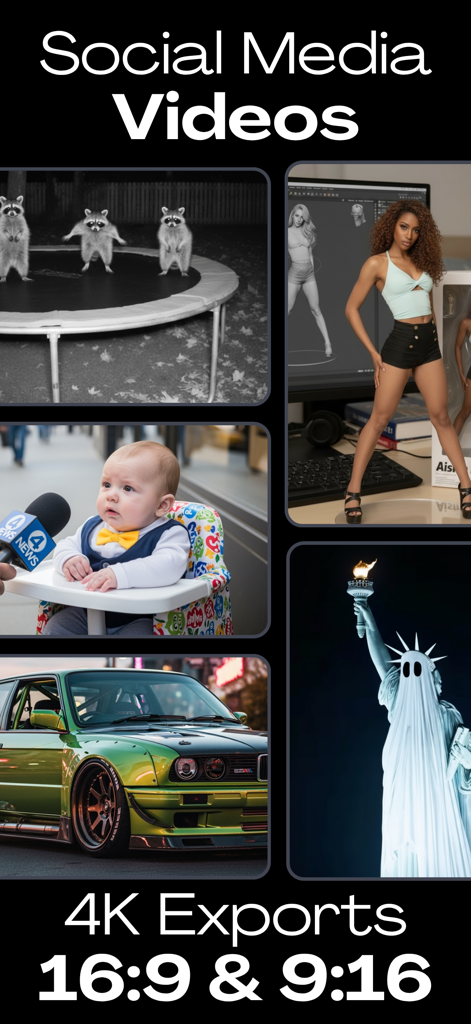
A collage of AI-generated social media videos showing different styles and aspect ratios like 16:9 and 9:16
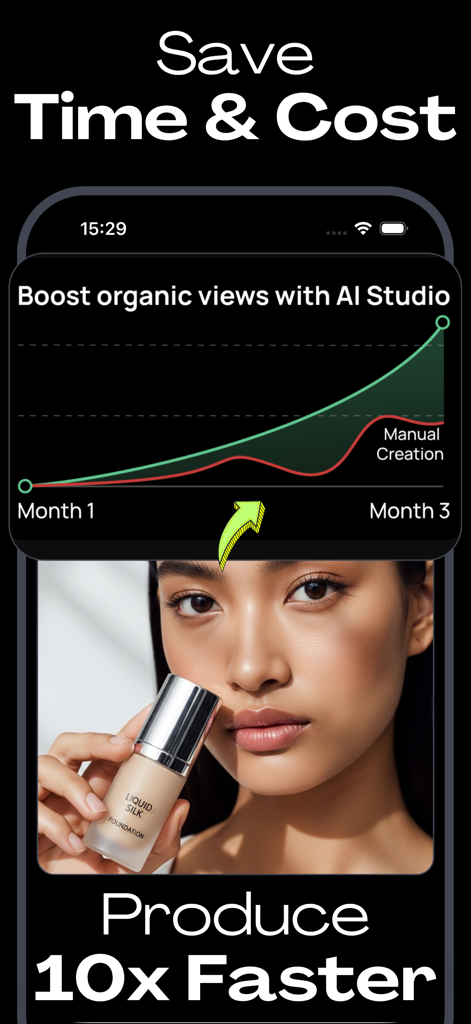
A graph comparing organic view growth between AI Studio and manual creation with a 10x faster production claim
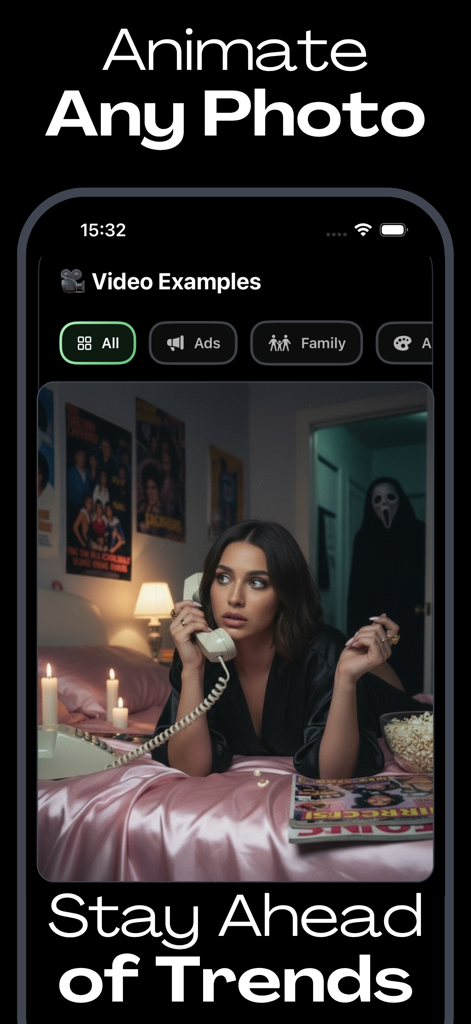
AI Studio app interface showing the animate any photo feature with a cinematic video example
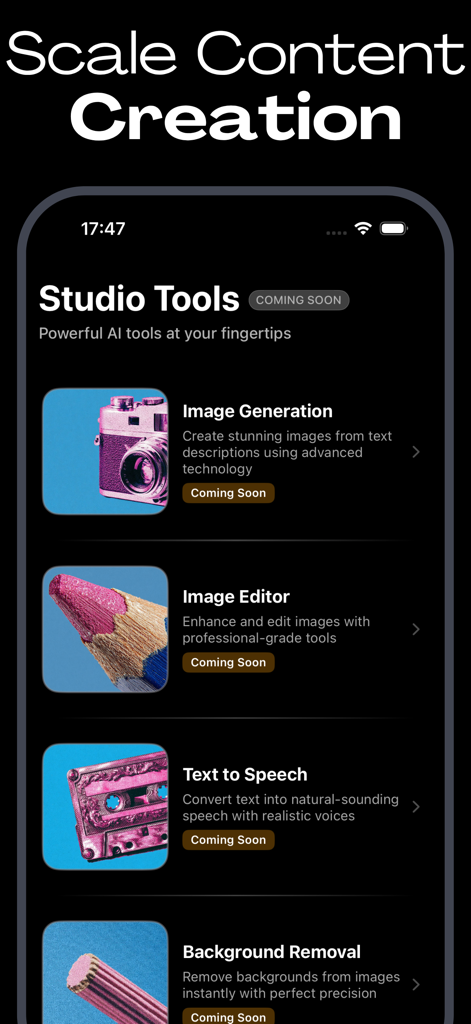
A mobile app interface for AI Studio showing upcoming AI content creation tools like image generation and text to speech
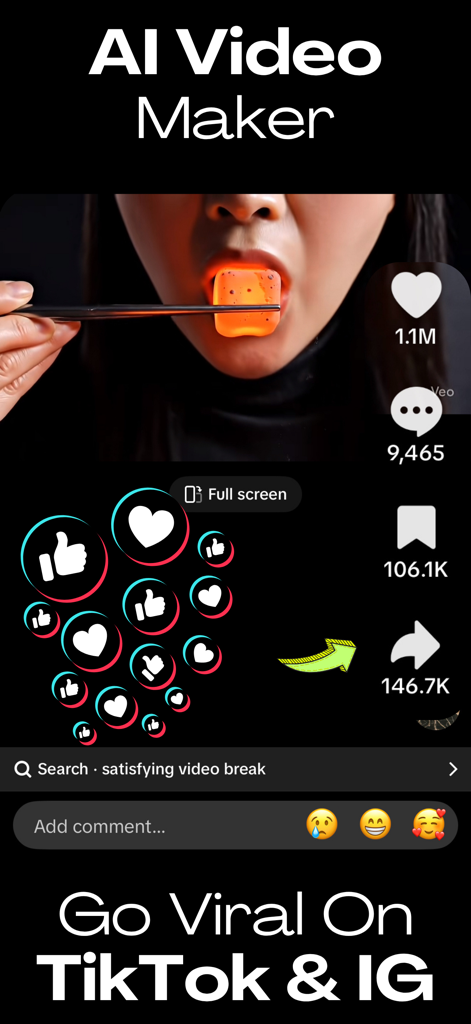
AI video generator interface showing a viral clip with millions of likes and shares for TikTok and Instagram
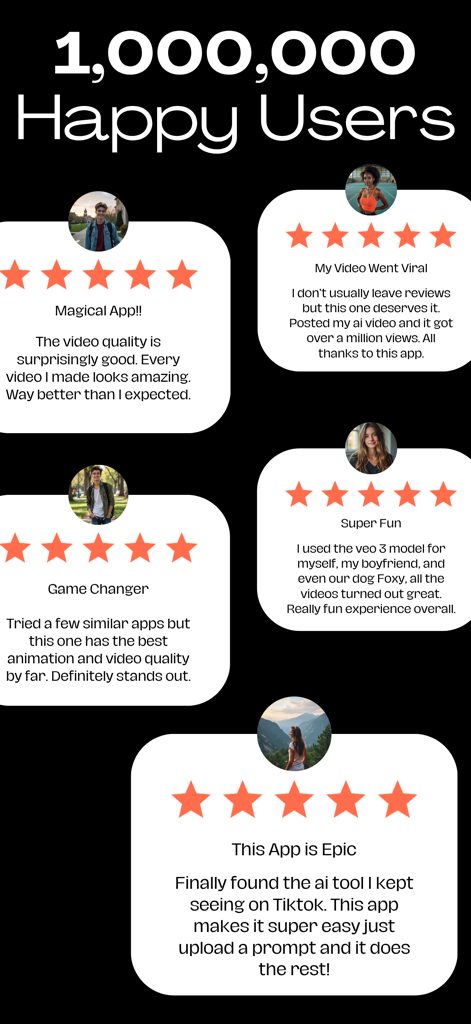
A collection of 5-star user reviews and testimonials for the AI Studio app showcasing high video quality and viral success.
Description
Download
More Like This
Apps with similar features and user experience

Gen AI Video Generator
CoreMoose, LLC

会影 - 爆款视频创作
Beijing Baiwang Intelligence Technology Co., Ltd.
Jars AI
JARS AI Corporation

NanoBanana: AI Video Generator
FURKAN ARSLAN

Nano Banana - AI Photo Maker
鑫涛 冯

Bananai: AI Photo Editor
MWM

Flashloop: AI Video Generator
15557640 Canada Inc.

Flow AI - Video Generator
UNIVERLIST TEKNOLOJI SANAYI VE TICARET ANONIM SIRKETI
Loomi AI - AI Video Generator
SMDA GROUP SP. Z OO
This page is not an official page of the app or its developer, but an independent editorial publication created for informational and commentary purposes. Unless expressly stated otherwise, neither the app nor its developer is affiliated with, endorsed by, sponsored by, authorized by, or otherwise officially connected with MWM, Apple, Google Play, the app publisher, or the app's developer, and nothing on this page implies that the app was developed using MWM's services. Any trademarks, logos, screenshots, and other content remain the property of their respective owners.