
This page is not an official page of the app or its developer, but an independent editorial publication created for informational and commentary purposes. Unless expressly stated otherwise, neither the app nor its developer is affiliated with, endorsed by, sponsored by, authorized by, or otherwise officially connected with MWM, Apple, Google Play, the app publisher, or the app's developer, and nothing on this page implies that the app was developed using MWM's services. Any trademarks, logos, screenshots, and other content remain the property of their respective owners.


Flashloop: AI Video Generator
Create professional-quality videos for TikTok, Reels, and Shorts in seconds. Powered by Google’s Veo 3 for realistic visuals and sound—no editing skills needed.
Downloads
273K+User Rating
Total Ratings
13K+Publisher
Category
Graphics & DesignLocales
1Latest Version
1.0.29Size
137.4 MBFirst Released
Jun 6, 2025Supercharge Your Creator Journey
Harness the power of Google's Veo AI to turn your ideas into professional-grade videos for TikTok, Reels, and Shorts in seconds.
Text-to-Cinema Magic
Type your script and watch Google Veo 3 create lifelike videos with realistic physics, ambient audio, and cinematic effects.
Breathe Life into Photos
Transform static product images or portraits into dynamic, high-quality video content perfect for marketing and storytelling.
Frequently Asked Questions
Everything you need to know about Flashloop: AI Video Generator
What is Flashloop?
Flashloop is an AI video and image generator app. It transforms ideas into stunning content using text-to-video, image-to-video, and AI image generation, powered by advanced AI models for creators and brands.
Which AI models does Flashloop use for video generation?
Flashloop uses Google Veo 3, Sora 2, Seedance 1.5 Pro, Grok Imagine, and Kling 2.6 for video generation. These models deliver cinematic realism, motion, and detailed visuals for professional content.
Can Flashloop convert text into video?
Yes, Flashloop features an easy text-to-video AI. Users simply type a script and choose styles to create a video, making professional content accessible without editing skills.
Does Flashloop support generating videos from images?
Yes, Flashloop includes an image-to-video AI feature. Users can choose an image, write a script, and the app generates an awesome video. This simplifies video creation from existing visuals.
What types of content can Flashloop create?
Flashloop creates various content, including TikTok videos, YouTube Shorts, Instagram Reels, product demos, marketing ads, animated stories, business presentations, and general social media content efficiently.
Does Flashloop offer pre-designed characters for videos?
Yes, Flashloop provides a huge collection of pre-made and consistent characters. Users can easily re-create popular characters for their Flashloop videos, enhancing creative options.
Is Flashloop suitable for users without video editing experience?
Yes, Flashloop is designed for users without editing skills. It enables quick creation of cinematic content from a simple prompt, ensuring professional results for beginners and experts alike.
Can users generate videos with audio or voices in Flashloop?
Yes, Flashloop can "Make Videos with Voices." It is highlighted as a primary feature, enabling users to easily create video content that includes audio, such as interviews.
The following screenshots and description are sourced directly from the app's official store listing and are the property of the app developer.
App Store
Screenshots
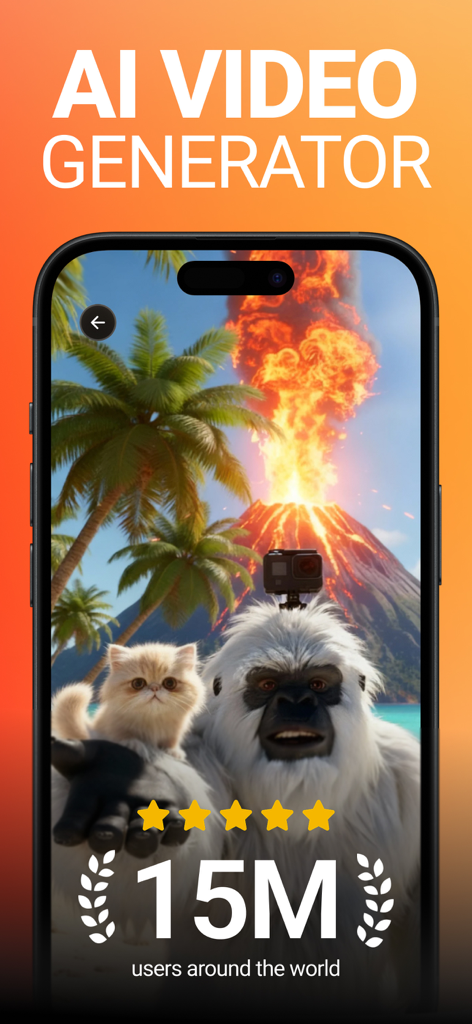
Flashloop AI Video Generator mobile app displaying an AI-generated image of a yeti and a kitten with an erupting volcano and palm trees.
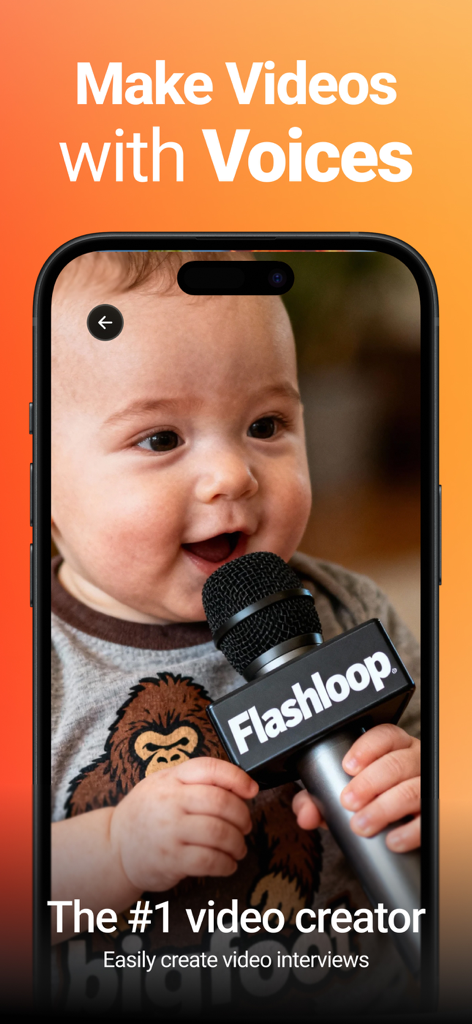
Flashloop app screen demonstrating AI video interview creation with voice features
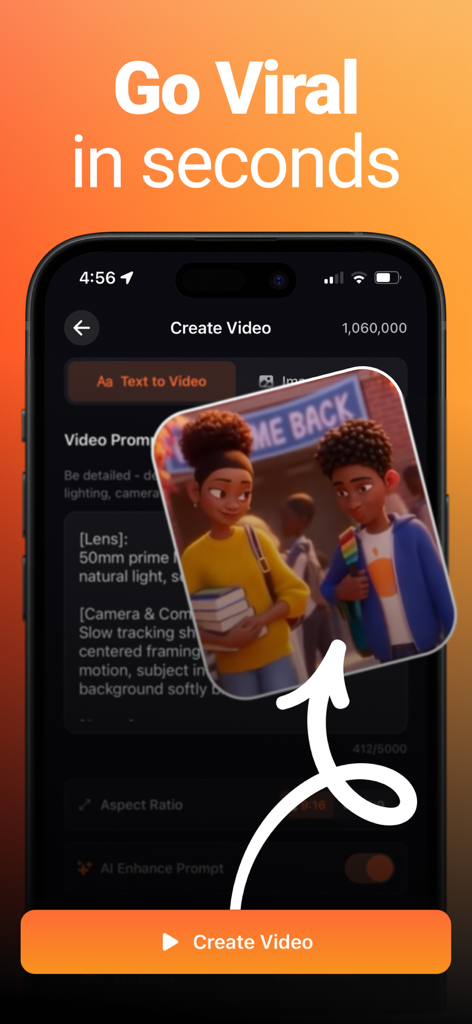
Flashloop app interface showing text-to-video generation with an animated scene of two students.
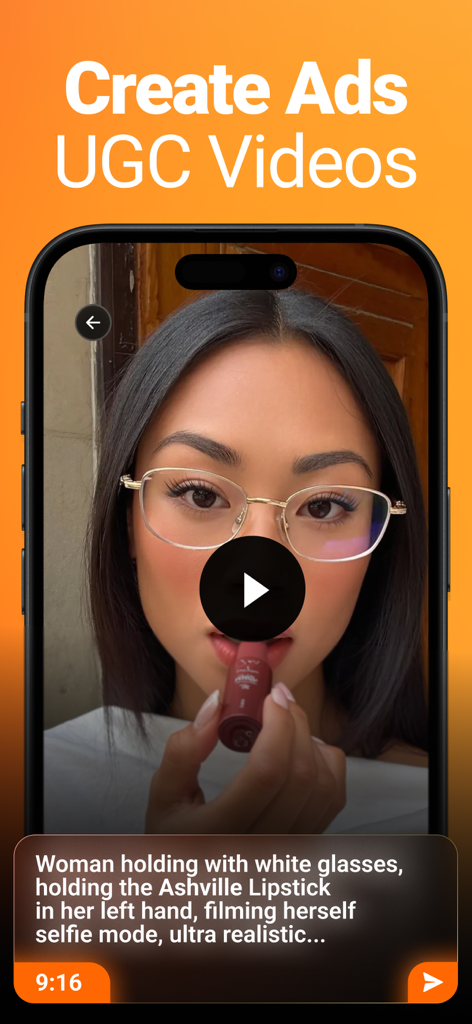
Flashloop app interface showing the creation of an AI generated UGC video ad from a text prompt
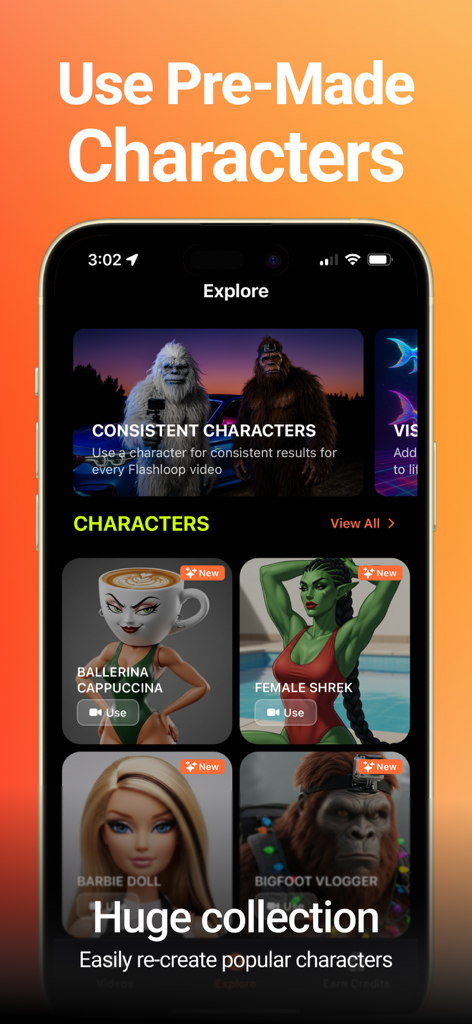
Flashloop app interface showing a library of pre-made AI characters for video generation including female Shrek and Bigfoot.
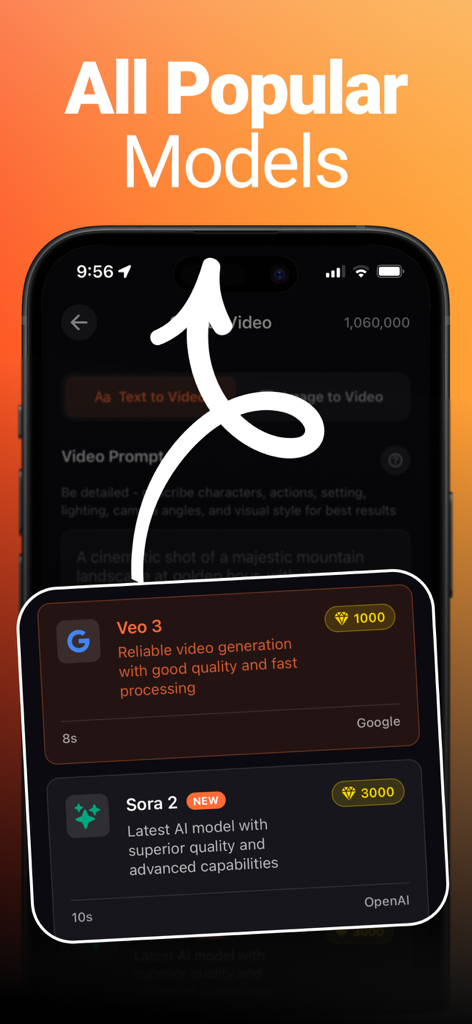
Flashloop app screen displaying available AI video models including Google Veo 3 and OpenAI Sora 2
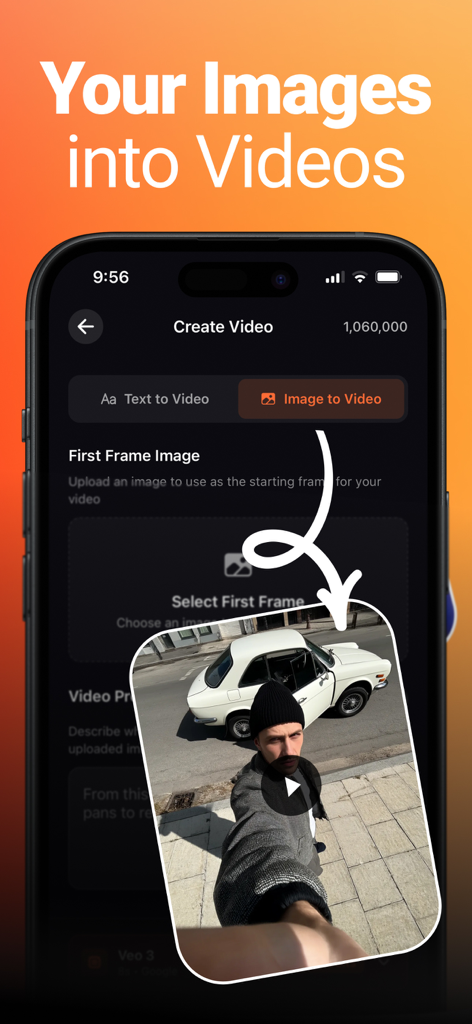
A mobile interface of Flashloop showing how to convert a photo of a man and a vintage car into a video.
Description
Download
More Like This
Apps with similar features and user experience

Gen AI Video Generator
CoreMoose, LLC

会影 - 爆款视频创作
Beijing Baiwang Intelligence Technology Co., Ltd.

Jars AI
JARS AI Corporation

NanoBanana: AI Video Generator
FURKAN ARSLAN

Nano Banana - AI Photo Maker
鑫涛 冯

AI Studio - AI Video Generator
Generative AI Teknoloji Anonim Sirketi

Bananai: AI Photo Editor
MWM

Flow AI - Video Generator
UNIVERLIST TEKNOLOJI SANAYI VE TICARET ANONIM SIRKETI
Loomi AI - AI Video Generator
SMDA GROUP SP. Z OO
This page is not an official page of the app or its developer, but an independent editorial publication created for informational and commentary purposes. Unless expressly stated otherwise, neither the app nor its developer is affiliated with, endorsed by, sponsored by, authorized by, or otherwise officially connected with MWM, Apple, Google Play, the app publisher, or the app's developer, and nothing on this page implies that the app was developed using MWM's services. Any trademarks, logos, screenshots, and other content remain the property of their respective owners.