AirDrive - Wireless Hard Drive
Download on App Store

This page is not an official page of the app or its developer, but an independent editorial publication created for informational and commentary purposes. Unless expressly stated otherwise, neither the app nor its developer is affiliated with, endorsed by, sponsored by, authorized by, or otherwise officially connected with MWM, Apple, Google Play, the app publisher, or the app's developer, and nothing on this page implies that the app was developed using MWM's services. Any trademarks, logos, screenshots, and other content remain the property of their respective owners.


Logo of AirDrive - Wireless Hard Drive
Download on App Store

AirDrive - Wireless Hard Drive

Ditch the cables and skip iTunes. Effortlessly transfer, manage, and secure your files between your phone and any computer via Wi-Fi.

Key Figures

Downloads

325K+

User Rating

2.3/5

Total Ratings

0

Publisher

Sebastien BUET

Category

Productivity

Locales

2

Latest Version

2.4

Size

9.7 MB

First Released

Jan 18, 2014
Features

The Ultimate Wireless Bridge for Your Files

Turn your iPhone into a powerful external hard drive. No cables, no subscriptions, and no cloud required—just pure productivity and seamless transfers.

Fast Cross-Platform Transfers

Bypass iTunes and cables. Instantly move large videos, photos, and documents between your iPhone and any Windows or Mac computer using only your Wi-Fi.

Privacy-First Local Storage

Stop paying for cloud subscriptions. Keep your sensitive data safe on your device with built-in pass lock protection and secure local-network-only sharing.

The following screenshots and description are sourced directly from the app's official store listing and are the property of the app developer.

App Store

Screenshots
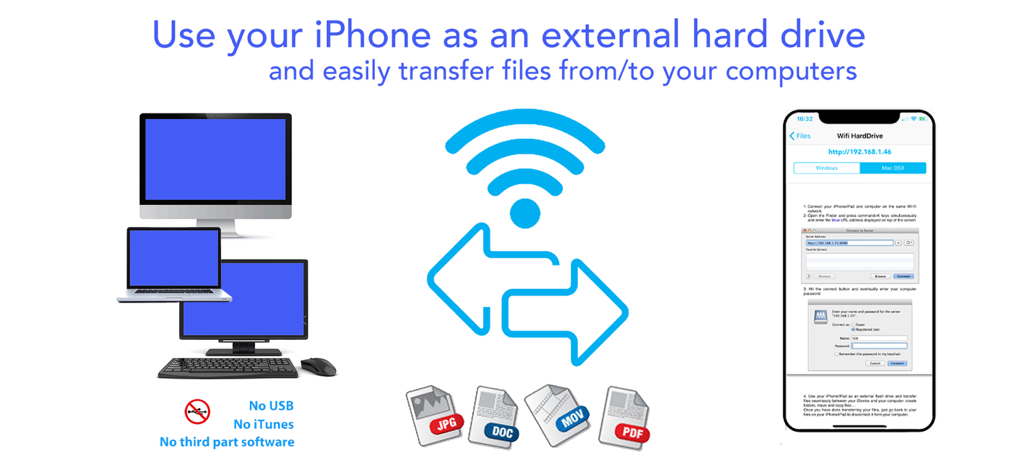
AirDrive - Wireless Hard Drive - Infographic showing how to use an iPhone as a wireless external hard drive to transfer files like JPG, DOC, and MOV to computers without USB or iTunes.
Infographic showing how to use an iPhone as a wireless external hard drive to transfer files like JPG, DOC, and MOV to computers without USB or iTunes.

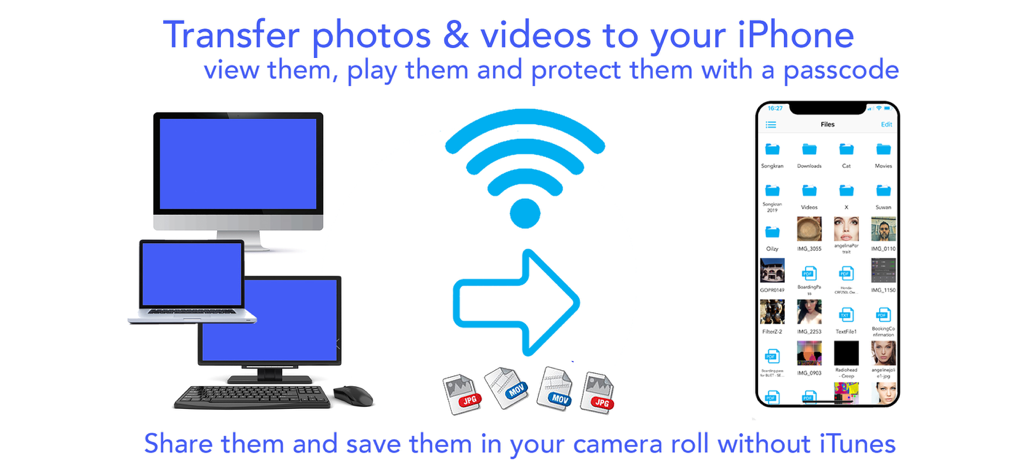
AirDrive - Wireless Hard Drive - Wireless transfer of photos and videos from computers to an iPhone without iTunes using the AirDrive app.
Wireless transfer of photos and videos from computers to an iPhone without iTunes using the AirDrive app.

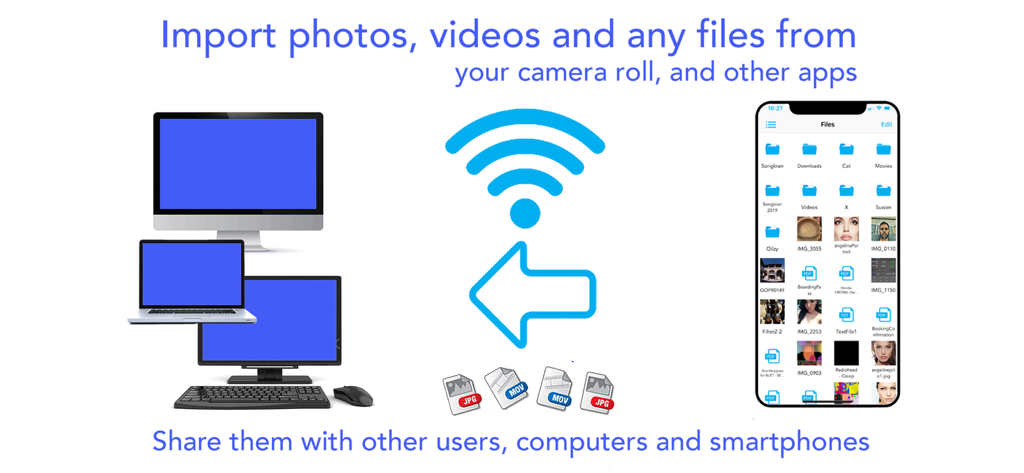
AirDrive - Wireless Hard Drive - Infographic showing wireless file transfer between an iPhone and various computers including a desktop and laptop.
Infographic showing wireless file transfer between an iPhone and various computers including a desktop and laptop.

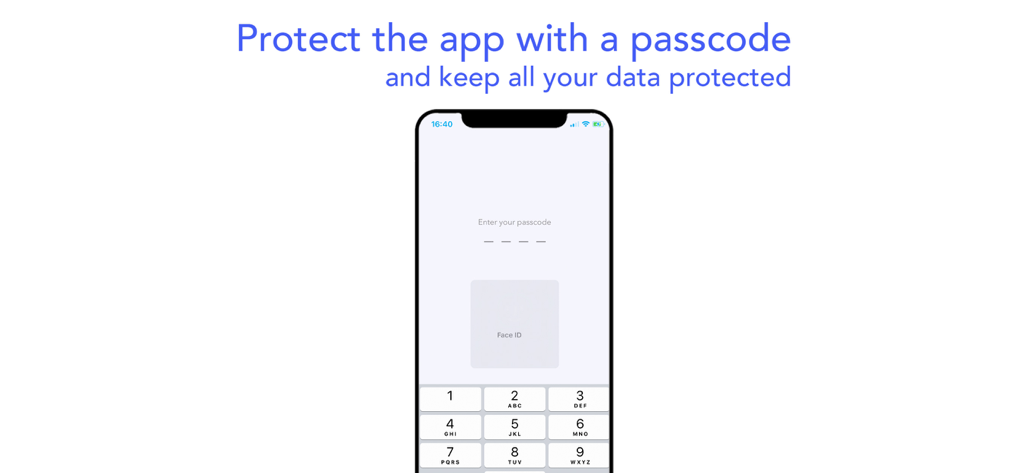
AirDrive - Wireless Hard Drive - A mobile screen showing passcode and Face ID authentication for the AirDrive app.
A mobile screen showing passcode and Face ID authentication for the AirDrive app.

AirDrive - Wireless Hard Drive - AirDrive app interface showing wireless file management and transfer features

AirDrive app interface showing wireless file management and transfer features

Description

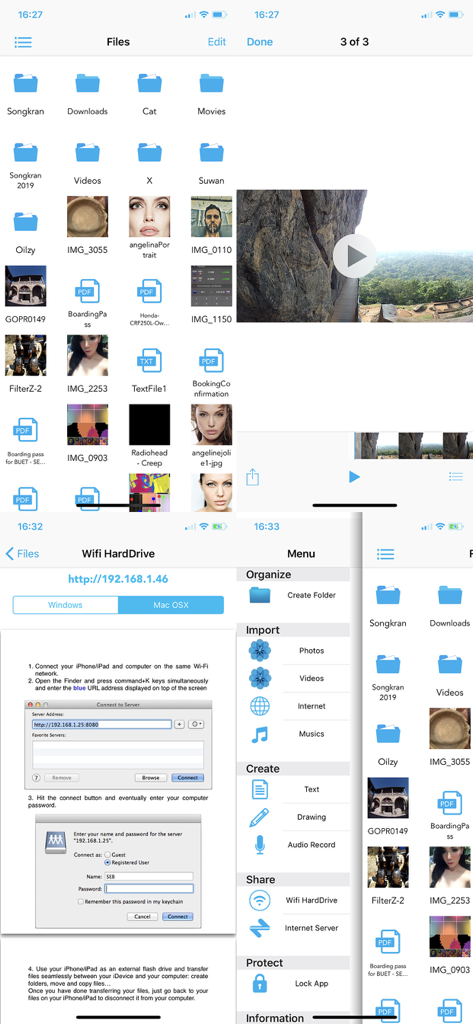
Finally use your iPhone/iPad/iPod as an external hard drive; view and share your photos, videos, musics and other documents on the go. Connect your iDevices to computers and smart phones without iTunes or other third part software, and share files easily. Download musics, videos and other stuffs on the internet. Protect all your data with a pass lock… AirDrive does it all ! AirDrive combines wifi server features with a powerful file manager; it is now easy to connect your iPhone* to computers and smart phones, and use it as an external hard drive, to share files and view them on the go. No need for iTunes, special cables or other software to connect your iPhone: the only thing required is an internet wifi connection. Simply share photos, videos and musics with your friends when you see them. Import several photos and videos at once from your camera roll and albums and share them with your friends. Import musics from your iPod library and share them too! Your friends can also upload their photos, videos, musics and other files to your iPhone* and you can then view/play them and save the photos in videos all at once in your camera roll. Import files from any other apps that support file sharing (mail attachments, file manager apps, editing apps…): view them and protect them into the app with a pass lock. Download files on the internet and in other files sharing apps; download several files in the background while seeing photos/videos or creating notes. Let your friends download your files with their computers and smart phones. And so many other features that we could continue for hours ..! Main app features: - Connect your iPhone* to computers as an external hard drive and easily transfer files, create folders to organize them, view them and share them on the go. Works with Mac and Windows computers. - Connect your iPhone* to computers and smart phones by simply entering the app server url: let your friends download your files and upload theirs without itunes, special cables or software. - Import several photos and videos into the app to protect them or share them. - Import musics from your iPod library play and share them ! - Organize your files on the go: create folders, rename your files, copy, move them at specific locations, delete and save them. - Create drawing, audio and text notes directly in the app. -Of course you can also transfer file with iTunes and its file sharing feature. - Protect all your data with a pass lock. - Share all your files by email, with other apps and on social networks. If you have issues with the app, write us an email at support@seb-appstore.com. If you report a problem in your review, unfortunately we can not contact you and help you out. Check out many great other apps at www.SEB-AppStore.com iPhone*: iPhone, iPod and iPad devices

Download

Download on App Store

This page is not an official page of the app or its developer, but an independent editorial publication created for informational and commentary purposes. Unless expressly stated otherwise, neither the app nor its developer is affiliated with, endorsed by, sponsored by, authorized by, or otherwise officially connected with MWM, Apple, Google Play, the app publisher, or the app's developer, and nothing on this page implies that the app was developed using MWM's services. Any trademarks, logos, screenshots, and other content remain the property of their respective owners.








