Alarm! Don't Touch My Phone

Alarm! Don't Touch My Phone

Download on App Store
Logo of Alarm! Don't Touch My Phone

Alarm! Don't Touch My Phone: Keep Your Device Private and Your Vibe Secure

The ultimate social snooping deterrent for your iPhone. Catch intruders with loud alarms and set a clear boundary with aesthetic wallpapers that look fire while protecting your personal photos and chats.

Download on App Store

Publisher

Rahila Bano

Category

Utilities

Downloads

0

User Rating

1.0/5

Total Ratings

0

Locales

2

Your Device, Your Rules

Discover the interface used by 0 users.
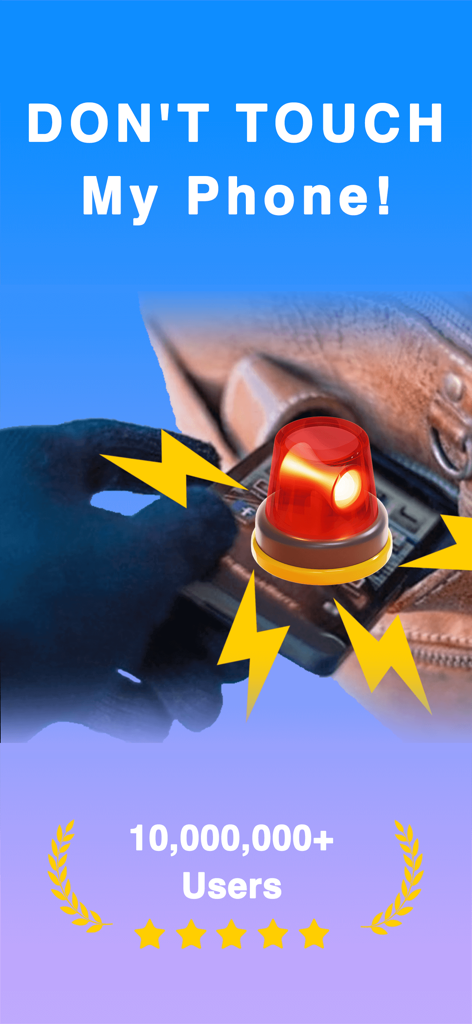
Dont Touch My Phone app security alarm screen with siren icon

Dont Touch My Phone app security alarm screen with siren icon

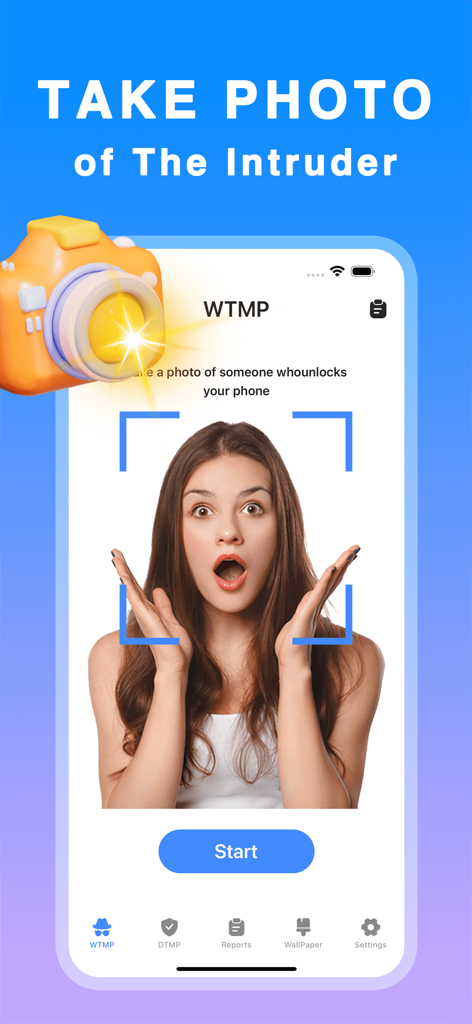
Smartphone screen showing the intruder photo capture security feature of the Alarm Don't Touch My Phone app.

Smartphone screen showing the intruder photo capture security feature of the Alarm Don't Touch My Phone app.

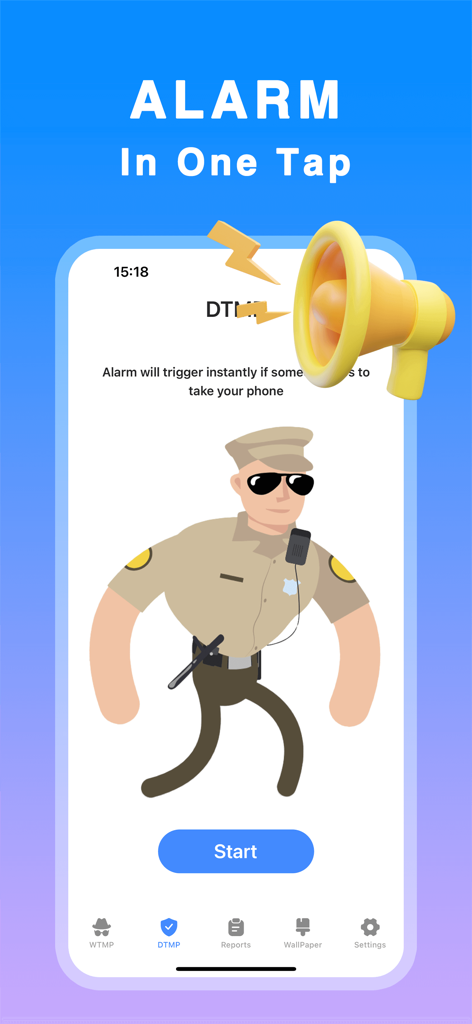
Mobile app interface showing a one-tap alarm activation screen with a cartoon security guard and start button

Mobile app interface showing a one-tap alarm activation screen with a cartoon security guard and start button

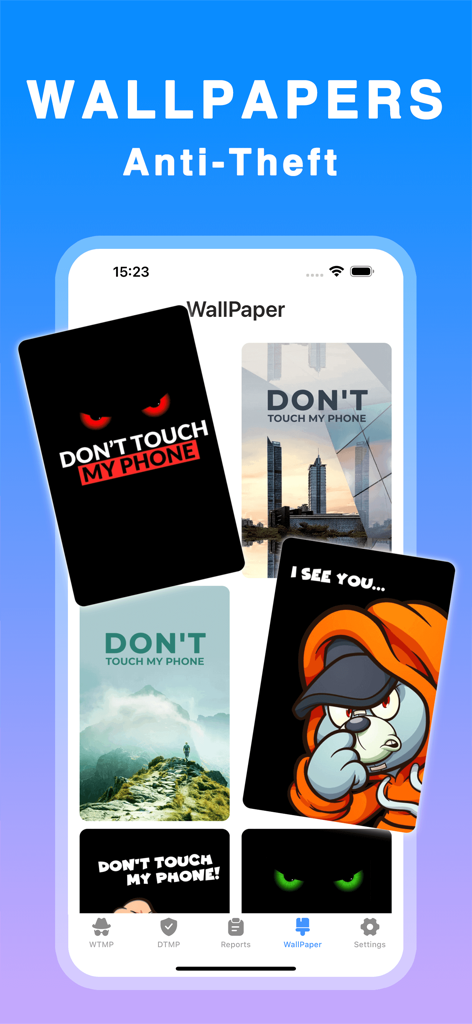
A variety of stylish anti-theft lock screen wallpapers within the Don't Touch My Phone app.

A variety of stylish anti-theft lock screen wallpapers within the Don't Touch My Phone app.

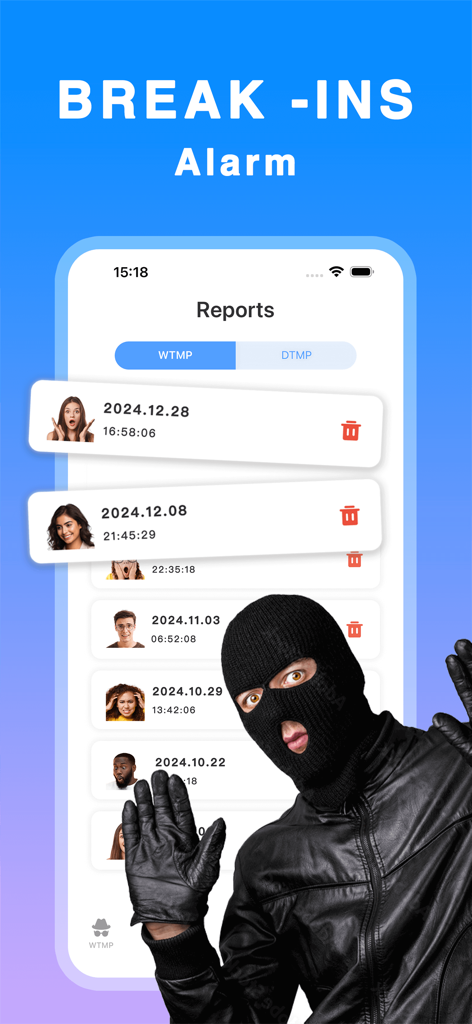
App screen showing a list of intruder detection reports with captured photos and timestamps

App screen showing a list of intruder detection reports with captured photos and timestamps

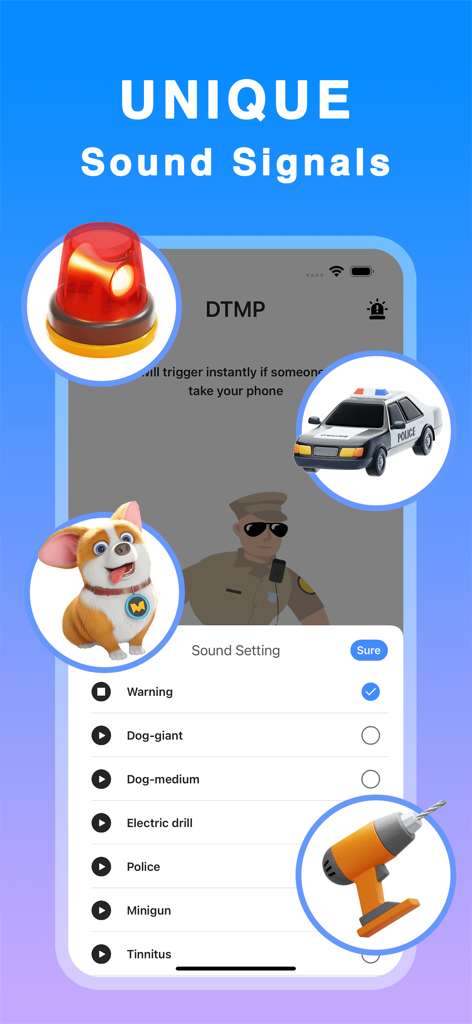
Interface displaying various unique sound options for the phone security alarm app

Interface displaying various unique sound options for the phone security alarm app

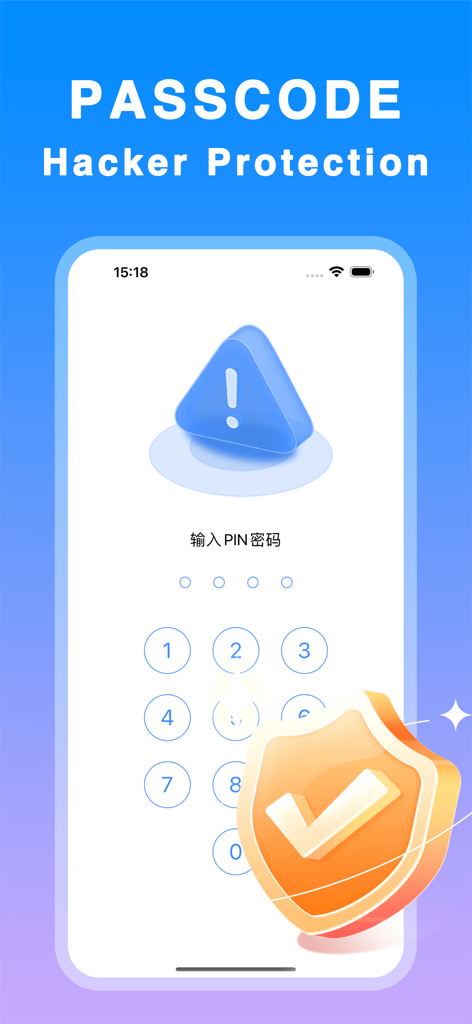
Mobile app interface for passcode hacker protection showing a numeric PIN entry pad and a security shield icon

Mobile app interface for passcode hacker protection showing a numeric PIN entry pad and a security shield icon

Your Privacy, Your Vibe

The tools that make this app stand out, trusted by 0 users.

🚨

Smart Motion Detection

Get instant alerts with custom security tunes the second someone touches your phone without permission.

🎨

Aesthetic Deterrents

Personalize your lock screen with stylish wallpapers that send a clear 'Don't Touch' message to nosy friends.

Instant One-Tap Defense

Arm your device in seconds before you step away at a coffee shop, gym, or library for total peace of mind.

About the app

Everything you need to know about Alarm! Don't Touch My Phone.

Description

Keep your phone secure and stylish with Don’t Touch My Phone – an app designed to protect your personal device from unauthorized access while adding a unique twist with customizable wallpapers. Don’t Touch My Phone is here to help you prevent anyone from touching your device without your permission. Whether you're at home, at work, or on the go, this app provides a reliable way to keep your phone safe from prying hands. With intruder detection and alarm features, the app captures any unauthorized attempts to access your device and immediately alerts you with sound notifications. Additionally, Don’t Touch My Device allows you to set custom wallpapers that act as a visual deterrent, ensuring that your device looks secure and stylish at all times. Key Features: * Intruder detection with an alarm to alert you of unauthorized access. * Customizable wallpapers to enhance your phone’s security and make it look even cooler. * Simple, one-tap activation to quickly protect your device. * Pin protection to secure the app and activate/deactivate the alarm system. * Choose from multiple security tunes for alerts. * Clear and easy-to-use interface for quick setup and use. Stay in control of your device’s security and protect your sensitive information with ease. Don’t Touch My Device is the perfect way to ensure your phone stays safe and stylish at the same time! Subscription Information - You can view subscription prices and upgrade to unlock all features through the in-app purchase page. - Payment: Payment will be charged to your iTunes account upon purchase confirmation. - Renewal: For monthly subscriptions, Apple iTunes will charge your account 24 hours before the subscription period ends. After a successful charge, the subscription period will be extended. - Cancellation: To cancel auto-renewal, go to "iTunes Store & App Store," tap "Apple ID," select "View Apple ID," and then access the "Account Settings" page. Tap "Subscriptions" and choose the subscription you wish to cancel. 
Privacy Policy: https://docs.qq.com/doc/p/5ca0a482b11c95028e3a5a75662d6428e22e1560
Terms of Use: https://docs.qq.com/doc/p/0e60a8136e7abe9b7fa50e35f39a18c25202465c

Latest Version

1.0.1

Size

34.9 MB

First Released

Dec 17, 2024

Secure Your Phone, Protect Your Vibe

Stop social snooping and keep your private life private. Download now for one-tap intruder alerts and stylish 'Don't Touch' wallpapers designed for your aesthetic.

Download on App Store

App information, icons, screenshots, and descriptions displayed on this page are sourced from the Apple App Store and are the property of their respective developers. Download estimates and rankings are based on MWM's proprietary models and may not reflect actual figures. This page is provided for informational and analytical purposes only.

Believe this page infringes your intellectual property? File a dispute