
This page is not an official page of the app or its developer, but an independent editorial publication created for informational and commentary purposes. Unless expressly stated otherwise, neither the app nor its developer is affiliated with, endorsed by, sponsored by, authorized by, or otherwise officially connected with MWM, Apple, Google Play, the app publisher, or the app's developer, and nothing on this page implies that the app was developed using MWM's services. Any trademarks, logos, screenshots, and other content remain the property of their respective owners.


AmneziaVPN
Stop trusting third-party providers and their 'no-log' promises. Deploy a secure, open-source VPN on your own server in minutes with automated VPS configuration and advanced traffic obfuscation.
Downloads
470K+User Rating
Total Ratings
300Publisher
Category
UtilitiesLocales
1Latest Version
4.8.10Size
81.2 MBFirst Released
Dec 22, 2022Uncompromising Digital Sovereignty
Stop trusting third-party providers with your data. AmneziaVPN empowers you to host your own infrastructure with automated, open-source tools designed for total privacy.
Full Server Ownership
Eliminate the middleman by deploying on your own VPS. You own the hardware, you own the logs, and you maintain complete control over your networking environment.
Stealth Obfuscation
Bypass Deep Packet Inspection (DPI) and strict firewalls with advanced protocols that disguise VPN traffic as standard web browsing for uninterrupted access.
Frequently Asked Questions
Everything you need to know about AmneziaVPN
What is AmneziaVPN?
AmneziaVPN is a free, open-source software for creating personal VPNs on virtual servers. It also connects to Amnezia Free and Premium VPN services. All services use obfuscation and blocking protection.
Is AmneziaVPN a free service?
Yes, AmneziaVPN is free open-source software for creating a personal VPN. It also provides connections to Amnezia Free and Amnezia Premium services.
How does AmneziaVPN ensure user privacy and data confidentiality?
AmneziaVPN uses protocols with traffic obfuscation and protection against blocking. All server configuration data entered by the user remains strictly confidential and is not shared with any third parties.
How do I configure my server with AmneziaVPN?
To configure your server with AmneziaVPN, provide the server's IP address, SSH login, and password or SSH private key. AmneziaVPN then sets up your personal VPN.
Which VPN protocols are supported by AmneziaVPN?
AmneziaVPN supports modern VPN protocols including AmneziaWG, XRay, WireGuard, and OpenVPN. Users can also customize protocol settings such as network type and encryption.
Can AmneziaVPN connections be shared with other users?
Yes, AmneziaVPN allows users to share their VPN connection with others. The app provides options for sharing either the connection itself or granting full access to the server.
What are the features of AmneziaWG in AmneziaVPN?
AmneziaWG is an Amnezia protocol based on WireGuard, offering better obfuscation methods. It provides high performance, low power consumption, and minimal settings for a fast and discreet VPN connection.
The following screenshots and description are sourced directly from the app's official store listing and are the property of the app developer.
App Store
Screenshots
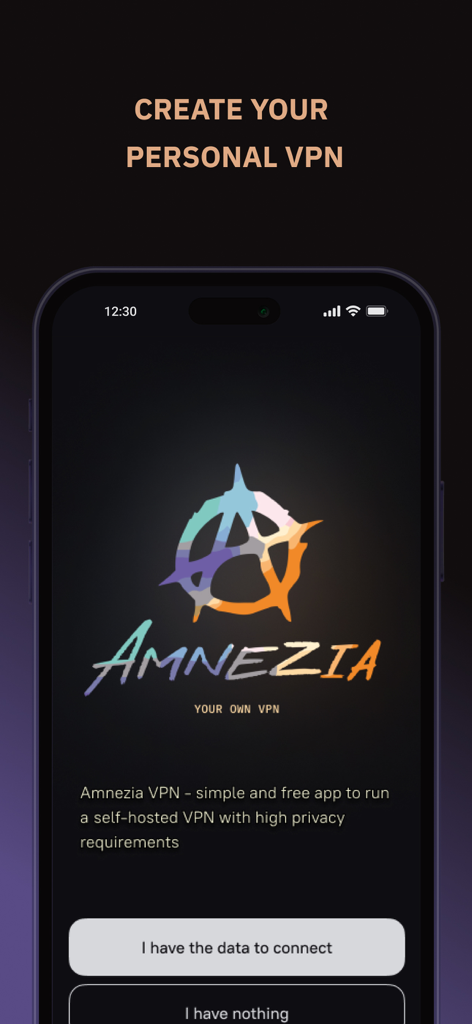
AmneziaVPN mobile app onboarding screen for setting up a personal self-hosted VPN.
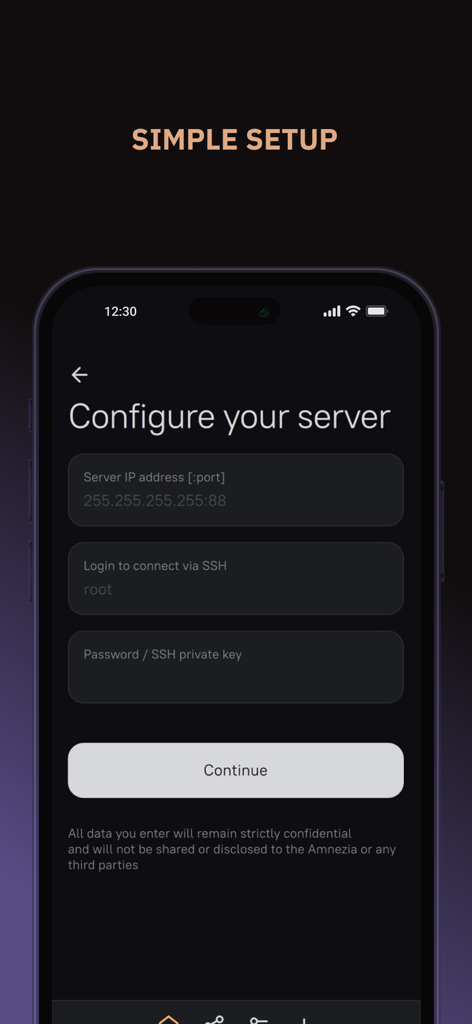
Interface of AmneziaVPN showing the simple setup screen for configuring a personal VPS server with IP and SSH login.
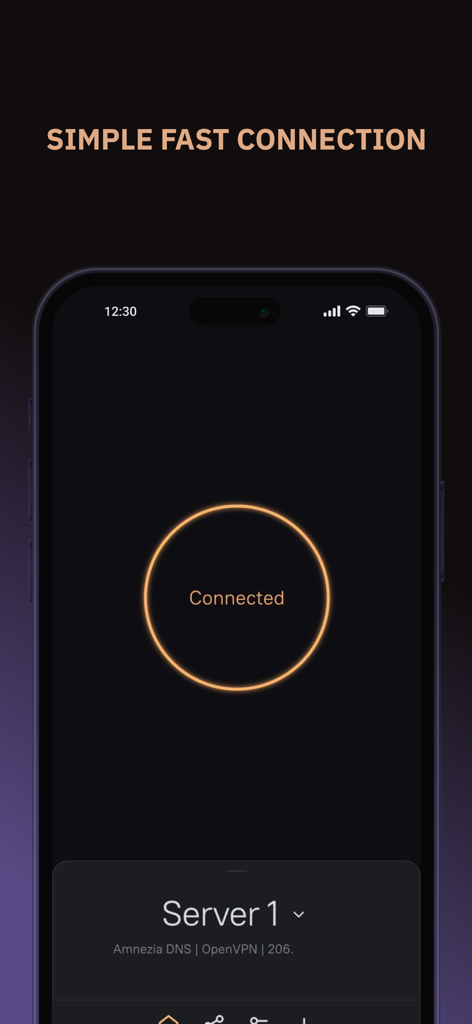
AmneziaVPN mobile app interface showing a successful connection status with a simple circular button
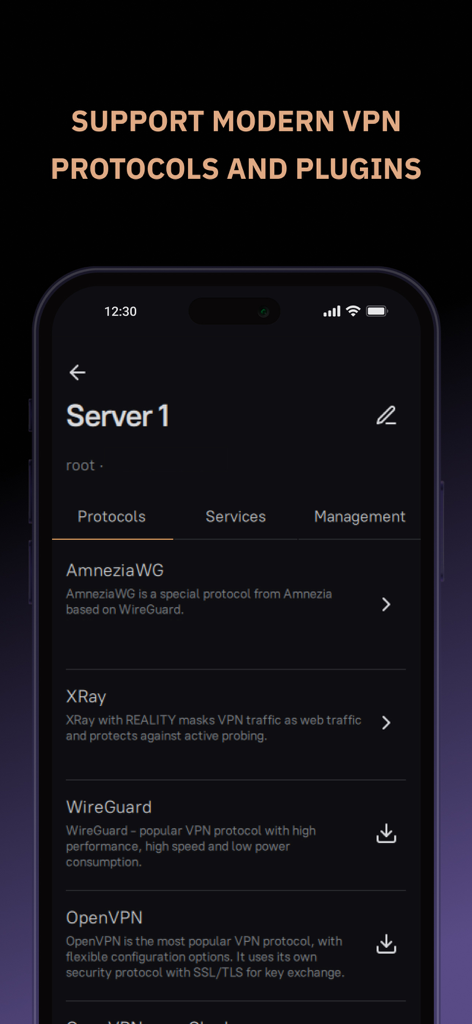
AmneziaVPN app interface showing supported protocols like AmneziaWG, XRay, WireGuard, and OpenVPN.
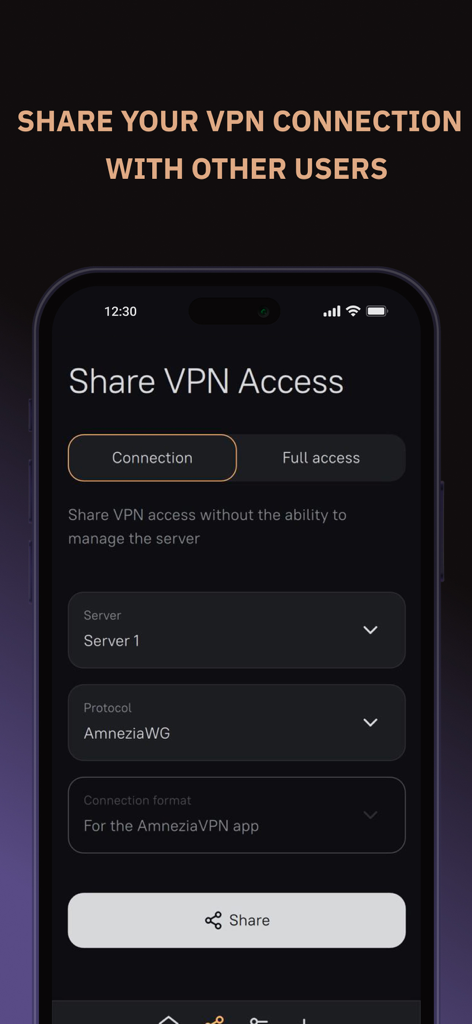
AmneziaVPN app screen showing options to share VPN access with other users using different protocols like AmneziaWG.
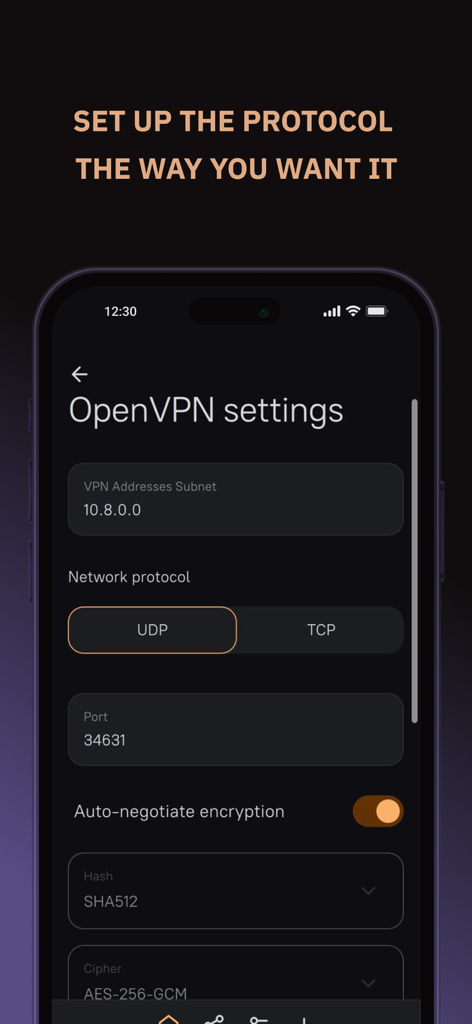
AmneziaVPN app screen for customizing OpenVPN protocol and encryption settings
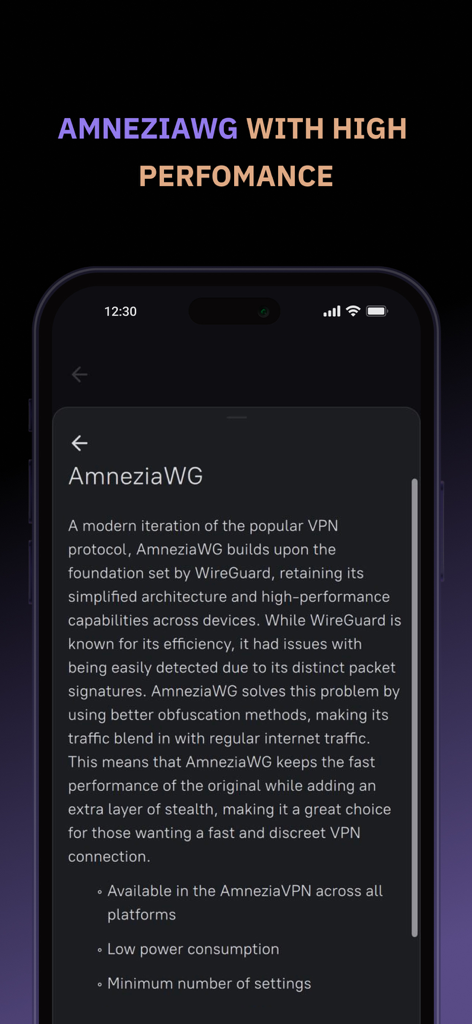
App screenshot explaining AmneziaWG protocol benefits including high performance and traffic obfuscation
Description
Download
More Like This
Apps with similar features and user experience
VPN - Super VPN Buck
FATCAT TECH PTE. LTD.

Unicorn HTTPS
Unicorn Soft, Inc.

Clash Mi
SUPERNOVA NEBULA LLC

VPN FIy
YUNFAN TECHNOLOGY CO., LIMITED

V2Box - V2ray Client
techlaim

v2RayTun
DATABRIDGES TECHNOLOGIES LTD

sing-box VT
VIRAL TECH, INC.

Karing
SUPERNOVA NEBULA LLC

V2Lite VPN - Super VPN Proxy
Surf Safe Network Ltd
This page is not an official page of the app or its developer, but an independent editorial publication created for informational and commentary purposes. Unless expressly stated otherwise, neither the app nor its developer is affiliated with, endorsed by, sponsored by, authorized by, or otherwise officially connected with MWM, Apple, Google Play, the app publisher, or the app's developer, and nothing on this page implies that the app was developed using MWM's services. Any trademarks, logos, screenshots, and other content remain the property of their respective owners.