
This page is not an official page of the app or its developer, but an independent editorial publication created for informational and commentary purposes. Unless expressly stated otherwise, neither the app nor its developer is affiliated with, endorsed by, sponsored by, authorized by, or otherwise officially connected with MWM, Apple, Google Play, the app publisher, or the app's developer, and nothing on this page implies that the app was developed using MWM's services. Any trademarks, logos, screenshots, and other content remain the property of their respective owners.


Animation Creator: Flipbook 2D
The easiest way to create frame-by-frame animations on the go. Perfect for students and creators looking to turn sketches into shareable GIFs and videos for TikTok, Reels, and more.
Downloads
478K+User Rating
Total Ratings
31K+Publisher
Category
EntertainmentLocales
8Latest Version
2.1.2Size
118.2 MBFirst Released
Jul 6, 2024Unleash Your Inner Animator
The easiest way for Gen Z creators and aspiring artists to turn sketches into viral-ready 2D animations in minutes.
Intuitive Flipbook Drawing
Skip the complex software. Our user-friendly interface lets you sketch frame-by-frame just like a traditional flipbook, but with modern digital power.
Master Motion with Onion Skinning
See exactly where you've been and where you're going. Overlay previous frames to ensure your character's movement is smooth and professional.
Frequently Asked Questions
Everything you need to know about Animation Creator: Flipbook 2D
What is Animation Creator: Flipbook 2D?
Animation Creator: Flipbook 2D is a mobile application for animators and artists to create animations. It provides tools for beginners and professionals to bring ideas to life effortlessly.
Does Animation Creator: Flipbook 2D support frame-by-frame animation?
Yes, Animation Creator: Flipbook 2D supports frame-by-frame animation. Users create detailed animations by drawing each frame individually, simulating a traditional flipbook.
Can I use onion skinning in Animation Creator: Flipbook 2D?
Yes, Animation Creator: Flipbook 2D includes onion skinning. This feature allows users to see previous and next frames while drawing, ensuring smooth motion in their animations.
What export options are available in Animation Creator: Flipbook 2D?
Animation Creator: Flipbook 2D allows users to export animations as GIFs or video files. Users can share their creations with friends, family, or social media followers.
Is Animation Creator: Flipbook 2D easy for beginners to use?
Yes, Animation Creator: Flipbook 2D is designed for ease of use. It features a quick start, simple controls, and built-in tutorials to help beginners learn animation techniques without a steep learning curve.
Who is Animation Creator: Flipbook 2D for?
Animation Creator: Flipbook 2D is for aspiring animators, professionals, artists, educators, students, social media influencers, game designers, and marketing professionals. It suits anyone adding motion to their creative work.
How do I subscribe to Animation Creator: Flipbook 2D?
Users can subscribe to all features within Animation Draw Pulse for unlimited access. Subscriptions are billed weekly, monthly, or yearly, depending on the selected plan.
How can I cancel my Animation Creator: Flipbook 2D subscription?
You can cancel your Animation Creator: Flipbook 2D subscription via the provided URL: https://support.apple.com/en-us/HT202039. This link directs to Apple's subscription management support page.
Where can I find the privacy policy for Animation Creator: Flipbook 2D?
The privacy policy for Animation Creator: Flipbook 2D is available at https://cemsoftwareltd.com/privacyPolicy.html. All personal data is protected in accordance with this policy.
Does Animation Creator: Flipbook 2D include animation templates?
Yes, Animation Creator: Flipbook 2D includes many templates, ranging from easy to hard. Users can access these templates via a dedicated tab to assist their animation projects.
Can I add backgrounds to animations in Animation Creator: Flipbook 2D?
Yes, users can add backgrounds to animations in Animation Creator: Flipbook 2D. The app provides multiple templates and scenes to choose from to enhance creative projects.
Can I adjust the Frames Per Second (FPS) in Animation Creator: Flipbook 2D?
Yes, Animation Creator: Flipbook 2D allows users to choose and control the Frames Per Second (FPS). This setting directly influences the smoothness of motion in their animations.
The following screenshots and description are sourced directly from the app's official store listing and are the property of the app developer.
App Store
Screenshots
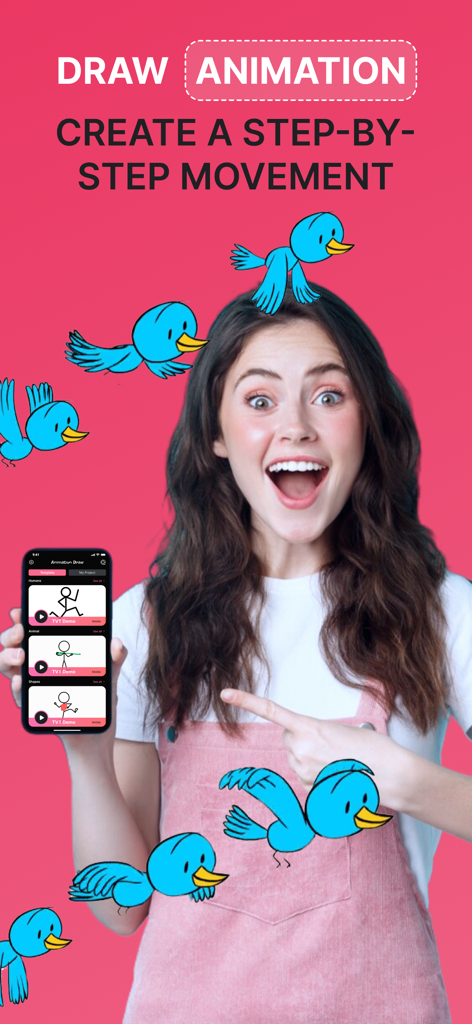
Young woman holding a smartphone showing the Animation Creator Flipbook 2D app interface with blue cartoon birds
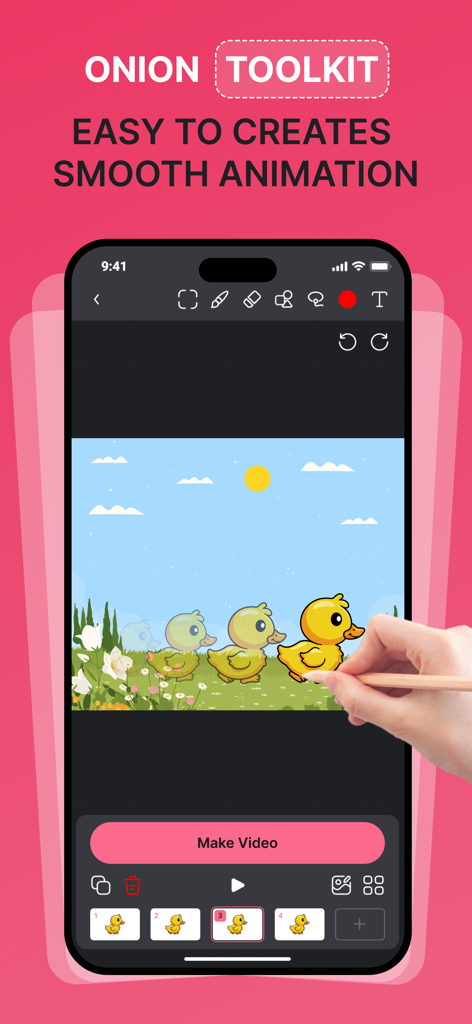
Mobile interface of Animation Creator showing the onion skinning toolkit for smooth character movement
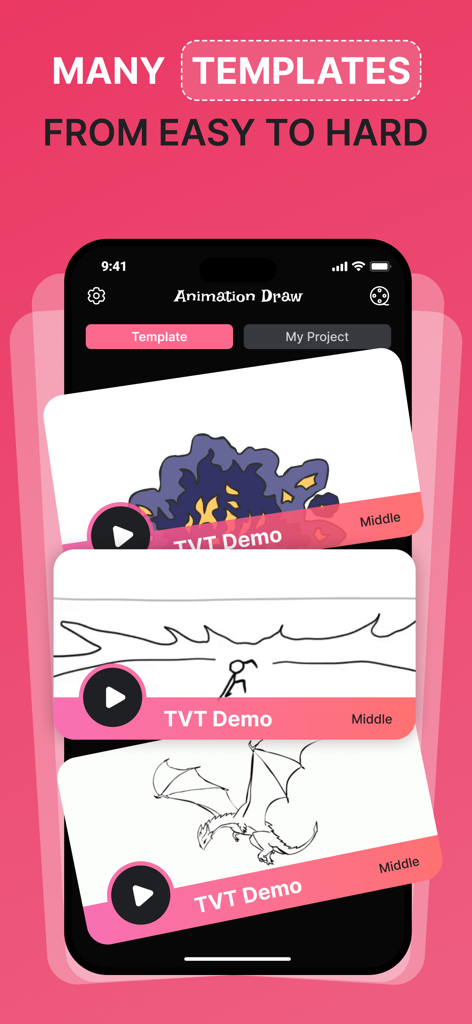
Interface of the Animation Creator app showing a selection of 2D animation templates ranging from easy to hard
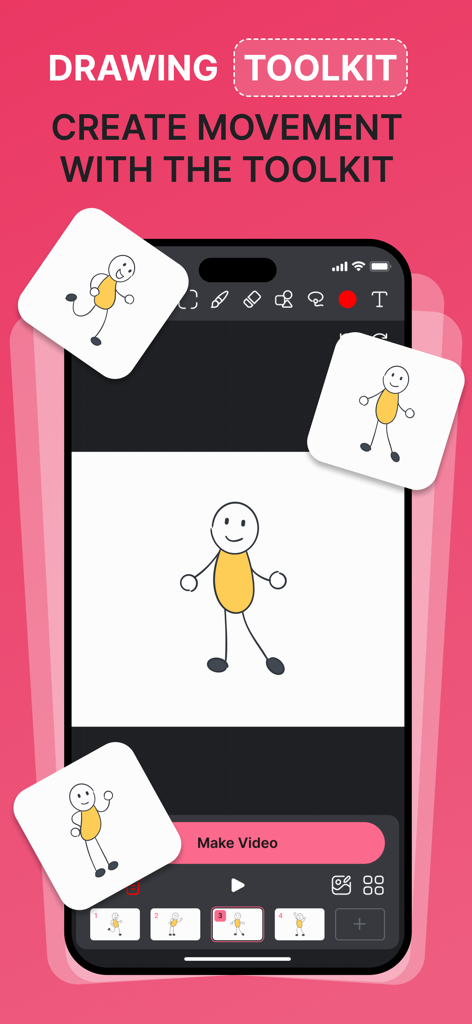
A smartphone showing the Animation Creator Flipbook 2D app interface with a stick figure drawing and animation frames
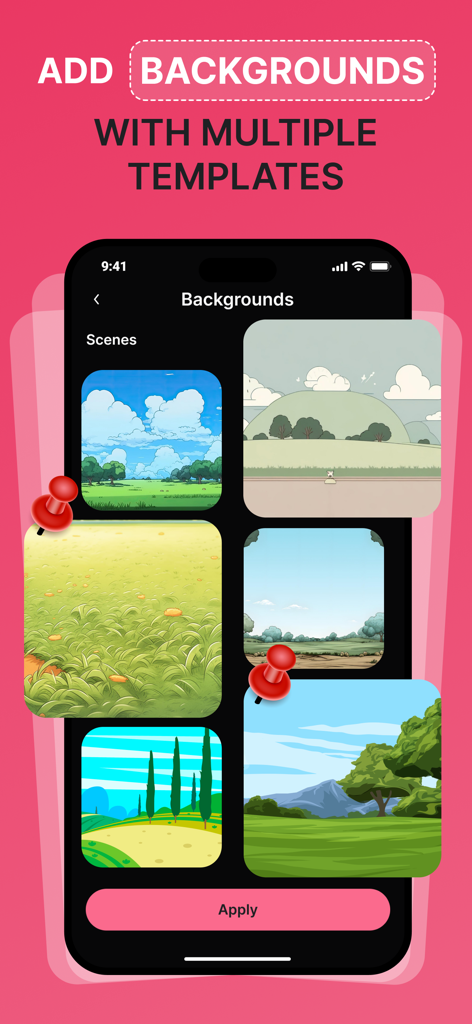
A screen showing various scenery templates for backgrounds in the Animation Creator app.
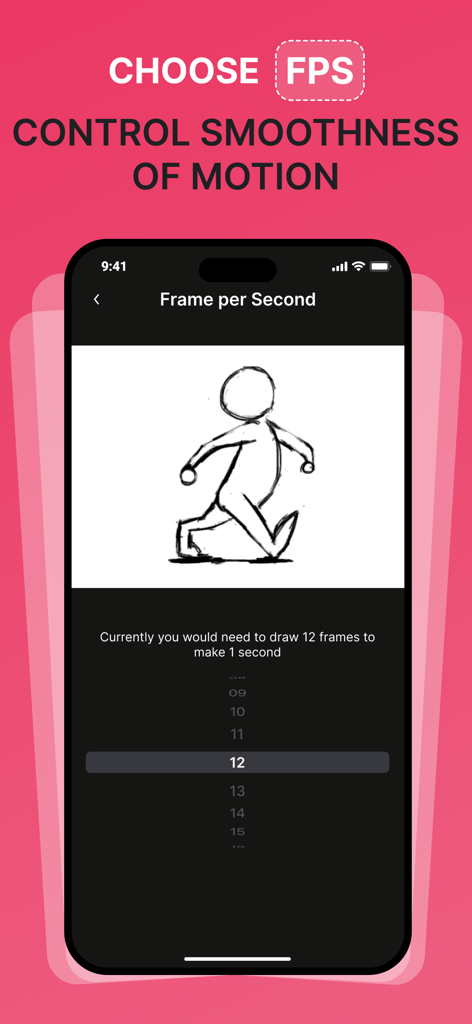
Interface of the Animation Creator app showing frame per second settings to control motion smoothness
Description
Download
More Like This
Apps with similar features and user experience
Stick Nodes Pro - Animator
ForTheLoss Games, Inc

FlipaClip: Create 2D Animation
Visual Blasters, LLC

Stop Motion Studio
CATEATER, LLC
Stick Nodes - Animator
ForTheLoss Games, Inc

Stop Motion Studio Pro
CATEATER, LLC

2d animation creator, stickman
Trang Phi Thi

Stop Motion Factory
壮 董

FlipArtify - 2D Draw Animation
CEM SOFTWARE COMPANY LIMITED

MotionBook - Draw & Animate
亮 彭
This page is not an official page of the app or its developer, but an independent editorial publication created for informational and commentary purposes. Unless expressly stated otherwise, neither the app nor its developer is affiliated with, endorsed by, sponsored by, authorized by, or otherwise officially connected with MWM, Apple, Google Play, the app publisher, or the app's developer, and nothing on this page implies that the app was developed using MWM's services. Any trademarks, logos, screenshots, and other content remain the property of their respective owners.