
This page is not an official page of the app or its developer, but an independent editorial publication created for informational and commentary purposes. Unless expressly stated otherwise, neither the app nor its developer is affiliated with, endorsed by, sponsored by, authorized by, or otherwise officially connected with MWM, Apple, Google Play, the app publisher, or the app's developer, and nothing on this page implies that the app was developed using MWM's services. Any trademarks, logos, screenshots, and other content remain the property of their respective owners.


App Time Limit: Screen Leech
Built for humans, not hacks. Use intentional friction and our friendly mascot to stop mindless scrolling, focus on your goals, and live more—privately and natively on iOS 18.
Downloads
100User Rating
Total Ratings
0Publisher
Category
ProductivityLocales
12Latest Version
1.0.8Size
27.7 MBFirst Released
Jul 7, 2025Master Your Attention, Not Just Your Screen
Break the cycle of doomscrolling with mindful friction and a digital companion designed to help you live more and scroll less.
Meet Your Focus Buddy
Leechy reacts to your habits in real-time. Stay focused and Leechy stays calm; binge scroll and he devours your time.
High-Friction Blocks
Stop impulsive app opening with unblock methods designed to challenge your willpower and force intentional access.
The following screenshots and description are sourced directly from the app's official store listing and are the property of the app developer.
App Store
Screenshots
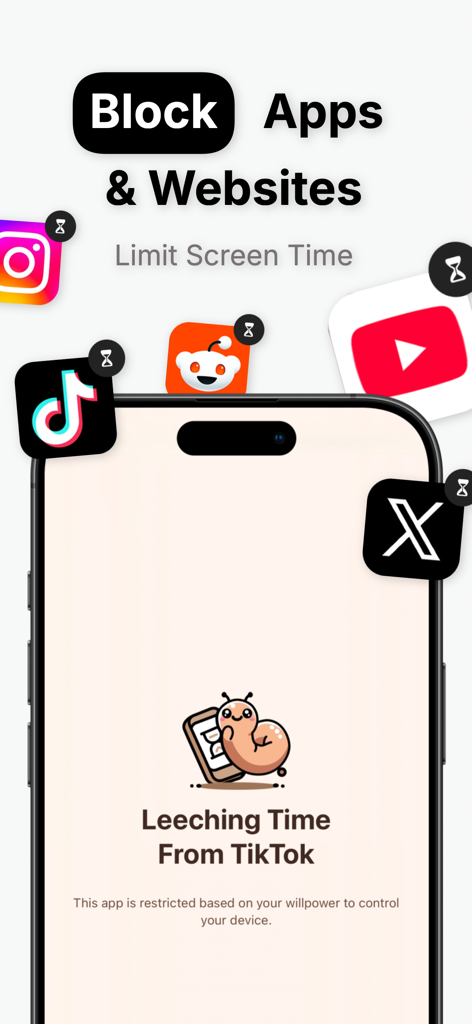
Screen Leech app interface showing social media apps like TikTok and Instagram being blocked by the mascot Leechy
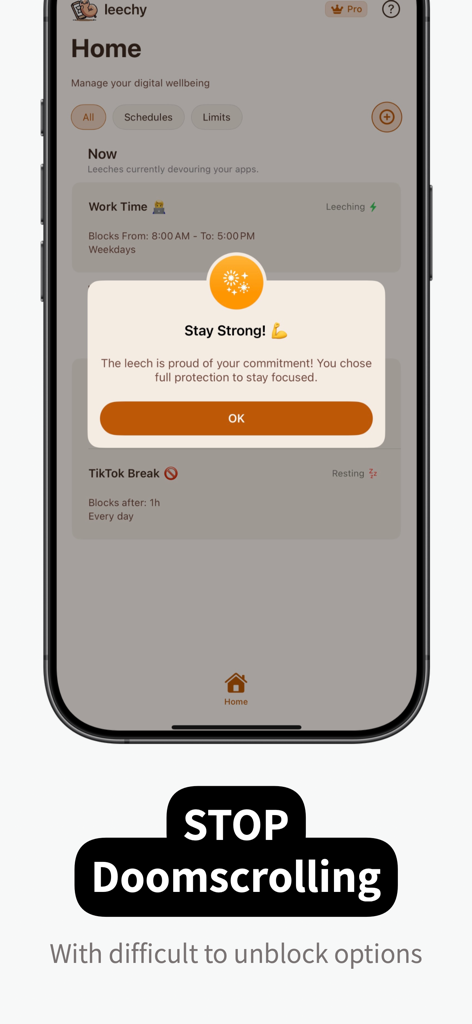
Screen Leech app home screen displaying a Stay Strong message to help users stop doomscrolling and stay focused
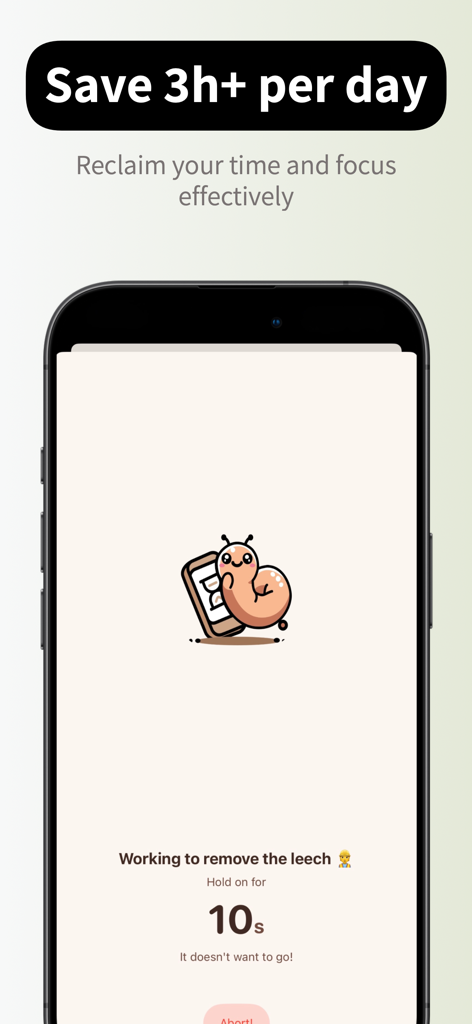
Screen Leech app display showing a 10 second hold timer to unblock apps featuring the Leechy mascot.
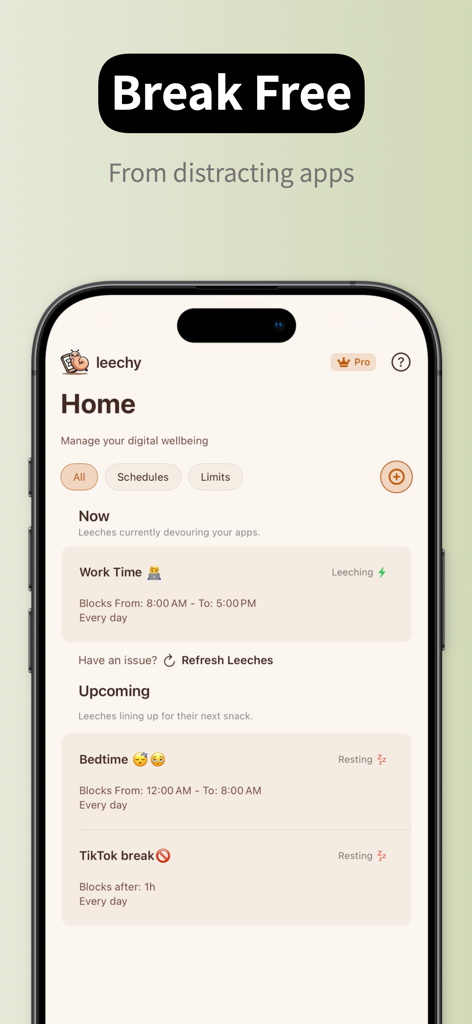
Screen Leech app home screen showing digital wellbeing schedules for work time and bedtime
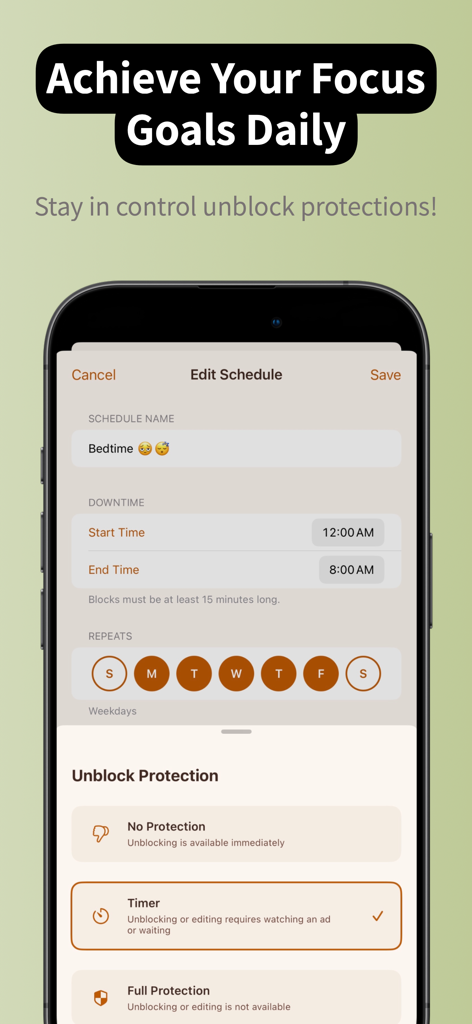
Screen Leech app interface showing schedule editing and unblock protection options for digital wellness
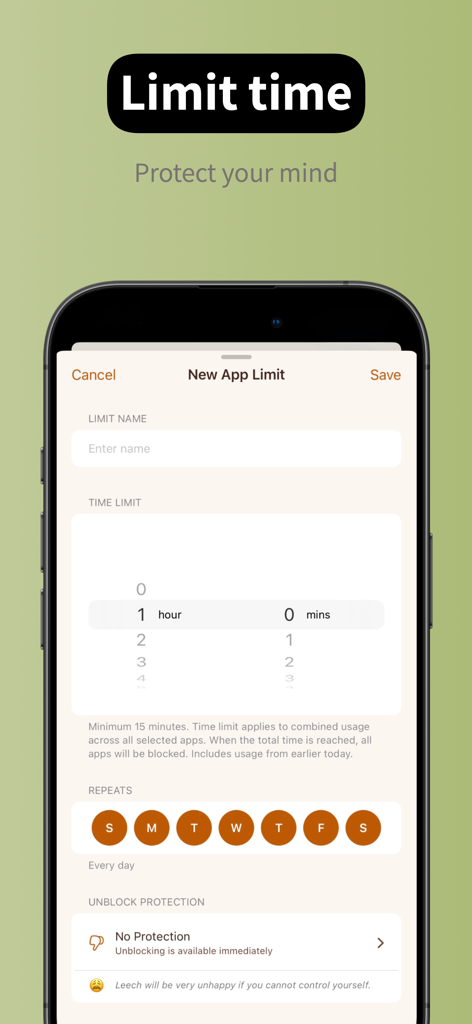
Interface of Screen Leech app showing how to set a new daily time limit for mobile applications.
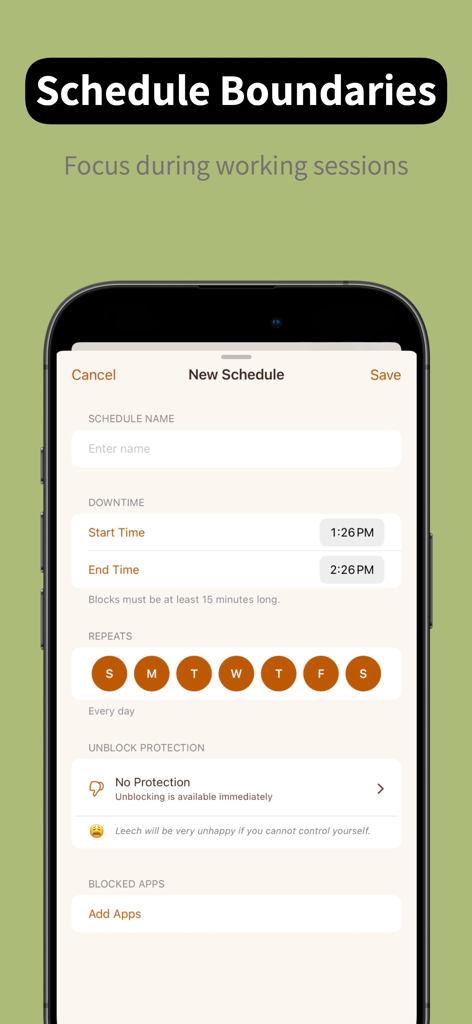
Screen Leech app interface for setting up screen time schedules and focus boundaries.
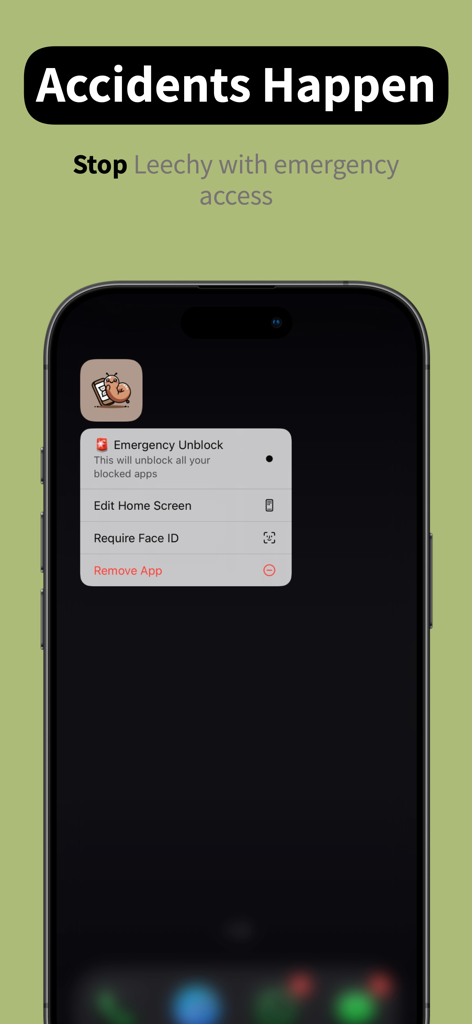
iPhone screen showing the emergency unblock menu option for the Screen Leech app
Description
Download
More Like This
Top-ranked apps in the same category

ChatGPT
OpenAI OpCo, LLC

Google Gemini
Google LLC

Grok
X.AI Corporation

Gmail - Email by Google
Google LLC

千问 - 阿里最强大模型官方AI助手
Shanghai Zhixin Puhui Technology Co., Ltd.

Google Drive
Google LLC

Microsoft Authenticator
Microsoft Corporation

Google Sheets
Google LLC

Google Docs
Google LLC
This page is not an official page of the app or its developer, but an independent editorial publication created for informational and commentary purposes. Unless expressly stated otherwise, neither the app nor its developer is affiliated with, endorsed by, sponsored by, authorized by, or otherwise officially connected with MWM, Apple, Google Play, the app publisher, or the app's developer, and nothing on this page implies that the app was developed using MWM's services. Any trademarks, logos, screenshots, and other content remain the property of their respective owners.