AR VideoLab
AR VideoLab
Download on App Store

This page is not an official page of the app or its developer, but an independent editorial publication created for informational and commentary purposes. Unless expressly stated otherwise, neither the app nor its developer is affiliated with, endorsed by, sponsored by, authorized by, or otherwise officially connected with MWM, Apple, Google Play, the app publisher, or the app's developer, and nothing on this page implies that the app was developed using MWM's services. Any trademarks, logos, screenshots, and other content remain the property of their respective owners.


Logo of AR VideoLab
Download on App Store

AR VideoLab

Stop squinting at your phone and start projecting. Transform any wall into a personal theater with cutting-edge AR technology or follow our DIY guide for the ultimate movie night vibe without the expensive equipment.

Key Figures

Downloads

0

User Rating

2.4/5

Total Ratings

0

Publisher

CH3 DELTA LIMITED

Category

Photo & Video

Locales

6

Latest Version

3.2

Size

56.7 MB

First Released

Feb 26, 2021
Features

Upgrade Your Vibe with Instant AR Cinema

Stop squinting at your small screen. Whether it's a dorm hangout or a cozy movie night, AR VideoLab turns your smartphone into an immersive projection powerhouse for zero cost.

Instant AR Projection

Use your camera to pin movies and videos directly onto your walls. Experience a lifelike theater setup anywhere, anytime without expensive gear.

Pro DIY Projector Guide

Get the hardware look without the $500 price tag. Learn how to build a real-life projector using your phone and just a few simple household items.

The following screenshots and description are sourced directly from the app's official store listing and are the property of the app developer.

App Store

Screenshots
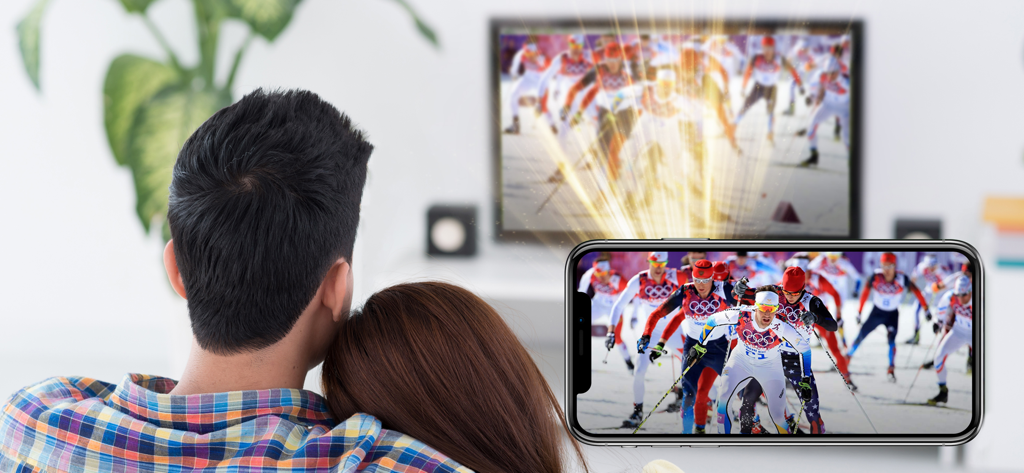
AR VideoLab - A couple using the AR VideoLab app to project a sports video from their smartphone onto a screen
A couple using the AR VideoLab app to project a sports video from their smartphone onto a screen

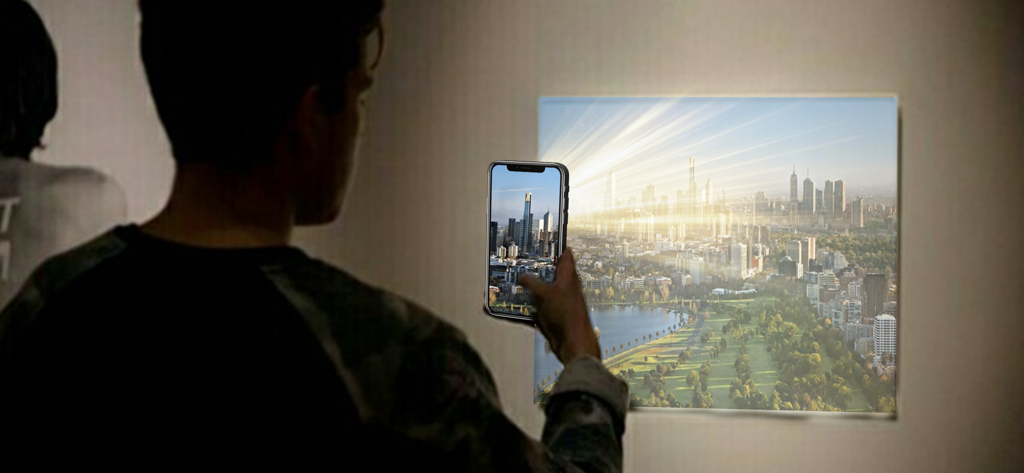
AR VideoLab - A person using the AR VideoLab app to project a cityscape video onto a wall with a smartphone
A person using the AR VideoLab app to project a cityscape video onto a wall with a smartphone

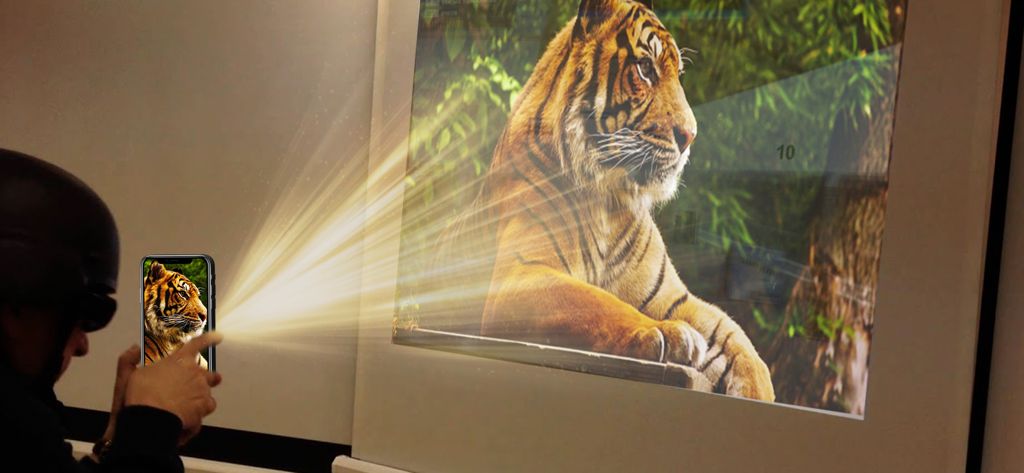
AR VideoLab - A smartphone using AR VideoLab to project a video of a tiger onto a wall
A smartphone using AR VideoLab to project a video of a tiger onto a wall

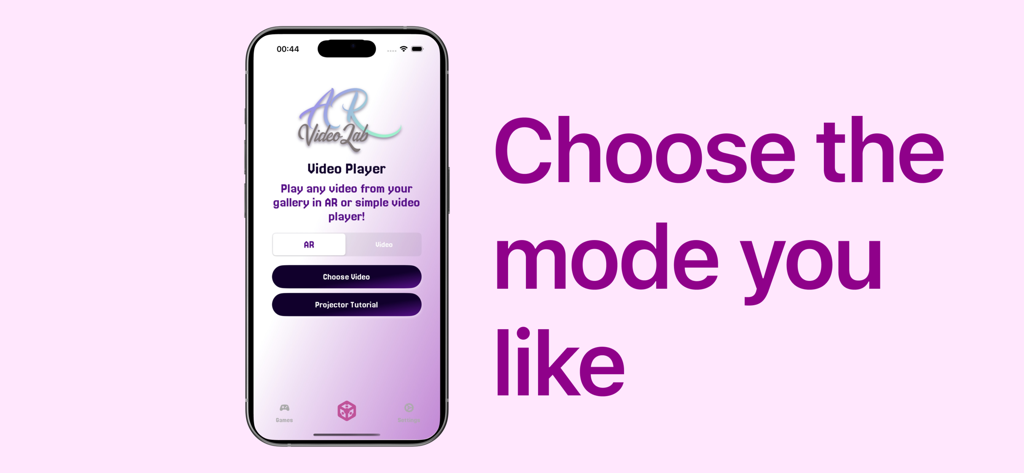
AR VideoLab - AR VideoLab smartphone screen showing options to choose between AR and video player modes
AR VideoLab smartphone screen showing options to choose between AR and video player modes

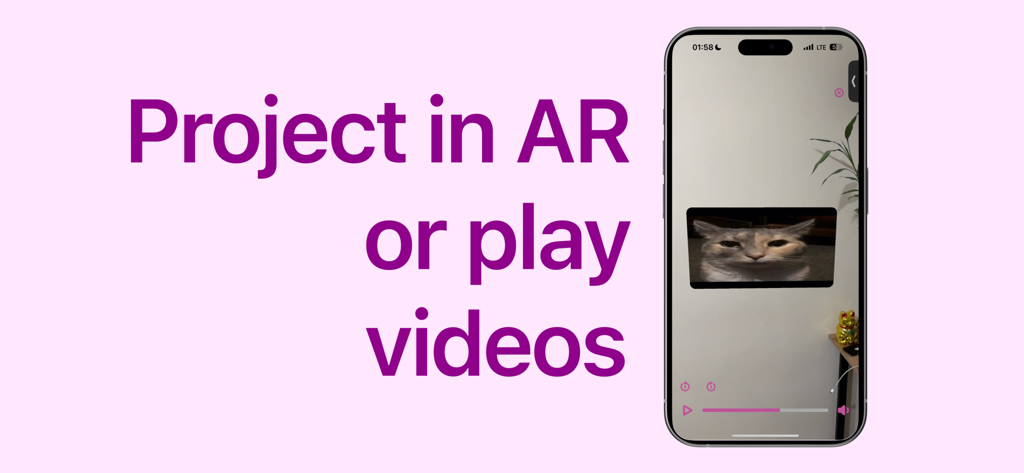
AR VideoLab - Smartphone screen showing the AR VideoLab app projecting a video of a cat onto a wall using augmented reality.
Smartphone screen showing the AR VideoLab app projecting a video of a cat onto a wall using augmented reality.

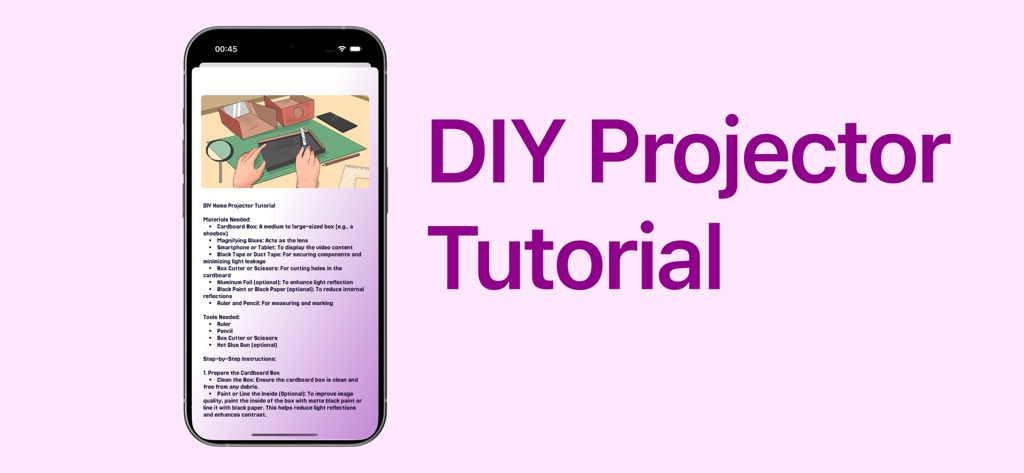
AR VideoLab - AR VideoLab app showing a DIY home projector tutorial with step by step instructions
AR VideoLab app showing a DIY home projector tutorial with step by step instructions

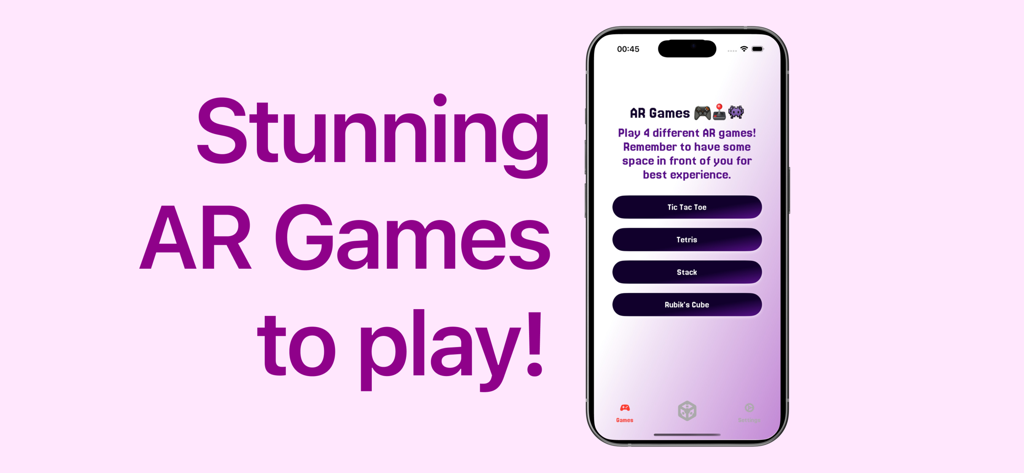
AR VideoLab - A screenshot of the AR VideoLab app showing a menu of 4 different augmented reality games including Tetris and Rubiks Cube

A screenshot of the AR VideoLab app showing a menu of 4 different augmented reality games including Tetris and Rubiks Cube

Description

Experience Movies Like Never Before with AR VideoLab Welcome to AR VideoLab, the pioneering app that revolutionizes the way you watch movies, cartoons, and videos. Transform your everyday viewing into an extraordinary, immersive experience by turning your smartphone into a powerful projector. Whether you’re hosting a family movie night, enjoying a cinematic adventure with friends, or simply relaxing with your favorite videos, AR VideoLab brings the magic of the big screen right to your fingertips. Key Features • Augmented Reality Projection: Utilize your phone’s camera to project videos onto any flat surface. With our advanced AR technology, seamlessly integrate your content into your environment, creating a lifelike movie theater experience wherever you are. • DIY Projector Guide: Don’t have a traditional projector? No problem! Follow our comprehensive step-by-step guide to create a DIY projector using just your smartphone and a few simple materials. It’s easy, affordable, and perfect for enhancing your viewing setup. • Intuitive Interface: Our user-friendly interface makes it effortless to navigate through your gallery, select videos, and set up your projection. Whether you’re tech-savvy or a beginner, getting started with AR VideoLab is a breeze. • AR Games Inside: Play 4 different exciting games in augmented reality! How to Use AR VideoLab 1. Select Your Video: • Open AR VideoLab and browse through your phone’s gallery to choose the video you want to watch. Whether it’s a blockbuster movie, a beloved cartoon, or a personal video, AR VideoLab supports all your favorites. 2. Download and Compress: • Once selected, the app automatically downloads and compresses the video. Our smart compression technology ensures that your video is optimized for high-quality playback without unnecessary delays or buffering. 3. Set Up Your Projection: • Launch the AR mode by activating your phone’s camera within the app. Point your device towards a suitable wall or flat surface where you want the video to appear. • Use the on-screen guides to position and size your projection accurately. Adjust the placement until you’re satisfied with how the video fits into your chosen space. 4. Enjoy the Show: • Sit back, relax, and immerse yourself in the cinematic experience. Whether you’re watching alone or sharing the moment with others, AR VideoLab transforms any location into your personal theater. Why Choose AR VideoLab? • Portability and Convenience: No need for bulky equipment or expensive projectors. AR VideoLab leverages the power of your smartphone, making high-quality projections possible anytime, anywhere. • Enhanced Social Experience: Create unforgettable moments by sharing your augmented reality projections with friends and family. Perfect for gatherings, parties, or casual hangouts. • Innovative Technology: Stay ahead with cutting-edge AR features that continuously evolve to provide the best viewing experience possible. AR VideoLab is committed to innovation and excellence. • Cost-Effective Solution: Enjoy the benefits of a home theater setup without the hefty price tag. Our DIY projector guide and app functionality offer an affordable alternative to traditional projection systems. Get Started Today!

Download

Download on App Store

This page is not an official page of the app or its developer, but an independent editorial publication created for informational and commentary purposes. Unless expressly stated otherwise, neither the app nor its developer is affiliated with, endorsed by, sponsored by, authorized by, or otherwise officially connected with MWM, Apple, Google Play, the app publisher, or the app's developer, and nothing on this page implies that the app was developed using MWM's services. Any trademarks, logos, screenshots, and other content remain the property of their respective owners.