ArcGIS QuickCapture

ArcGIS QuickCapture

Download on App StoreDownload on Google Play
Logo of ArcGIS QuickCapture

ArcGIS QuickCapture: The Fastest Way to Map Field Observations

Empower your field crews with a big-button interface for one-tap data collection. Capture locations and photos at speed and sync them instantly to ArcGIS for real-time decision-making.

Publisher

ESRI

Category

Utilities

Downloads

22K+

User Rating

4.3/5

Total Ratings

0

Locales

38

Precision in a Tap

Discover the interface used by 22K+ users.

ArcGIS QuickCapture app login screen with a highway at sunset background and Esri sign-in buttons.

ArcGIS QuickCapture app login screen with a highway at sunset background and Esri sign-in buttons.

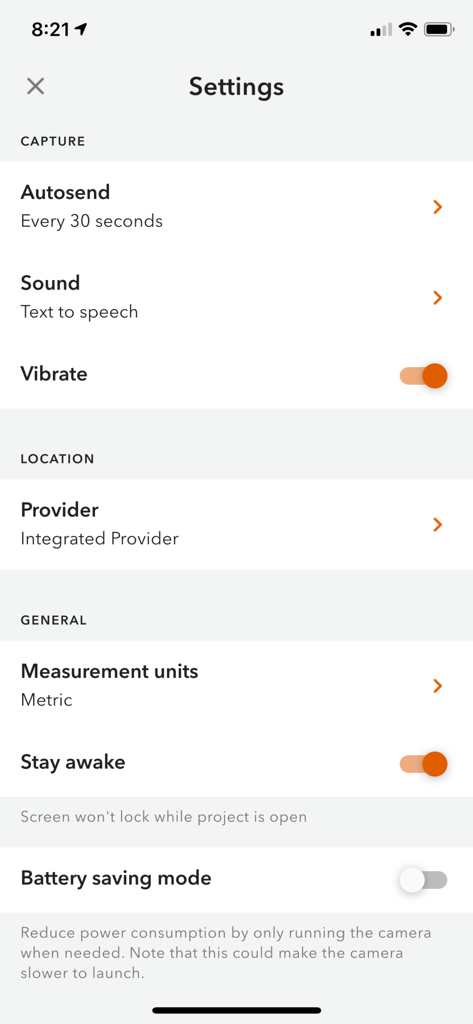
Settings menu of the ArcGIS QuickCapture app showing capture and location configuration options

Settings menu of the ArcGIS QuickCapture app showing capture and location configuration options

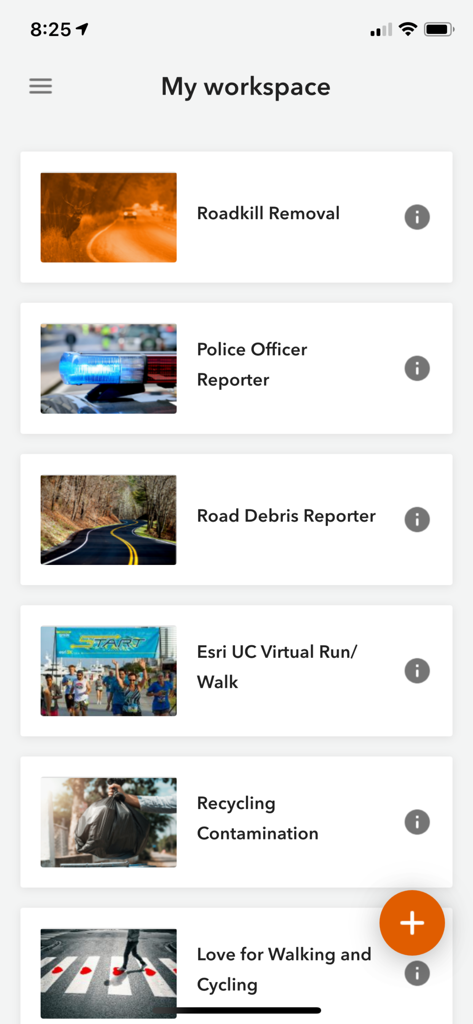
ArcGIS QuickCapture app interface showing a list of field data collection projects in the My Workspace screen

ArcGIS QuickCapture app interface showing a list of field data collection projects in the My Workspace screen

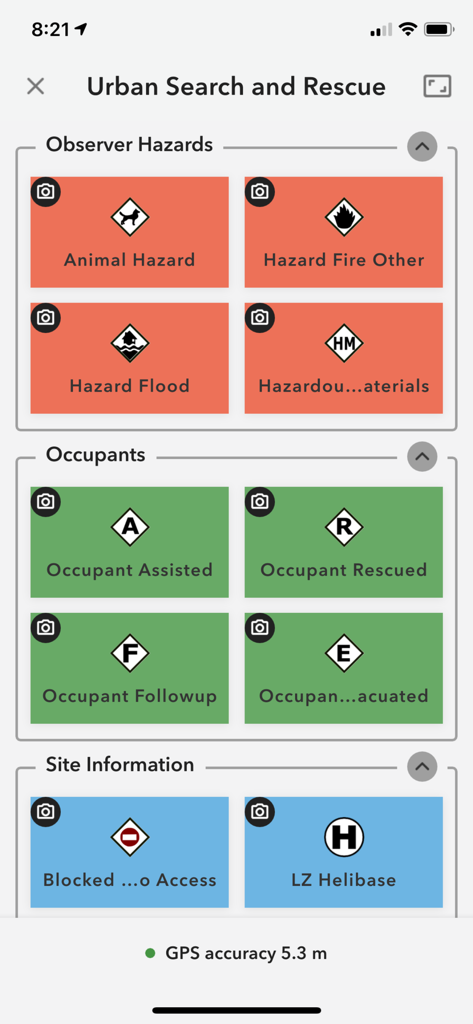
ArcGIS QuickCapture app showing Urban Search and Rescue interface with large color-coded buttons for field data entry

ArcGIS QuickCapture app showing Urban Search and Rescue interface with large color-coded buttons for field data entry

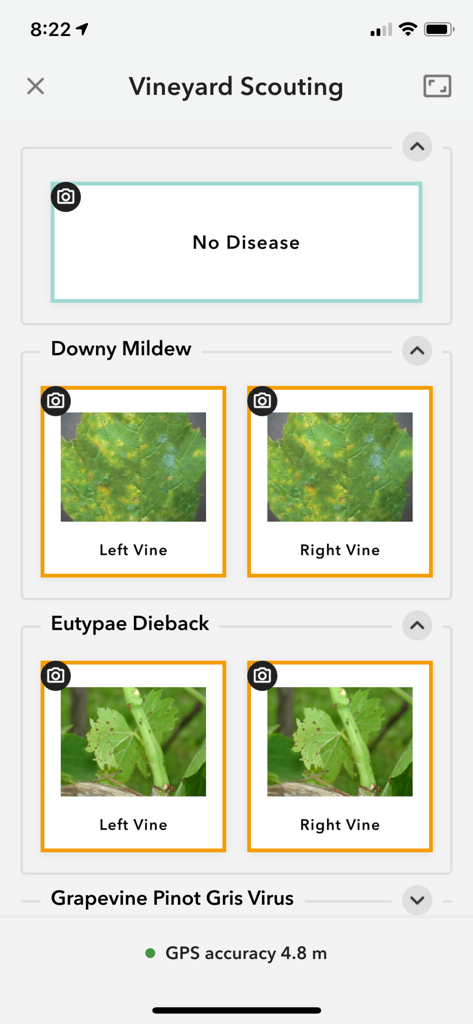
ArcGIS QuickCapture mobile app showing a vineyard scouting project with large buttons for disease identification.

ArcGIS QuickCapture mobile app showing a vineyard scouting project with large buttons for disease identification.

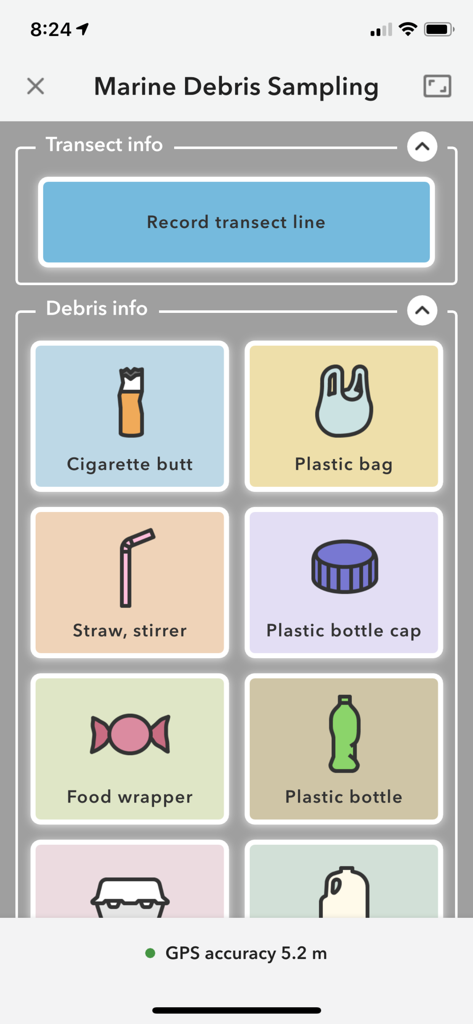
ArcGIS QuickCapture interface for marine debris sampling with large category buttons for data collection

ArcGIS QuickCapture interface for marine debris sampling with large category buttons for data collection

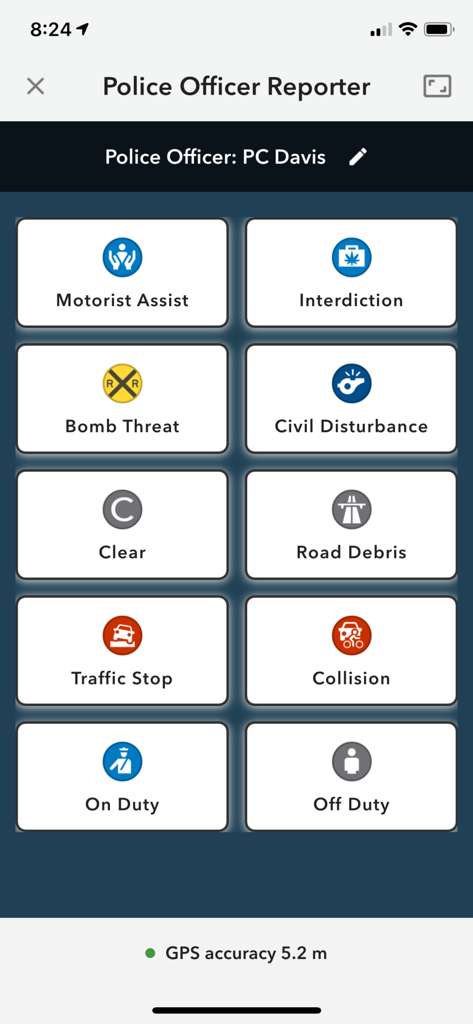
Mobile interface of ArcGIS QuickCapture showing big buttons for police incident reporting such as traffic stops and collisions.

Mobile interface of ArcGIS QuickCapture showing big buttons for police incident reporting such as traffic stops and collisions.

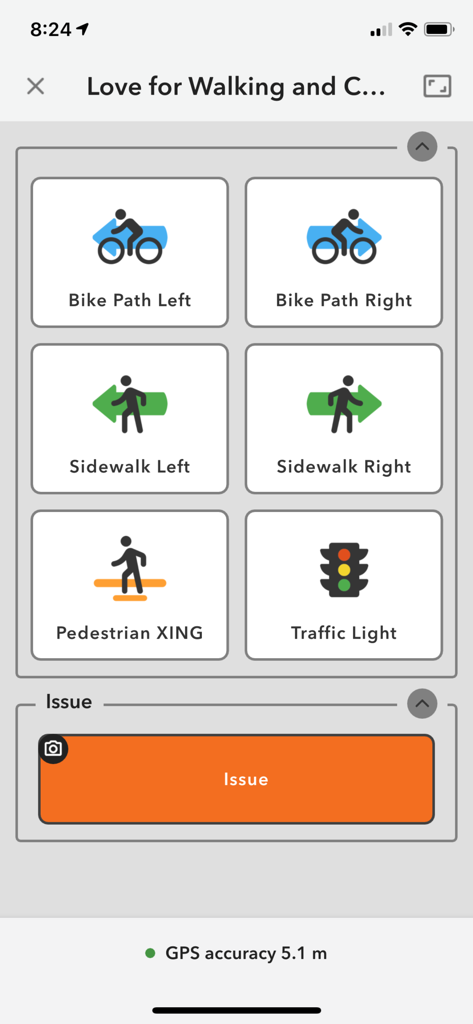
ArcGIS QuickCapture mobile app showing a simplified interface with large buttons for logging field observations like bike paths and sidewalks.

ArcGIS QuickCapture mobile app showing a simplified interface with large buttons for logging field observations like bike paths and sidewalks.

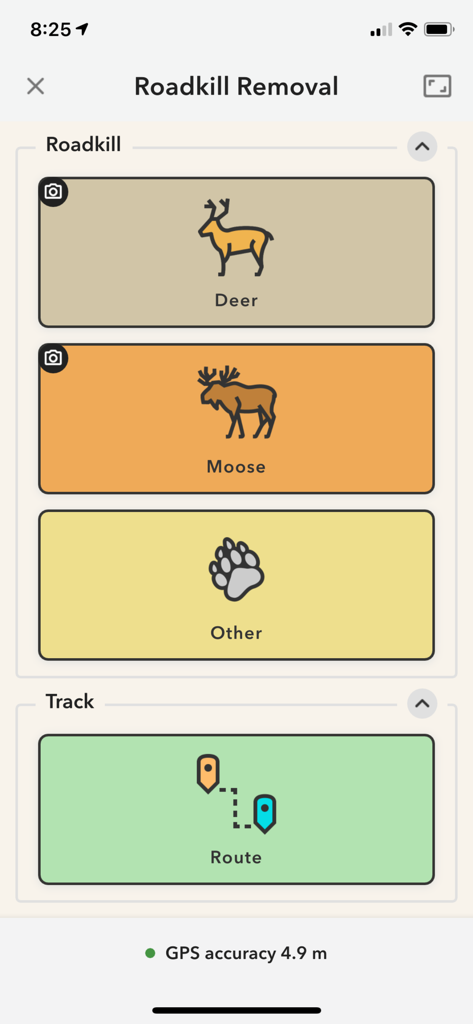
ArcGIS QuickCapture app interface showing large buttons for reporting deer and moose roadkill with GPS tracking

ArcGIS QuickCapture app interface showing large buttons for reporting deer and moose roadkill with GPS tracking

Field Data Collection at the Speed of Business

The tools that make this app stand out, trusted by 22K+ users.

🔘

One-Tap Observations

Eliminate complex menus with a customized interface that lets you record locations and attributes in a single tap.

Instant Office Sync

Automatically transmit field data and photos to your GIS team in real-time, eliminating the need for manual data entry.

🚁

Built for High-Speed Work

Efficiently capture data from moving vehicles or aircraft without compromising accuracy or safety.

About the app

Everything you need to know about ArcGIS QuickCapture.

Description

ArcGIS QuickCapture is the simplest way to capture field observations. Record GIS data with a single tap on your device. Automatically send locations, photos, and other attributes back to your office in real-time. It’s integrated with ArcGIS, you can effectively visualize data you’ve never had access to before.

Latest Version

1.24.3

Size

160.8 MB

First Released

Jun 28, 2019

Ready to Streamline Your Field Data Collection?

Join thousands of professionals capturing observations with a single tap. Download ArcGIS QuickCapture and sync your field work with the office in real-time.

Download on App StoreDownload on Google Play

App information, icons, screenshots, and descriptions displayed on this page are sourced from the Apple App Store and are the property of their respective developers. Download estimates and rankings are based on MWM's proprietary models and may not reflect actual figures. This page is provided for informational and analytical purposes only.

Believe this page infringes your intellectual property? File a dispute