aRDP Pro - RDP Remote Desktop

aRDP Pro - RDP Remote Desktop

Download on App Store
Logo of aRDP Pro - RDP Remote Desktop

aRDP Pro: Professional Remote Desktop with SSH Security

Control Windows and Linux machines seamlessly from your iOS device. Built for SysAdmins who demand open-source transparency, external hardware support, and encrypted tunneling.

Download on App Store

Publisher

iordan iordanov

Category

Productivity

Downloads

2K+

User Rating

5.0/5

Total Ratings

0

Locales

5

A Glimpse Inside Your Mobile Workstation

Discover the interface used by 2K+ users.

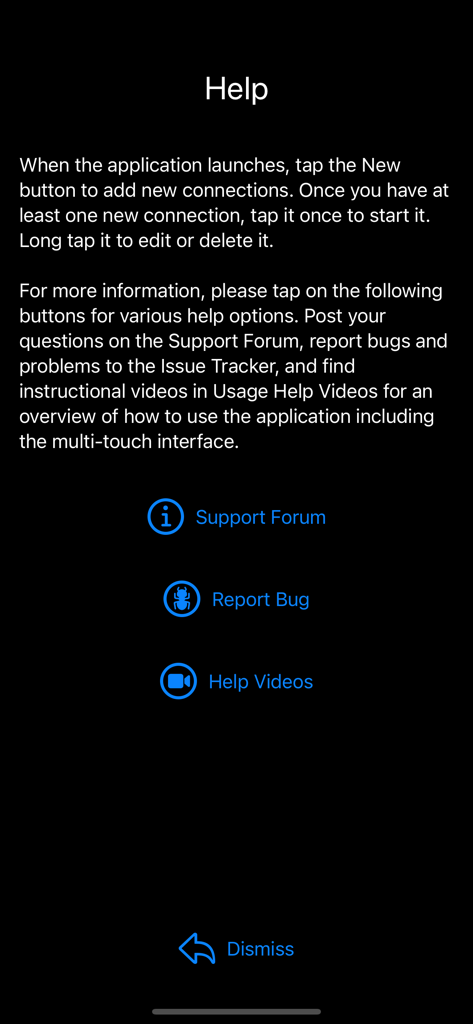
The help screen of the aRDP Pro app featuring support forum links and bug reporting options.
The help screen of the aRDP Pro app featuring support forum links and bug reporting options.

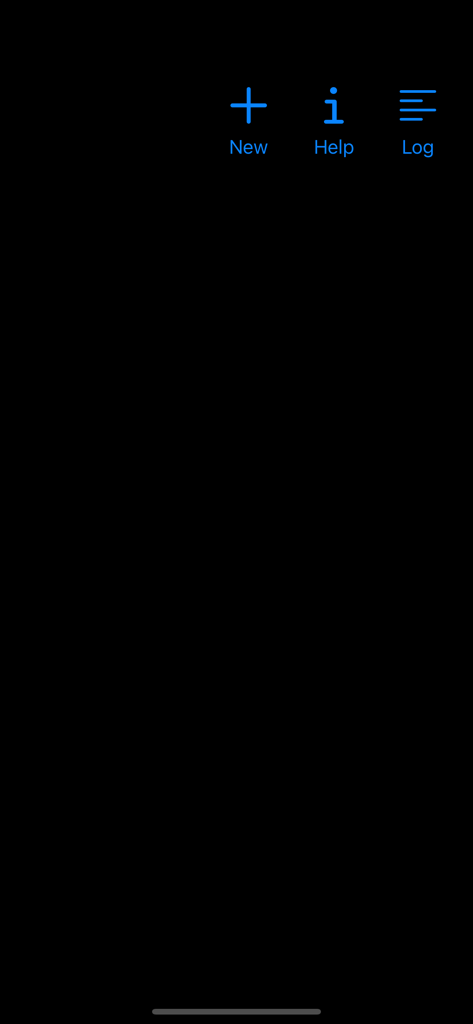
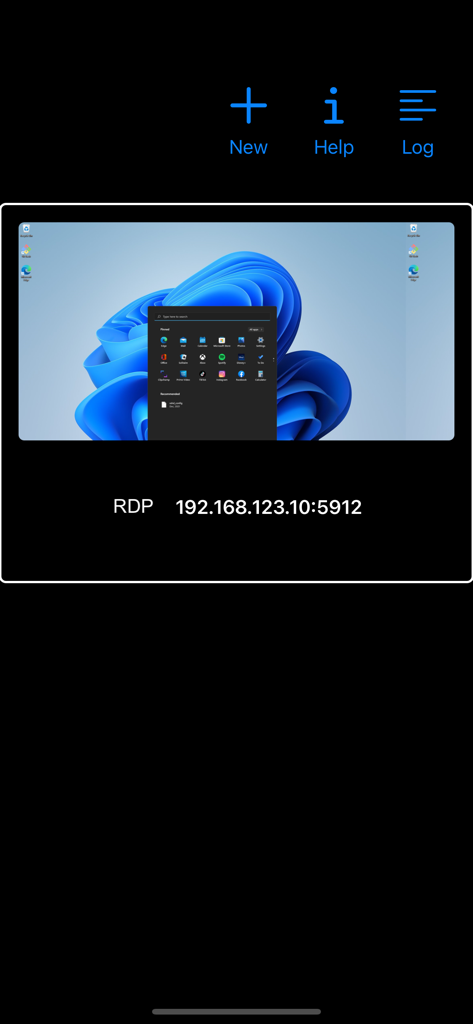
aRDP Pro remote desktop app home screen featuring blue icons for New Help and Log
aRDP Pro remote desktop app home screen featuring blue icons for New Help and Log

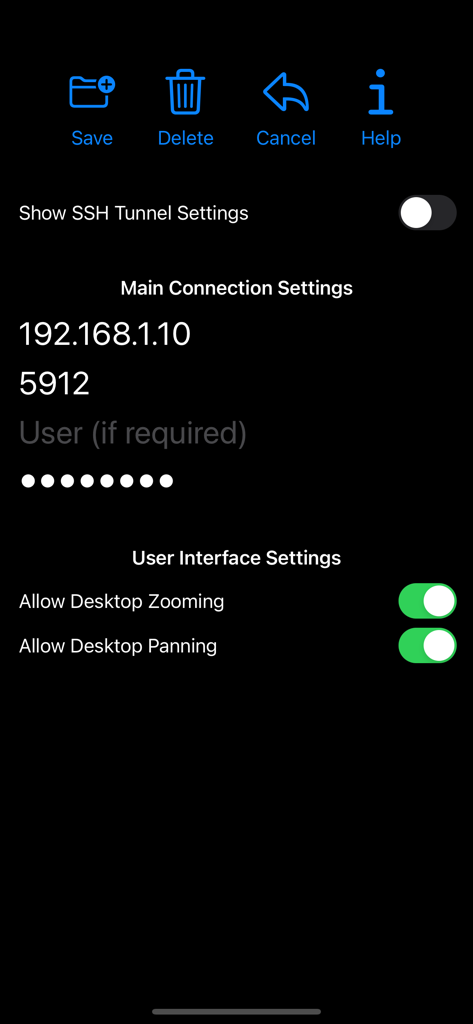
aRDP Pro app connection settings screen with IP and UI options
aRDP Pro app connection settings screen with IP and UI options

aRDP Pro app interface showing a saved remote desktop connection with a Windows 11 desktop preview and IP address.
aRDP Pro app interface showing a saved remote desktop connection with a Windows 11 desktop preview and IP address.

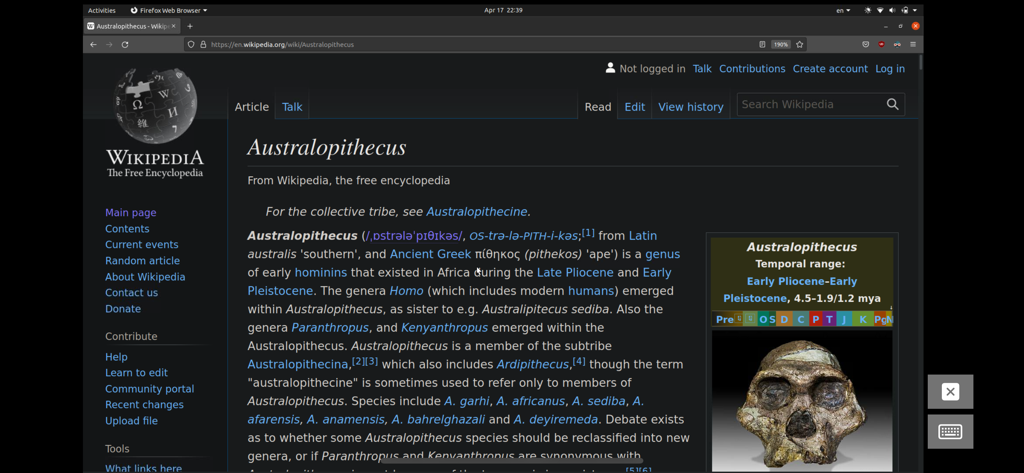
Remote desktop session on a mobile device displaying an Ubuntu Linux desktop with a web browser open.

Remote desktop session on a mobile device displaying an Ubuntu Linux desktop with a web browser open.

Enterprise-Grade Control in Your Pocket

The tools that make this app stand out, trusted by 2K+ users.

🔒

Secure SSH Tunneling

Protect your infrastructure with built-in SSH tunneling and public/private key support for secure remote access behind any firewall.

🖱️

Desktop-Class Precision

Transform your iPad into a workstation with native support for Magic Trackpad, external mice, and advanced key combinations like Ctrl+Alt+Del.

🐧

Universal Linux & Windows Support

The ultimate tool for heterogeneous environments, providing seamless remote control for both Windows desktops and Linux Xrdp servers.

About the app

Everything you need to know about aRDP Pro - RDP Remote Desktop.

Description

Thank you for supporting my work and GPL open-source software by buying aRDP Pro! If you are unhappy, please don't give us a bad review, instead, request a refund and get in touch by email support _at_ morpheusly _dot_ com: https://support.apple.com/en-ca/118223 Need a VNC app for controlling your Mac remotely? https://apps.apple.com/app/bvnc-pro/id1506461202 Need a SPICE or Proxmox or oVirt client for controlling virtual machines remotely? https://apps.apple.com/app/aspice-pro/id1560593107 If aRDP doesn't work for you or you're unhappy, please do not ask for help in a review but do post your question in the forum: https://groups.google.com/forum/#!forum/bvnc-ardp-aspice-opaque-remote-desktop-clients Windows Instructions - Enabling Remote Desktop on Windows: https://docs.microsoft.com/en-us/windows-server/remote/remote-desktop-services/clients/remote-desktop-allow-access - Optionally, for much improved security aRDP Pro supports SSH tunnelling. - To enable OpenSSH on Windows: https://learn.microsoft.com/en-us/windows-server/administration/openssh/openssh_install_firstuse Linux Instructions - Requires Ubuntu 22.04+ NOTE: If failing to connect, try disabling "Request Remote Resolution Requests" from Advanced Settings https://help.ubuntu.com/stable/ubuntu-help/sharing-desktop.html - Xrdp on any supported Linux Distribution https://www.digitalocean.com/community/tutorials/how-to-enable-remote-desktop-protocol-using-xrdp-on-ubuntu-22-04 Report bugs: https://github.com/iiordanov/remote-desktop-clients/issues aRDP is a secure, SSH capable, open source RDP protocol client that uses FreeRDP open-source library. Its features include: - Remote control of Windows and Linux computers using the RDP protocol - Simulated Touchpad and two Direct input touch modes to choose from - RDP Gateway support - RDP Config File support (.rdp extension) - Custom Scaling - Audio support - External keyboard support - External mouse support - Magic Trackpad support - Multi-language support - Multi-keyboard layout support - choose your keyboard layout while setting up the connection - Multi-touch control over the remote mouse. One finger tap left-clicks, two-finger tap right-clicks, and three-finger tap middle-clicks - Right and middle-dragging if you don't lift the first finger that tapped - Scrolling with a two-finger drag - Pinch-zooming - SSH tunnelling for added security or to reach machines behind a firewall. - SSH public/private (pubkey) support - Full rotation support. Use the central lock rotation on your device to disable rotation - Full desktop visibility even with soft keyboard extended - Dynamic resolution changes, allowing you to reconfigure your desktop while connected - UI Optimizations for different screen sizes (for tablets and smartphones) - On-screen Ctrl, Alt, Tab, Super, Shift, Del, PageUp, PageDown, Function and Arrow keys - Available on-device help on creating a new connection in the Menu when setting up connections - Clipboard integration for copy/pasting from your device Planned features: - Many RDP Session customization options GPL source code here: https://gitlab.com/iiordanov/remote-desktop-clients-ios

Latest Version

56

Size

17.7 MB

First Released

Apr 25, 2022

Take Command of Your Infrastructure from Anywhere

Join thousands of IT professionals using aRDP Pro for secure, SSH-encrypted, and open-source remote access. Experience desktop-grade control on your iOS device today.

Download on App Store

App information, icons, screenshots, and descriptions displayed on this page are sourced from the Apple App Store and are the property of their respective developers. Download estimates and rankings are based on MWM's proprietary models and may not reflect actual figures. This page is provided for informational and analytical purposes only.

Believe this page infringes your intellectual property? File a dispute