
This page is not an official page of the app or its developer, but an independent editorial publication created for informational and commentary purposes. Unless expressly stated otherwise, neither the app nor its developer is affiliated with, endorsed by, sponsored by, authorized by, or otherwise officially connected with MWM, Apple, Google Play, the app publisher, or the app's developer, and nothing on this page implies that the app was developed using MWM's services. Any trademarks, logos, screenshots, and other content remain the property of their respective owners.


ARLOOPA: Scan & Discover AR
Create stunning 3D videos, scan real objects into digital models, and explore interactive experiences that blend the physical and digital worlds seamlessly.
Downloads
229K+User Rating
Total Ratings
3K+Publisher
Category
EntertainmentLocales
1Latest Version
5.0.29Size
375.2 MBFirst Released
Nov 8, 2014Transform Your World with AR Magic
From creating viral social content to educational family fun, ARLOOPA turns your smartphone into a powerful portal for 3D creativity and discovery.
Create Viral AR Content
Access a massive library of 3D animals, robots, and art to record mind-blowing videos that stand out on any social feed.
Interactive Family Discovery
Bring a virtual zoo or gallery into your living room to create magical memories and educational experiences for all ages.
Frequently Asked Questions
Everything you need to know about ARLOOPA: Scan & Discover AR
What is the ARLOOPA app?
ARLOOPA is an Augmented Reality (AR) video maker and scanner app. It superimposes digital content like 3D models and images onto the physical world, enabling users to create and interact with virtual experiences.
Can I create custom AR filters with ARLOOPA?
Yes, ARLOOPA users can design and publish their own custom AR filters. The app also supports animating models from your surroundings and generating 3D models of real-world objects or spaces using its 3D scanning feature.
How many languages does ARLOOPA support?
ARLOOPA supports 10 languages: English, Chinese, Armenian, Russian, German, Spanish, Czech, Italian, French, and Portuguese. This ensures accessibility for users globally to explore augmented reality.
What are the core AR functionalities of the ARLOOPA app?
The ARLOOPA app features three core Augmented Reality functions. These include marker-based scanning for augmenting printed markers, markerless tracking for placing 3D models anywhere, and geo-location based experiences.
Does ARLOOPA allow users to interact with virtual animals?
Yes, ARLOOPA allows users to place various virtual 3D animals, such as tigers, dinosaurs, and snow leopards, into their physical surroundings. Users can capture these interactions in photos or videos and create virtual zoos.
Can ARLOOPA generate 3D models from real-world scans?
Yes, ARLOOPA functions as a 3D scanning app. It enables users to scan and generate 3D models from photos or videos of physical objects, rooms, or outdoor spaces, bringing their ideas to life.
How does the AR Scanner work within ARLOOPA?
To use ARLOOPA's AR Scanner, select a marker from their website, then print or scan it. Point your device camera at the marker within the app, and augmented reality content, such as 2D images, videos, or 3D animations, appears.
Is ARLOOPA Studio available for creating custom AR projects?
Yes, ARLOOPA Studio facilitates the direct creation of custom AR experiences from within the app. It supports various entities, including individuals, brands, and creative agencies, in developing engaging augmented reality content.
What types of virtual objects can users place in their environment using ARLOOPA?
Users can place a wide range of virtual 3D objects in their environment using ARLOOPA, including augmented animals, furniture, art, robots, and cars. These objects appear in lifelike 3D renderings.
The following screenshots and description are sourced directly from the app's official store listing and are the property of the app developer.
App Store
Screenshots
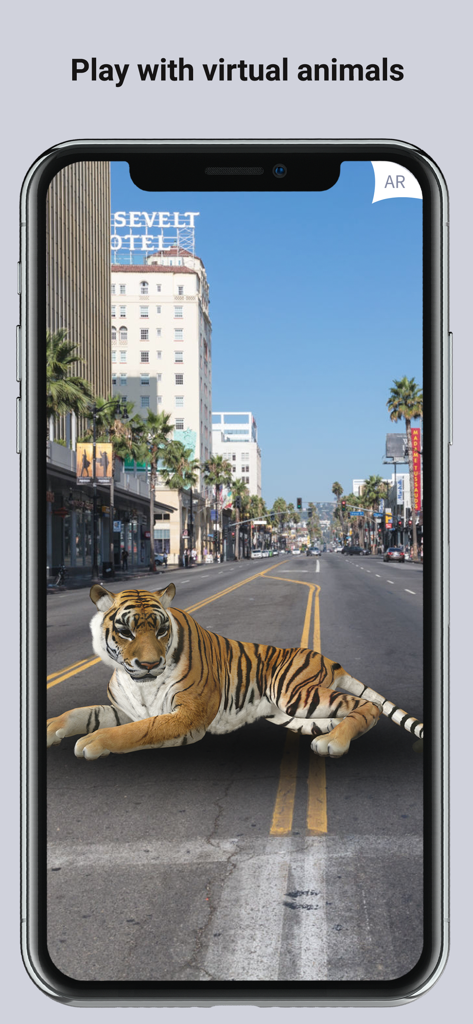
A 3D augmented reality tiger lying in the middle of a city street on a smartphone screen
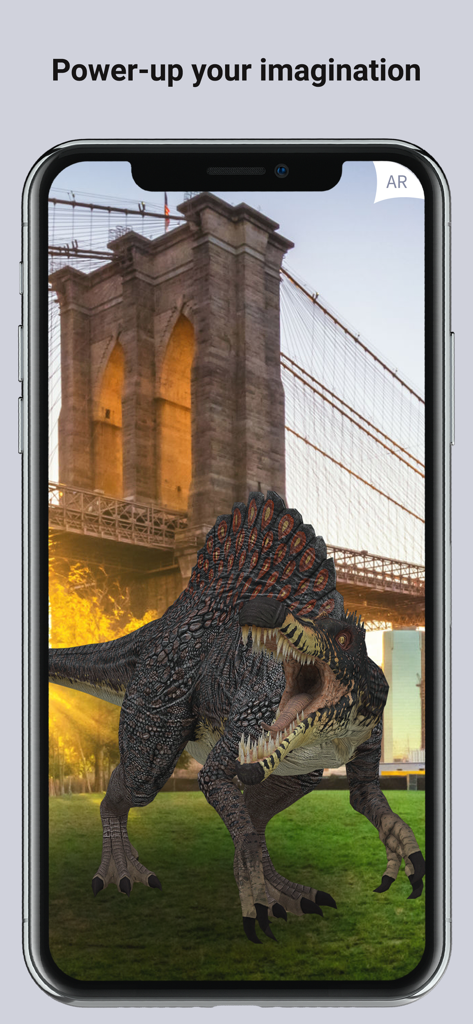
ARLOOPA app showing a 3D Spinosaurus dinosaur in front of the Brooklyn Bridge
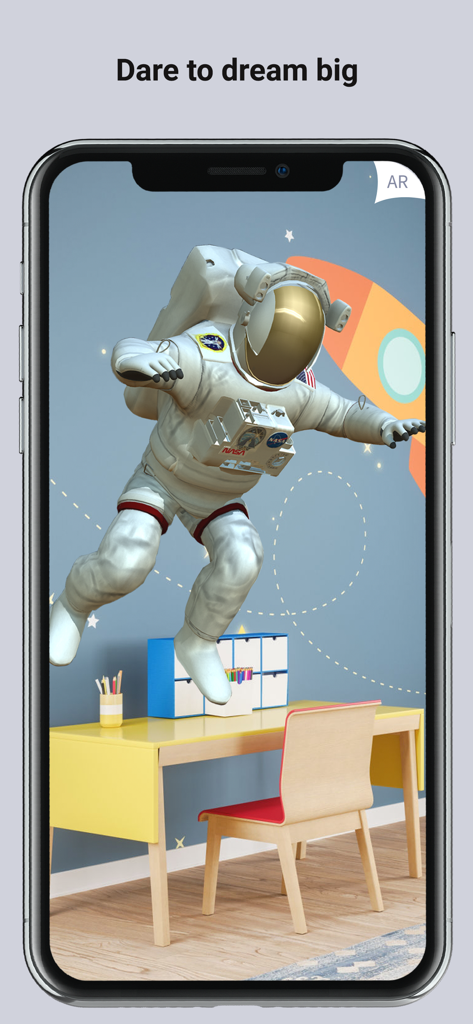
ARLOOPA app displaying a 3D astronaut floating in a childs bedroom using augmented reality
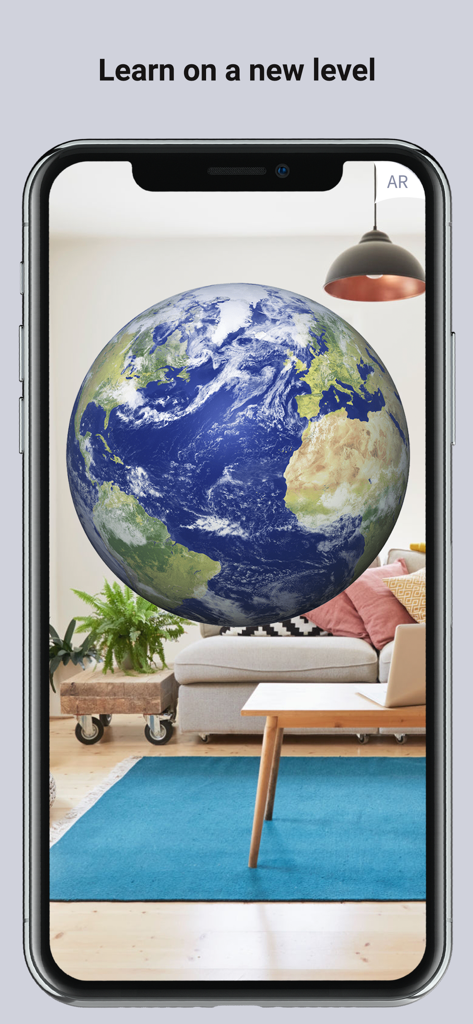
Augmented reality globe of Earth floating in a living room on a smartphone screen
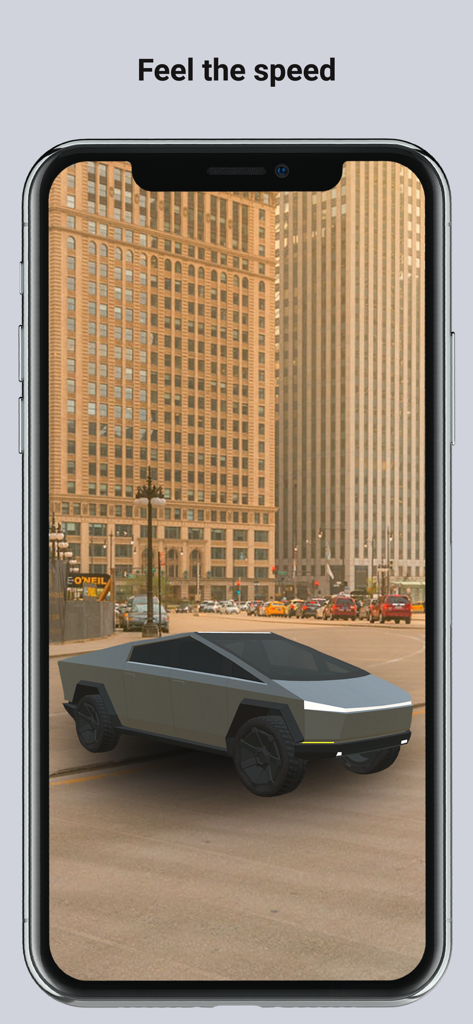
ARLOOPA app showing a futuristic 3D truck model on a city street using augmented reality
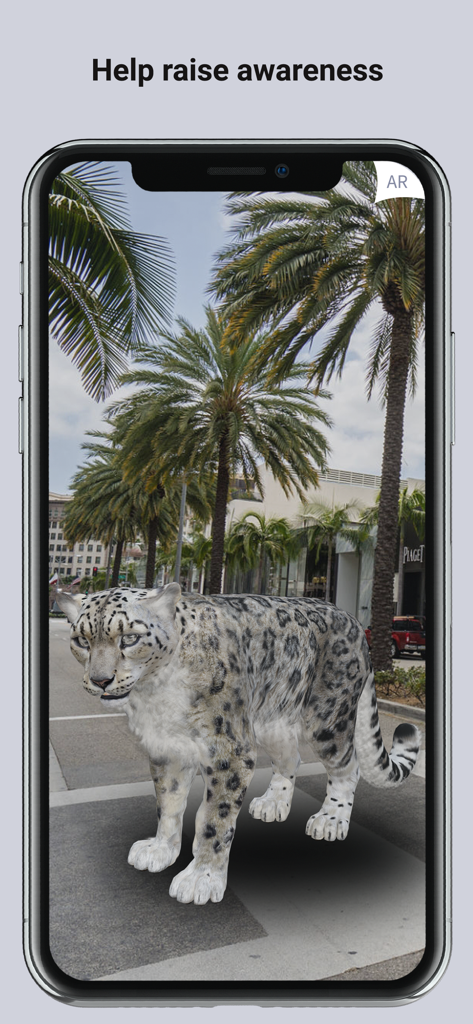
A smartphone screen displaying a 3D augmented reality snow leopard standing on a city sidewalk surrounded by palm trees
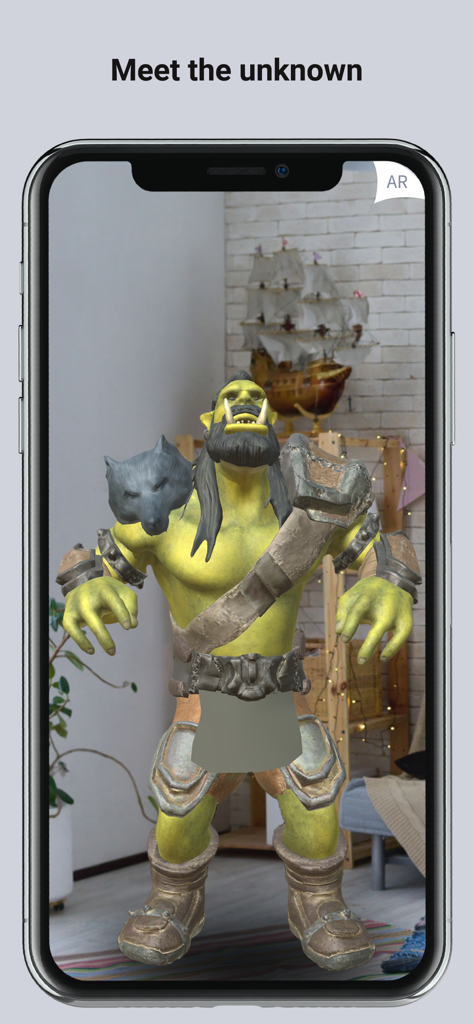
A smartphone screen displaying a 3D augmented reality fantasy orc character in a living room using the ARLOOPA app.
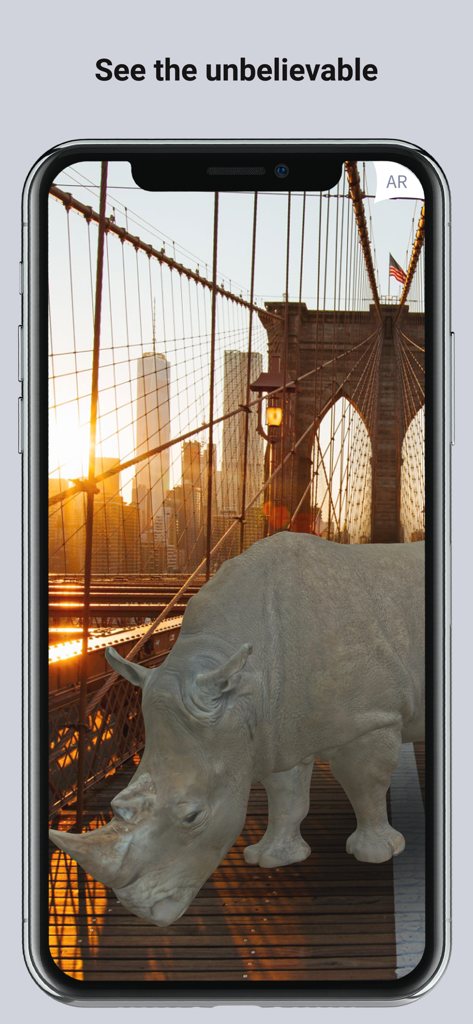
A 3D augmented reality rhino standing on the Brooklyn Bridge at sunset
Description
Download
More Like This
Apps with similar features and user experience

JigSpace
JigSpace Inc.

ARvid Augmented Reality
Elie Gebran

Reality Composer
Apple Inc.

Feather: 3D sketchbook
Sketchsoft Inc.

Wintor AR Tours
Wintor b.v.

BOCLAA
Zachary Aghaizu

UniAR
Light Generation Co., Ltd.
ARDrawing: Unleash Creativity
Tung Tran Thanh
This page is not an official page of the app or its developer, but an independent editorial publication created for informational and commentary purposes. Unless expressly stated otherwise, neither the app nor its developer is affiliated with, endorsed by, sponsored by, authorized by, or otherwise officially connected with MWM, Apple, Google Play, the app publisher, or the app's developer, and nothing on this page implies that the app was developed using MWM's services. Any trademarks, logos, screenshots, and other content remain the property of their respective owners.