
This page is not an official page of the app or its developer, but an independent editorial publication created for informational and commentary purposes. Unless expressly stated otherwise, neither the app nor its developer is affiliated with, endorsed by, sponsored by, authorized by, or otherwise officially connected with MWM, Apple, Google Play, the app publisher, or the app's developer, and nothing on this page implies that the app was developed using MWM's services. Any trademarks, logos, screenshots, and other content remain the property of their respective owners.


Wintor AR Tours
Experience the world in a new dimension with immersive augmented reality. From historic city streets to museum masterpieces, discover interactive guides and 3D layers, or create your own AR adventures with ease.
Downloads
83K+User Rating
Total Ratings
0Publisher
Category
EntertainmentLocales
1Latest Version
15.5Size
274.7 MBFirst Released
Nov 22, 2022Experience the World in a New Dimension
Transform your surroundings into an interactive playground of history and culture with powerful AR tools designed for the modern explorer and creator.
Contextual AR Discovery
Point your camera at landmarks or museum pieces to instantly unlock 3D models, historical videos, and virtual guides that bring the past to life.
No-Code AR Creation
Turn your own space into a digital exhibit. Use our creator tool to scan environments and place content exactly where you want it without writing a single line of code.
Frequently Asked Questions
Everything you need to know about Wintor AR Tours
What is Wintor AR Tours?
Wintor AR Tours is an augmented reality application offering location-based AR tours for various destinations. It enhances experiences with 3D content, videos, and virtual guides, functioning both indoors and outdoors.
Can users create custom AR tours with Wintor AR Tours?
Yes, users can create their own augmented reality tours using the Wintor Creator. This editor allows scanning environments, placing content, and publishing tours for an audience to experience.
What types of media can be included in a Wintor AR Tour?
Wintor AR Tours allows users to add virtual guides, videos, images, Points of Interest, 3D models, 360 portals, texts, and quizzes to their AR tours.
Does Wintor AR Tours allow adding quizzes to tours?
Yes, Wintor AR Tours supports adding interactive quizzes to augmented reality tours. This feature allows creators to engage visitors with questions and multiple-choice answers.
How do I upload content for Wintor AR Tours?
Wintor AR Tours enables content upload via the Wintor Manager on the web. This platform allows users to upload files directly to the cloud, making them accessible for mobile device integration into AR tours.
What types of AR tours are available with Wintor AR Tours?
Wintor AR Tours offers diverse examples, including City AR tours (like the Utrecht AR Tour), Museum AR tours (such as the Nationaal Militair Museum AR tour), and specialized Employee onboarding tours.
Can Wintor AR Tours recognize the environment?
Yes, Wintor AR Tours recognizes the user's environment. Its location-based augmented reality tours identify what users are looking at to display relevant 3D content, videos, and virtual guides.
Does Wintor AR Tours work indoors and outdoors?
Yes, Wintor AR Tours functions both indoors and outdoors. Its augmented reality tours are designed to be experienced seamlessly in various physical environments.
Are there free tours in the Wintor AR Tours app?
Yes, free tours are available within the Wintor AR Tours app. An example is the 'Nationaal Militair Museum' AR tour, which is clearly marked as free.
Where can I find support for Wintor AR Tours?
You can find support and community for Wintor AR Tours on LinkedIn, YouTube, Instagram, or by joining their Discord group. Links are accessible via the app's settings page.
The following screenshots and description are sourced directly from the app's official store listing and are the property of the app developer.
App Store
Screenshots
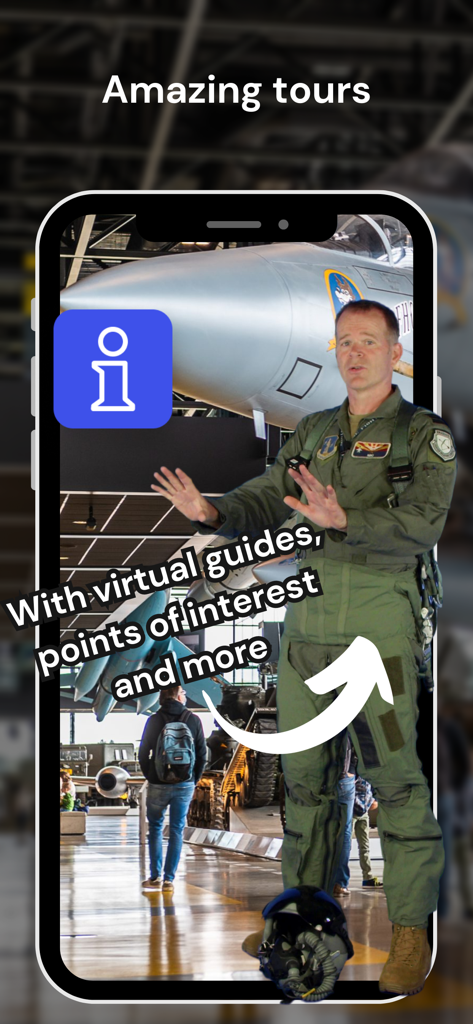
A virtual guide in a flight suit explaining a fighter jet in the Wintor AR Tours app
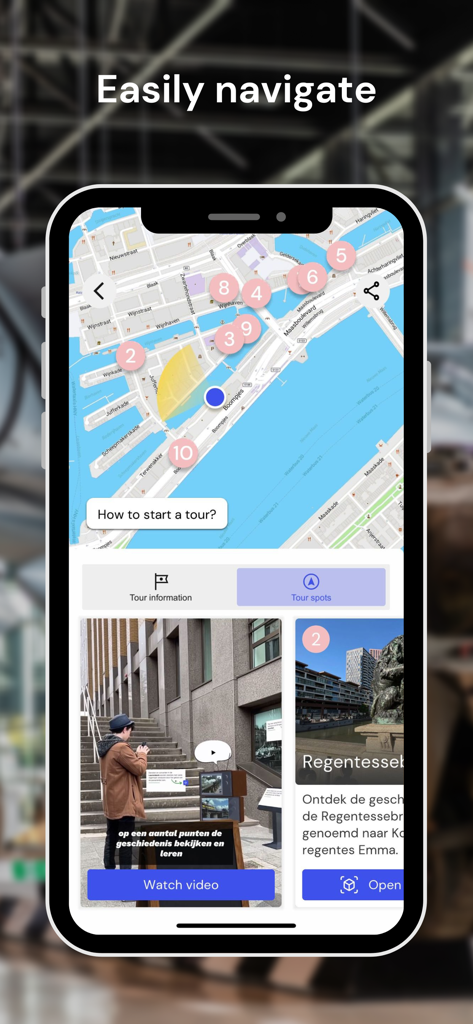
Mobile app interface showing a city map with numbered tour spots and interactive augmented reality content cards.
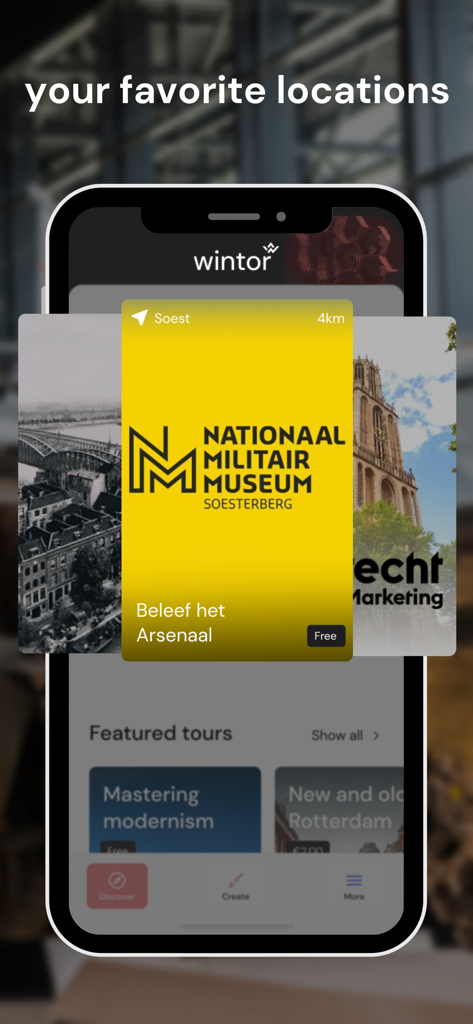
Interface of the Wintor AR Tours app showing a featured tour for the Nationaal Militair Museum
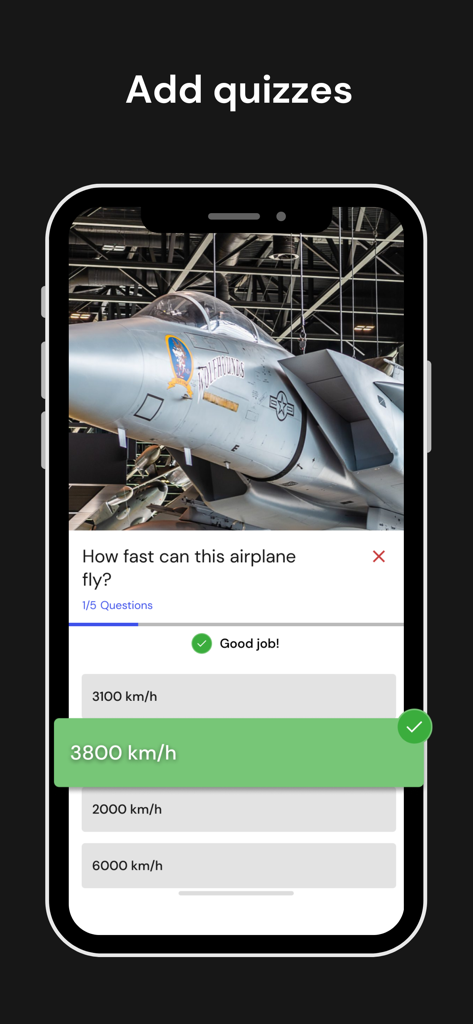
Smartphone screen showing an interactive quiz about a fighter jet within the Wintor AR Tours app
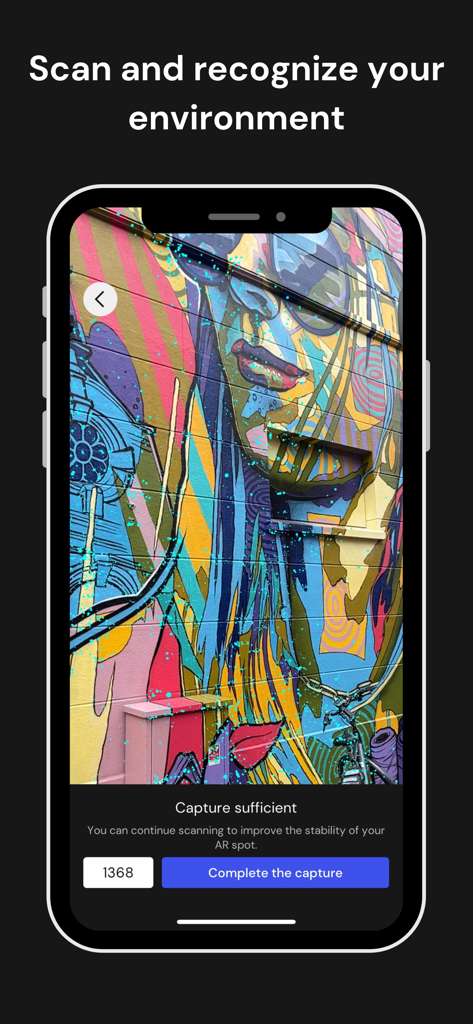
A smartphone using the Wintor AR Tours app to scan a colorful wall mural for environment recognition and AR spot creation.
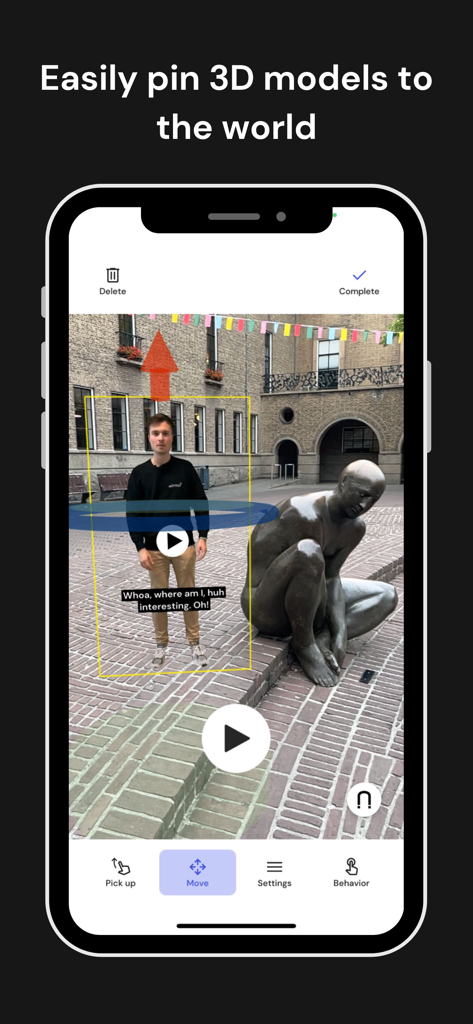
A smartphone screen displaying the Wintor AR Tours creator mode where a user is placing a virtual guide in a real world setting
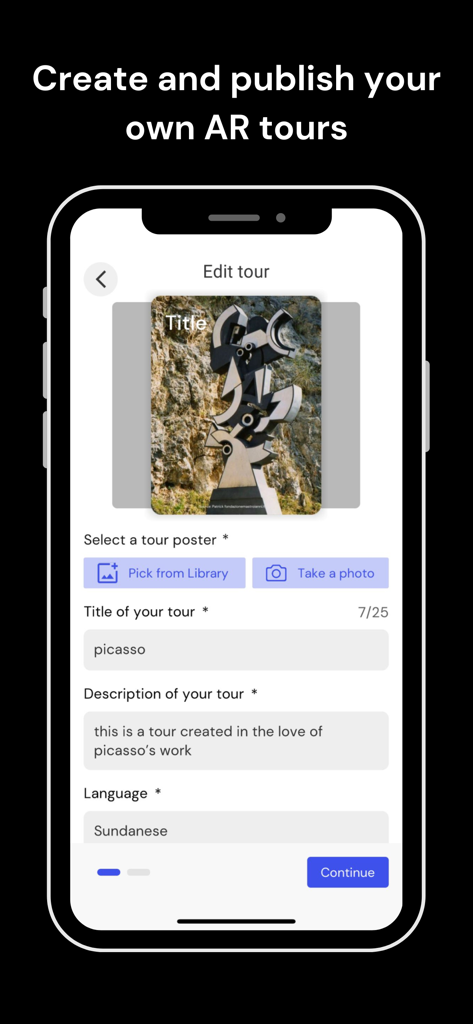
Mobile app screen showing the interface to create and publish a custom AR tour with fields for title and description
Description
Download
More Like This
Apps with similar features and user experience

JigSpace
JigSpace Inc.

ARLOOPA: Scan & Discover AR
ARLOOPA Inc

ARvid Augmented Reality
Elie Gebran

Reality Composer
Apple Inc.

Feather: 3D sketchbook
Sketchsoft Inc.

BOCLAA
Zachary Aghaizu

UniAR
Light Generation Co., Ltd.

ARDrawing: Unleash Creativity
Tung Tran Thanh
This page is not an official page of the app or its developer, but an independent editorial publication created for informational and commentary purposes. Unless expressly stated otherwise, neither the app nor its developer is affiliated with, endorsed by, sponsored by, authorized by, or otherwise officially connected with MWM, Apple, Google Play, the app publisher, or the app's developer, and nothing on this page implies that the app was developed using MWM's services. Any trademarks, logos, screenshots, and other content remain the property of their respective owners.