
This page is not an official page of the app or its developer, but an independent editorial publication created for informational and commentary purposes. Unless expressly stated otherwise, neither the app nor its developer is affiliated with, endorsed by, sponsored by, authorized by, or otherwise officially connected with MWM, Apple, Google Play, the app publisher, or the app's developer, and nothing on this page implies that the app was developed using MWM's services. Any trademarks, logos, screenshots, and other content remain the property of their respective owners.


ASO Toolkit by Redbox Mobile
Stop guessing and start ranking. From keyword tracking to metadata drafts, get the professional-grade insights and tools you need to outpace competitors and grow your app empire.
Downloads
51K+User Rating
Total Ratings
100Publisher
Category
Developer ToolsLocales
1Latest Version
3.1.3Size
320.0 MBFirst Released
Oct 14, 2019Dominate the App Store Search
Professional-grade ASO tools built for indie developers who need precise data and seamless workflow integration to rank #1.
Precision Keyword Tracking
Monitor your rankings across any country with 12-month trend data and side-by-side competitor comparisons.
Direct Metadata Deployment
Draft, localize, and upload your metadata updates directly to App Store Connect without leaving the app interface.
Frequently Asked Questions
Everything you need to know about ASO Toolkit by Redbox Mobile
What is the ASO Toolkit app?
ASO Toolkit is an app for iOS developers. It optimizes apps for the App Store by providing tips, guides, ranking views, and metadata analysis tools for App Store Optimization (ASO).
Can I manage app metadata with ASO Toolkit?
Yes, ASO Toolkit helps manage app metadata. Users can view existing metadata, compare it with competitors, receive suggestions for improvement, and create drafts for new metadata variations.
Does ASO Toolkit track keyword rankings and trends?
Yes, ASO Toolkit tracks app keyword rankings. It shows trend movements over the past 7 days and allows users to view rankings for up to a year, comparing them against competitor apps.
How do I check global category rankings using ASO Toolkit?
ASO Toolkit allows users to view app category rankings in different countries. Users can add combinations of countries to instantly see category rankings and compare them with competitors.
Does ASO Toolkit integrate with the App Store Connect API?
Yes, ASO Toolkit integrates with the App Store Connect API. This allows users to add apps, view metadata, upload new drafts, and submit builds for review directly from the app.
Does ASO Toolkit offer widgets and Siri Shortcuts?
Yes, ASO Toolkit supports widgets and Siri Shortcuts. Widgets display category and keyword rankings on the Home Screen. Siri Shortcuts allow voice commands for rankings and country switching.
Does ASO Toolkit sync saved apps and data across devices?
ASO Toolkit automatically syncs saved apps across iCloud-connected devices. All app data, including metadata and keywords, transfers seamlessly between devices.
Does ASO Toolkit provide ASO guides and tips for beginners?
Yes, ASO Toolkit includes guides and tips for ASO beginners. These resources help users understand and implement strategies for optimizing their apps effectively.
How do I change App Store countries with ASO Toolkit?
The Storefront Switcher tool in ASO Toolkit allows users to quickly change the App Store country on their device. This helps in checking app features or rankings in different regions.
Can I check app ratings and reviews in ASO Toolkit?
Yes, the Ratings & Reviews tool in ASO Toolkit displays user feedback. It shows the star rating, a detailed breakdown by stars, and individual user reviews for the app.
The following screenshots and description are sourced directly from the app's official store listing and are the property of the app developer.
App Store
Screenshots
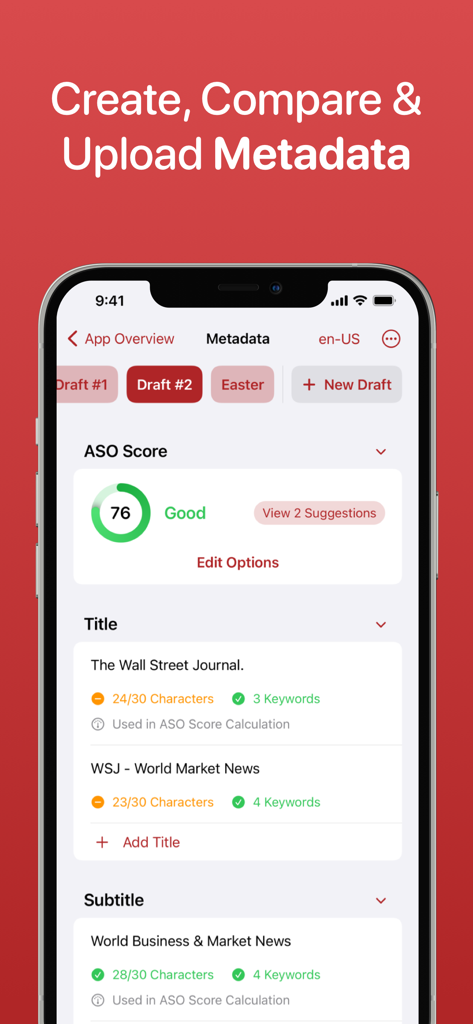
ASO Toolkit app showing metadata draft editor with ASO score and keyword suggestions
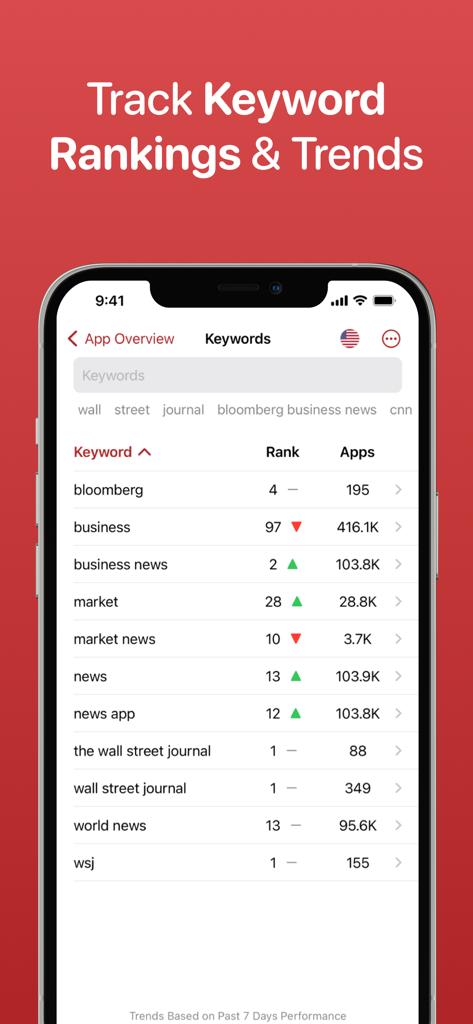
ASO Toolkit app interface showing keyword rankings and trend movements for App Store Optimization
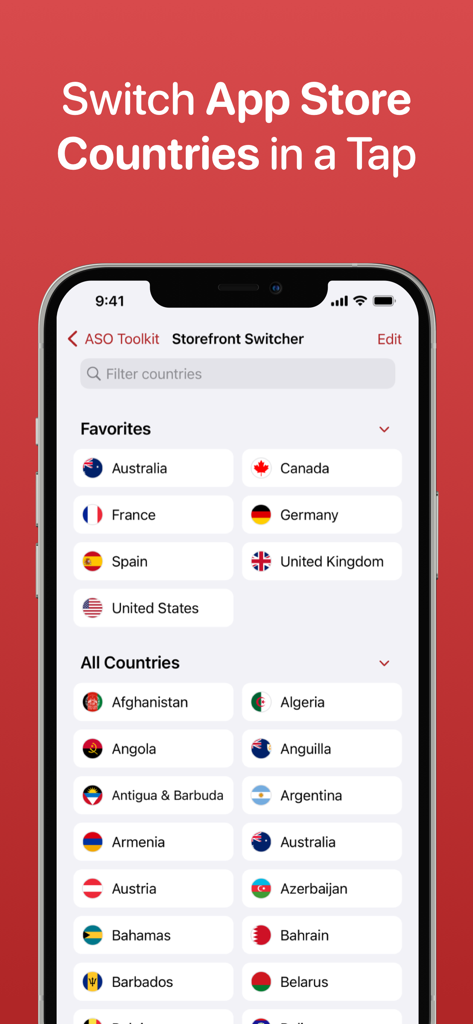
ASO Toolkit Storefront Switcher feature showing a list of global countries
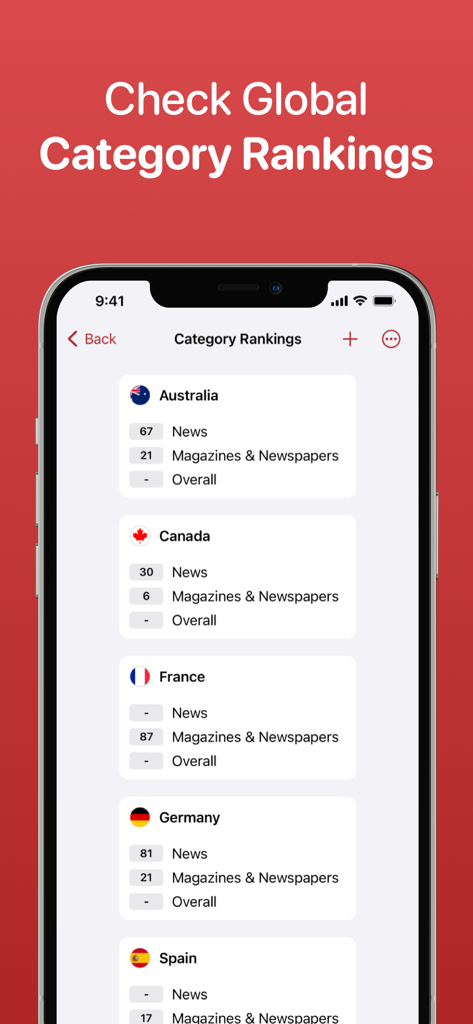
ASO Toolkit app interface showing category rankings for an iOS app across Australia, Canada, France, Germany, and Spain.
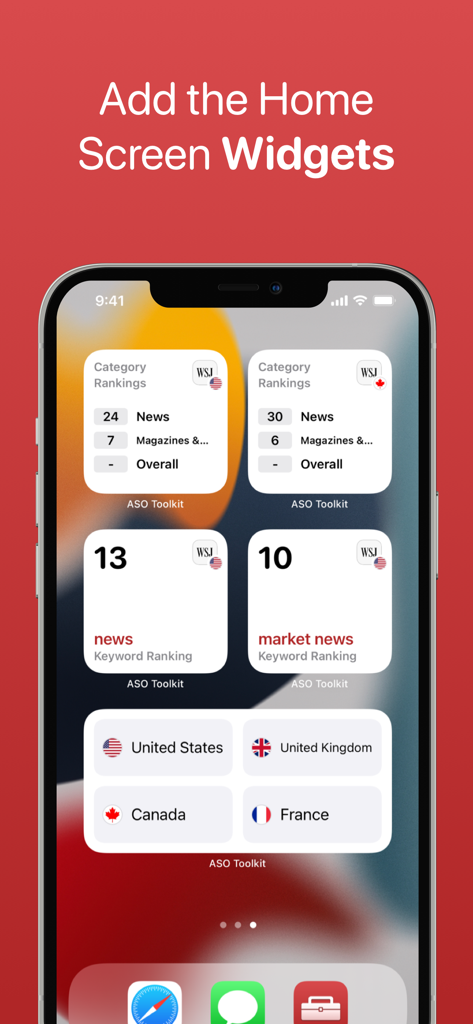
iPhone home screen showing ASO Toolkit widgets for keyword and category rankings
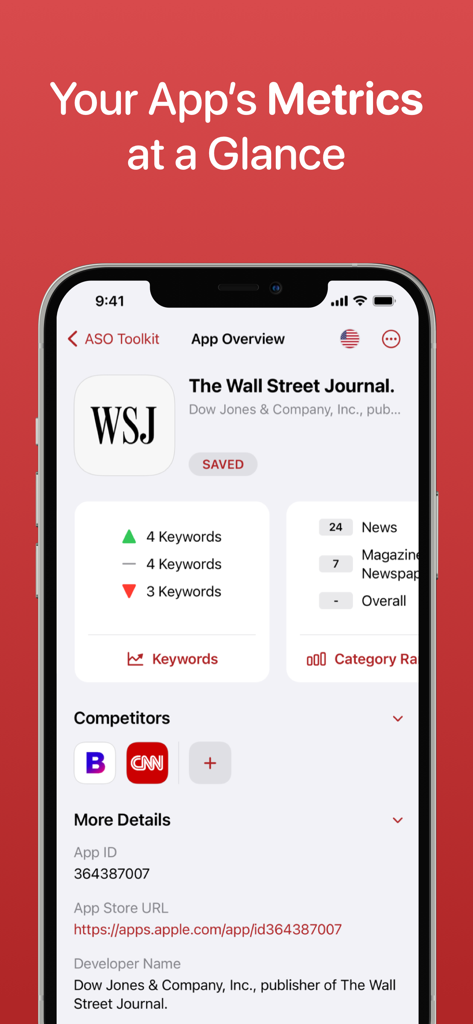
A mobile dashboard showing an app overview with keyword trends and category rankings within the ASO Toolkit interface.
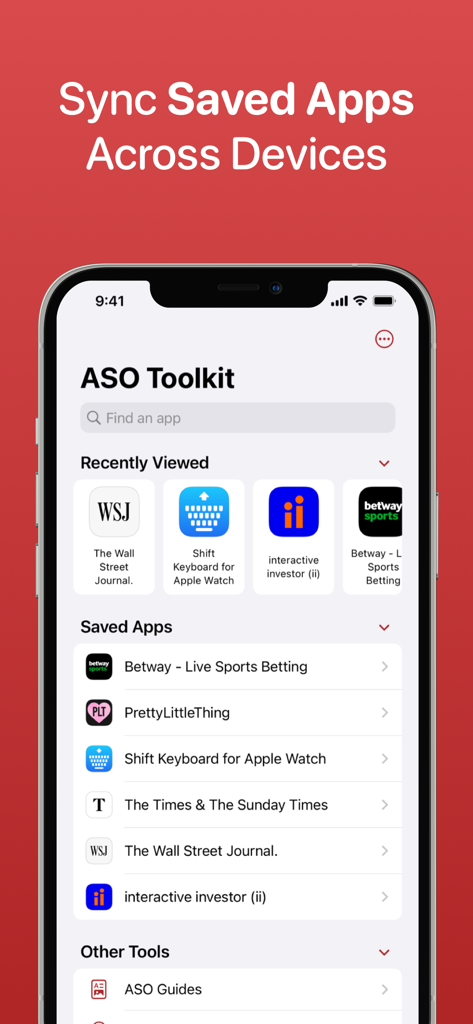
ASO Toolkit mobile app interface showing the sync saved apps feature across devices
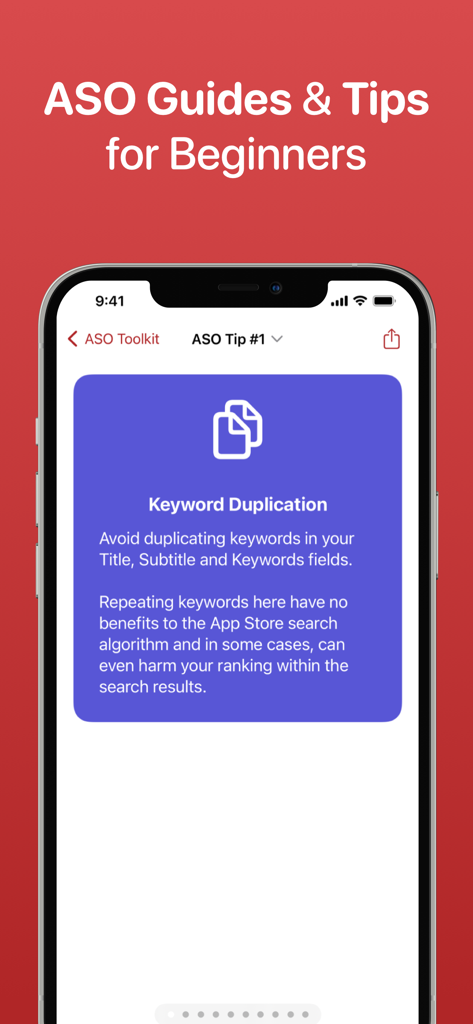
ASO Toolkit app screen displaying a guide on avoiding keyword duplication for App Store optimization
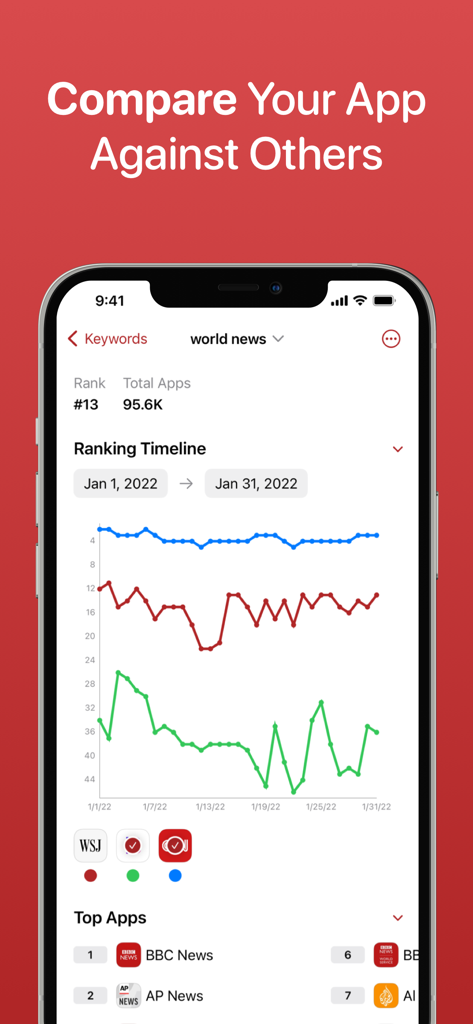
ASO Toolkit screen showing a graph comparing app keyword ranking trends over time
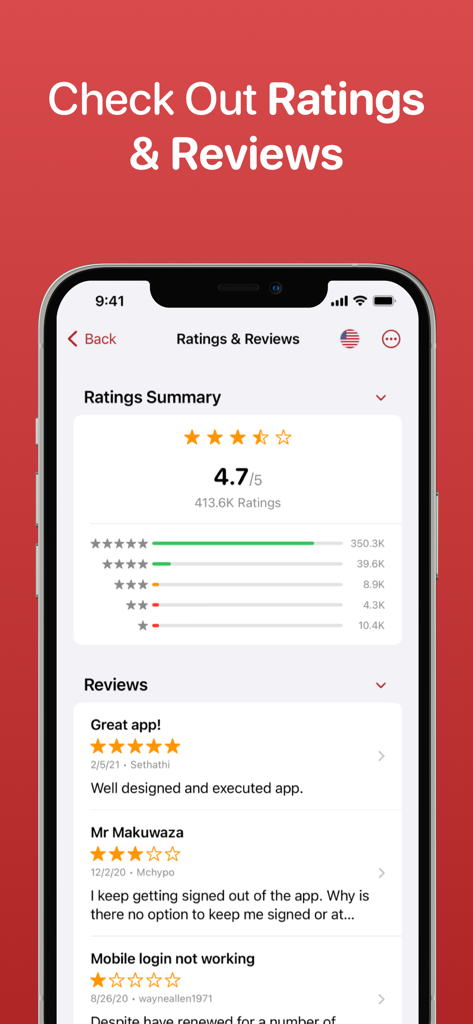
ASO Toolkit app interface showing a summary of app ratings and user reviews
Description
Download
More Like This
Top-ranked apps in the same category

TestFlight
Apple Inc.

Replit: Vibe Code Apps
Replit, Inc

GitHub
GitHub

O-KAM Pro
Shenzhen VeePai IoT Intelligent Technology LLC

Apple Developer
Apple Inc.

Expo Go
650 Industries, Inc.

Scriptable
Simon Stovring

App Store Connect
Apple Inc.

Sekai: Create · Remix · Play
Versa AI, Inc.
This page is not an official page of the app or its developer, but an independent editorial publication created for informational and commentary purposes. Unless expressly stated otherwise, neither the app nor its developer is affiliated with, endorsed by, sponsored by, authorized by, or otherwise officially connected with MWM, Apple, Google Play, the app publisher, or the app's developer, and nothing on this page implies that the app was developed using MWM's services. Any trademarks, logos, screenshots, and other content remain the property of their respective owners.