
This page is not an official page of the app or its developer, but an independent editorial publication created for informational and commentary purposes. Unless expressly stated otherwise, neither the app nor its developer is affiliated with, endorsed by, sponsored by, authorized by, or otherwise officially connected with MWM, Apple, Google Play, the app publisher, or the app's developer, and nothing on this page implies that the app was developed using MWM's services. Any trademarks, logos, screenshots, and other content remain the property of their respective owners.

AstroShader
Capture, align, and stack the cosmos in real-time. Ditch the heavy gear and the desktop workflow with manual controls, 16-bit TIFF exports, and advanced editing tools designed for the tech-savvy adventurer.
Downloads
0User Rating
Total Ratings
0Publisher
Category
Photo & VideoLocales
1Latest Version
1.0.38Size
6.8 MBFirst Released
Nov 29, 2022Master the Night Sky
Professional-grade astrophotography tools built for your iPhone. Capture, stack, and edit stunning celestial images without needing a desktop computer.
Instant Live Stacking
See the universe reveal itself in real-time. Our advanced algorithm aligns and stacks exposures on-the-go, eliminating the need for complex PC software.
Granular Manual Control
Bypass automatic settings. Take total command of ISO, exposure time, white balance, and manual focus to capture authentic, high-fidelity deep sky data.
The following screenshots and description are sourced directly from the app's official store listing and are the property of the app developer.
App Store
Screenshots
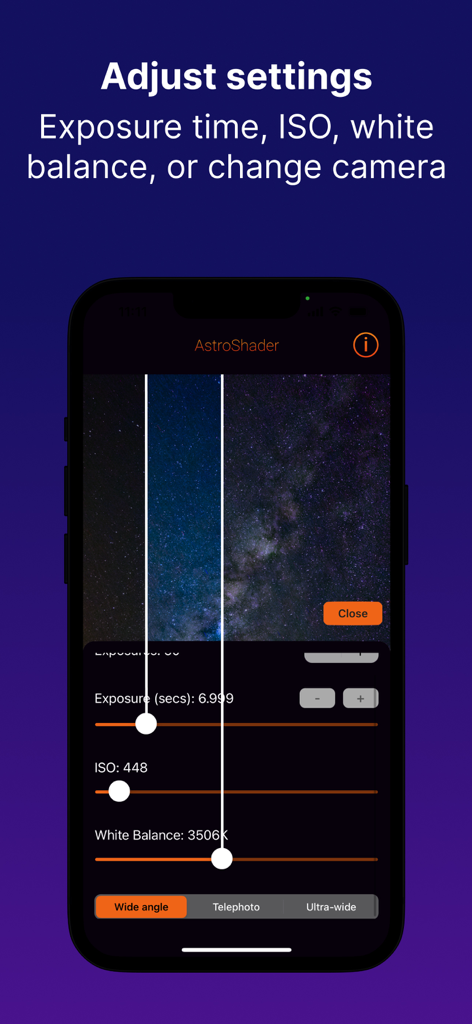
AstroShader app interface with manual exposure, ISO, and white balance settings for night sky photography.
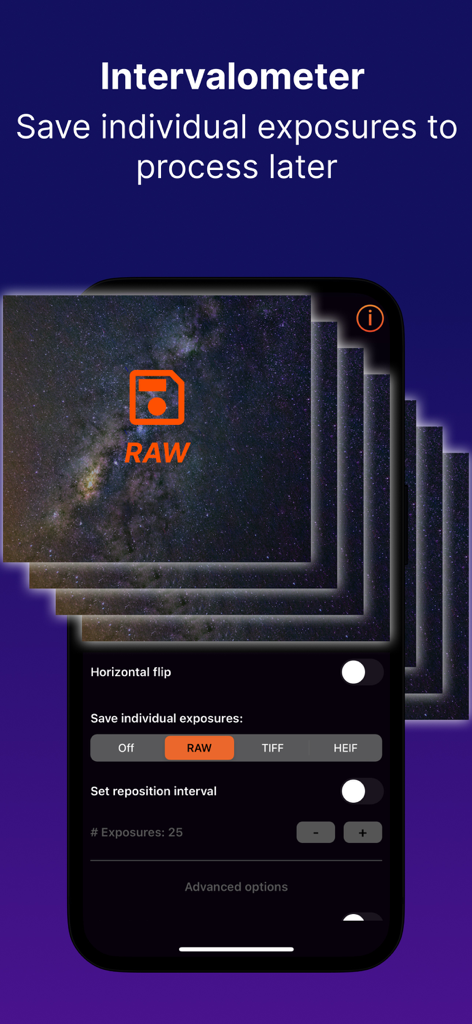
AstroShader interface showing intervalometer settings to save individual RAW exposures for astrophotography.
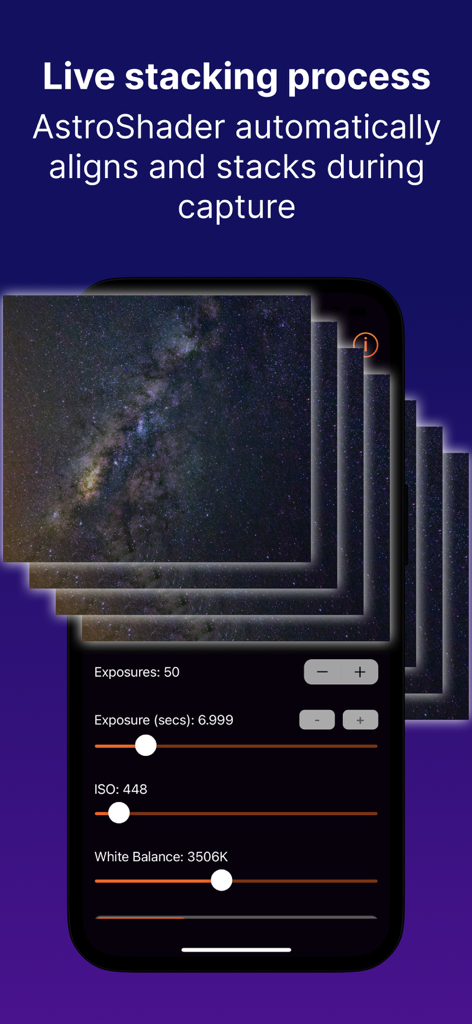
Interface of AstroShader app illustrating the live stacking process for capturing stars with manual camera controls
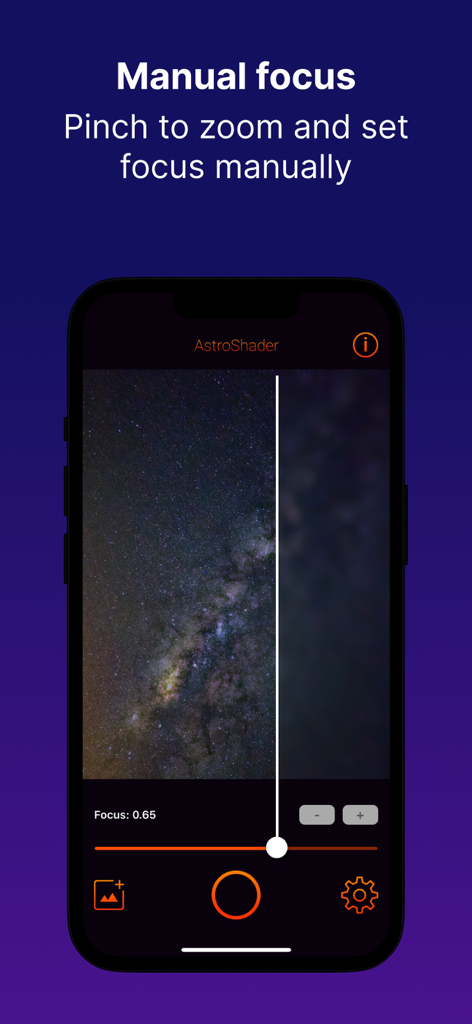
Manual focus interface in AstroShader app for precise astrophotography on iPhone
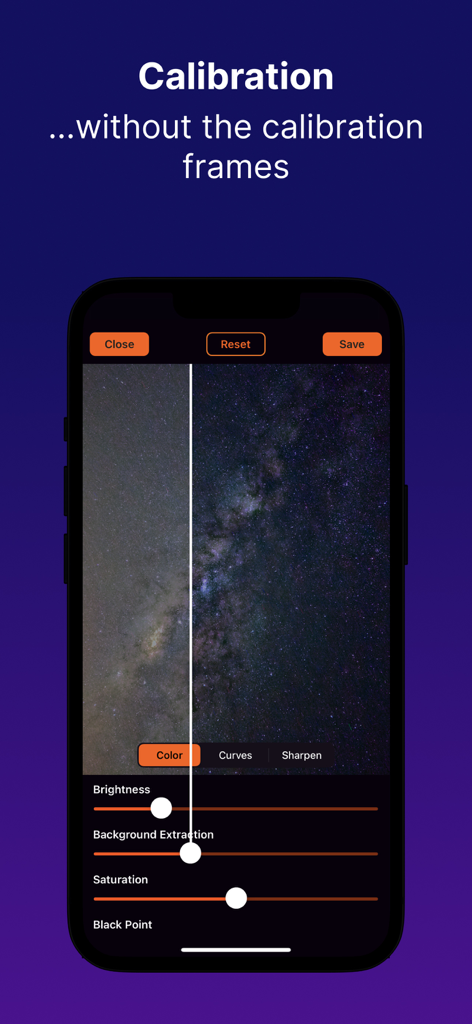
AstroShader app interface showing before and after photo calibration of a Milky Way image with background extraction sliders
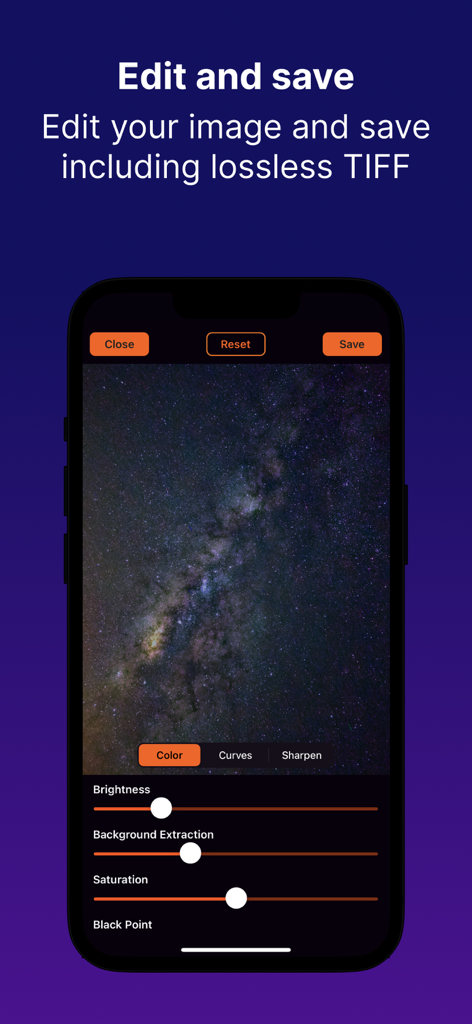
AstroShader mobile app interface showing post-processing tools and a Milky Way photo with an option for lossless TIFF save
Description
Download
More Like This
Top-ranked apps in the same category

CapCut: Photo & Video Editor
BYTEDANCE PTE. LTD.

Instagram, Inc.

YouTube
Google LLC

Canva: AI Video & Photo Editor
Canva Pty Ltd
Meta AI - Vibes & AI Glasses
Meta Platforms, Inc.

Snapchat
Snap, Inc.

快手
Beijing Kwai Technology Co., Ltd.

Edits: Video Editor
Instagram, Inc.

Google Photos: Backup & Edit
Google LLC
This page is not an official page of the app or its developer, but an independent editorial publication created for informational and commentary purposes. Unless expressly stated otherwise, neither the app nor its developer is affiliated with, endorsed by, sponsored by, authorized by, or otherwise officially connected with MWM, Apple, Google Play, the app publisher, or the app's developer, and nothing on this page implies that the app was developed using MWM's services. Any trademarks, logos, screenshots, and other content remain the property of their respective owners.