
This page is not an official page of the app or its developer, but an independent editorial publication created for informational and commentary purposes. Unless expressly stated otherwise, neither the app nor its developer is affiliated with, endorsed by, sponsored by, authorized by, or otherwise officially connected with MWM, Apple, Google Play, the app publisher, or the app's developer, and nothing on this page implies that the app was developed using MWM's services. Any trademarks, logos, screenshots, and other content remain the property of their respective owners.

ASUS Extender
The ultimate tool for homeowners and prosumers to easily set up, manage, and find the perfect location for your ASUS range extenders. Experience seamless connectivity and peak performance in every room of your house.
Downloads
97K+User Rating
Total Ratings
300Publisher
Category
ProductivityLocales
22Latest Version
1.0.0.0.42Size
51.7 MBFirst Released
Oct 31, 2016Experience Perfect Wi-Fi in Every Corner
Stop struggling with dead zones and buffering. The ASUS Extender app provides professional tools to optimize your home network with ease, ensuring every device stays connected.
Smart Signal Finder
Eliminate the guesswork. Our intelligent guide helps you find the optimal location for your extender to ensure maximum coverage across your entire home.
Hassle-Free Setup
Skip the complex manuals. Get your Wi-Fi or Powerline extenders up and running in minutes with our intuitive, step-by-step mobile configuration wizard.
The following screenshots and description are sourced directly from the app's official store listing and are the property of the app developer.
App Store
Screenshots

Digital connectivity tree with smart home and networking icons growing from two mobile devices on a blue background
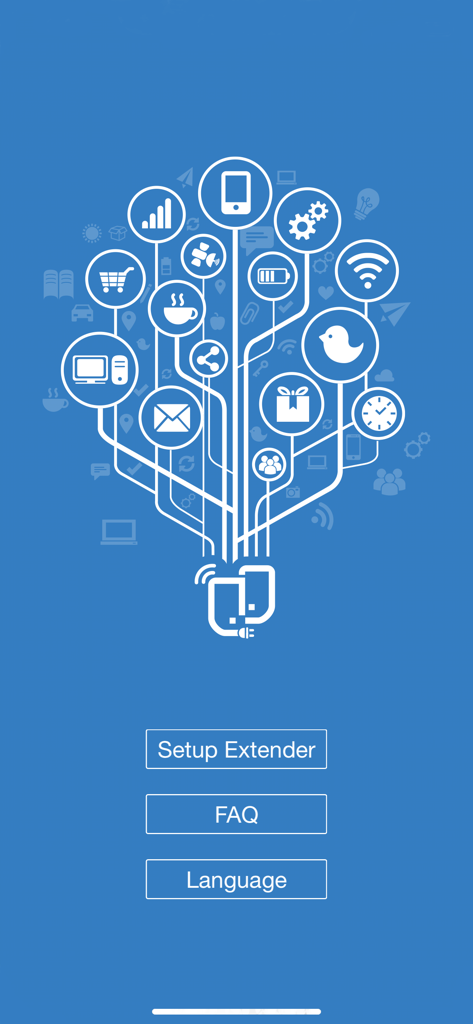
Main screen of the ASUS Extender app featuring a connectivity graphic and buttons for Setup Extender, FAQ, and Language settings.
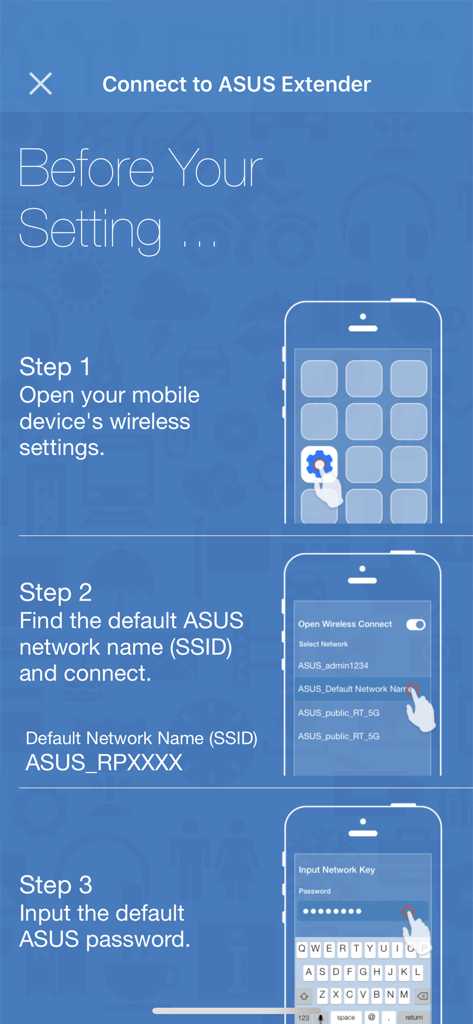
Three step guide to connect a mobile device to an ASUS Extender network including wireless settings and password entry
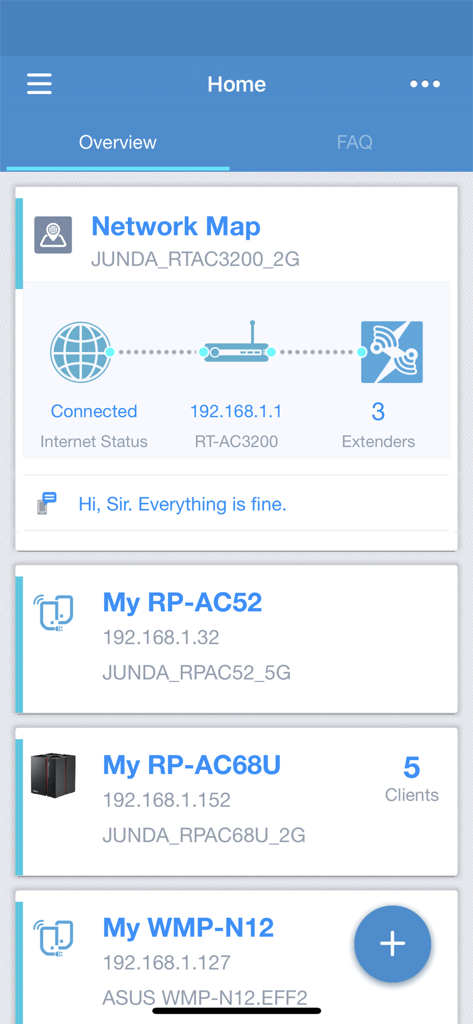
The home screen of the ASUS Extender app displaying a network map and a list of connected Wi-Fi extenders.
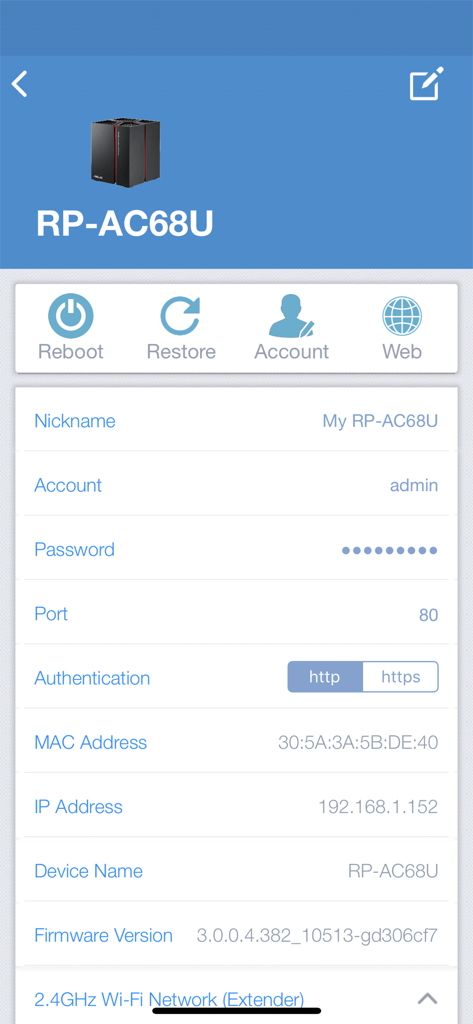
Interface of ASUS Extender app displaying technical settings and status for an RP-AC68U network device.
Description
Download
More Like This
Top-ranked apps in the same category

ChatGPT
OpenAI OpCo, LLC

Google Gemini
Google LLC

Grok
X.AI Corporation

Gmail - Email by Google
Google LLC

千问 - 阿里最强大模型官方AI助手
Shanghai Zhixin Puhui Technology Co., Ltd.

Google Drive
Google LLC

Microsoft Authenticator
Microsoft Corporation

Google Sheets
Google LLC

Google Docs
Google LLC
This page is not an official page of the app or its developer, but an independent editorial publication created for informational and commentary purposes. Unless expressly stated otherwise, neither the app nor its developer is affiliated with, endorsed by, sponsored by, authorized by, or otherwise officially connected with MWM, Apple, Google Play, the app publisher, or the app's developer, and nothing on this page implies that the app was developed using MWM's services. Any trademarks, logos, screenshots, and other content remain the property of their respective owners.