
This page is not an official page of the app or its developer, but an independent editorial publication created for informational and commentary purposes. Unless expressly stated otherwise, neither the app nor its developer is affiliated with, endorsed by, sponsored by, authorized by, or otherwise officially connected with MWM, Apple, Google Play, the app publisher, or the app's developer, and nothing on this page implies that the app was developed using MWM's services. Any trademarks, logos, screenshots, and other content remain the property of their respective owners.

ats-organizer-app
Take full control of your daily life with a secure, offline-first organizer. Manage your passwords, tasks, bills, and medications in one place—no subscriptions, no cloud, and zero tracking.
Downloads
0User Rating
Total Ratings
0Publisher
Category
ProductivityLocales
1Latest Version
1.0Size
29.9 MBFirst Released
Apr 2, 2026Your Private Life, Perfectly Organized
Take back control with an all-in-one digital command center designed for privacy. Manage your health, finances, and security offline with zero subscriptions and no cloud tracking.
Encrypted Private Vault
Securely store passwords and credit card details directly on your device. Your sensitive data stays off the grid and under your total control.
Smart Bill & Receipt Scanner
Eliminate paper clutter by scanning expenses and tracking bills instantly. A perfect tool for managing household finances without a cloud paper trail.
The following screenshots and description are sourced directly from the app's official store listing and are the property of the app developer.
App Store
Screenshots
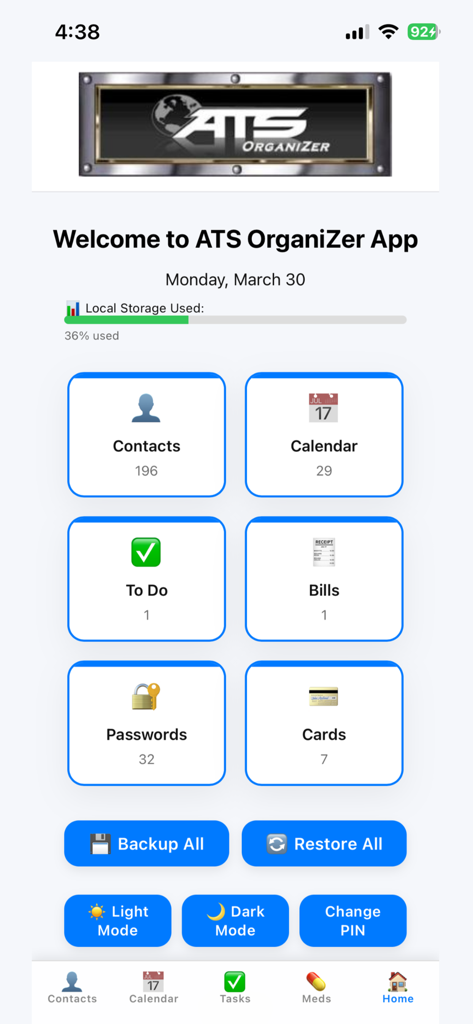
The home screen of the ATS OrganiZer app showing the main dashboard with icons for contacts calendar and tasks.
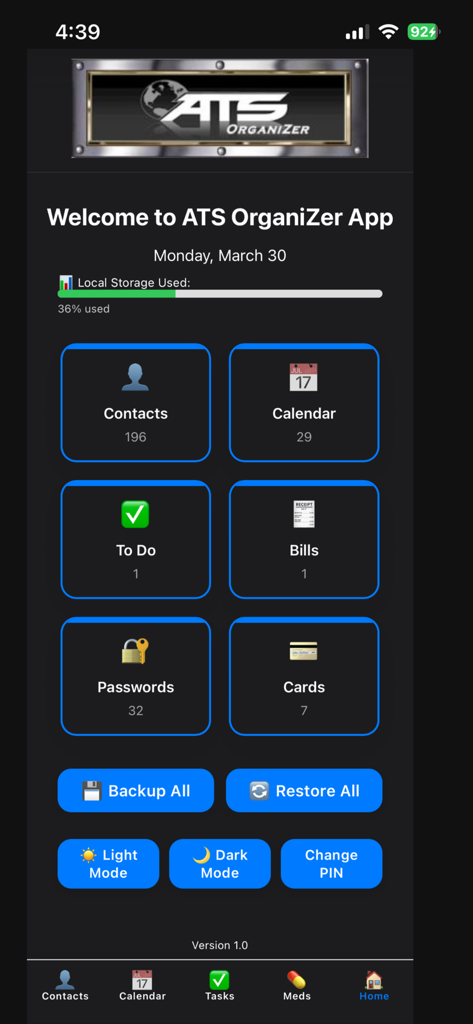
ATS OrganiZer app main screen showing icons for contacts, calendar, to-do list, bills, passwords, and cards with local storage usage bar
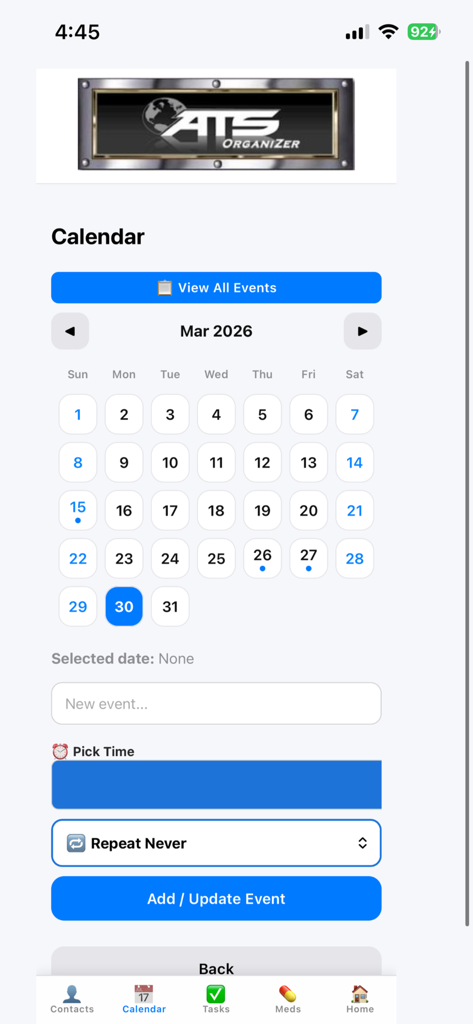
Monthly calendar interface of the ATS OrganiZer app for scheduling life events and appointments.
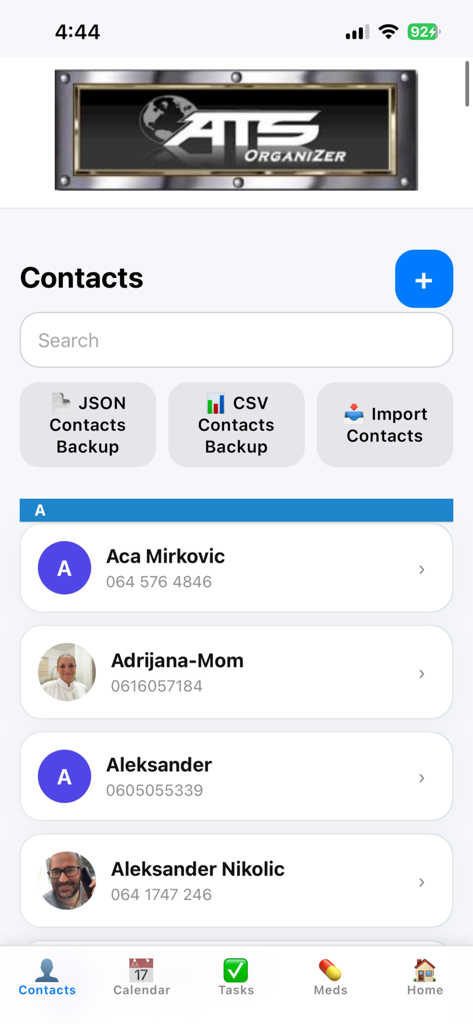
Screenshot of the ATS OrganiZer app contacts management interface featuring a searchable contact list and local backup options for JSON and CSV files
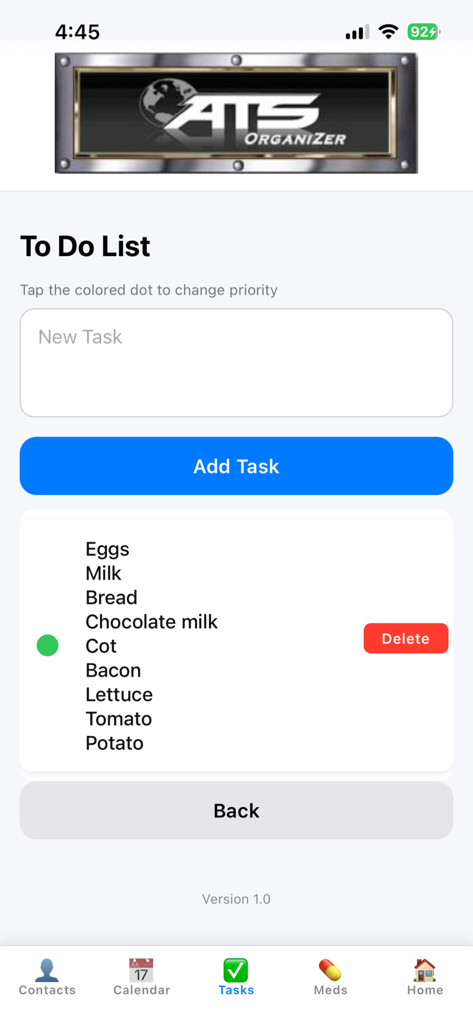
To-do list interface in the ATS OrganiZer app displaying a grocery list with an add task button
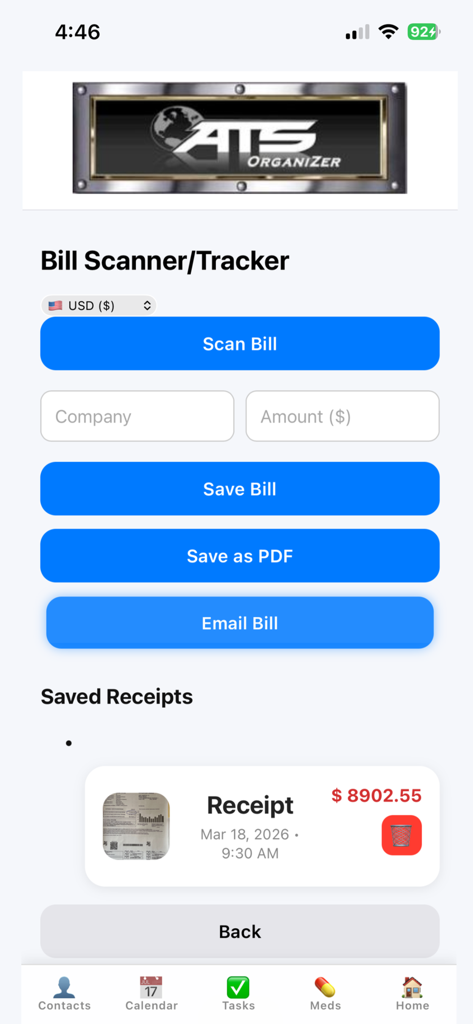
Interface of the ATS OrganiZer app bill scanner feature showing options to scan bills save as pdf and track receipts
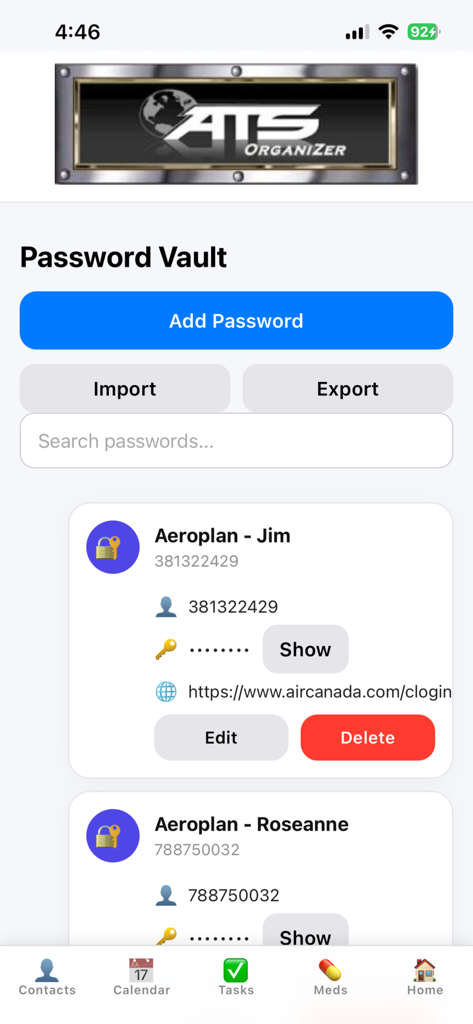
Secure offline password vault screen in the ATS OrganiZer productivity app showing saved credentials and management options.
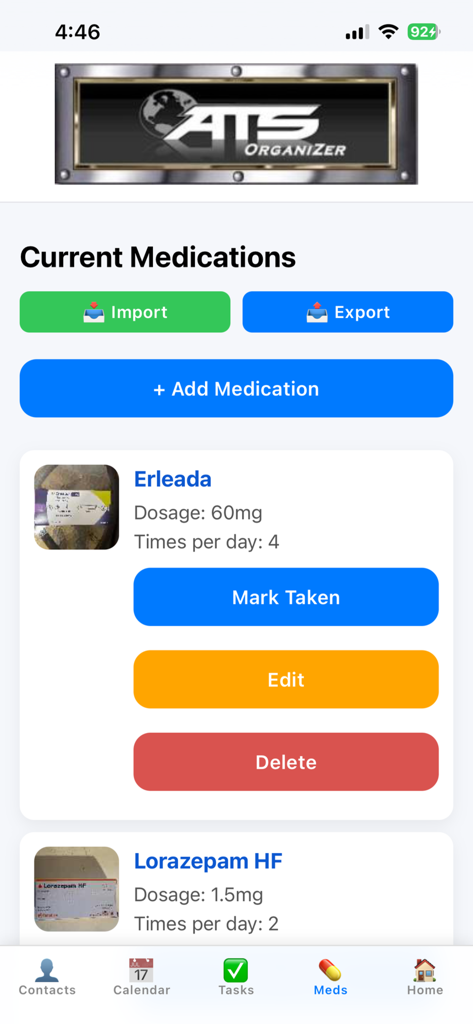
Medication tracker interface in the ATS OrganiZer app showing current prescriptions with dosage and daily schedule
Description
Download
More Like This
Top-ranked apps in the same category

Google Gemini
Google LLC
ChatGPT
OpenAI OpCo, LLC

Claude by Anthropic
Anthropic PBC

Gmail - Email by Google
Google LLC

千问 - 阿里最强大模型官方AI助手
Shanghai Zhixin Puhui Technology Co., Ltd.

Grok - AI Chat & Video
X.AI Corporation
Google Drive
Google LLC

Microsoft Authenticator
Microsoft Corporation
Google Sheets
Google LLC
This page is not an official page of the app or its developer, but an independent editorial publication created for informational and commentary purposes. Unless expressly stated otherwise, neither the app nor its developer is affiliated with, endorsed by, sponsored by, authorized by, or otherwise officially connected with MWM, Apple, Google Play, the app publisher, or the app's developer, and nothing on this page implies that the app was developed using MWM's services. Any trademarks, logos, screenshots, and other content remain the property of their respective owners.