Audify read aloud web browser
Download on App Store

This page is not an official page of the app or its developer, but an independent editorial publication created for informational and commentary purposes. Unless expressly stated otherwise, neither the app nor its developer is affiliated with, endorsed by, sponsored by, authorized by, or otherwise officially connected with MWM, Apple, Google Play, the app publisher, or the app's developer, and nothing on this page implies that the app was developed using MWM's services. Any trademarks, logos, screenshots, and other content remain the property of their respective owners.


Logo of Audify read aloud web browser
Download on App Store

Audify read aloud web browser

Reclaim your time and rest your eyes. Listen to news, eBooks, and PDFs hands-free while you commute, workout, or wind down for the day.

Key Figures

Downloads

79K+

User Rating

4.6/5

Total Ratings

900

Publisher

Tangerine Software House

Category

Productivity

Locales

27

Latest Version

8.0

Size

20.4 MB

First Released

Feb 15, 2021
Features

Turn Every Article into a Personal Podcast

Maximize your day by listening to web pages, PDFs, and eBooks. Audify is designed for the modern multitasker who values productivity and eye health.

Productivity While You Move

Reclaim your commute or workout time. Listen to news, professional reports, and blogs on the go, turning 'dead time' into a learning experience.

Relief for Your Digital Eyes

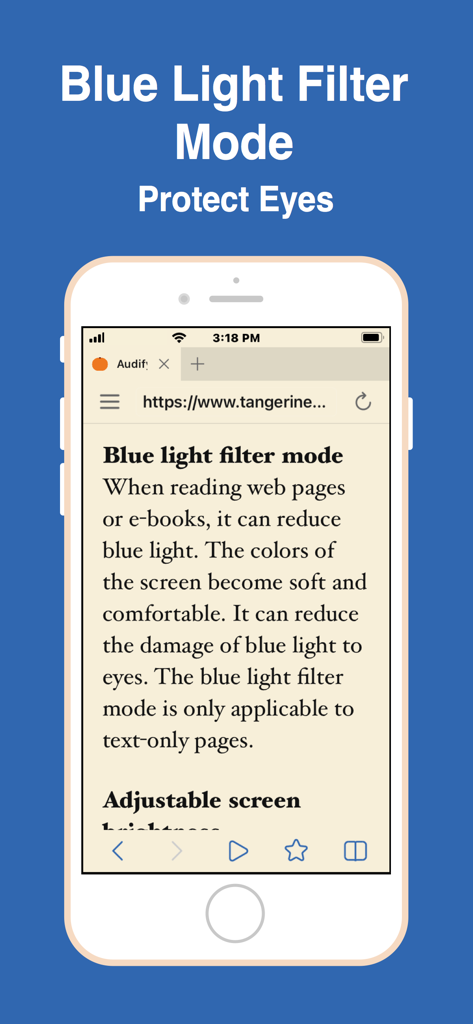
Combat screen fatigue with our built-in blue light filter and night mode. Listen to your favorite novels or articles without the glare of a display.

The following screenshots and description are sourced directly from the app's official store listing and are the property of the app developer.

App Store

Screenshots
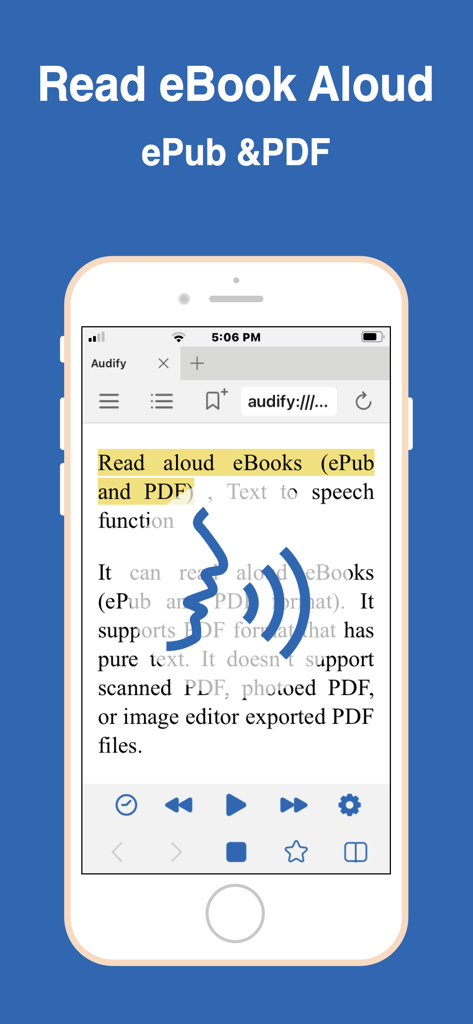
Audify read aloud web browser - Smartphone showing Audify app reading an eBook aloud with text to speech controls
Smartphone showing Audify app reading an eBook aloud with text to speech controls

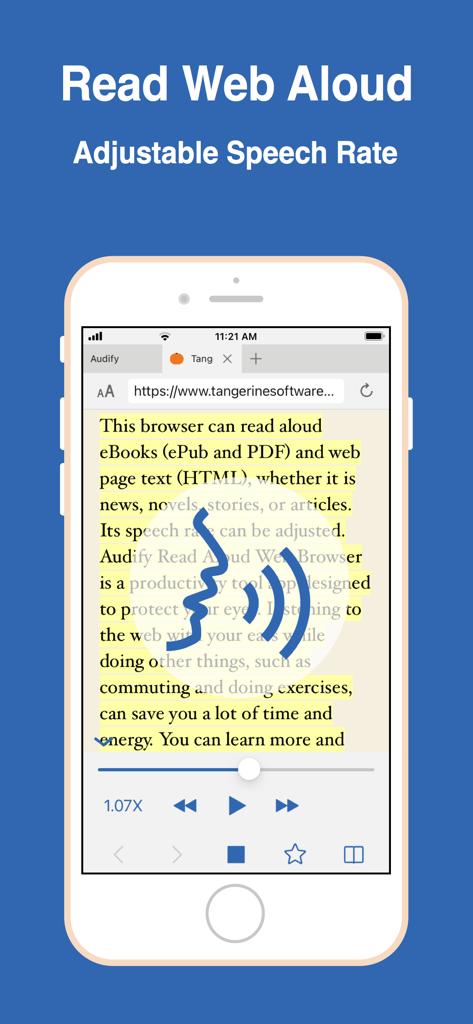
Audify read aloud web browser - Audify mobile app interface showing a web page being read aloud with adjustable speech rate controls
Audify mobile app interface showing a web page being read aloud with adjustable speech rate controls

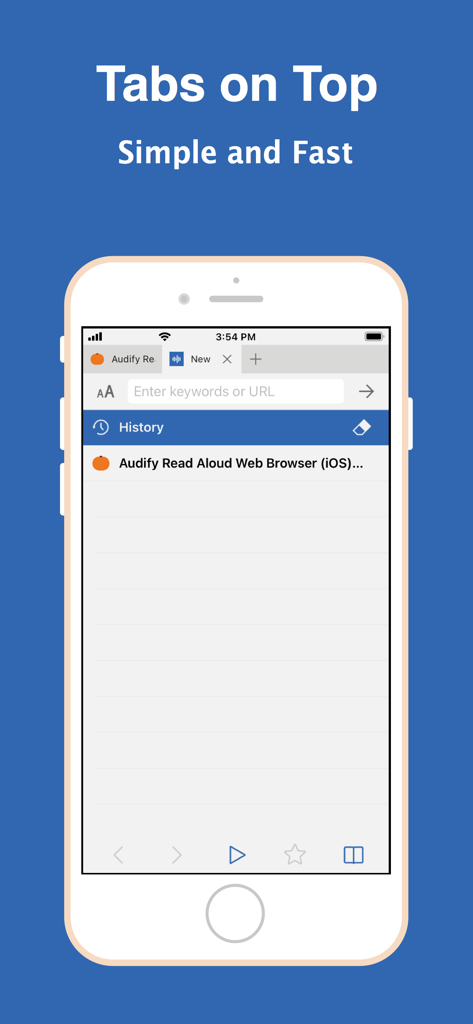
Audify read aloud web browser - Audify read aloud web browser interface featuring tabs on top.
Audify read aloud web browser interface featuring tabs on top.

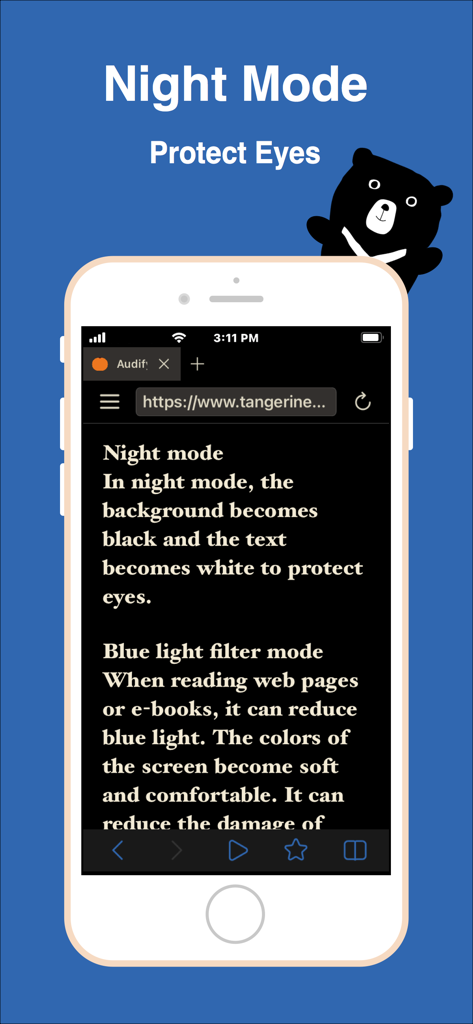
Audify read aloud web browser - Audify mobile browser interface showing night mode and blue light filter features for eye protection
Audify mobile browser interface showing night mode and blue light filter features for eye protection

Audify read aloud web browser - Smartphone screen showing the blue light filter mode feature on the Audify app to protect eyes from digital strain
Smartphone screen showing the blue light filter mode feature on the Audify app to protect eyes from digital strain

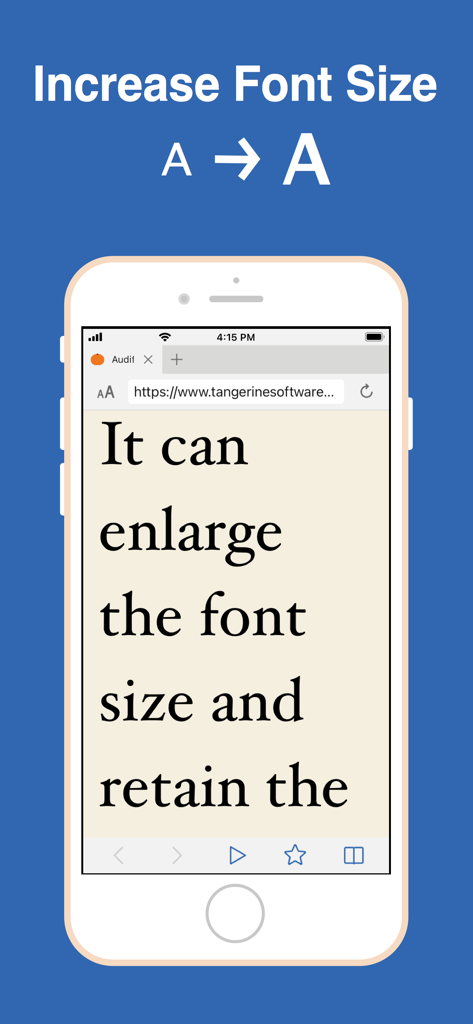
Audify read aloud web browser - Audify app interface showing the font enlargement feature for improved web page readability
Audify app interface showing the font enlargement feature for improved web page readability

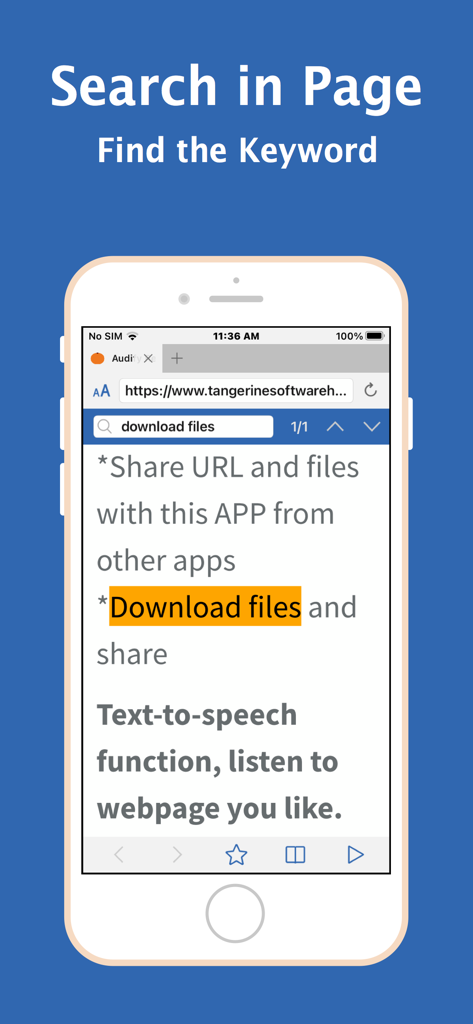
Audify read aloud web browser - Audify app screenshot demonstrating the search in page feature with a keyword highlighted in the text.
Audify app screenshot demonstrating the search in page feature with a keyword highlighted in the text.

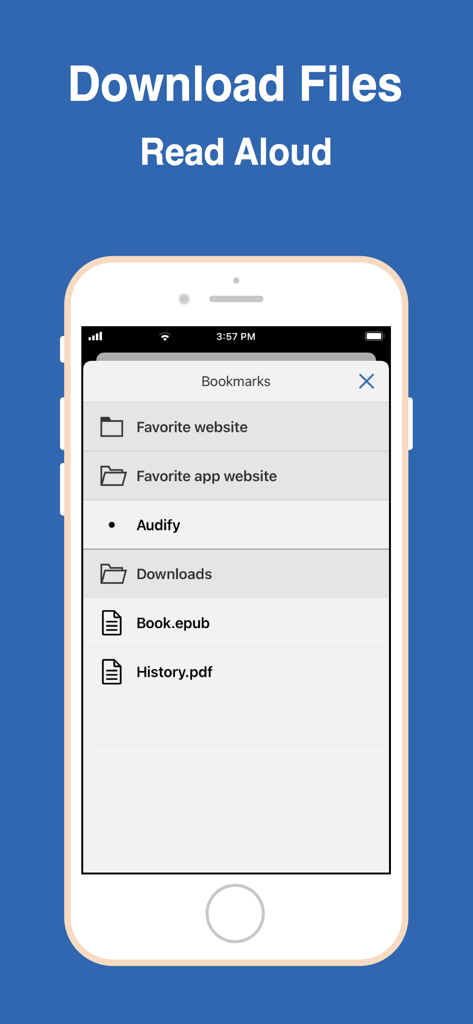
Audify read aloud web browser - Bookmarks menu in the Audify app showing downloaded ePub and PDF files ready to be read aloud.
Bookmarks menu in the Audify app showing downloaded ePub and PDF files ready to be read aloud.

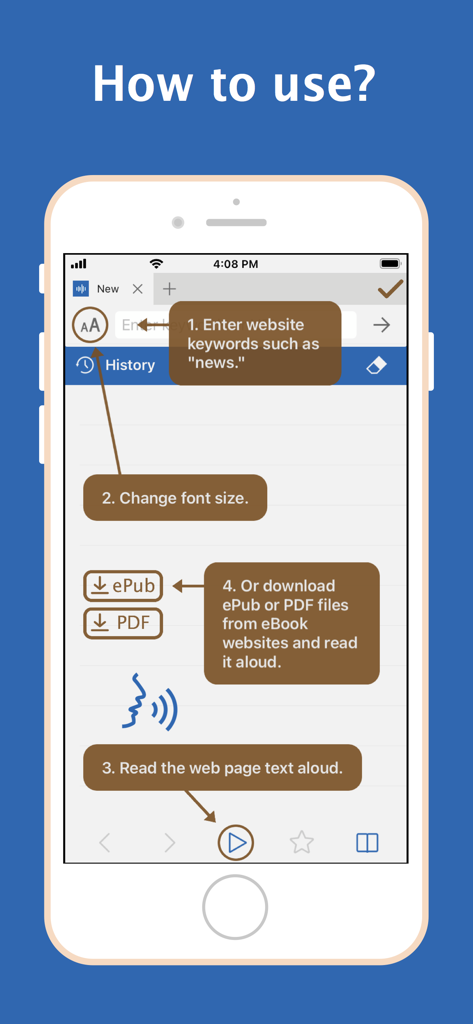
Audify read aloud web browser - Audify app tutorial showing how to search websites change font size and read aloud text or ebook files

Audify app tutorial showing how to search websites change font size and read aloud text or ebook files

Description

Audify is a text to speech app, web browser and PDF, ePub reader app. Audify can read aloud (TTS) web page text (HTML) and eBooks (ePub and PDF), whether it is news, novels, stories, or articles. Audify is designed to save your time and energy, and also protect your eyes. You can listen to the web page content while doing other things, such as commuting or doing exercises. You can learn more and get more knowledge. It can be switched to night mode, blue light filter mode, and the brightness can be dimmed. Font size can also be changed to become very large. It can translate languages, search in page, sleep timer (sleep story) and it has a couple of other useful features. Features: * Read aloud (text to speech, TTS) eBooks (ePub and PDF) * Read aloud (text to speech, TTS) web page text (HTML) * Different voices can be selected * Translate * Adjustable speech rate. Learn English and other languages (Spanish, German, French, etc.) * New webpage tabs are displayed at the top of the screen * Blue light filter mode * Night mode * Adjustable screen brightness * User-defined bookmark categories * Font size can be enlarged or reduced * Search in page * Share URL and files with this APP from other apps * Download files * Import files from iCloud and folders * Sleep timer (sleep story) * Choose search engines * Bold text * Full screen * Hide web page pictures It can read aloud eBooks (ePub and PDF format). It supports PDF format that has pure text. It doesn't support photoed PDF, or image editor exported PDF files. Conveniently download ePub and PDF files from websites and read them aloud. Q:How to start reading aloud in the middle of a page? A:(1)Scroll the web page to the position you want to read, and press the play button. Or (2)Double click the paragraph you want to read (You can enable this feature in the Audify settings page.) Audify can read aloud from there. Q: It cannot read aloud when I use it for the first time. A: You can: 1. Swipe to close the app and reopen it, 2. Try a new web page, 3. Choose a different voice for reading aloud, 4. Reboot the phone, 5. Restore the phone to factory settings . Usually after doing the first step it will return to normal. Q: After the app is updated, an abnormal situation occurs. A: You can: 1. Swipe to close the app and reopen it, 2. Reboot the phone, 3. Remove the app and download it again. Usually after doing the first step, it can return to normal. If you encounter a strange situation, please write to let us know. To be able to provide long-term maintenance and updates, Audify needs more users. If you like Audify, please 1. give a five star rating, 2. write a review 3. share 4. buy developer a cup of coffee 5. remove ads. We need your support. Thank you!

Download

Download on App Store

This page is not an official page of the app or its developer, but an independent editorial publication created for informational and commentary purposes. Unless expressly stated otherwise, neither the app nor its developer is affiliated with, endorsed by, sponsored by, authorized by, or otherwise officially connected with MWM, Apple, Google Play, the app publisher, or the app's developer, and nothing on this page implies that the app was developed using MWM's services. Any trademarks, logos, screenshots, and other content remain the property of their respective owners.








