
This page is not an official page of the app or its developer, but an independent editorial publication created for informational and commentary purposes. Unless expressly stated otherwise, neither the app nor its developer is affiliated with, endorsed by, sponsored by, authorized by, or otherwise officially connected with MWM, Apple, Google Play, the app publisher, or the app's developer, and nothing on this page implies that the app was developed using MWM's services. Any trademarks, logos, screenshots, and other content remain the property of their respective owners.

Audio Converter: convert mp3
Seamlessly convert videos to audio and switch between 20+ formats in seconds. Designed for creators, professionals, and students who need instant compatibility on the go.
Downloads
55K+User Rating
Total Ratings
1K+Publisher
Category
ProductivityLocales
1Latest Version
1.1.10Size
29.3 MBFirst Released
Aug 14, 2020Pro-Level Audio Conversion at Your Fingertips
Designed for creators and professionals who need fast, reliable, and high-quality file transformations without the complexity of desktop software.
Instant Video-to-Audio Extraction
Easily turn screen recordings, TikToks, or Reels into high-quality MP3s. Perfect for podcasters and social media managers on tight deadlines.
Universal Format Support
Break through compatibility barriers with support for 30+ formats including FLAC, WAV, WMA, and OGG. We handle the technical side for you.
The following screenshots and description are sourced directly from the app's official store listing and are the property of the app developer.
App Store
Screenshots
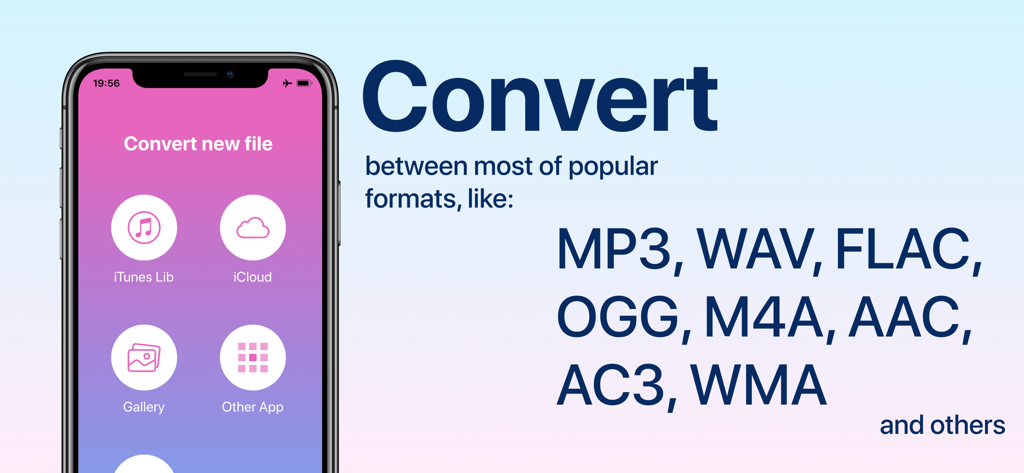
iPhone screen displaying the Audio Converter app interface with source options and a list of supported file formats like MP3 and WAV.
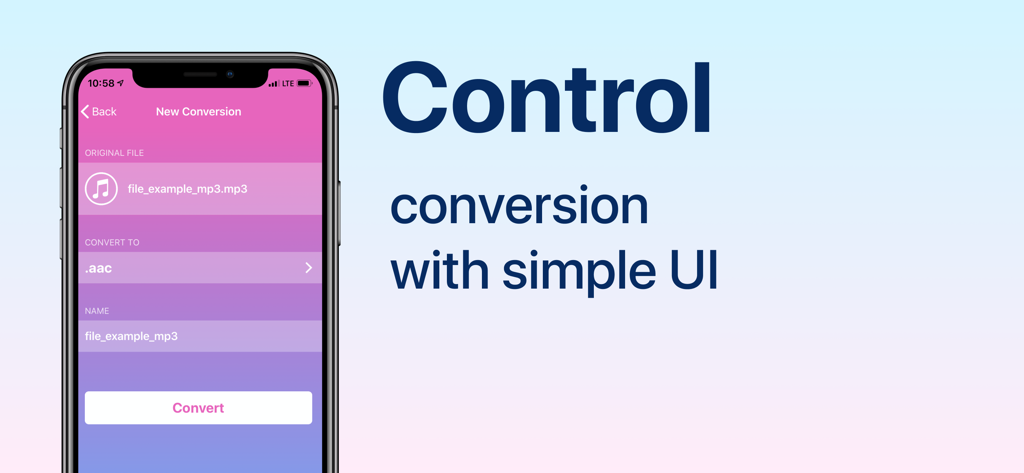
iPhone screen showing a simple user interface for converting audio files with a large convert button.
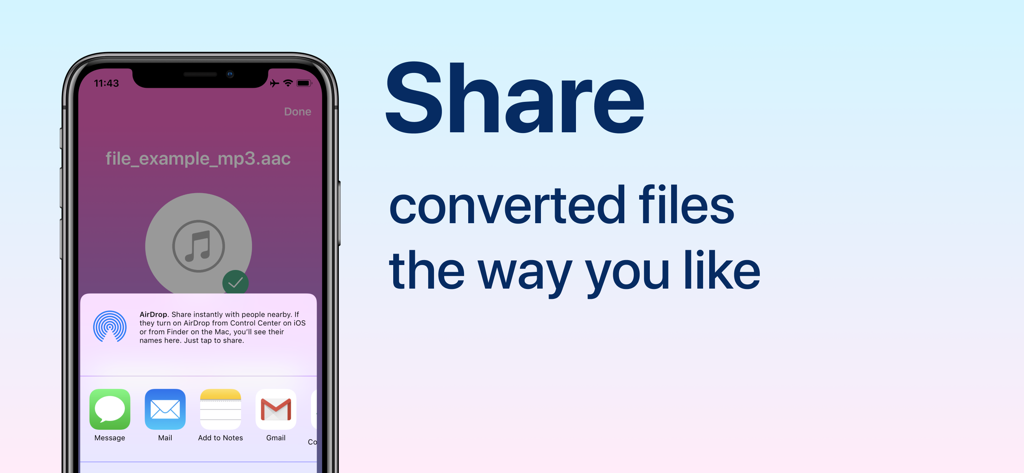
iPhone screen showing the sharing options for a converted audio file
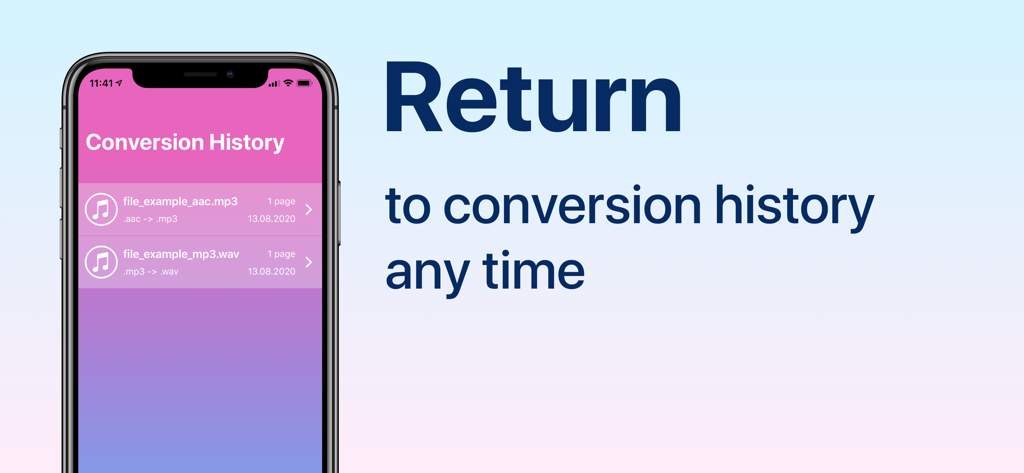
iPhone display showing a list of converted audio files in the Conversion History tab of the Audio Converter app
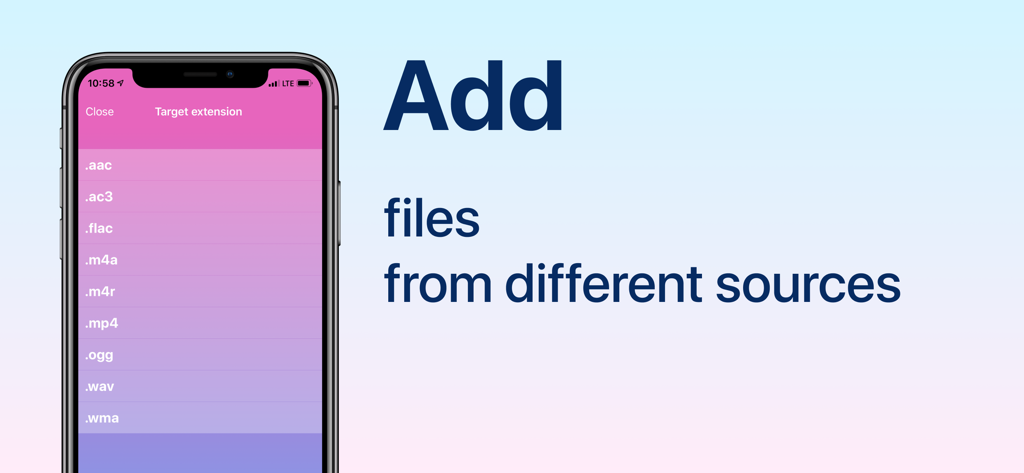
Mobile interface of an audio converter app displaying a list of target file extensions for conversion
Description
Download
More Like This
Top-ranked apps in the same category

ChatGPT
OpenAI OpCo, LLC

Google Gemini
Google LLC

Grok
X.AI Corporation

Gmail - Email by Google
Google LLC

千问 - 阿里最强大模型官方AI助手
Shanghai Zhixin Puhui Technology Co., Ltd.

Google Drive
Google LLC

Microsoft Authenticator
Microsoft Corporation

Google Sheets
Google LLC

Google Docs
Google LLC
This page is not an official page of the app or its developer, but an independent editorial publication created for informational and commentary purposes. Unless expressly stated otherwise, neither the app nor its developer is affiliated with, endorsed by, sponsored by, authorized by, or otherwise officially connected with MWM, Apple, Google Play, the app publisher, or the app's developer, and nothing on this page implies that the app was developed using MWM's services. Any trademarks, logos, screenshots, and other content remain the property of their respective owners.