
This page is not an official page of the app or its developer, but an independent editorial publication created for informational and commentary purposes. Unless expressly stated otherwise, neither the app nor its developer is affiliated with, endorsed by, sponsored by, authorized by, or otherwise officially connected with MWM, Apple, Google Play, the app publisher, or the app's developer, and nothing on this page implies that the app was developed using MWM's services. Any trademarks, logos, screenshots, and other content remain the property of their respective owners.

Audio Extractor Video to MP3 *
The ultimate tool for creators and music lovers to extract MP3s, trim clips, and replace soundtracks. Perfect for creating trending sounds, custom ringtones, and professional-grade social media content effortlessly on your iPhone.
Downloads
400User Rating
Total Ratings
0Publisher
Category
Photo & VideoLocales
1Latest Version
1.0Size
70.4 MBFirst Released
Aug 14, 2025Empower Your Creative Workflow
The fastest way to extract, edit, and swap audio. Designed for creators who need high-quality sound without the complexity of desktop software.
Pro-Grade Extraction
Convert any video into crystal-clear MP3, AAC, or WAV files. Perfect for grabbing trending sounds or rare remixes for your next viral post.
Precision Trimming
Clip your audio with frame-accurate control. Easily create custom ringtones or the perfect 15-second sound bite for your Instagram Reels.
The following screenshots and description are sourced directly from the app's official store listing and are the property of the app developer.
App Store
Screenshots
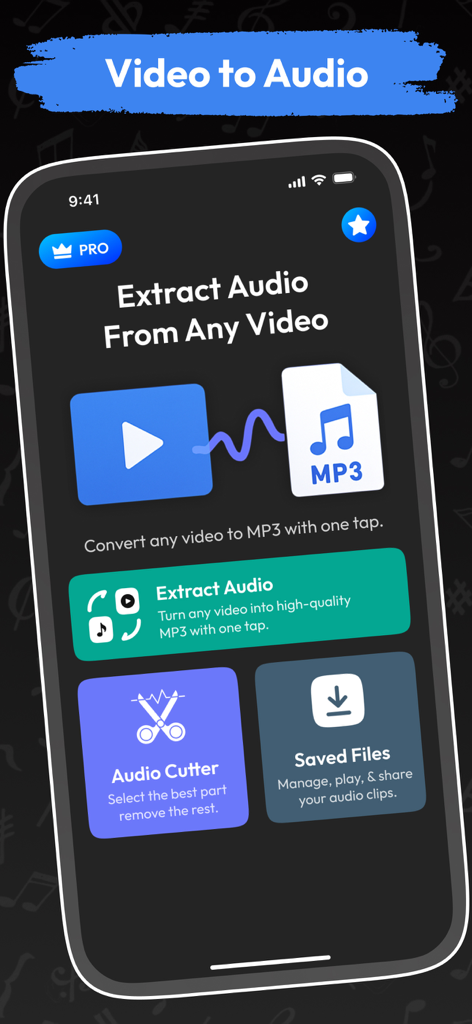
iPhone interface of an app for extracting audio from video with tools for audio cutting and file management
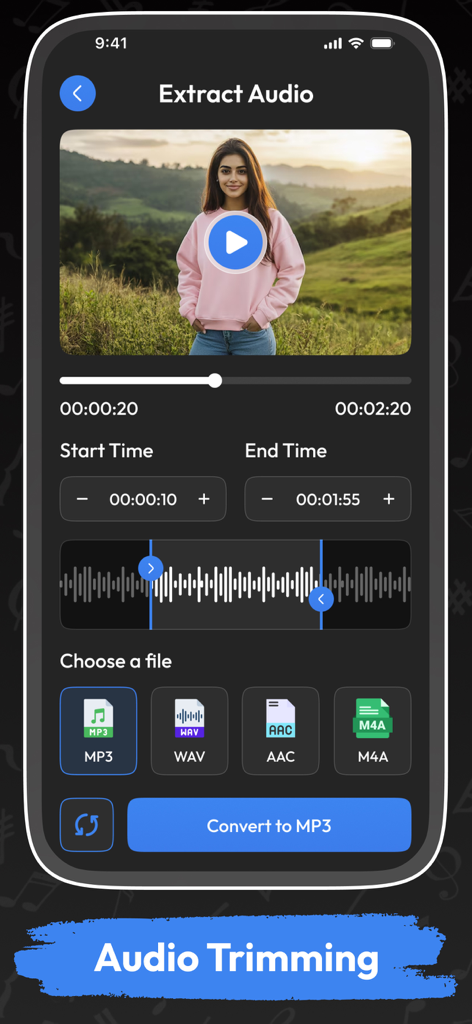
Interface of the Audio Extractor app showing the audio trimming and video to mp3 conversion feature
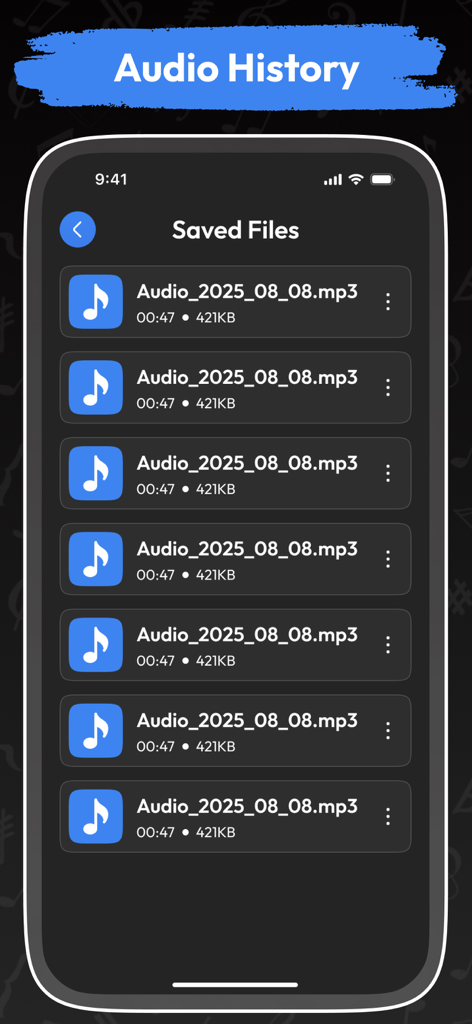
A mobile app interface displaying a list of saved MP3 files in the audio history section
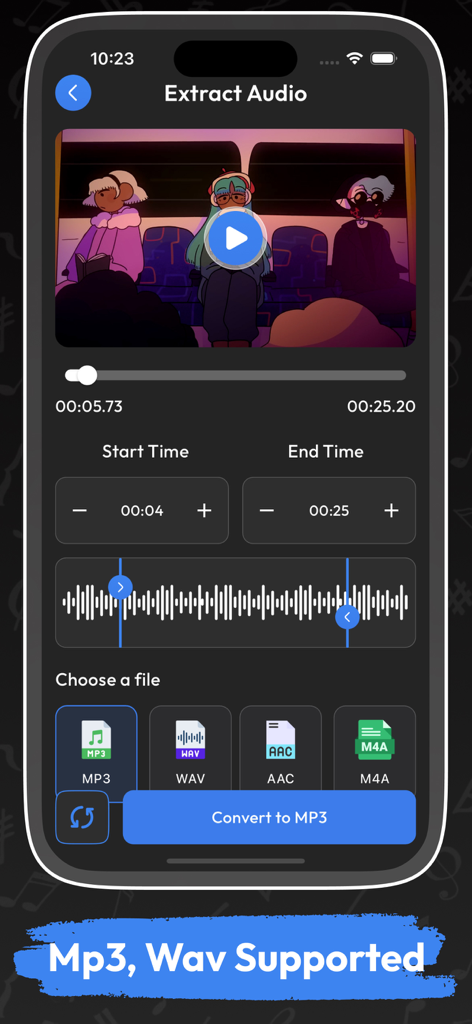
iPhone app interface showing the extract audio screen with video preview waveform trimming and audio format selection
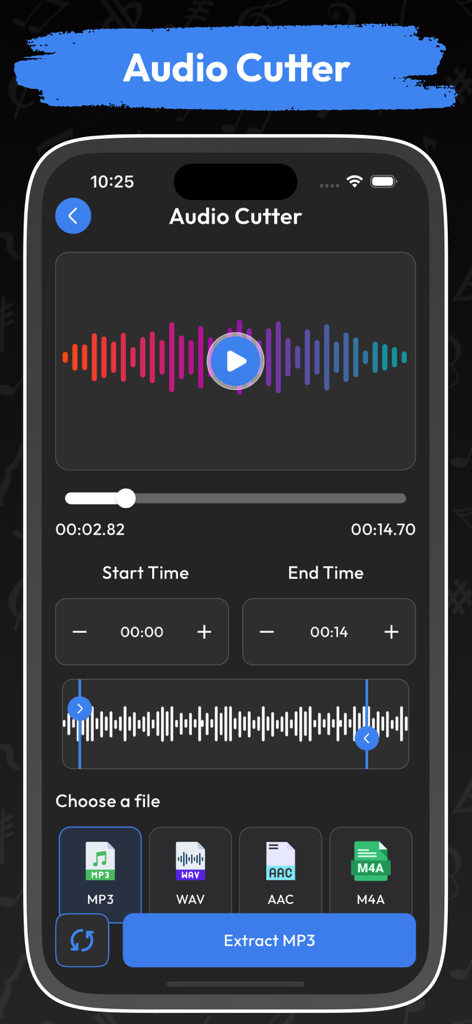
iPhone screenshot showing the Audio Cutter tool with a sound waveform and options to trim and extract audio as MP3
Description
Download
More Like This
Top-ranked apps in the same category

CapCut: Photo & Video Editor
BYTEDANCE PTE. LTD.

Instagram, Inc.

YouTube
Google LLC

Canva: AI Photo & Video Editor
Canva Pty Ltd

Snapchat
Snap, Inc.

快手
Beijing Kwai Technology Co., Ltd.

Edits: Video Editor
Instagram, Inc.

Meitu- AI Photo & Video Editor
Xiamen Meitu Technology Co., Ltd.

Google Photos: Backup & Edit
Google LLC
This page is not an official page of the app or its developer, but an independent editorial publication created for informational and commentary purposes. Unless expressly stated otherwise, neither the app nor its developer is affiliated with, endorsed by, sponsored by, authorized by, or otherwise officially connected with MWM, Apple, Google Play, the app publisher, or the app's developer, and nothing on this page implies that the app was developed using MWM's services. Any trademarks, logos, screenshots, and other content remain the property of their respective owners.