
Authenticator App – 2FA & MFA

Experience peace of mind with encrypted backups and seamless multi-device sync across your iPhone, iPad, and Apple Watch. Protect your crypto, social media, and work accounts with the most reliable 2FA solution for the Apple ecosystem.
Publisher
Category
UtilitiesDownloads
2K+User Rating
Total Ratings
200Locales
16Discover the interface used by 2K+ users.
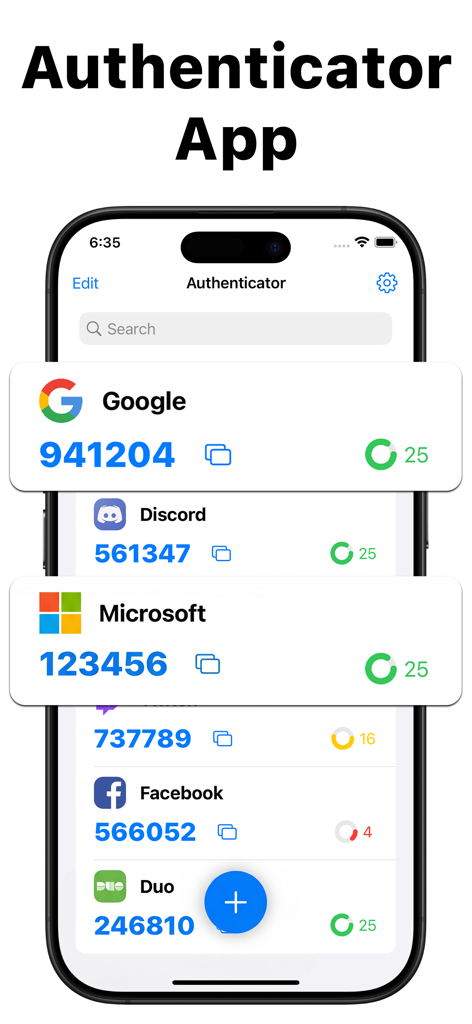
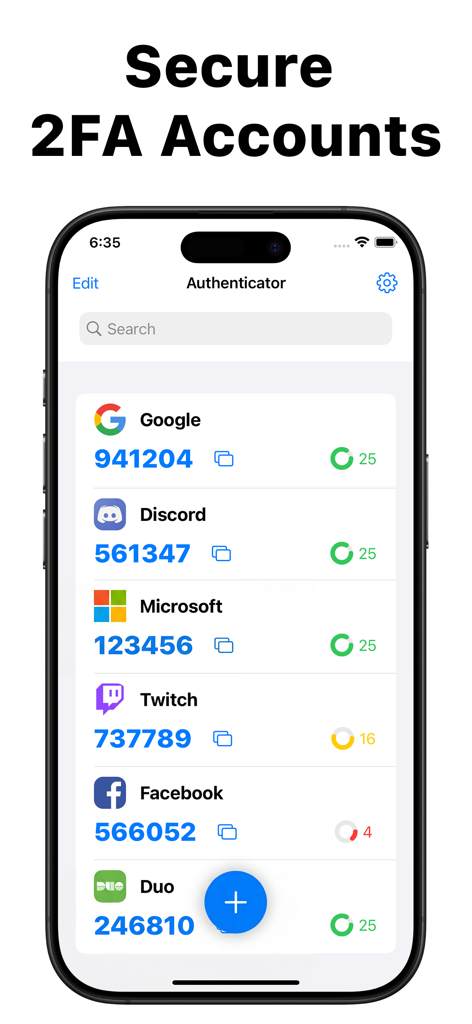
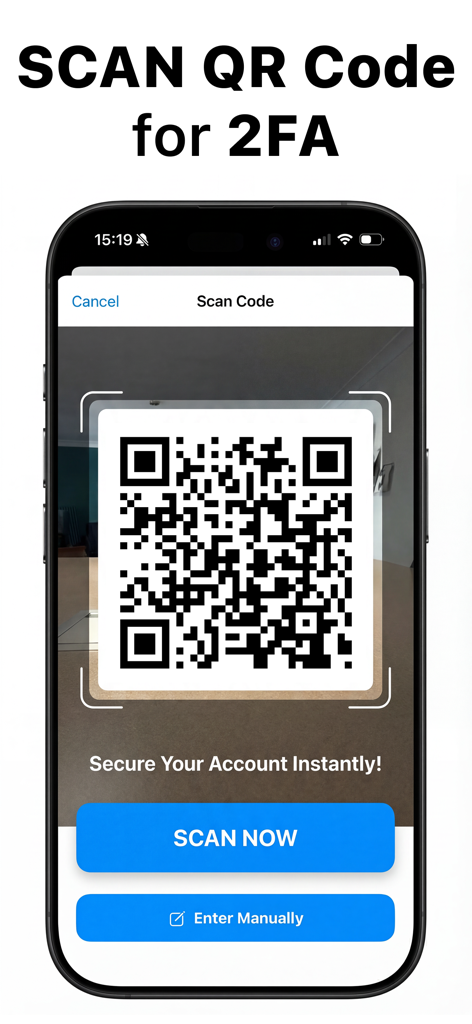
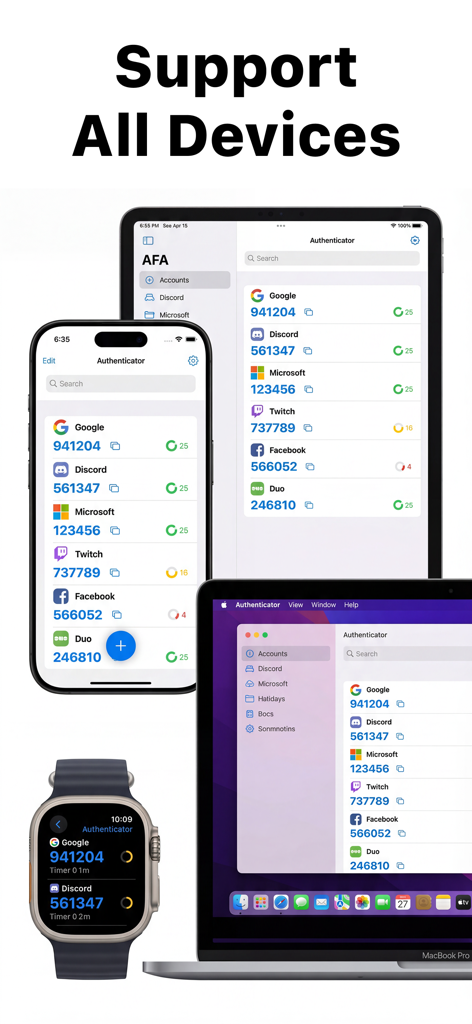
The tools that make this app stand out, trusted by 2K+ users.
Get your codes on your iPhone, iPad, or right from your wrist with seamless Apple Watch integration.
Securely back up your tokens to the cloud so you’re never locked out, even if you lose your phone.
One-tap setup for Binance, Instagram, Gmail, and thousands of other platforms you use every day.
Everything you need to know about Authenticator App – 2FA & MFA.
Description
Latest Version
2.7
Size
19.1 MB
First Released
May 11, 2022
Join thousands of security-conscious professionals protecting their high-value accounts with encrypted backups and seamless Apple device integration.
Everything you need to know about Authenticator App – 2FA & MFA
The Authenticator App generates secure 2FA (two-factor authentication) and MFA tokens for your online accounts. It enhances security by requiring an additional verification factor beyond just a password.
The Authenticator App enhances security by generating Time-based One-time Passwords (TOTP) and Hash-based one-time passwords (HOTP). This 2FA mechanism neutralizes risks associated with compromised passwords, making accounts safer.
Yes, the Authenticator App provides encrypted backup for your 2FA information. This feature allows you to safely access your tokens if you lose data or switch to a new device.
Yes, the Authenticator App allows you to access your generated tokens across all your Apple devices. This ensures seamless access to your authentication codes on iPhones, iPads, MacBooks, and Apple Watches.
The Authenticator App supports thousands of online accounts. These include popular platforms like Microsoft, Google, Binance, Salesforce, Amazon, Gmail, Instagram, and Apex, providing broad compatibility.
Yes, the Authenticator App facilitates 2FA setup by allowing users to scan a QR code. This method provides an instant and efficient way to secure online accounts.
Yes, the Authenticator App is compatible with Apple Watch. You can view your authentication codes directly on your smartwatch, providing convenient and quick access to your 2FA tokens.
Top-ranked apps in the same category

Google LLC

Google LLC

China Mobile Online Services Co., Ltd.

Google LLC

Servicos e Informacoes do Brasil

DEEP FLOW SOFTWARE SERVICES - FZCO

Servicos e Informacoes do Brasil

CHINA TELECOM Corporation Ltd.

Microsoft Corporation
App information, icons, screenshots, and descriptions displayed on this page are sourced from the Apple App Store and are the property of their respective developers. Download estimates and rankings are based on MWM's proprietary models and may not reflect actual figures. This page is provided for informational and analytical purposes only.
Believe this page infringes your intellectual property? File a dispute