
This page is not an official page of the app or its developer, but an independent editorial publication created for informational and commentary purposes. Unless expressly stated otherwise, neither the app nor its developer is affiliated with, endorsed by, sponsored by, authorized by, or otherwise officially connected with MWM, Apple, Google Play, the app publisher, or the app's developer, and nothing on this page implies that the app was developed using MWM's services. Any trademarks, logos, screenshots, and other content remain the property of their respective owners.

Authenticator App+
Protect your digital identity with encrypted iCloud backups, Face ID security, and seamless 2FA sync across your iPhone, Mac, and Apple Watch.
Downloads
6M+User Rating
Total Ratings
23K+Publisher
Category
ProductivityLocales
13Latest Version
3.1.1Size
144.9 MBFirst Released
May 10, 2022Uncompromising Security Made Simple
Protect your identity and assets with a professional-grade authenticator designed exclusively for your Apple ecosystem. Securely manage 2FA for banking, work, and social media with total peace of mind.
Vault-Grade Privacy
Your security is our priority. Every token is secured with end-to-end encryption and protected by Face ID, ensuring that only you can access your most sensitive account codes.
Seamless iCloud Sync
Eliminate the fear of being locked out. Automatically backup and sync your codes across your iPhone, iPad, Mac, and Apple Watch for effortless recovery on any device.
Frequently Asked Questions
Everything you need to know about Authenticator App+
What is Authenticator App+?
Authenticator App+ secures online accounts by scanning, generating, and saving two-factor and multi-factor (2FA & MFA) authentication codes. It supports popular services like Google, Facebook, and Microsoft.
Which services does Authenticator App+ support?
Authenticator App+ supports popular services such as Microsoft, Facebook, Instagram, Google, Amazon, Coinbase, Authy, and Roblox. It provides full support for time-based one-time passwords (TOTP).
Does Authenticator App+ work offline?
Yes, Authenticator App+ works offline. It does not require an internet connection to generate and use your authentication codes.
Can I sync my 2FA codes across multiple Apple devices with Authenticator App+?
Yes, Authenticator App+ securely syncs your 2FA codes across all your Apple devices. It works on iPhone, iPad, Mac, and Apple Watch.
How does Authenticator App+ secure my codes?
Authenticator App+ uses end-to-end encryption for all stored codes. It also offers unlock options with Face ID and Touch ID for enhanced security.
Does Authenticator App+ offer homescreen widgets?
Yes, Authenticator App+ offers homescreen widgets for quick access to your authentication codes directly from your device's home screen.
How do I add new authentication codes to Authenticator App+?
You can add new authentication codes to Authenticator App+ by scanning QR codes or by manually entering the codes.
Does Authenticator App+ support Face ID for unlocking?
Yes, Authenticator App+ supports unlocking with Face ID. This feature saves time by not requiring a password when you start the app.
What is required to use the PRO Features of Authenticator App+?
To access all PRO Features in Authenticator App+, you need an active auto-renewing monthly or yearly subscription. Payment is charged to your iTunes Account.
Can I restore my codes if I switch or lose devices?
Yes, Authenticator App+ allows you to easily restore your codes if you switch or lose devices. It provides encrypted backup to iCloud.
Does Authenticator App+ offer a dark mode interface?
Yes, Authenticator App+ offers a dark mode interface. This provides an alternative visual theme for the application.
The following screenshots and description are sourced directly from the app's official store listing and are the property of the app developer.
App Store
Screenshots
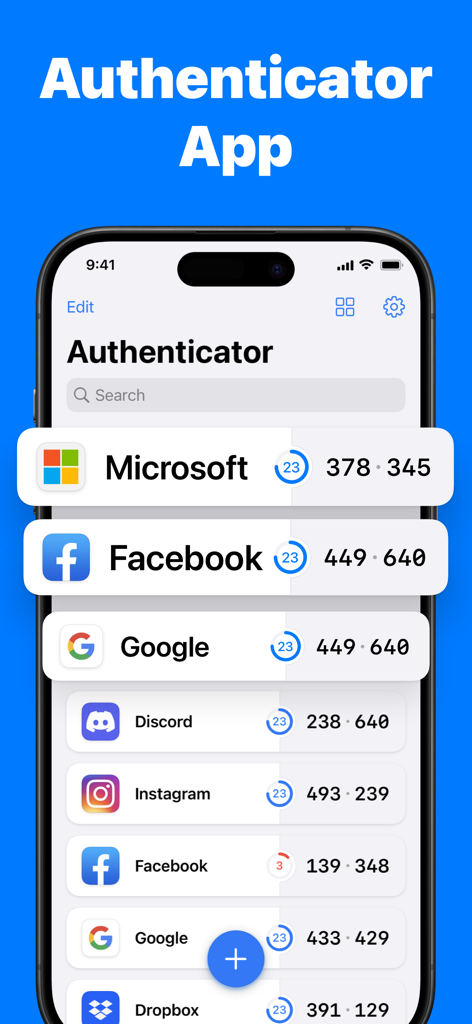
Interface of Authenticator App plus showing security codes for Microsoft and Facebook
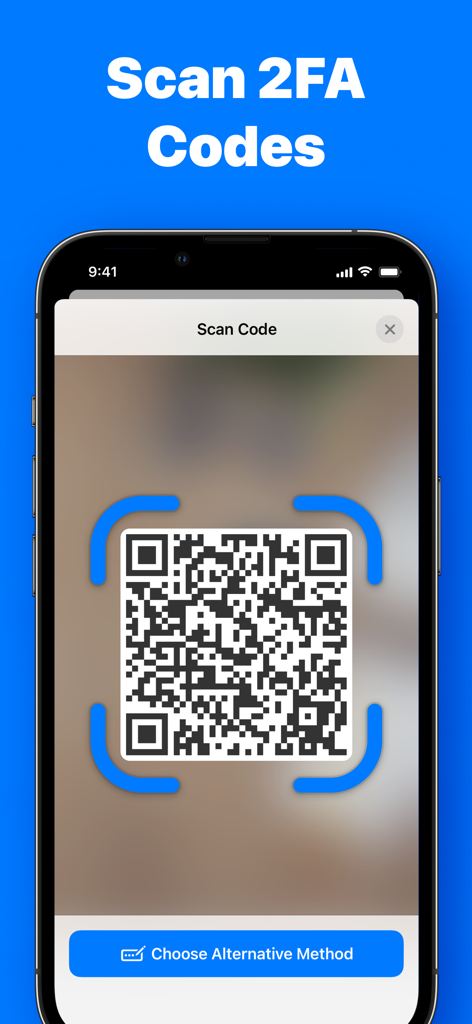
Smartphone screen displaying the QR code scanning feature for 2FA security codes in Authenticator App+
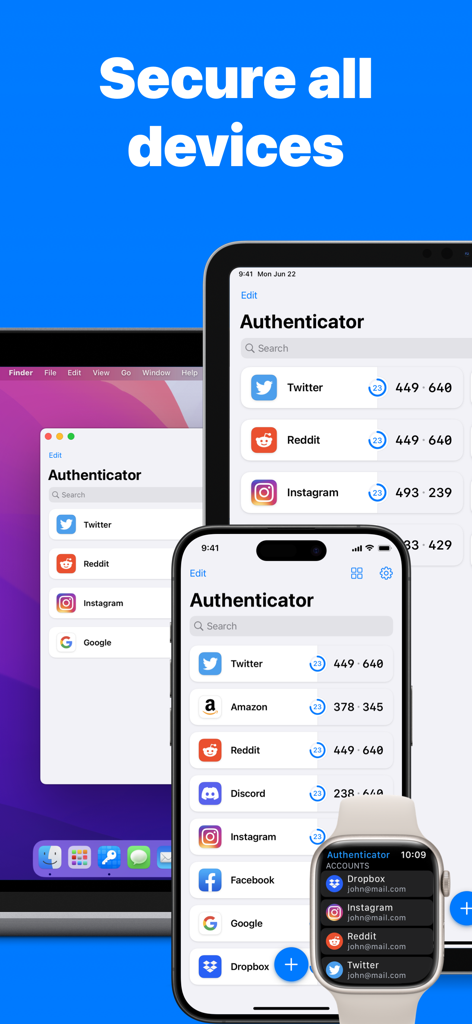
Authenticator App interface displayed on iPhone iPad Mac and Apple Watch
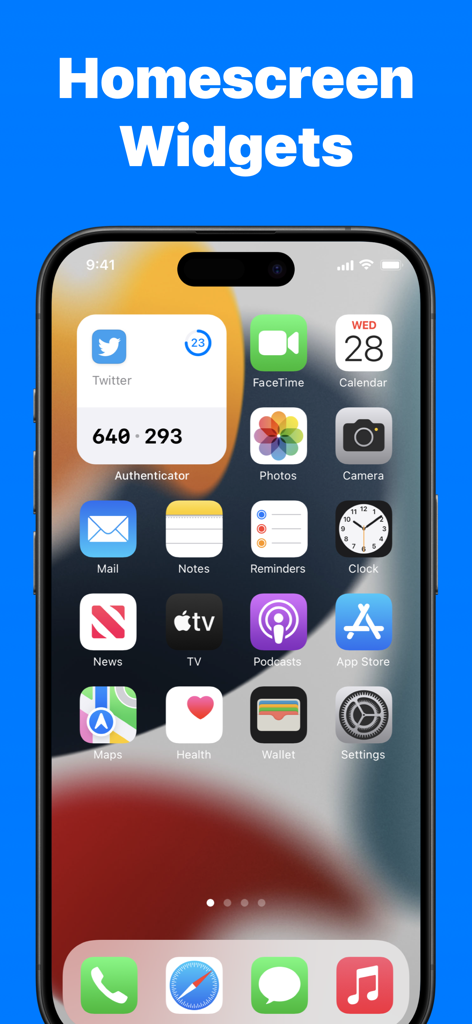
iPhone home screen displaying a 2FA code through the Authenticator App plus widget
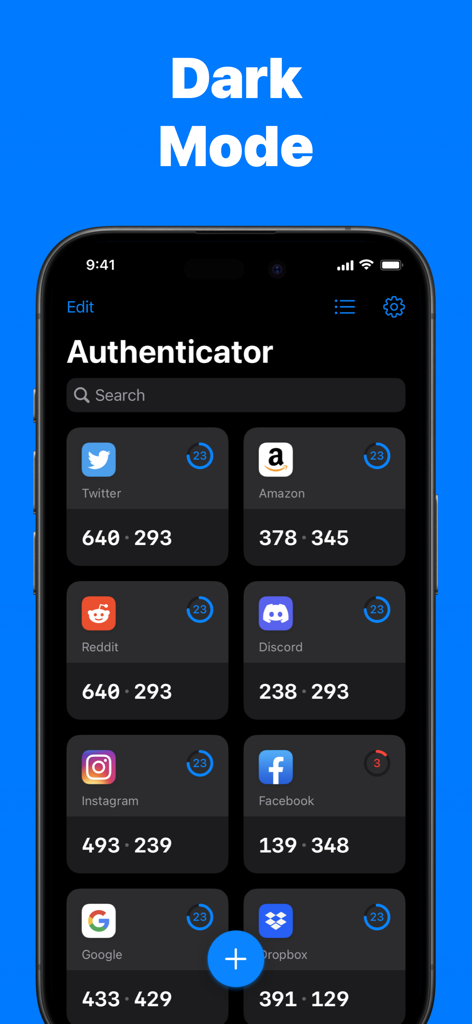
The Authenticator App dashboard showing 2FA codes for various accounts like Twitter, Amazon, and Reddit in dark mode.
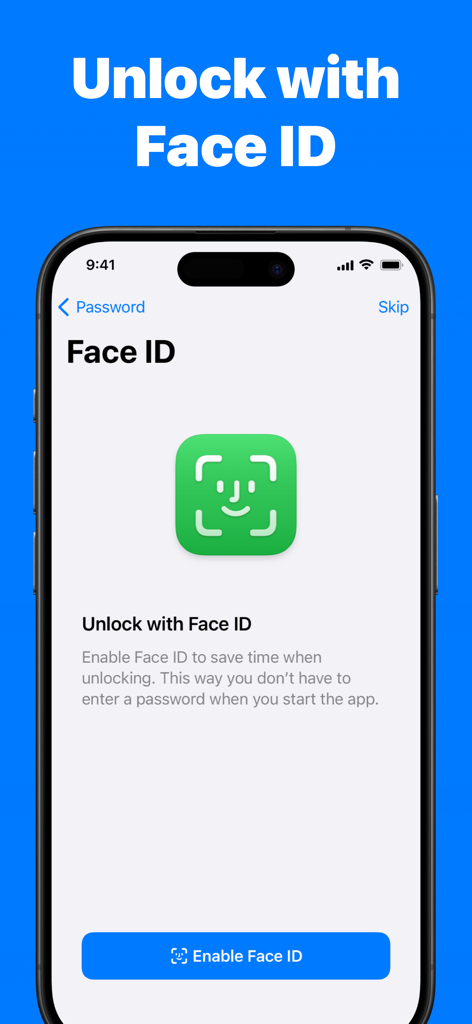
Smartphone screen showing the Face ID unlock feature for the Authenticator App
Description
Download
More Like This
Apps with similar features and user experience

Google Authenticator
Google LLC

Duo Mobile
Duo Security LLC

Authenticator App - 2FA &. MFA
APPLY DIJITAL HIZMETLER TICARET LIMITED SIRKETI

authenticator . app
Mustafa Uz

SafeNet MobilePASS+
Thales DIS (Singapore) Pte Ltd

Čítačka
Tatra banka, a.s.

Authenticator App - SafeAuth
Brilliant App Limited

Authenticator App - 2FA Auth
UNIVERSE DIJITAL HIZMETLER LIMITED SIRKETI

Authenticator App : Scan & 2FA
XSOFT GLOBAL LIMITED
This page is not an official page of the app or its developer, but an independent editorial publication created for informational and commentary purposes. Unless expressly stated otherwise, neither the app nor its developer is affiliated with, endorsed by, sponsored by, authorized by, or otherwise officially connected with MWM, Apple, Google Play, the app publisher, or the app's developer, and nothing on this page implies that the app was developed using MWM's services. Any trademarks, logos, screenshots, and other content remain the property of their respective owners.