Authenticator ℠ App

Authenticator ℠ App

Logo of Authenticator ℠ App

Authenticator ℠ App: Professional 2FA and Secure Password Vault

Ditch insecure SMS codes for encrypted, offline authentication. Protect your social media, crypto, and work accounts with biometric security and a built-in private browser.

Publisher

BEGAMOB GLOBAL LIMITED

Category

Utilities

Downloads

100K+

User Rating

4.3/5

Total Ratings

600

Locales

33

Security at a Glance

Discover the interface used by 100K+ users.
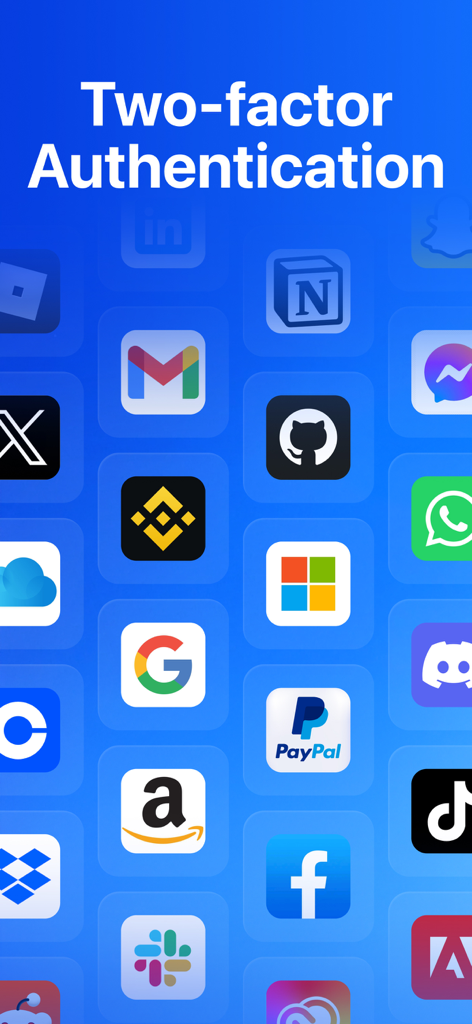
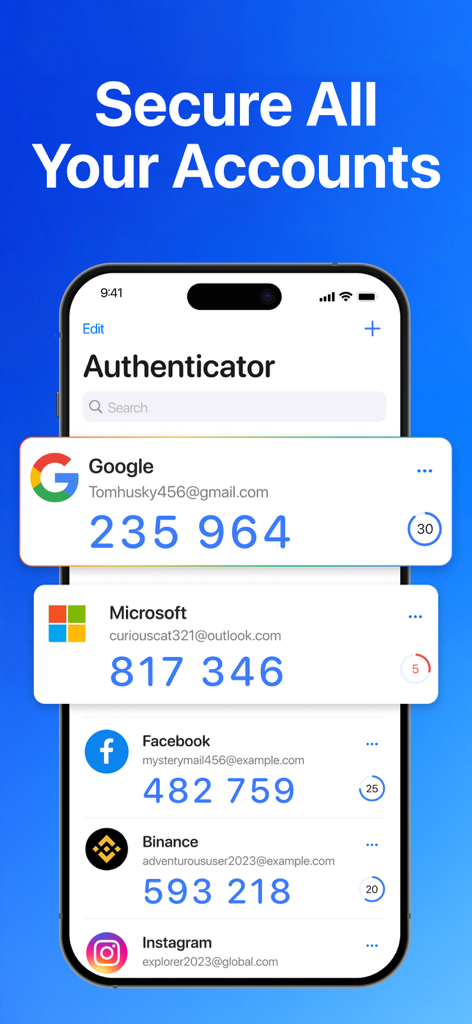
Two-factor authentication support for multiple online accounts including social media and finance apps

Two-factor authentication support for multiple online accounts including social media and finance apps

Authenticator app interface on a smartphone showing 2FA verification codes for Google and Microsoft accounts

Authenticator app interface on a smartphone showing 2FA verification codes for Google and Microsoft accounts

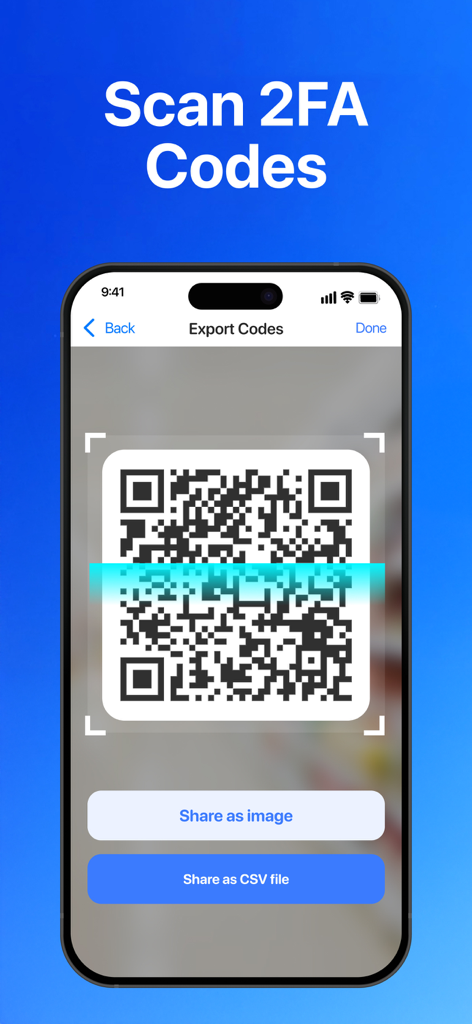
A smartphone screen from the Authenticator App showing a QR code scanner interface for exporting 2FA codes with options to share as image or CSV file.

A smartphone screen from the Authenticator App showing a QR code scanner interface for exporting 2FA codes with options to share as image or CSV file.

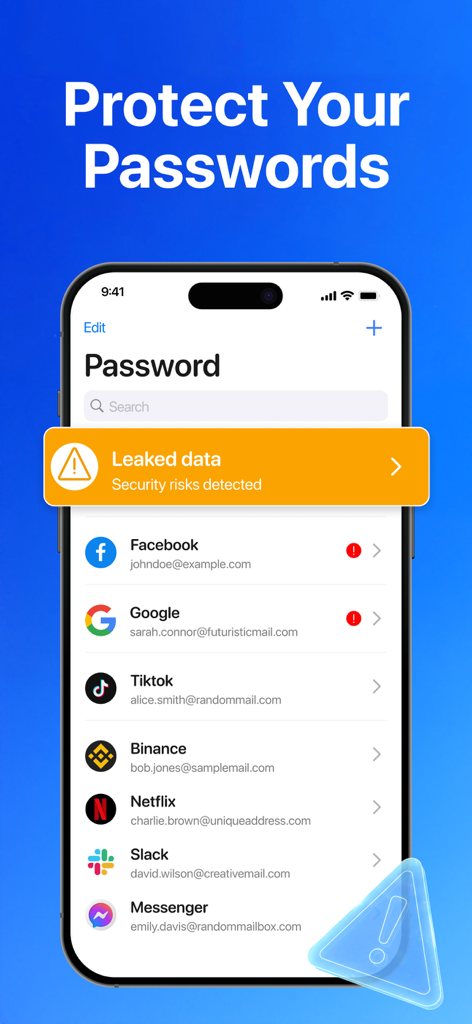
Authenticator app interface showing leaked data security risks for various online accounts

Authenticator app interface showing leaked data security risks for various online accounts

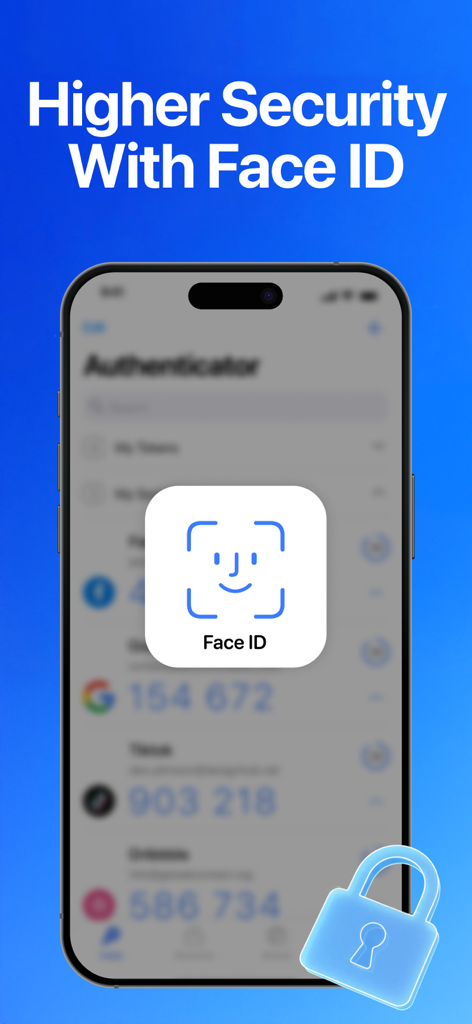
A smartphone displaying a Face ID authentication prompt over a blurred list of security codes with a 3D lock icon in the corner.

A smartphone displaying a Face ID authentication prompt over a blurred list of security codes with a 3D lock icon in the corner.

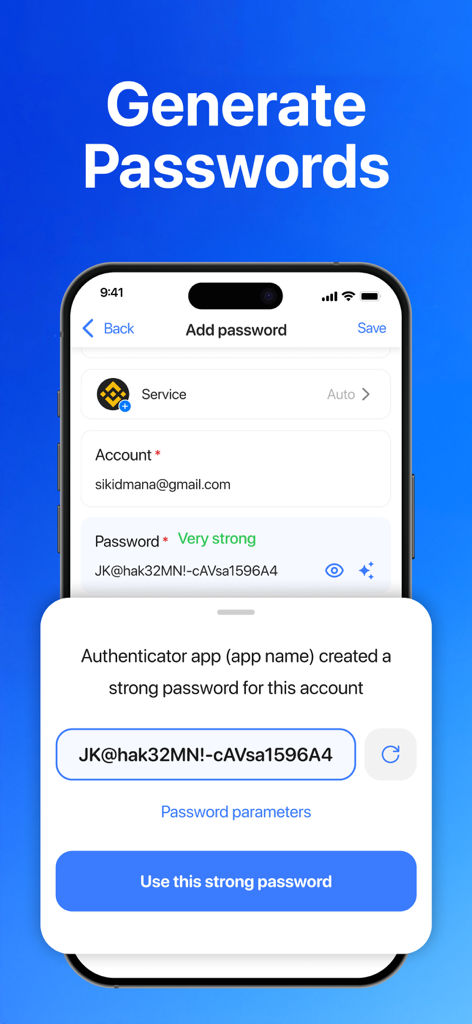
Strong password generation feature in the Authenticator app.

Strong password generation feature in the Authenticator app.

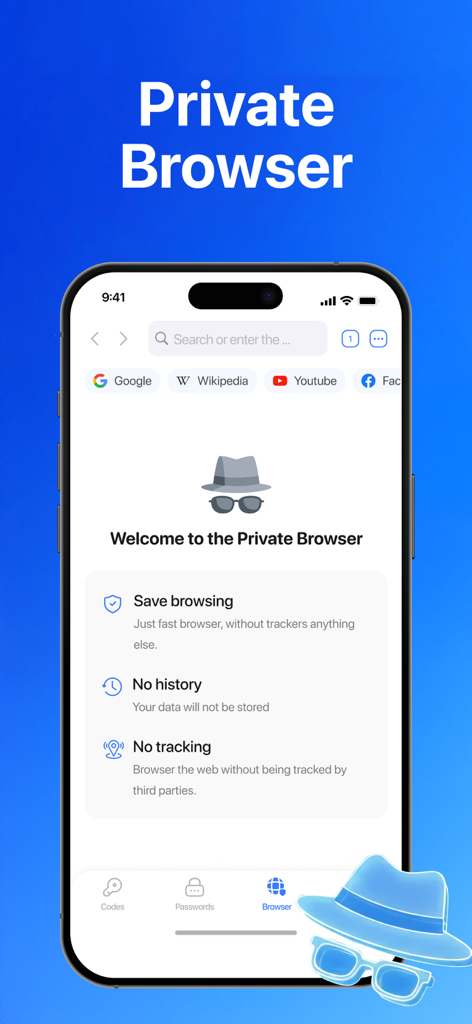
Authenticator App private browser interface showing features for no tracking and no browsing history

Authenticator App private browser interface showing features for no tracking and no browsing history

Your Digital Fortress, Simplified

The tools that make this app stand out, trusted by 100K+ users.

🛡️

Advanced 2FA Protection

Go beyond vulnerable SMS codes. Generate secure, time-based passwords (TOTP) for your social, crypto, and work accounts—even when you are completely offline.

🔑

Integrated Password Vault

Stop juggling multiple apps. Securely store and organize your login credentials alongside your authentication codes for a faster, more efficient sign-in experience.

👤

Biometric & Private Shield

Lock your codes behind FaceID or TouchID for instant access. Plus, use our private in-app browser to manage sensitive accounts without leaving a digital footprint.

About the app

Everything you need to know about Authenticator ℠ App.

Description

Protect your online accounts with secure, standards-based two-factor authentication. Authenticator App – 2FA MFA generates time-based one-time passwords (TOTP) directly on your iPhone, giving you a reliable second step for sign-ins without depending on SMS codes. Authenticator provides reliable security for both personal and work accounts. From email and social media to crypto platforms and business tools, the app helps keep your login information protected and easy to access. Commonly supported platforms include: Google, Microsoft, Facebook, Instagram, Twitter (X), LinkedIn, Amazon, Dropbox, PayPal, eBay, Snapchat, Pinterest, Reddit, Yahoo, Shopify, Slack, Zoom, Airbnb, Uber,... Access your authentication codes anytime, even without an internet connection. Codes are generated directly on your device, so weak signals or offline situations won’t block your sign-ins. Key features - Secure TOTP verification codes Generate time-based one-time passwords that add a strong extra layer of protection to your accounts. These codes refresh automatically and work with most online services that support authenticator apps, helping keep your sign-ins secure. - Fast and easy account setup Add new accounts in just a few steps by scanning a QR code or entering a secret key manually. The setup process is simple and clear, so you can start using two-factor authentication right away. - Full control over your 2FA accounts Manage all your authentication entries in one place. You can edit account names, update secret keys, or remove entries anytime when accounts are no longer needed. - App lock with Face ID, Touch ID, or PIN Protect access to your authentication codes with biometric security or an app passcode. You can also enable auto-lock to automatically secure the app when you leave it or switch to another app. - Built-in password storage Store your website and app login details in a dedicated passwords section. Easily create, edit, copy, or delete credentials, giving you convenient access while keeping everything organized. - Private in-app browser Sign in to your accounts using the built-in browser designed for privacy. It does not save browsing history, logs, or cookies, helping reduce traces when accessing sensitive accounts. - Clear settings and simple controls Customize how the app works through clean and easy-to-understand settings. Manage security options and app behavior with full visibility, so you always know what features are active. Subscription Information • Payment will be charged to your iTunes Account upon purchase confirmation. • Subscriptions automatically renew unless auto-renew is turned off at least 24 hours before the current period ends. • Your account will be charged for renewal within 24 hours before the end of the current period. • You can manage or cancel your subscription in your Account Settings. • If a trial is offered, the full subscription price will be charged after the trial ends unless canceled in advance. Privacy Policy: https://begamob.com/policy.html Terms of Use: https://begamob.com/ofs-termofuse.html

Latest Version

1.2.3

Size

122.2 MB

First Released

Nov 19, 2025

Ready to Secure Your Digital World?

Join 100,000+ professionals and creators who protect their accounts with our seamless 2FA and built-in password vault. Download now for iPhone and iPad.

App information, icons, screenshots, and descriptions displayed on this page are sourced from the Apple App Store and are the property of their respective developers. Download estimates and rankings are based on MWM's proprietary models and may not reflect actual figures. This page is provided for informational and analytical purposes only.

Believe this page infringes your intellectual property? File a dispute