
This page is not an official page of the app or its developer, but an independent editorial publication created for informational and commentary purposes. Unless expressly stated otherwise, neither the app nor its developer is affiliated with, endorsed by, sponsored by, authorized by, or otherwise officially connected with MWM, Apple, Google Play, the app publisher, or the app's developer, and nothing on this page implies that the app was developed using MWM's services. Any trademarks, logos, screenshots, and other content remain the property of their respective owners.


Authenticator ©
Protect your accounts with biometric security and seamless iCloud sync. Manage your passwords and authentication tokens in one secure vault designed for your iPhone.
Downloads
1M+User Rating
Total Ratings
8K+Publisher
Category
BusinessLocales
33Latest Version
1.4.1Size
52.9 MBFirst Released
Nov 5, 2022Advanced Protection, Simplified
Secure your digital life with enterprise-grade 2FA and integrated password management designed specifically for your iPhone.
Seamless Biometric Access
Unlock your vault instantly using FaceID or TouchID. Experience maximum security without the friction of remembering another master pin.
ICloud Backup & Sync
Never worry about being locked out. Your tokens and passwords stay synchronized across all your devices and restore effortlessly to new ones.
The following screenshots and description are sourced directly from the app's official store listing and are the property of the app developer.
App Store
Screenshots
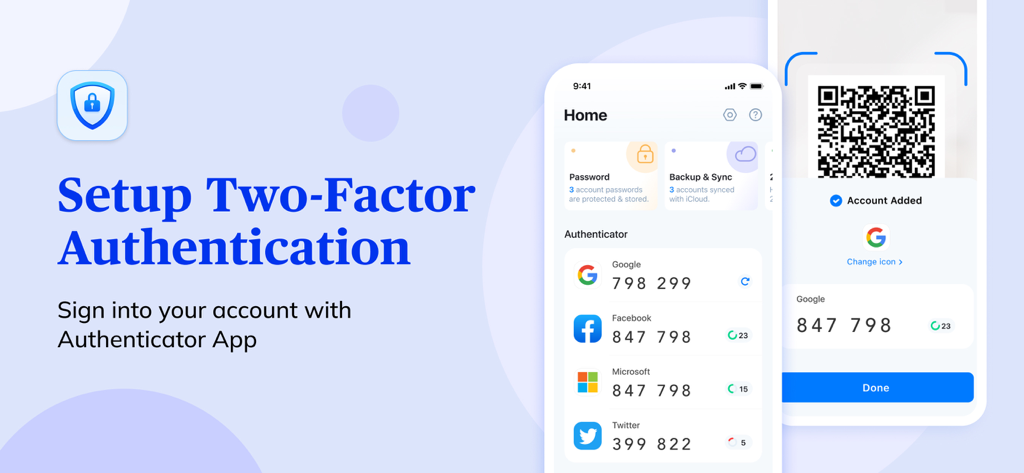
Authenticator app interface showing two factor authentication codes for Google Facebook and Microsoft with QR code scanning feature
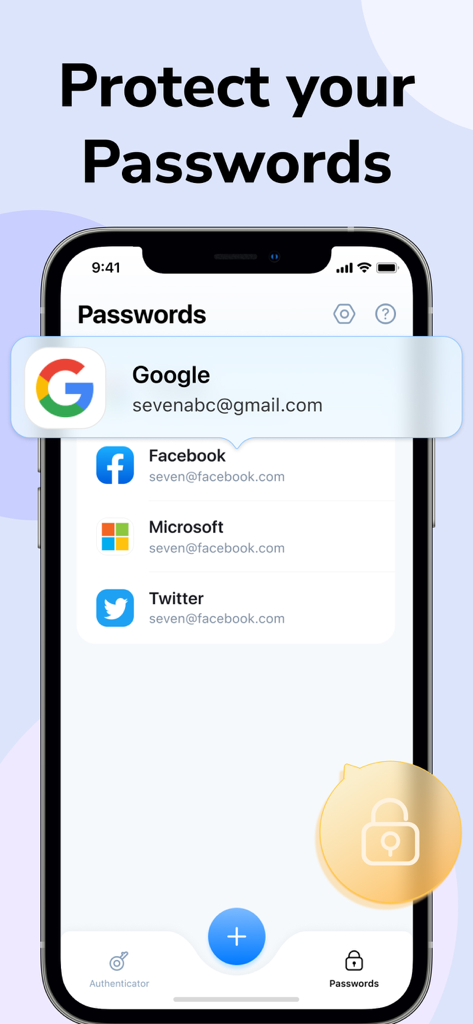
iPhone screen showing the password manager feature of the Authenticator app with a list of accounts including Google and Facebook
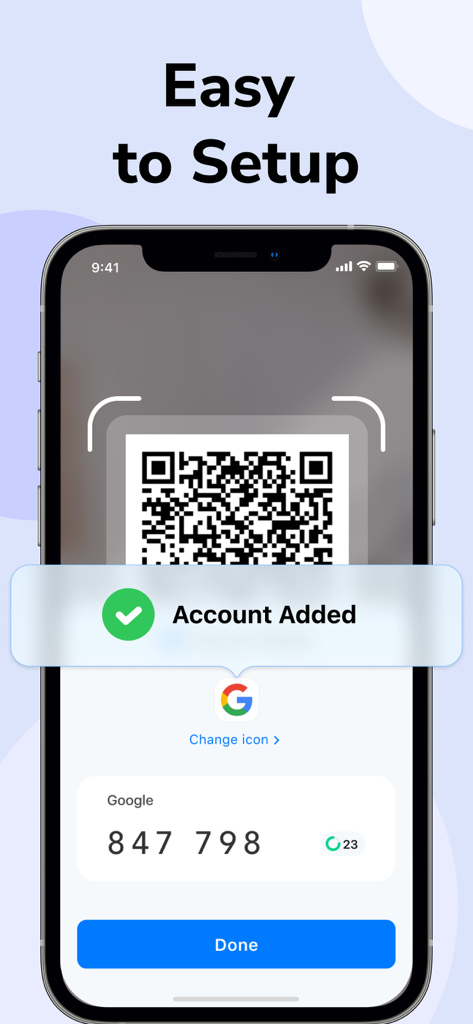
iPhone screen displaying the easy setup process of scanning a QR code to add a Google account in the Authenticator app
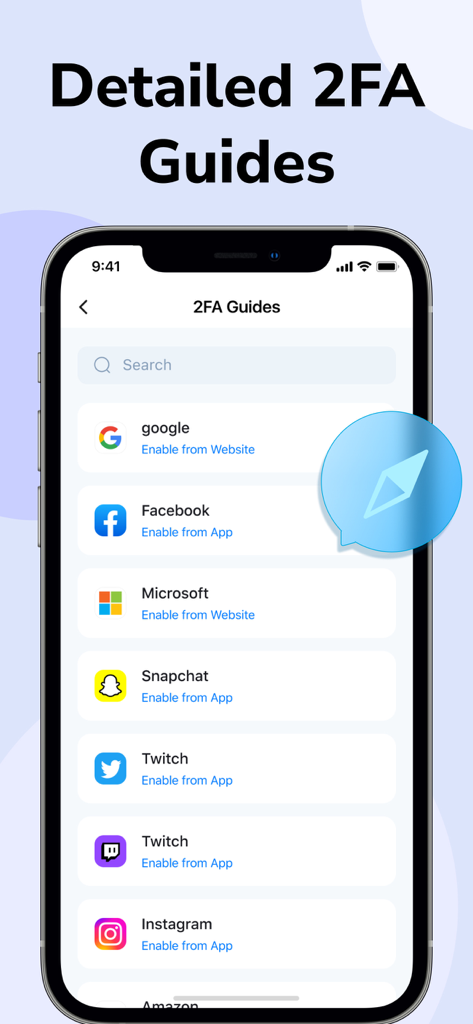
Detailed 2FA setup guides for popular apps including Google and Facebook
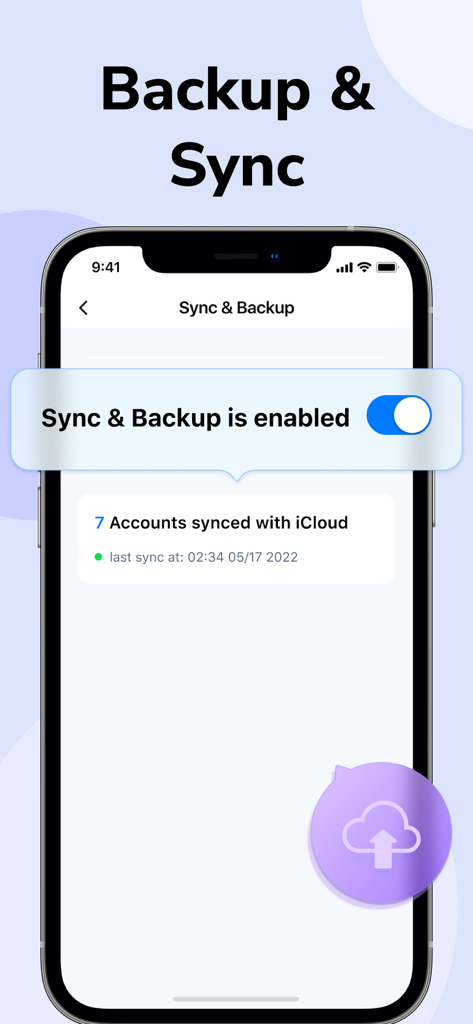
A smartphone screen displaying the Authenticator app's sync and backup feature enabled with seven accounts synced to iCloud.
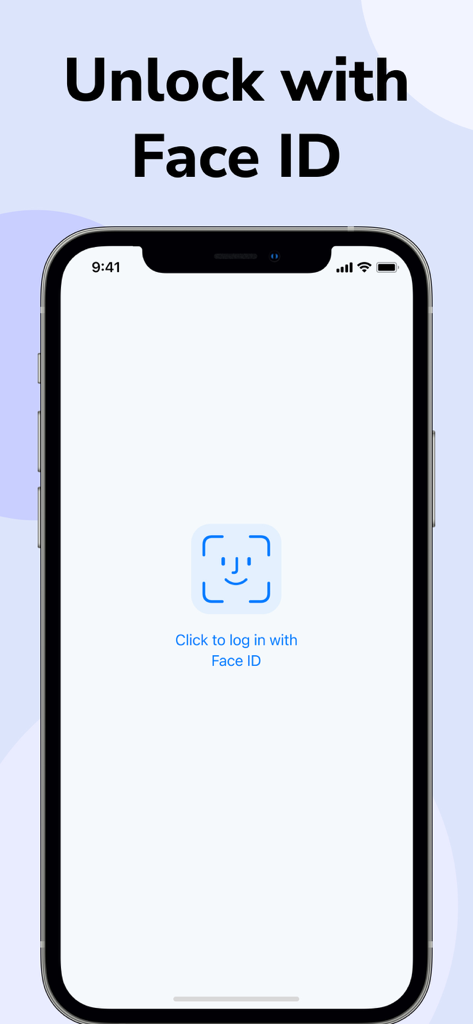
Authenticator app login screen featuring Face ID authentication for secure access
Description
Download
More Like This
Apps with similar features and user experience

Proton Pass - Password Manager
Proton AG

Dashlane Password Manager
Dashlane

Password Manager - mSecure
mSeven Software, LLC

Kepttor Password Manager
MACREL SRL SEMPLIFICATA

DataVault Manager - Encrypted
MIKHAIL SHERSHNEV

Authenticator ·
SMM service, s.r.o.

Bitwarden Password Manager
Bitwarden Inc

Authenticator App ⁸
AGILE CODE LIMITED

Authenticator App ℗
RHO DEVELOPERS LLC
This page is not an official page of the app or its developer, but an independent editorial publication created for informational and commentary purposes. Unless expressly stated otherwise, neither the app nor its developer is affiliated with, endorsed by, sponsored by, authorized by, or otherwise officially connected with MWM, Apple, Google Play, the app publisher, or the app's developer, and nothing on this page implies that the app was developed using MWM's services. Any trademarks, logos, screenshots, and other content remain the property of their respective owners.