
This page is not an official page of the app or its developer, but an independent editorial publication created for informational and commentary purposes. Unless expressly stated otherwise, neither the app nor its developer is affiliated with, endorsed by, sponsored by, authorized by, or otherwise officially connected with MWM, Apple, Google Play, the app publisher, or the app's developer, and nothing on this page implies that the app was developed using MWM's services. Any trademarks, logos, screenshots, and other content remain the property of their respective owners.

Auto Blur Faces: Photo & Video
Protect identities instantly with AI-powered face detection. Blur sensitive details and remove location metadata with 100% on-device processing—keeping your photos and videos private, secure, and ready to share.
Downloads
103K+User Rating
Total Ratings
1K+Publisher
Category
Photo & VideoLocales
5Latest Version
1.5.3Size
52.5 MBFirst Released
Oct 8, 2020Advanced Privacy for the Modern Creator
Protect identities and secure your personal data with professional-grade tools designed for fast, safe social sharing.
Instant AI Face Masking
Our smart detection automatically blurs every face in your photos and videos, saving you time while ensuring no identity is accidentally exposed.
100% On-Device Processing
Your media never leaves your phone. Enjoy total peace of mind with no cloud uploads, no server connections, and absolute data security.
The following screenshots and description are sourced directly from the app's official store listing and are the property of the app developer.
App Store
Screenshots
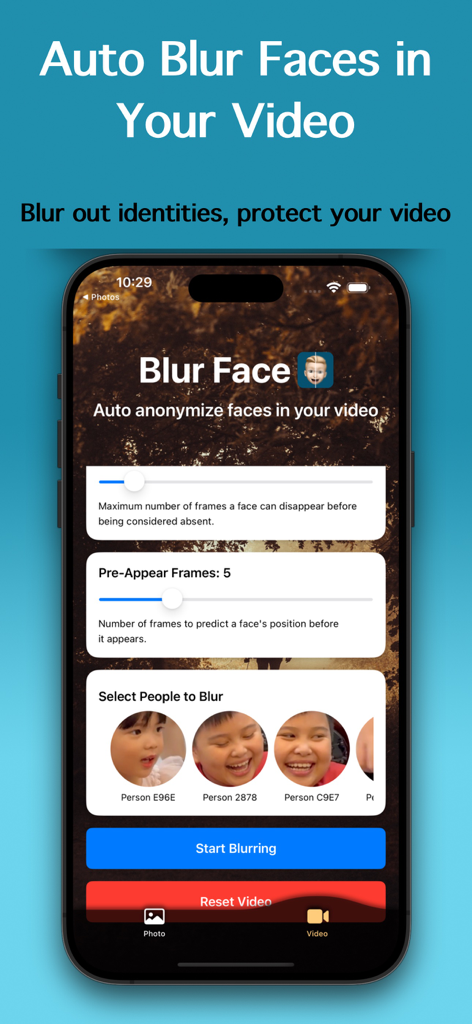
Interface of the Auto Blur Faces app showing face detection and anonymization settings for video files.
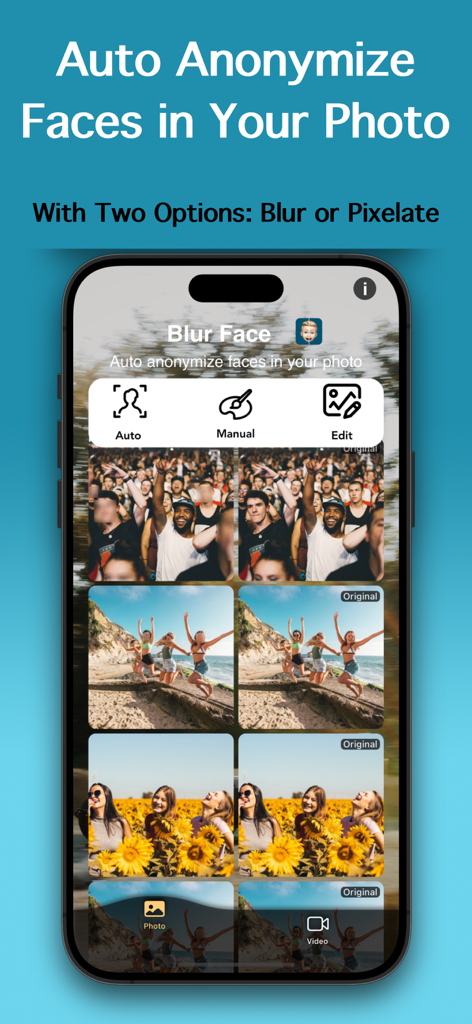
iPhone app interface demonstrating auto anonymization of faces in photos with blur and pixelate effects
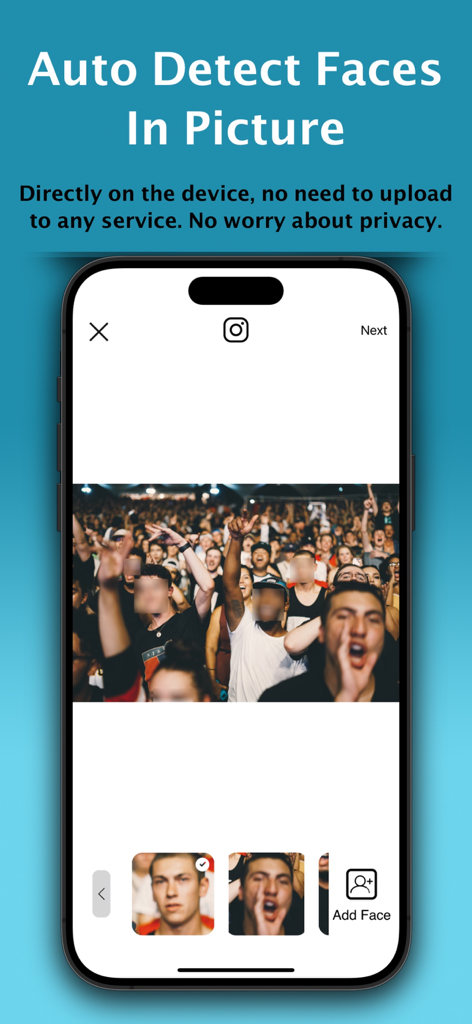
A smartphone screen displaying the Auto Blur Faces app with faces in a crowd photo automatically blurred
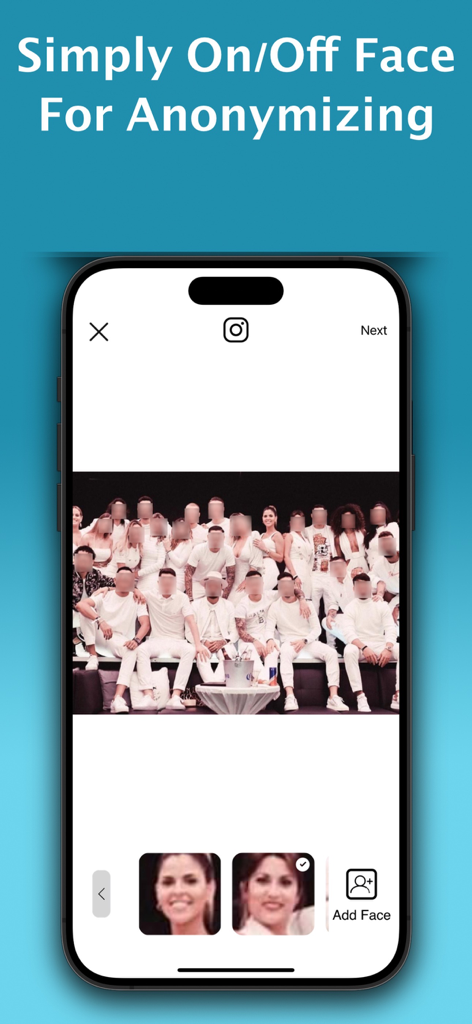
A group photo in the Auto Blur Faces app with multiple faces pixelated for privacy and an option to toggle blur on or off
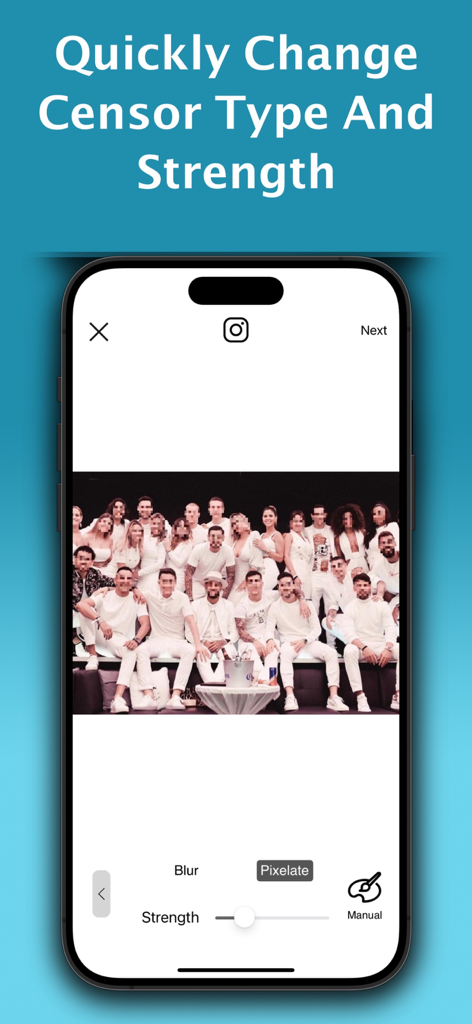
Smartphone screen showing a group photo with multiple faces pixelated and adjustable censorship strength settings.
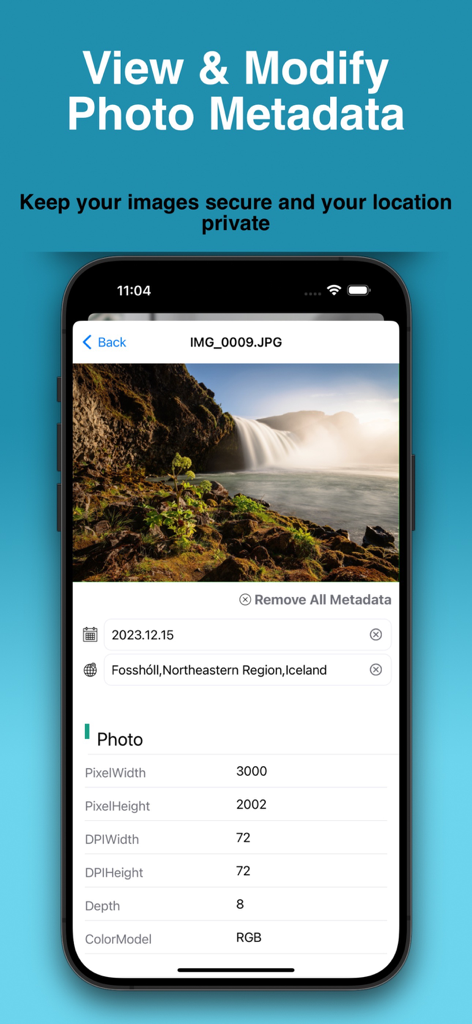
Interface of Auto Blur Faces app showing photo metadata details and options to remove location for privacy
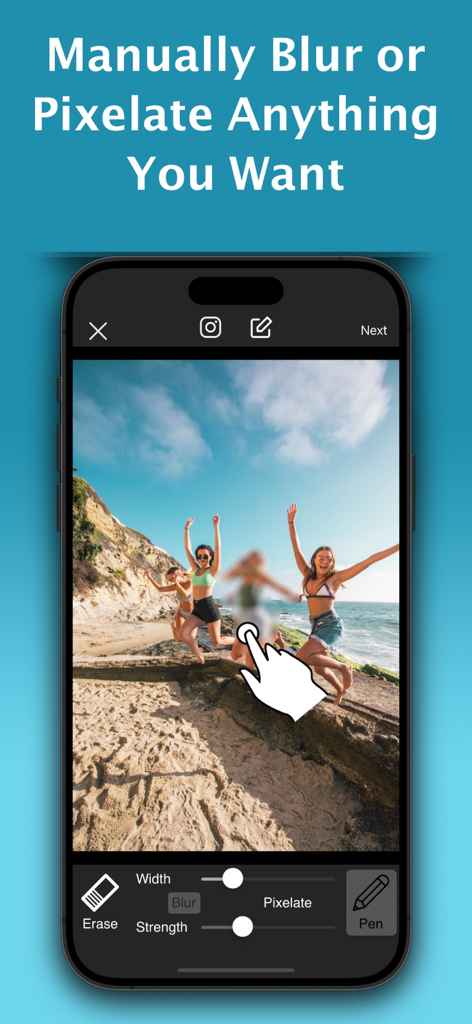
Smartphone screen showing manual blur and pixelate tools being used on a beach photo
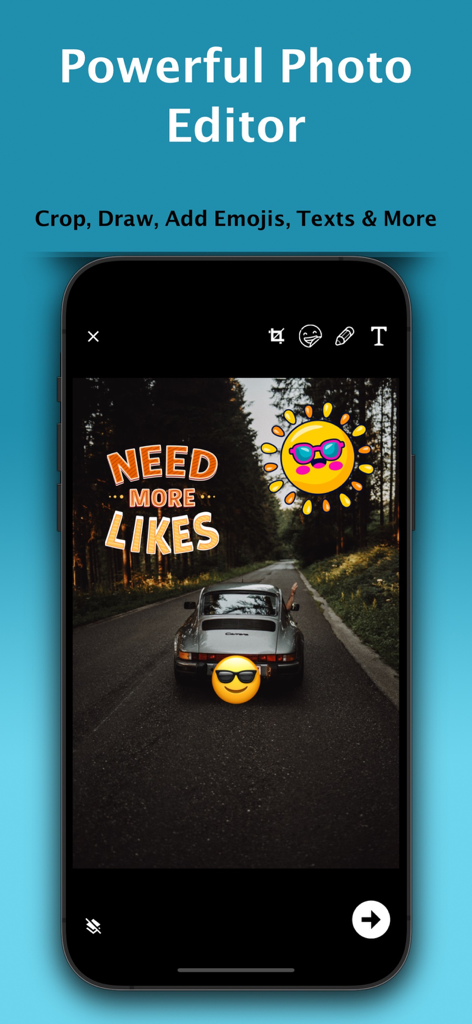
Powerful photo editor interface with stickers emojis and text tools
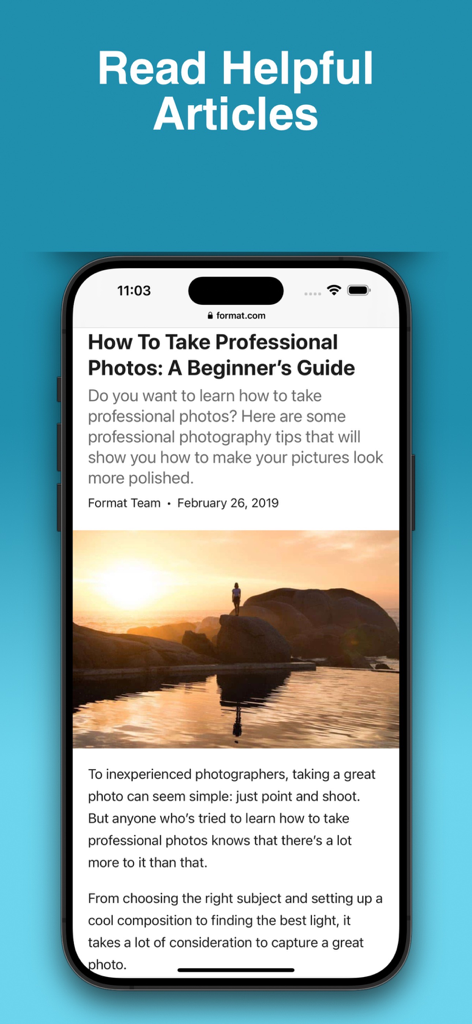
Mobile app screen showing a photography guide article titled How To Take Professional Photos with a scenic sunset image.
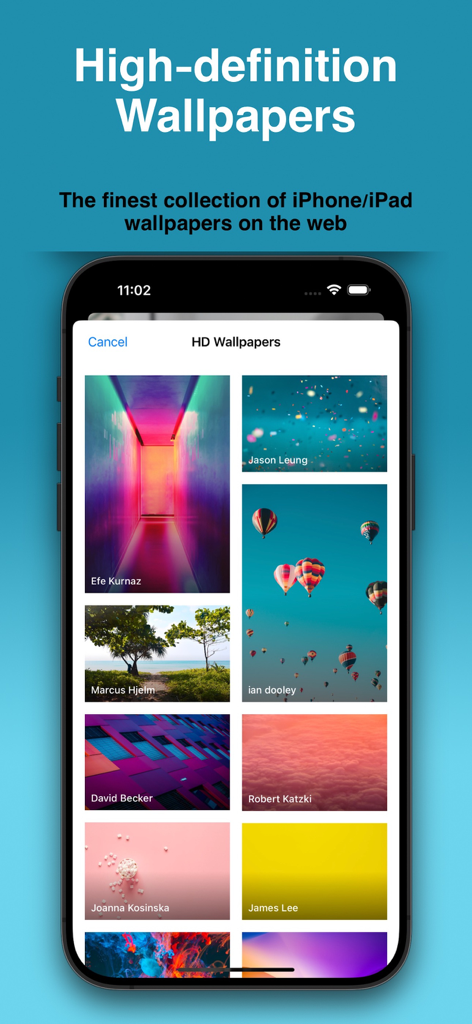
A screen showing a curated collection of high-definition wallpapers for iPhone and iPad within the app.
Description
Download
More Like This
Top-ranked apps in the same category

CapCut: Photo & Video Editor
BYTEDANCE PTE. LTD.

Instagram, Inc.

YouTube
Google LLC

Canva: AI Photo & Video Editor
Canva Pty Ltd

Snapchat
Snap, Inc.

快手
Beijing Kwai Technology Co., Ltd.

Edits: Video Editor
Instagram, Inc.

Meitu- AI Photo & Video Editor
Xiamen Meitu Technology Co., Ltd.

Google Photos: Backup & Edit
Google LLC
This page is not an official page of the app or its developer, but an independent editorial publication created for informational and commentary purposes. Unless expressly stated otherwise, neither the app nor its developer is affiliated with, endorsed by, sponsored by, authorized by, or otherwise officially connected with MWM, Apple, Google Play, the app publisher, or the app's developer, and nothing on this page implies that the app was developed using MWM's services. Any trademarks, logos, screenshots, and other content remain the property of their respective owners.