Automower Connect

Automower Connect

Download on App Store
Logo of Automower Connect

Automower Connect: The Smart Way to Command Your Husqvarna Robotic Mower

Take full control of your lawn from your smartphone or Apple Watch. Set custom schedules, monitor real-time GPS tracking, and enjoy a perfectly manicured yard without lifting a finger.

Download on App Store

Publisher

Husqvarna AB

Category

Utilities

Downloads

0

User Rating

4.6/5

Total Ratings

0

Locales

26

Control at a Glance

Discover the interface used by 0 users.
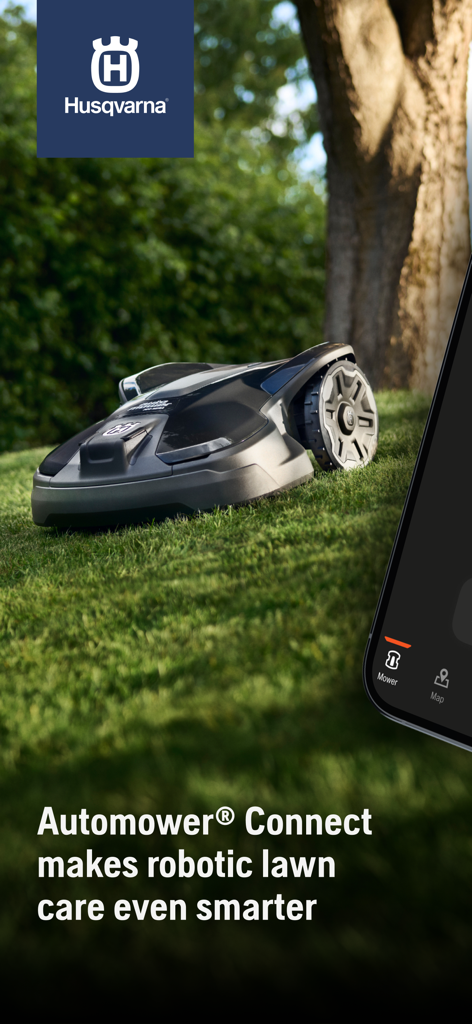
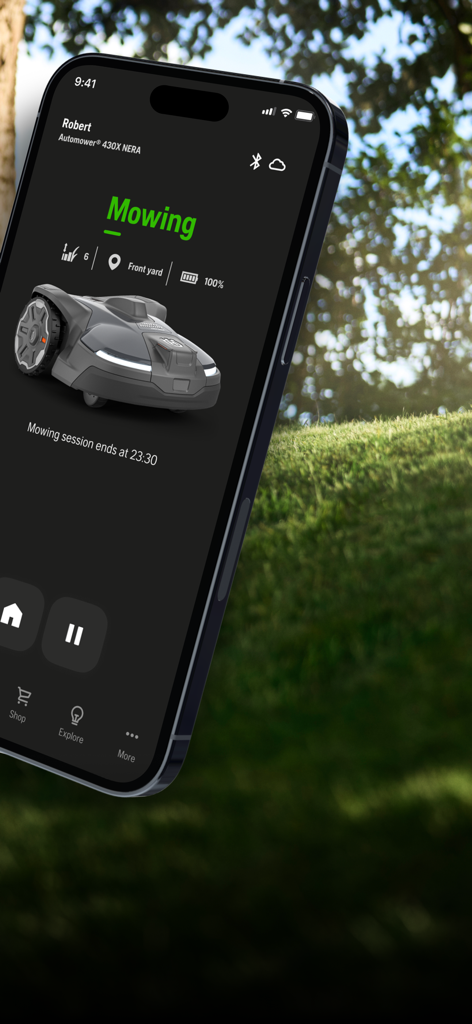
Husqvarna robotic lawnmower on a green lawn with the Automower Connect mobile app interface

Husqvarna robotic lawnmower on a green lawn with the Automower Connect mobile app interface

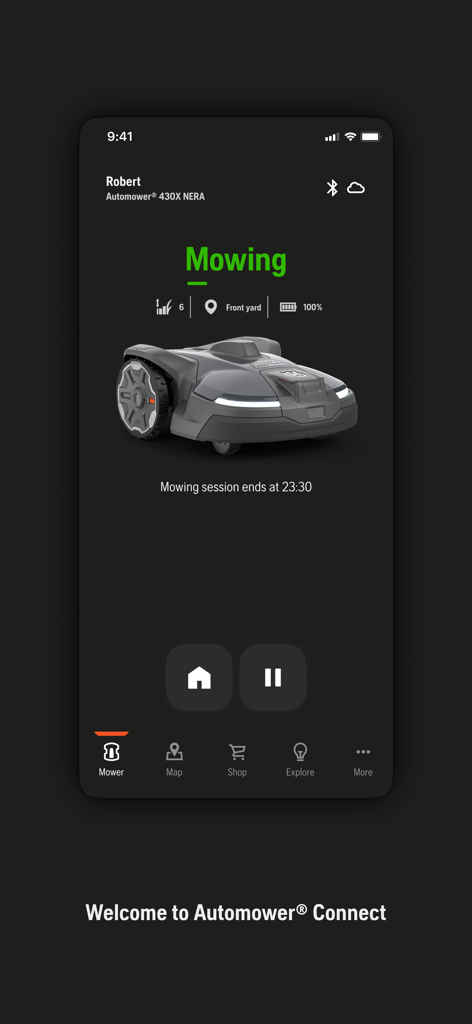
Husqvarna Automower Connect app on iPhone displaying robotic mower status as mowing with full battery

Husqvarna Automower Connect app on iPhone displaying robotic mower status as mowing with full battery

Husqvarna Automower Connect app dashboard showing mower status and battery level

Husqvarna Automower Connect app dashboard showing mower status and battery level

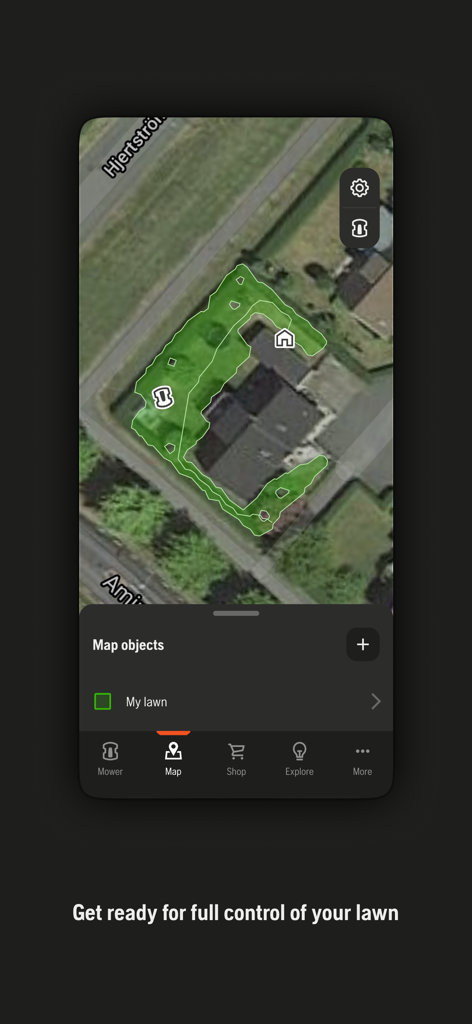
A satellite map view in the Automower Connect app showing the robotic mower position and lawn boundaries

A satellite map view in the Automower Connect app showing the robotic mower position and lawn boundaries

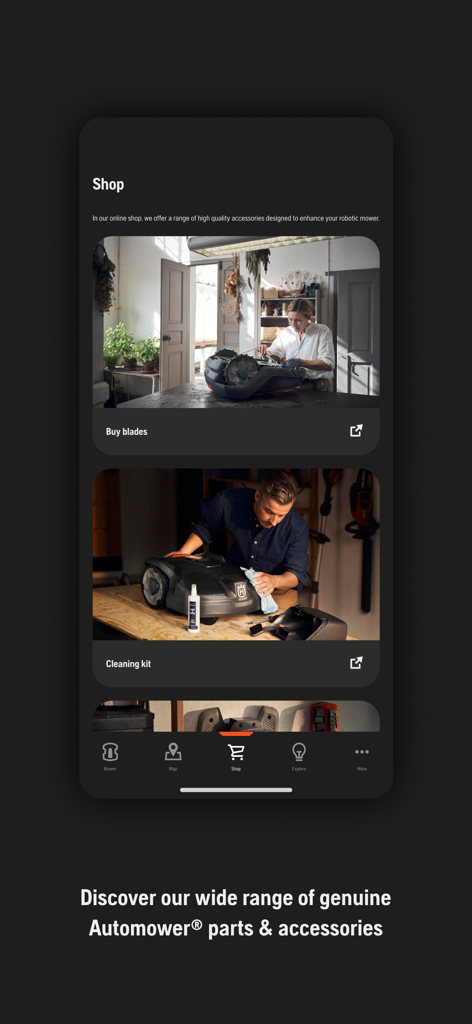
Husqvarna Automower Connect app shop for mower parts and accessories

Husqvarna Automower Connect app shop for mower parts and accessories

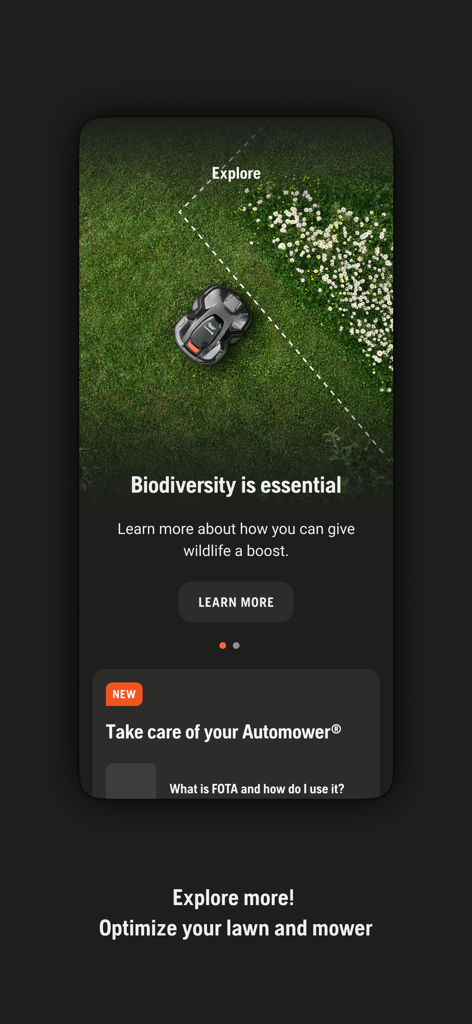
Automower Connect app screen for biodiversity information and mower optimization

Automower Connect app screen for biodiversity information and mower optimization

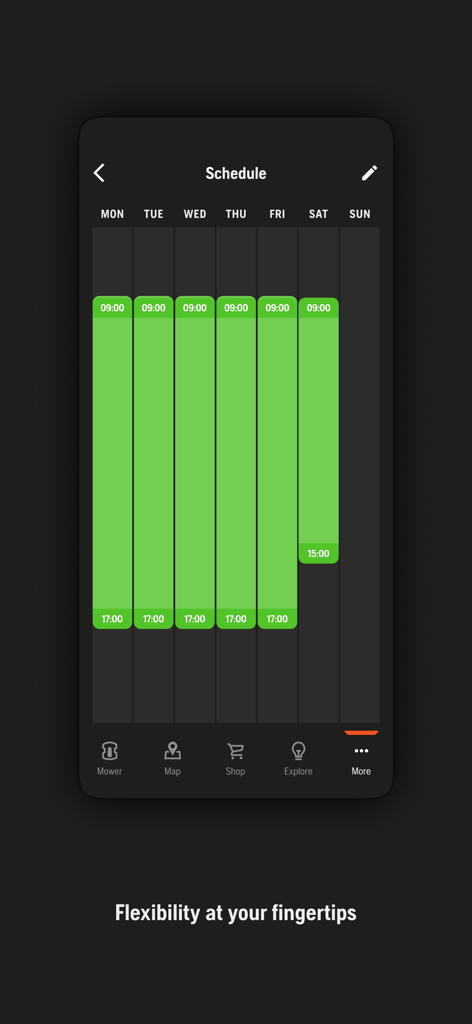
Automower Connect app weekly scheduling interface for robotic lawnmower

Automower Connect app weekly scheduling interface for robotic lawnmower

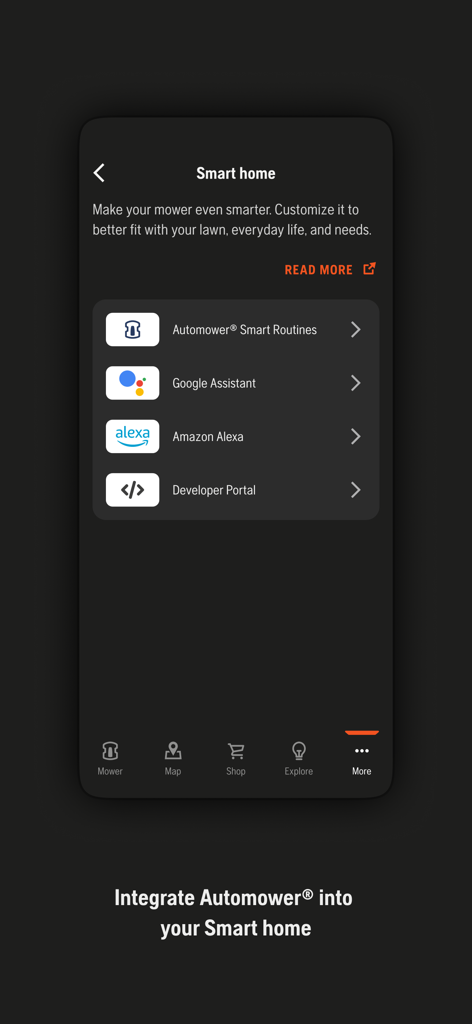
Husqvarna Automower Connect app screen showing smart home integration options including Google Assistant and Amazon Alexa

Husqvarna Automower Connect app screen showing smart home integration options including Google Assistant and Amazon Alexa

Master Your Lawn Without Lifting a Finger

The tools that make this app stand out, trusted by 0 users.

🎮

Remote Status & Control

Effortlessly manage your mower from anywhere in the world—perfect for busy professionals who value their time.

🛡️

Advanced Security Tracking

Rest easy with real-time GPS tracking and instant theft alerts that keep your premium investment safe 24/7.

Seamless Smart Integration

Control your lawn from your iPhone or Apple Watch for a glance-and-go experience that fits your connected lifestyle.

About the app

Everything you need to know about Automower Connect.

Description

The official Husqvarna Automower® Connect app allows you to take full control of your Husqvarna robotic lawnmower. The app provides two modes of connectivity depending on model; Automower® Connect for long-range connectivity using cellular communication, and Automower® Connect@Home for short-range connectivity using Bluetooth. Husqvarna Automower® Connect app provides the following main capabilities: Status and control • Receive the current status of the mower. • Receive push notifications if the mower is stopped or is brought outside the installation. • Send Start, Pause and Park commands to the mower. Configure and install • Have the mower’s complete menu system on your mobile device. • View and change the mower settings, e.g. timers and cutting height. • Take advantage of the high resolution and color display on your mobile device to enhance the interaction with the mower. Security (applicable for Husqvarna Automower® Connect long-range connectivity) • Track your mower’s GPS position in real time. • Receive push notification alarm in the event of theft.

Latest Version

2026.2.0

Size

331.2 MB

First Released

May 4, 2015

Ready to Master Your Lawn from Anywhere?

Download Automower® Connect to reclaim your weekends and experience the ultimate in smart home lawn care. Manage your mower, track its position, and enjoy a perfectly manicured yard—all from the palm of your hand or your Apple Watch.

Download on App Store

App information, icons, screenshots, and descriptions displayed on this page are sourced from the Apple App Store and are the property of their respective developers. Download estimates and rankings are based on MWM's proprietary models and may not reflect actual figures. This page is provided for informational and analytical purposes only.

Believe this page infringes your intellectual property? File a dispute