Awesome Screen Recorder

Awesome Screen Recorder

Download on App Store
Logo of Awesome Screen Recorder

Awesome Screen Recorder: The All-in-One Studio for Pro Content

Record high-res gameplay and tutorials with facecam, voiceovers, and zero watermarks. Trim, compress, and share to TikTok or YouTube in seconds.

Publisher

Diigo

Category

Utilities

Downloads

7K+

User Rating

4.8/5

Total Ratings

600

Locales

17

Pro Content at a Glance

Discover the interface used by 7K+ users.
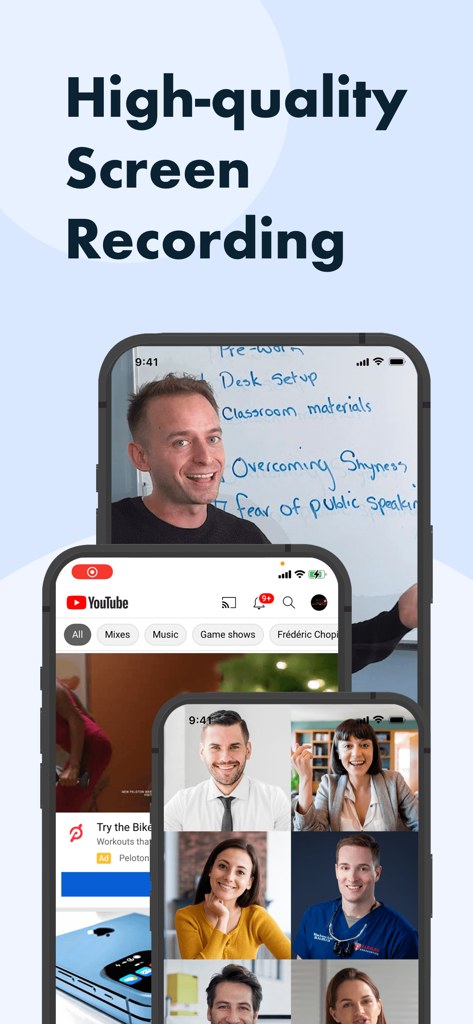
Awesome Screen Recorder app interface showing high-quality screen recording examples with facecam and tutorials on three iPhones

Awesome Screen Recorder app interface showing high-quality screen recording examples with facecam and tutorials on three iPhones

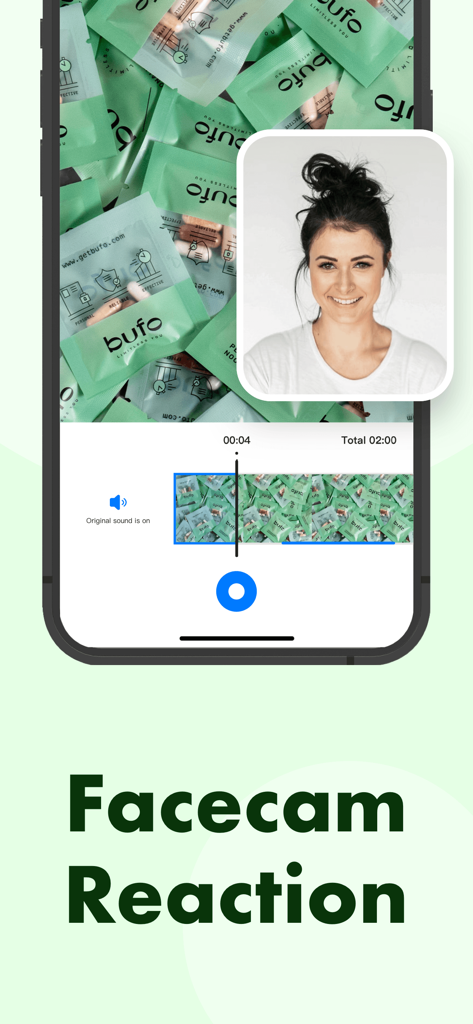
Awesome Screen Recorder app facecam reaction feature on iPhone

Awesome Screen Recorder app facecam reaction feature on iPhone

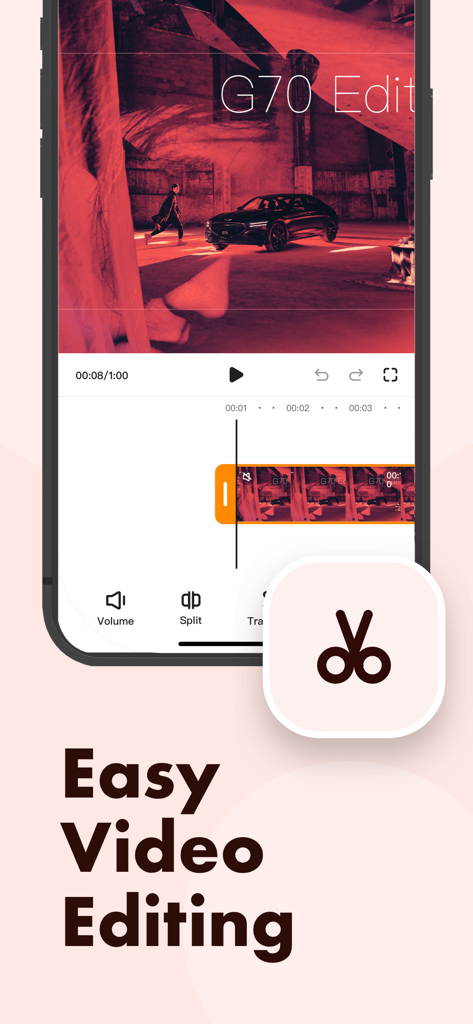
Mobile interface of the Awesome Screen Recorder app displaying video editing tools and a timeline for easy video editing.

Mobile interface of the Awesome Screen Recorder app displaying video editing tools and a timeline for easy video editing.

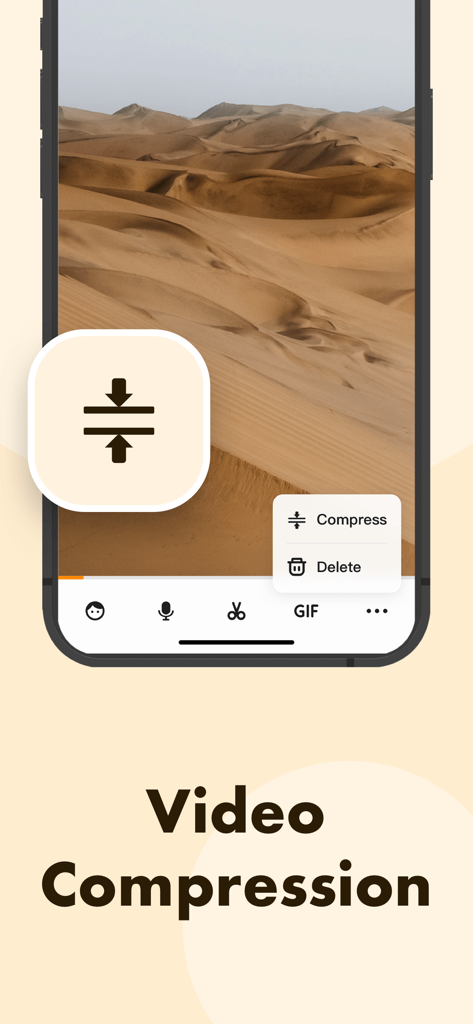
Awesome Screen Recorder video compression tool interface

Awesome Screen Recorder video compression tool interface

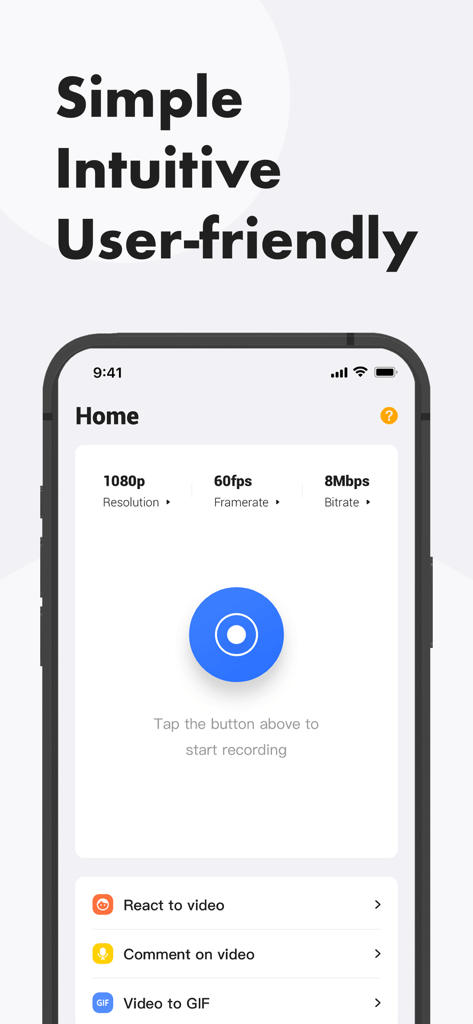
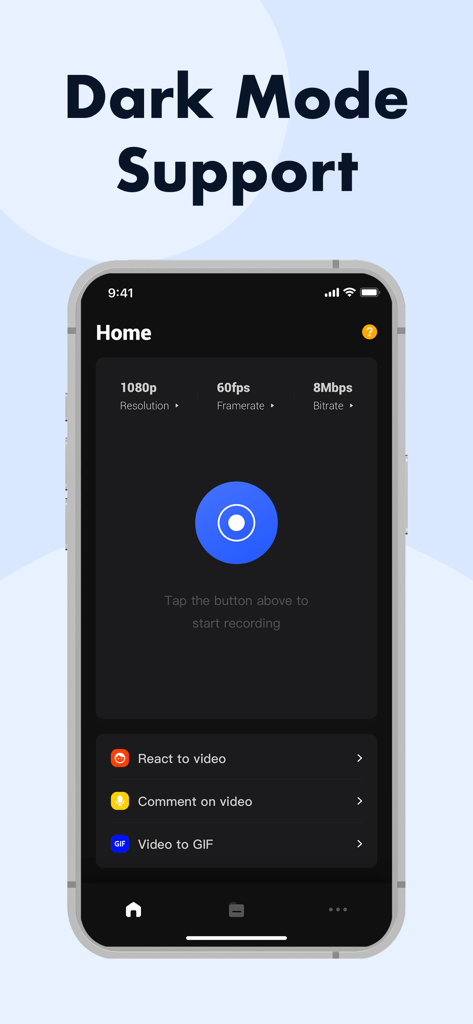
Home screen of Awesome Screen Recorder app showing 1080p video settings and a record button

Home screen of Awesome Screen Recorder app showing 1080p video settings and a record button

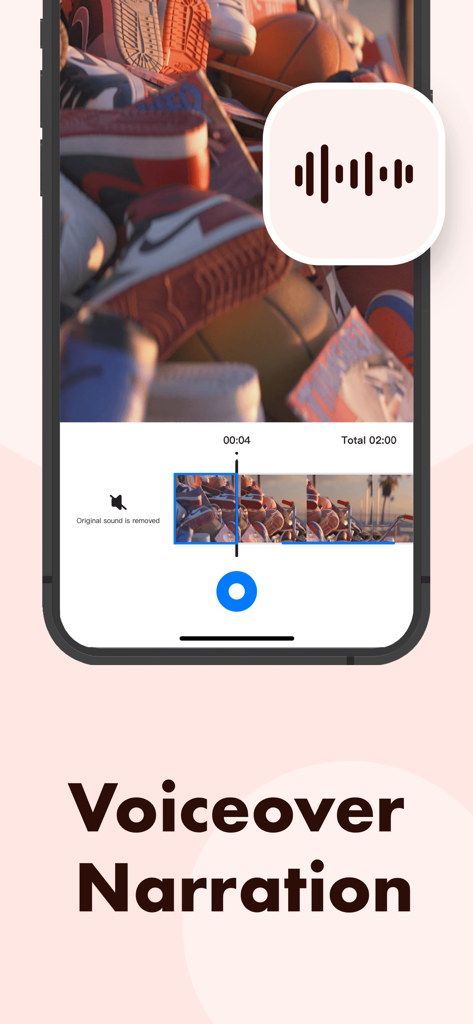
Awesome Screen Recorder app interface for adding voiceover narration to videos

Awesome Screen Recorder app interface for adding voiceover narration to videos

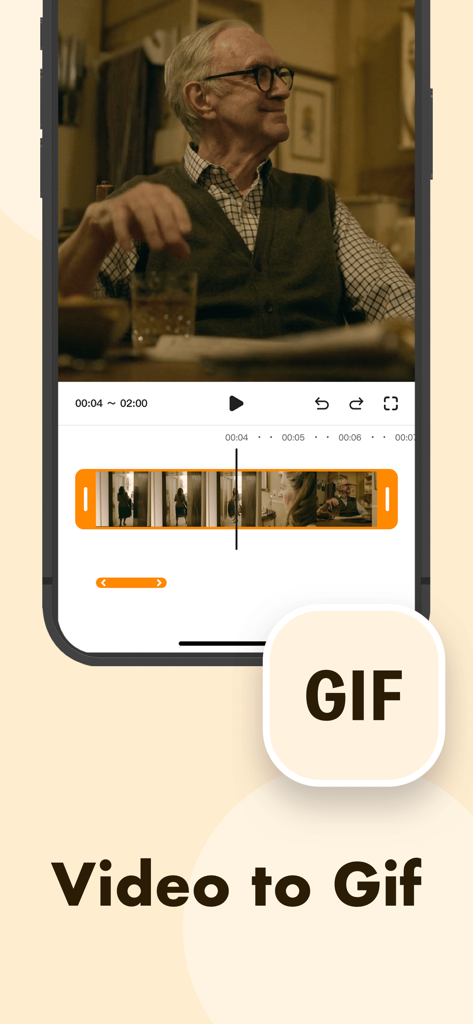
Awesome Screen Recorder mobile interface demonstrating the video to GIF conversion feature with a video editing timeline.

Awesome Screen Recorder mobile interface demonstrating the video to GIF conversion feature with a video editing timeline.

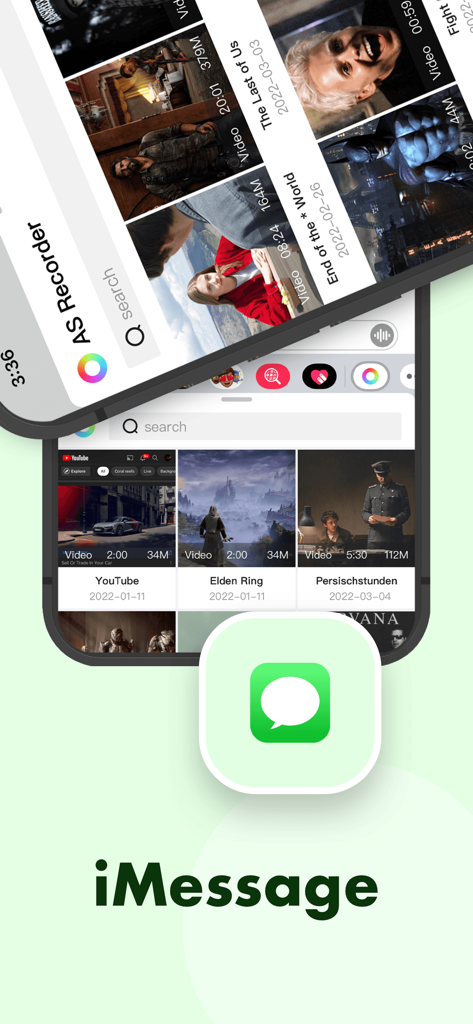
Interface of Awesome Screen Recorder showcasing video sharing via iMessage

Interface of Awesome Screen Recorder showcasing video sharing via iMessage

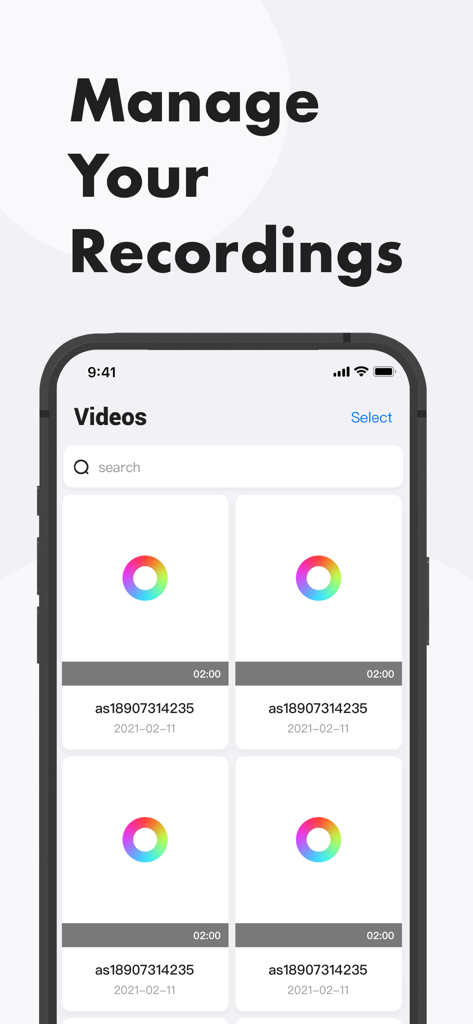
A screen showing the video library and management interface of the Awesome Screen Recorder app

A screen showing the video library and management interface of the Awesome Screen Recorder app

Awesome Screen Recorder app interface showcasing dark mode support and recording settings

Awesome Screen Recorder app interface showcasing dark mode support and recording settings

Level Up Your Content Game

The tools that make this app stand out, trusted by 7K+ users.

🤳

Pro Facecam Reactions

Overlay your face and voice to create engaging "Let’s Play" videos or tutorials that your followers will love.

Crystal Clear & Watermark-Free

Capture every detail in high resolution without annoying ads or logos ruining your professional aesthetic.

🎬

Edit and Post in Seconds

Trim clips, adjust aspect ratios for TikTok, and export instantly to your favorite social platforms.

About the app

Everything you need to know about Awesome Screen Recorder.

Description

Want to record gameplay or live stream, or make app demos and tutorials on your iPhone? Awesome Screen Recorder can help. It allows you to capture everything on your screen easily, edit the recordings with various useful tools and export the videos to your photo library. Check out the description below to see how it can help. Record Your Screen •One tap to start recording • High-resolution for free •No ads or watermarks •System audio and microphone sound Edit Your Recording •Change length by trimming and splitting •Mute audio •Change aspect ratio •Add facecam reaction •Add voice commentary •Compress video •Convert video to GIF Share Your Video •Save to Photos •Share through Messages •Share to other apps Get the app and start creating your recording videos today! Feel free to contact us if you have any questions or suggestions.

Latest Version

1.1.8

Size

52.5 MB

First Released

Dec 16, 2021

Ready to Create Content That Stands Out?

Capture your gameplay, add a facecam reaction, and edit like a pro—all with zero watermarks and zero ads. Start recording your high-resolution videos for free today.

Download on App Store

App information, icons, screenshots, and descriptions displayed on this page are sourced from the Apple App Store and are the property of their respective developers. Download estimates and rankings are based on MWM's proprietary models and may not reflect actual figures. This page is provided for informational and analytical purposes only.

Believe this page infringes your intellectual property? File a dispute