
This page is not an official page of the app or its developer, but an independent editorial publication created for informational and commentary purposes. Unless expressly stated otherwise, neither the app nor its developer is affiliated with, endorsed by, sponsored by, authorized by, or otherwise officially connected with MWM, Apple, Google Play, the app publisher, or the app's developer, and nothing on this page implies that the app was developed using MWM's services. Any trademarks, logos, screenshots, and other content remain the property of their respective owners.


Azul - Video Player for iPhone
Experience silky-smooth 4K playback for every file format. Stream from your NAS, sync with the cloud, or watch offline on your next flight—no conversions, no limits, and no data connection required.
Downloads
218K+User Rating
Total Ratings
4K+Publisher
Category
TravelLocales
46Latest Version
6.7Size
184.5 MBFirst Released
Dec 10, 2010Your Entire Media Library, Unlocked
Experience cinematic freedom without the 'walled garden.' Azul plays every format and connects to your personal cloud for ultimate control.
Zero-Conversion Playback
Forget file transcoding. Play MKV, AVI, and 4K HDR files natively with pro-grade performance and advanced subtitle control.
Seamless Server Integration
Link your NAS, Plex, or Cloud storage. Stream your entire library at home or sync movies for your next cross-country flight.
The following screenshots and description are sourced directly from the app's official store listing and are the property of the app developer.
App Store
Screenshots
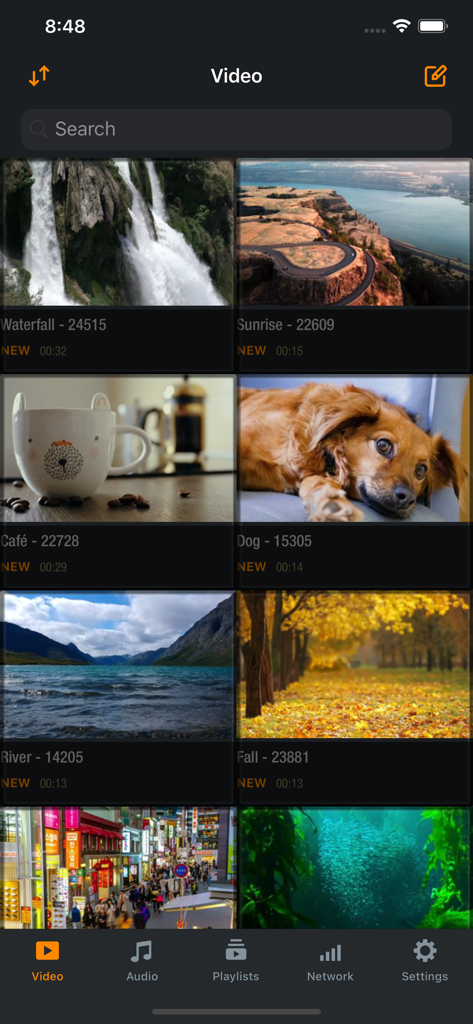
A grid view of the Azul Video Player library showing various video thumbnails and the bottom navigation menu
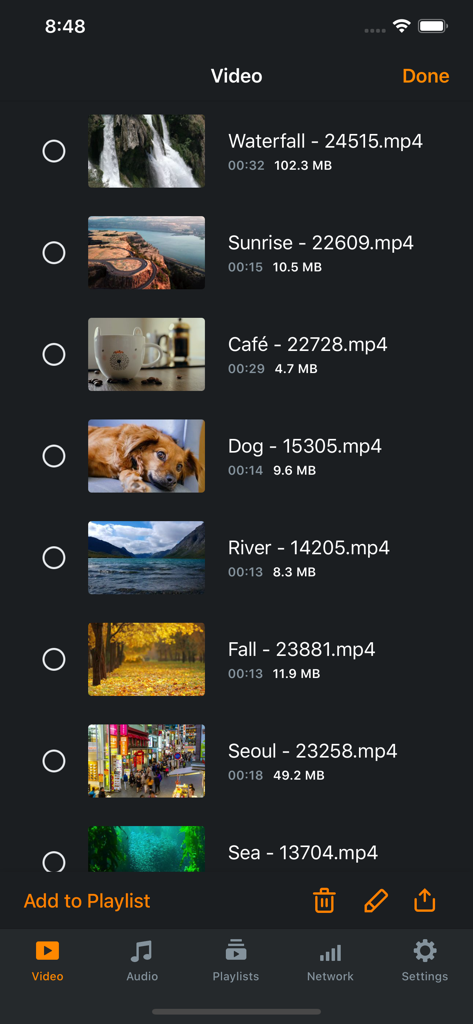
Azul Video Player library interface showing a list of video files with thumbnails and file sizes.
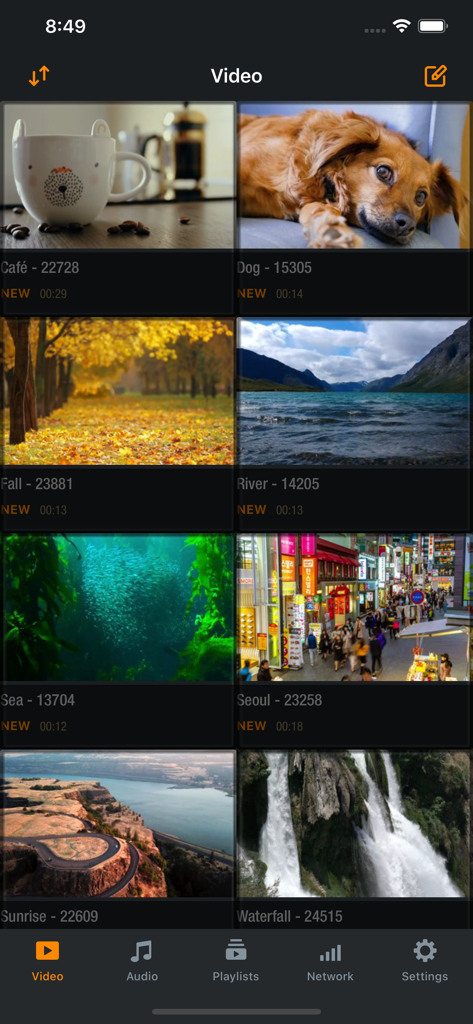
Azul Video Player app library view showing a grid of videos with thumbnails
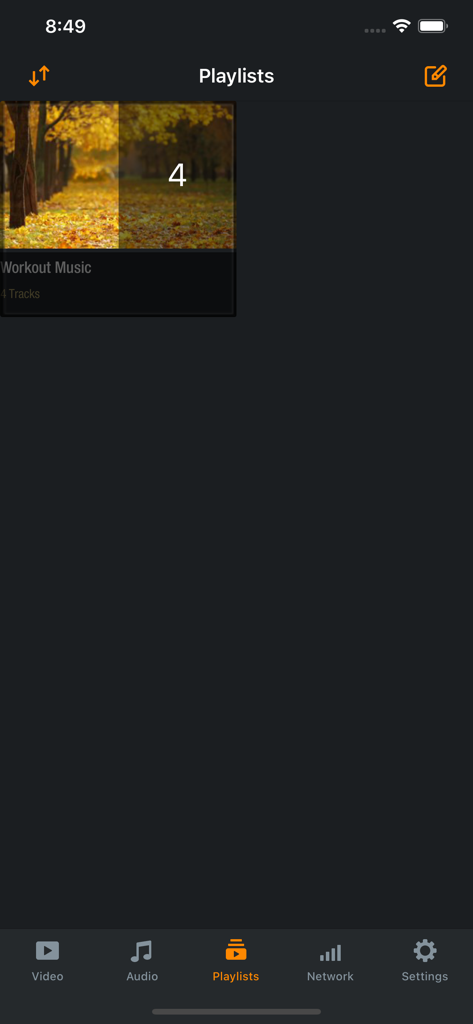
Azul video player app playlists interface showing a workout music folder
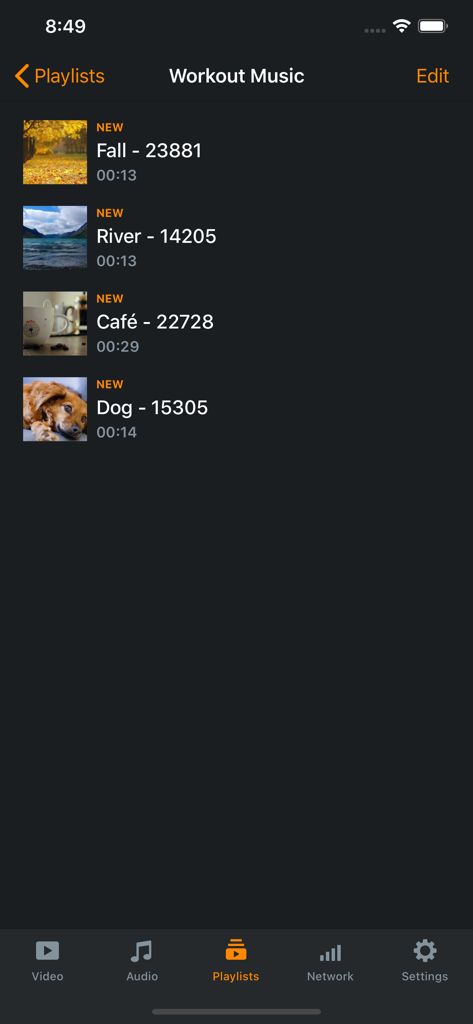
Workout Music playlist view in the Azul Video Player app interface.
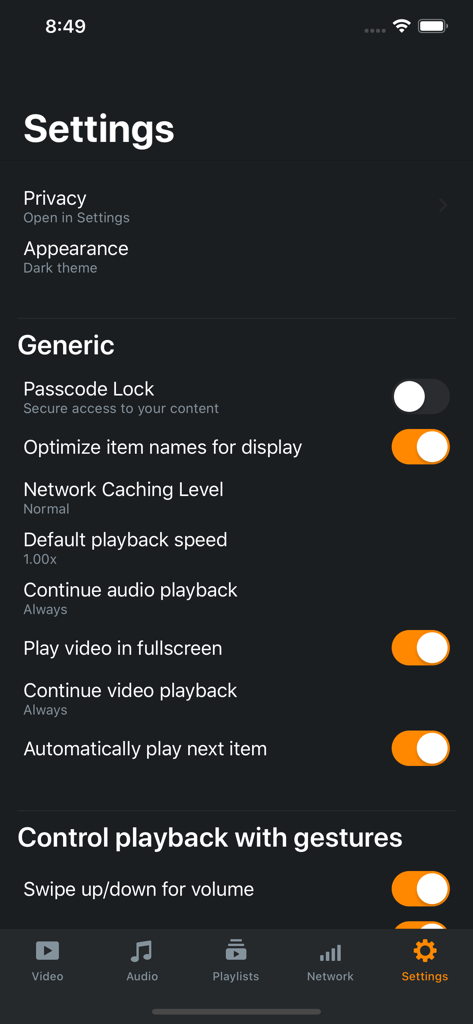
Azul Video Player settings menu showing generic playback and gesture control options
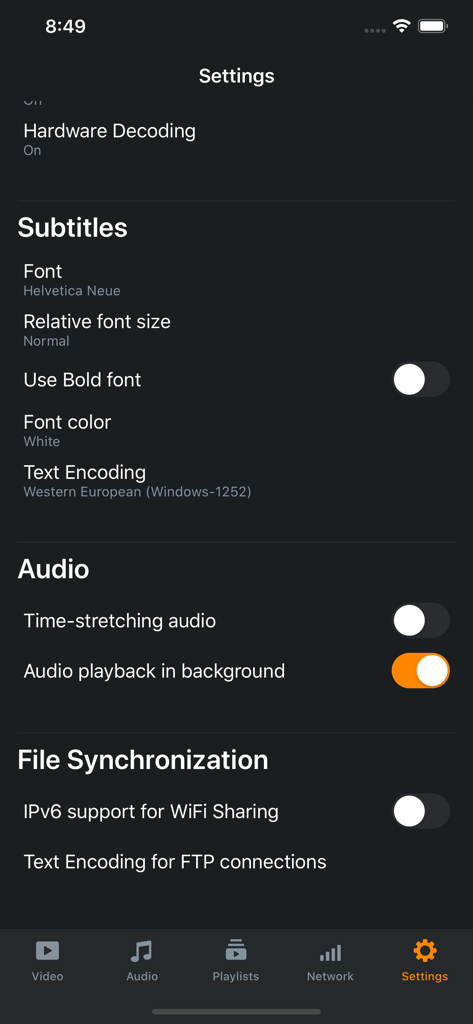
The settings interface of the Azul video player app featuring subtitle and audio customization options.
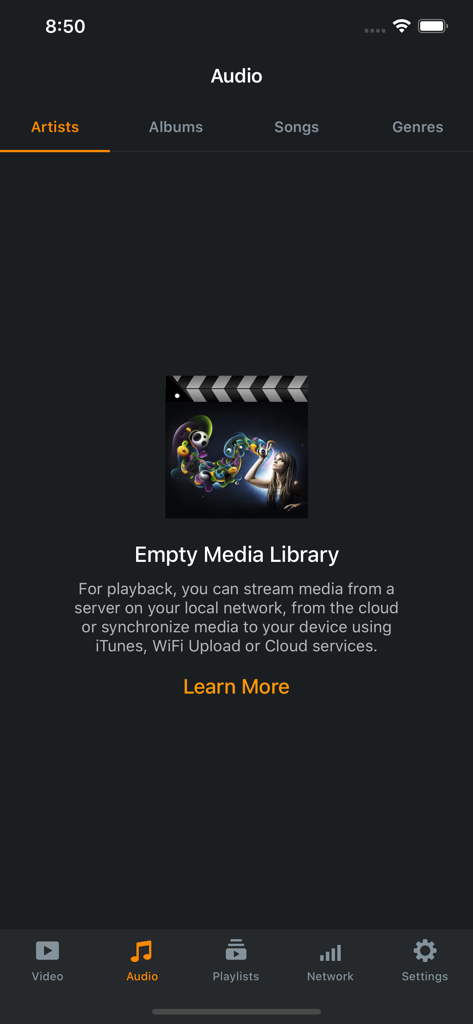
The audio library screen in the Azul app showing an empty media library with options to sync or stream content
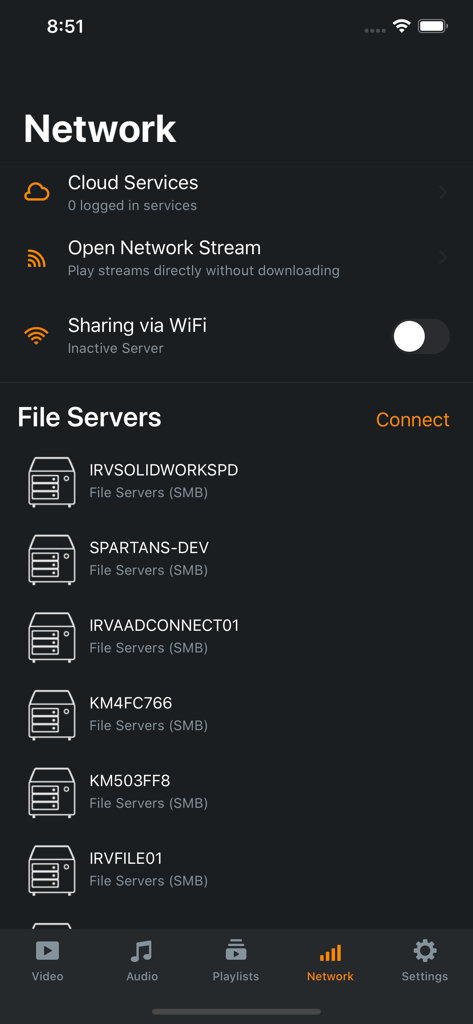
Azul Video Player network interface showing a list of connected SMB file servers and cloud service options on iPhone.
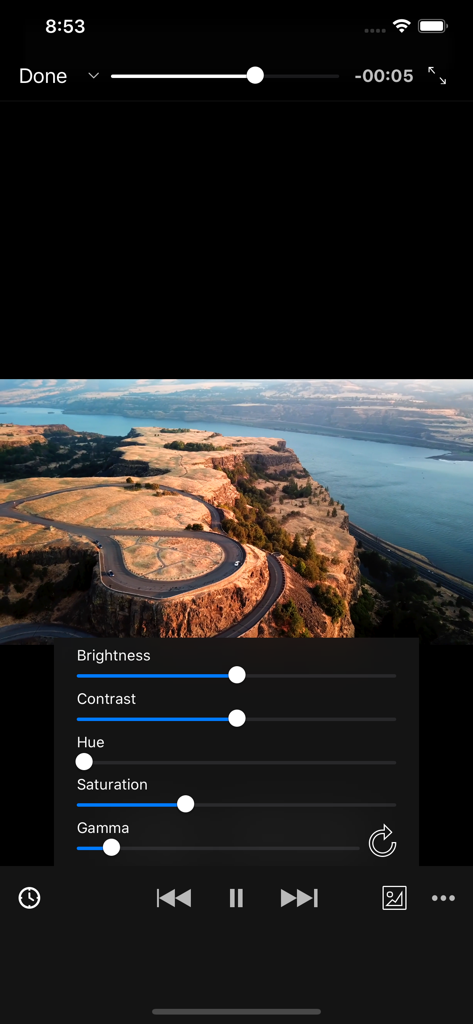
Azul Video Player interface showing adjustable controls for brightness and contrast during video playback.
Description
Download
More Like This
Apps with similar features and user experience

网易爆米花-智能媒体库,全能云盘网盘播放器
Guangzhou NetEase Computer System Co.Ltd

Immich
Hau Tran

飞牛
Guangzhou TR Intelligent Manufacturing Technology Co., Ltd.

nPlayer
Newin Inc.

MiraPlay
悦 刘

NipaPlay
荣广 梁

VidHub -Video Library & Player
Nanjing Oumi Software Development Co., Ltd.

Fast Player - video player
化媚 席

zFuse - Media Player
s-joys Technology Co., Ltd.
This page is not an official page of the app or its developer, but an independent editorial publication created for informational and commentary purposes. Unless expressly stated otherwise, neither the app nor its developer is affiliated with, endorsed by, sponsored by, authorized by, or otherwise officially connected with MWM, Apple, Google Play, the app publisher, or the app's developer, and nothing on this page implies that the app was developed using MWM's services. Any trademarks, logos, screenshots, and other content remain the property of their respective owners.