
This page is not an official page of the app or its developer, but an independent editorial publication created for informational and commentary purposes. Unless expressly stated otherwise, neither the app nor its developer is affiliated with, endorsed by, sponsored by, authorized by, or otherwise officially connected with MWM, Apple, Google Play, the app publisher, or the app's developer, and nothing on this page implies that the app was developed using MWM's services. Any trademarks, logos, screenshots, and other content remain the property of their respective owners.


B-hyve Pro
Streamline your workflow and manage unlimited sites with Bluetooth-ready control, smart weather-based scheduling, and EPA-certified water efficiency.
Downloads
81K+User Rating
Total Ratings
9K+Publisher
Category
LifestyleLocales
8Latest Version
3.0.51Size
135.6 MBFirst Released
Feb 22, 2017The Professional's Command Center
Stop making unnecessary truck rolls. B-hyve Pro gives you the tools to install, monitor, and optimize every property in your portfolio from the palm of your hand.
Centralized Client Control
Oversee an unlimited number of controllers from one dashboard. Easily share secure access with your team or homeowners using simple app-generated codes.
Reliable Dual Connectivity
Program timers on-site via Bluetooth when WiFi isn't available yet. Once connected to WiFi, manage and troubleshoot any site from anywhere in the world.
The following screenshots and description are sourced directly from the app's official store listing and are the property of the app developer.
App Store
Screenshots
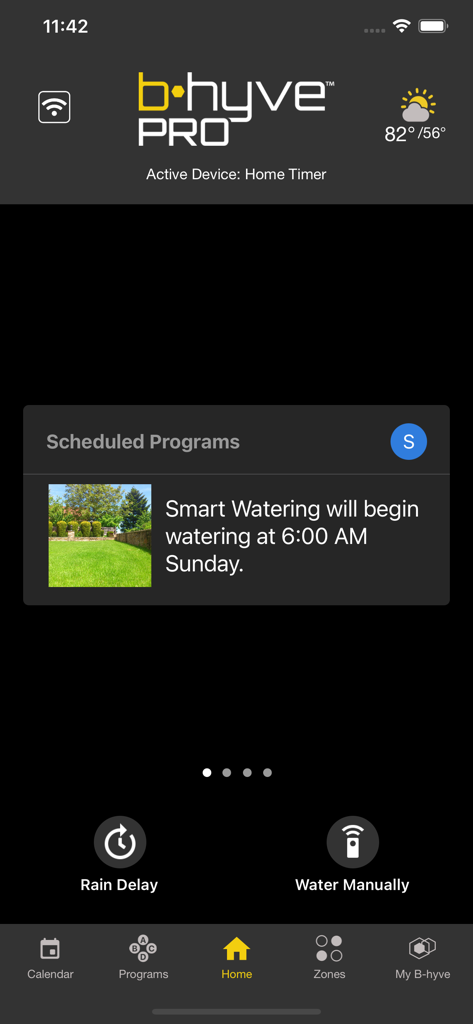
B-hyve Pro app interface showing the smart watering schedule and current weather for professional irrigation management.
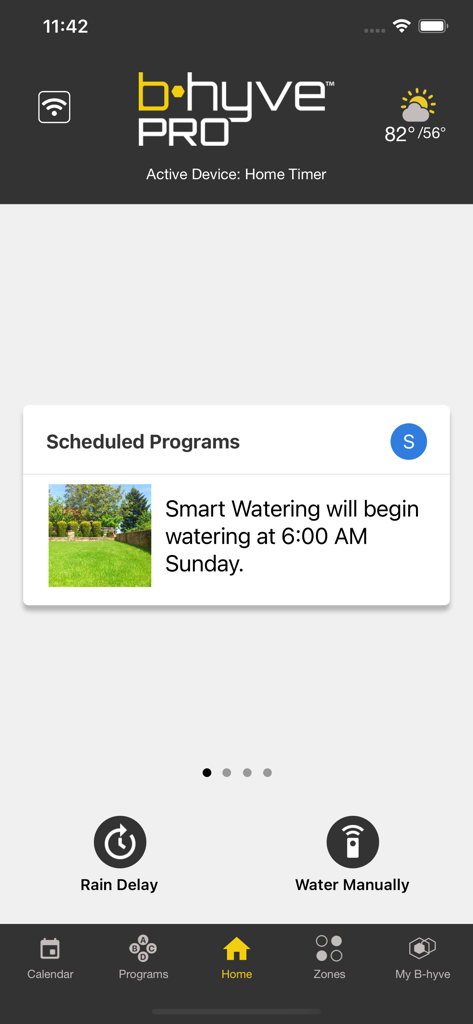
B-hyve Pro app interface showing scheduled smart watering for an irrigation system
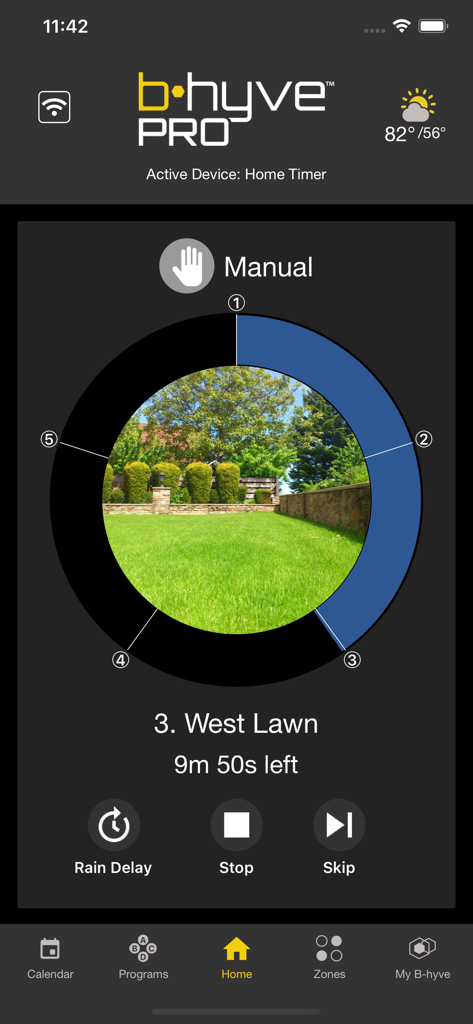
B-hyve Pro mobile app screen displaying manual control for the West Lawn irrigation zone
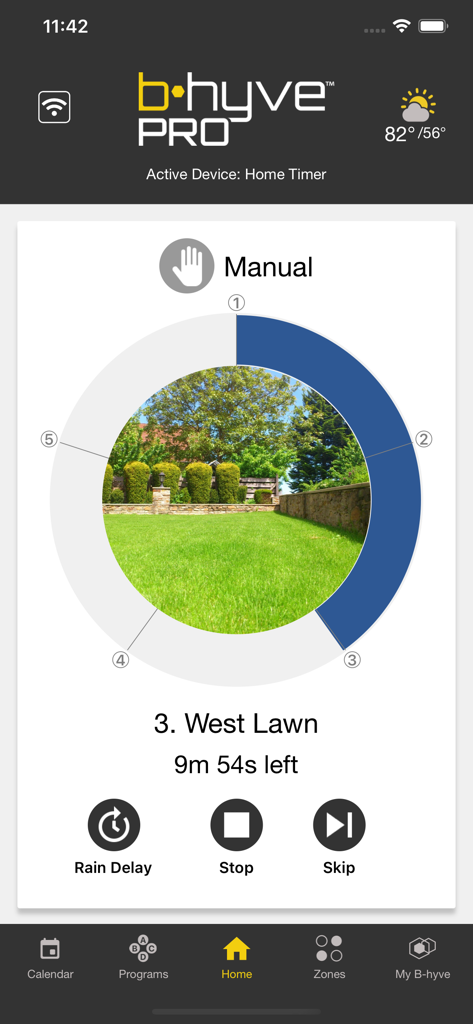
Manual irrigation control screen in the B-hyve Pro app showing a timer for the west lawn zone
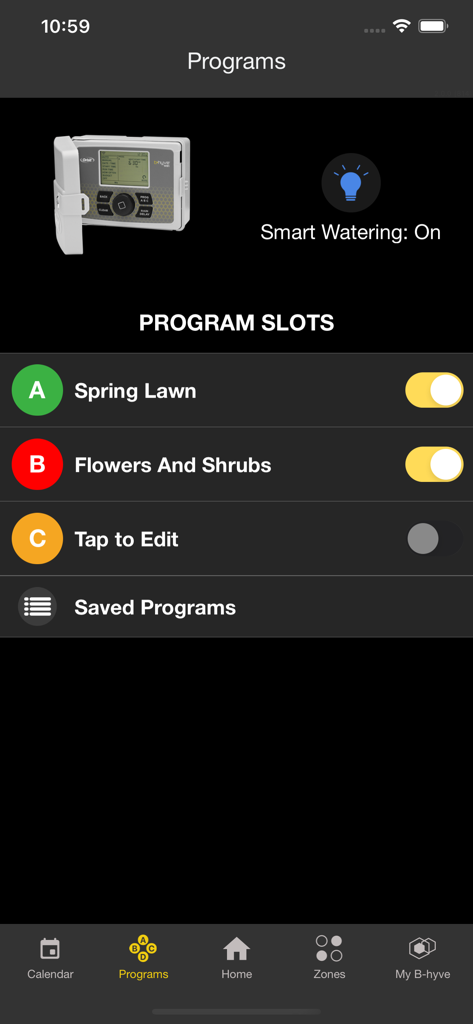
B-hyve Pro app interface showing program slots for spring lawn and shrub irrigation with smart watering enabled
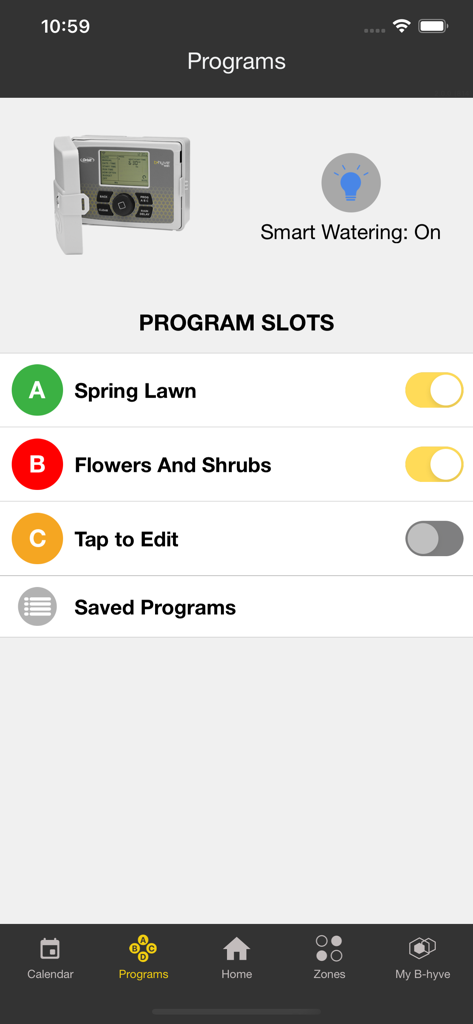
B-hyve Pro app Programs screen showing watering schedules for lawn and flowers with smart watering enabled
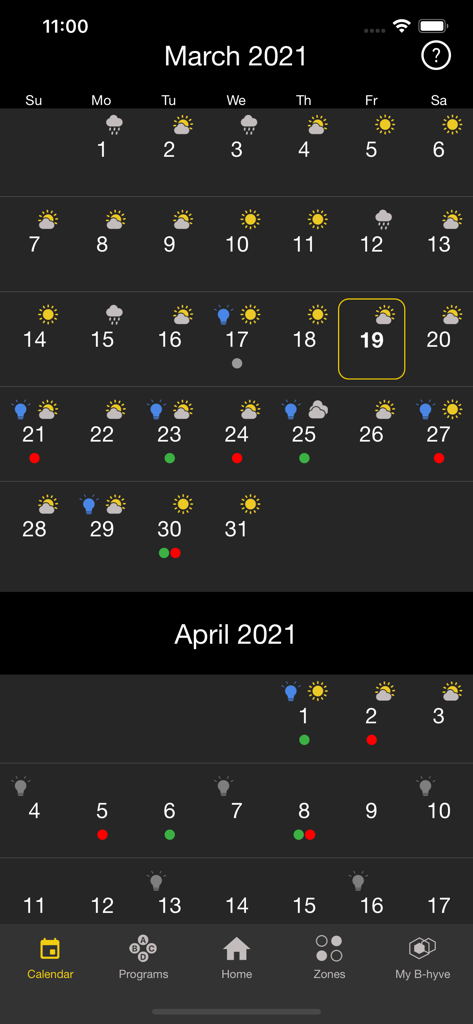
B-hyve Pro app calendar view showing irrigation schedules and weather forecasts
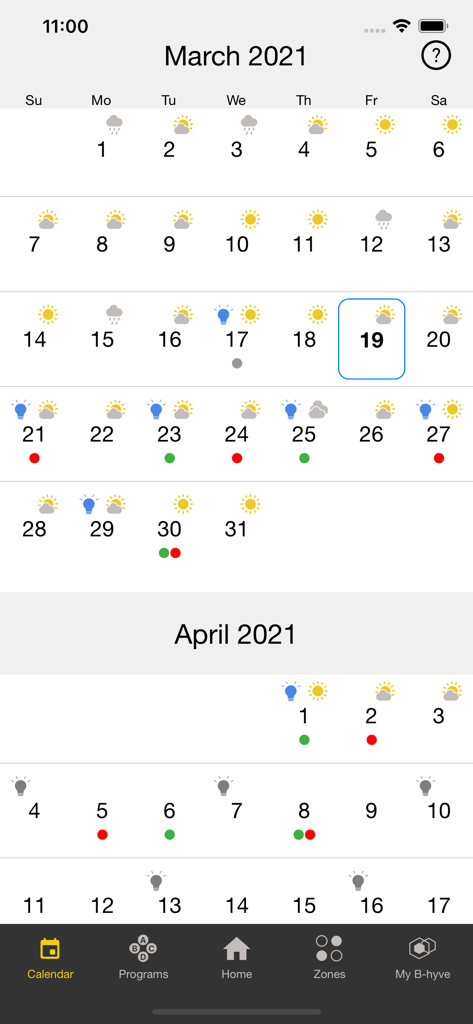
B-hyve Pro app calendar screen displaying smart irrigation schedule and local weather icons.
Description
Download
More Like This
Top-ranked apps in the same category

Pinterest, Inc.

Alipay - Simplify Your Life
Alipay (Hangzhou) Technology Co., Ltd.

Dianping: Discover Good Places
Hanhai Information Technology (Shanghai) Co.Ltd

美团-美好生活小帮手
Sankuai Technology Co., Ltd.

Lemon8 - Lifestyle Community
TIKTOK PTE. LTD.

Xiaomi Home
Beijing Xiaomi Co., Ltd

Tinder Dating App: Date & Chat
Tinder LLC

SmartThings
Samsung Electronics Co., Ltd.

VNeTraffic
GLOBAL TECHNOLOGY - TELECOMMUNICATIONS CORPORATION
This page is not an official page of the app or its developer, but an independent editorial publication created for informational and commentary purposes. Unless expressly stated otherwise, neither the app nor its developer is affiliated with, endorsed by, sponsored by, authorized by, or otherwise officially connected with MWM, Apple, Google Play, the app publisher, or the app's developer, and nothing on this page implies that the app was developed using MWM's services. Any trademarks, logos, screenshots, and other content remain the property of their respective owners.