
This page is not an official page of the app or its developer, but an independent editorial publication created for informational and commentary purposes. Unless expressly stated otherwise, neither the app nor its developer is affiliated with, endorsed by, sponsored by, authorized by, or otherwise officially connected with MWM, Apple, Google Play, the app publisher, or the app's developer, and nothing on this page implies that the app was developed using MWM's services. Any trademarks, logos, screenshots, and other content remain the property of their respective owners.


BackiGo
Move beyond syncing. Create permanent, restorable backups on your NAS or local drives. Keep your original quality, metadata, and full privacy without the cloud lock-in.
Downloads
100User Rating
Total Ratings
0Publisher
Category
Photo & VideoLocales
11Latest Version
1.3.3Size
25.9 MBFirst Released
Jun 15, 2025Take Full Command of Your Digital Legacy
Stop relying on sync services that delete your memories when you clear space. BackiGo provides professional-grade backup tools to keep your photos, videos, and contacts safe on your own terms.
True Backup, Not Just Syncing
Unlike iCloud, where deleting a photo on your device removes it everywhere, BackiGo creates permanent, restorable archives. Your memories stay safe even if you delete them from your phone.
Zero Subscription Lock-in
Break free from monthly cloud fees. Back up your entire library directly to your own USB drives, NAS, or private storage in original quality, preserving all ProRAW details and metadata.
The following screenshots and description are sourced directly from the app's official store listing and are the property of the app developer.
App Store
Screenshots
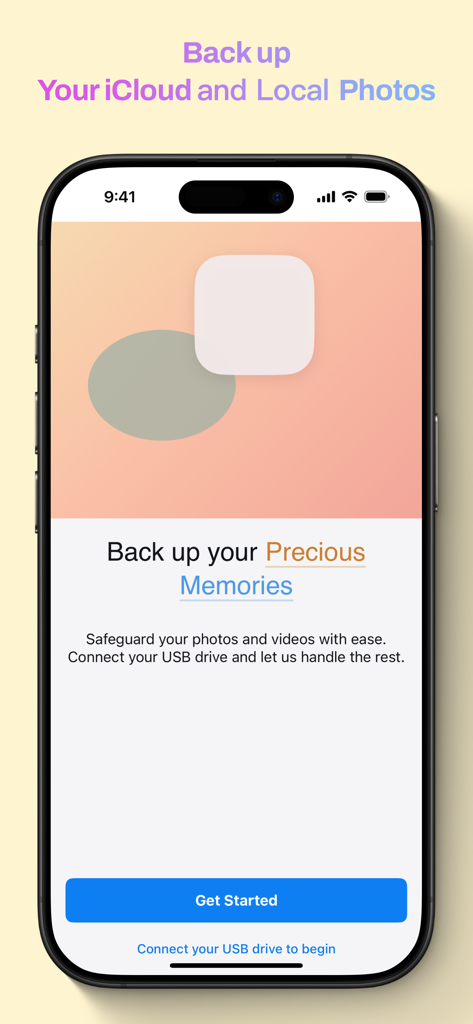
BackiGo app onboarding screen showing options to backup iCloud and local photos to a USB drive
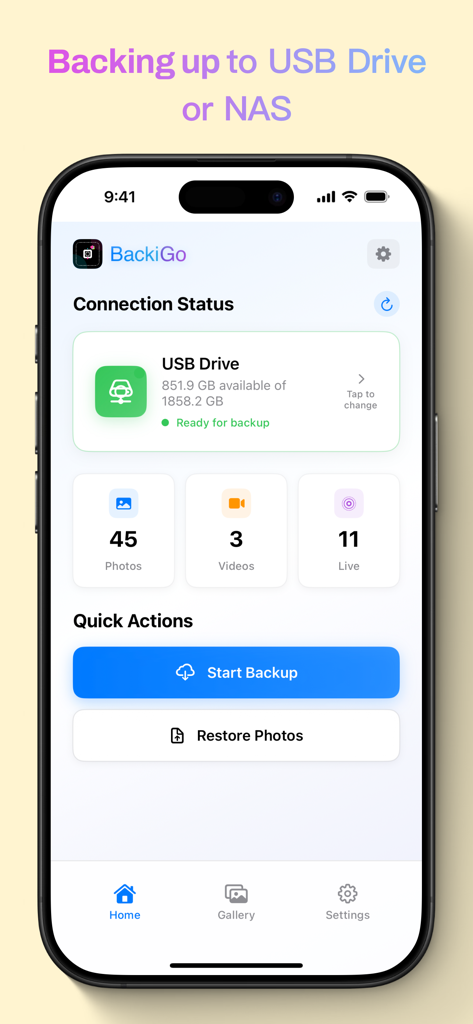
BackiGo app home screen showing connection status for a USB drive and backup buttons for photos and videos.
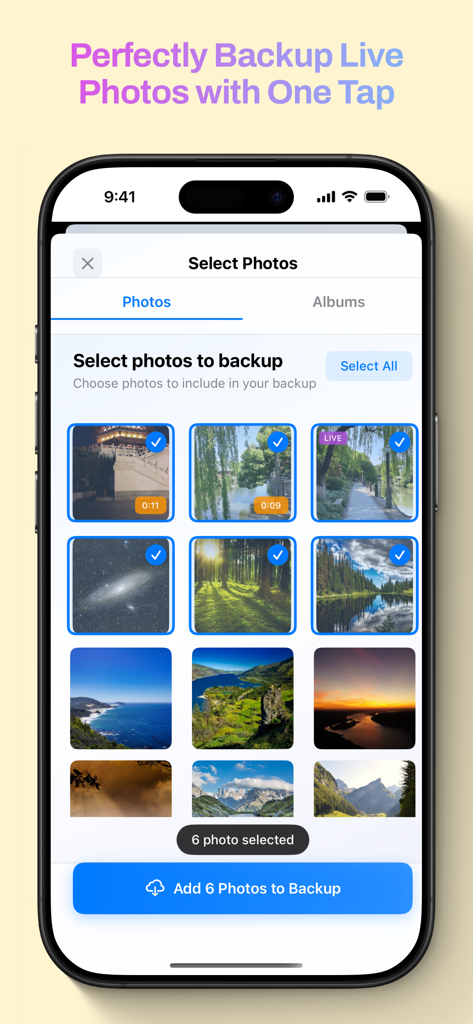
BackiGo app interface on iPhone showing the photo selection screen for backing up Live Photos and videos.
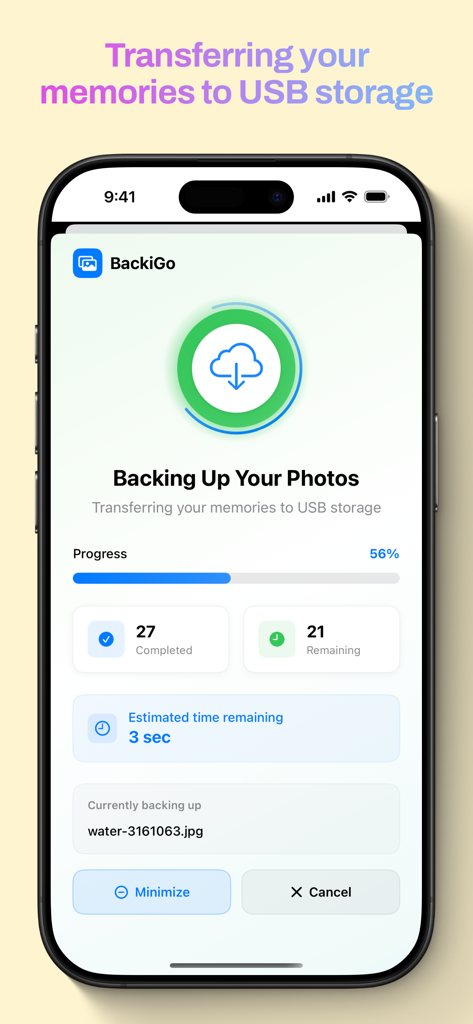
BackiGo app interface showing the progress of a photo backup to USB storage
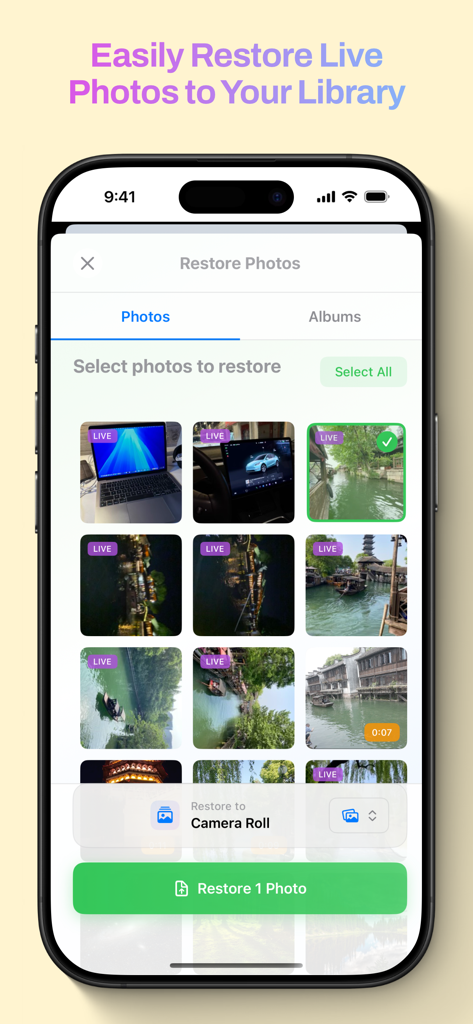
BackiGo app interface for selecting and restoring Live Photos to the device camera roll
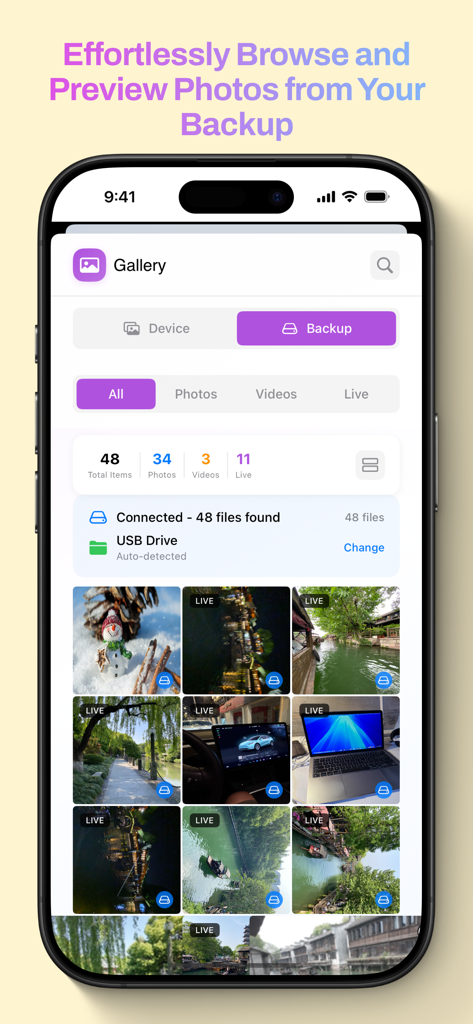
BackiGo app gallery view showing photos and videos from a connected USB drive backup.
Description
Download
More Like This
Top-ranked apps in the same category

CapCut: Photo & Video Editor
BYTEDANCE PTE. LTD.

Instagram, Inc.

YouTube
Google LLC

Canva: AI Photo & Video Editor
Canva Pty Ltd

快手
Beijing Kwai Technology Co., Ltd.

Snapchat
Snap, Inc.

Edits: Video Editor
Instagram, Inc.

Google Photos: Backup & Edit
Google LLC

Meta AI - Vibes & AI Glasses
Meta Platforms, Inc.
This page is not an official page of the app or its developer, but an independent editorial publication created for informational and commentary purposes. Unless expressly stated otherwise, neither the app nor its developer is affiliated with, endorsed by, sponsored by, authorized by, or otherwise officially connected with MWM, Apple, Google Play, the app publisher, or the app's developer, and nothing on this page implies that the app was developed using MWM's services. Any trademarks, logos, screenshots, and other content remain the property of their respective owners.